Github Notification
To add notification about changes in repository to Microsoft Teams you need to use Connectors for channel.
- Create a new channel or use existing one.
- Right click channel and select Connectors
- Find Github Enterprise

- When you finish configuring the name for your connector you will receive Webhook url. Copy it. It will be used later

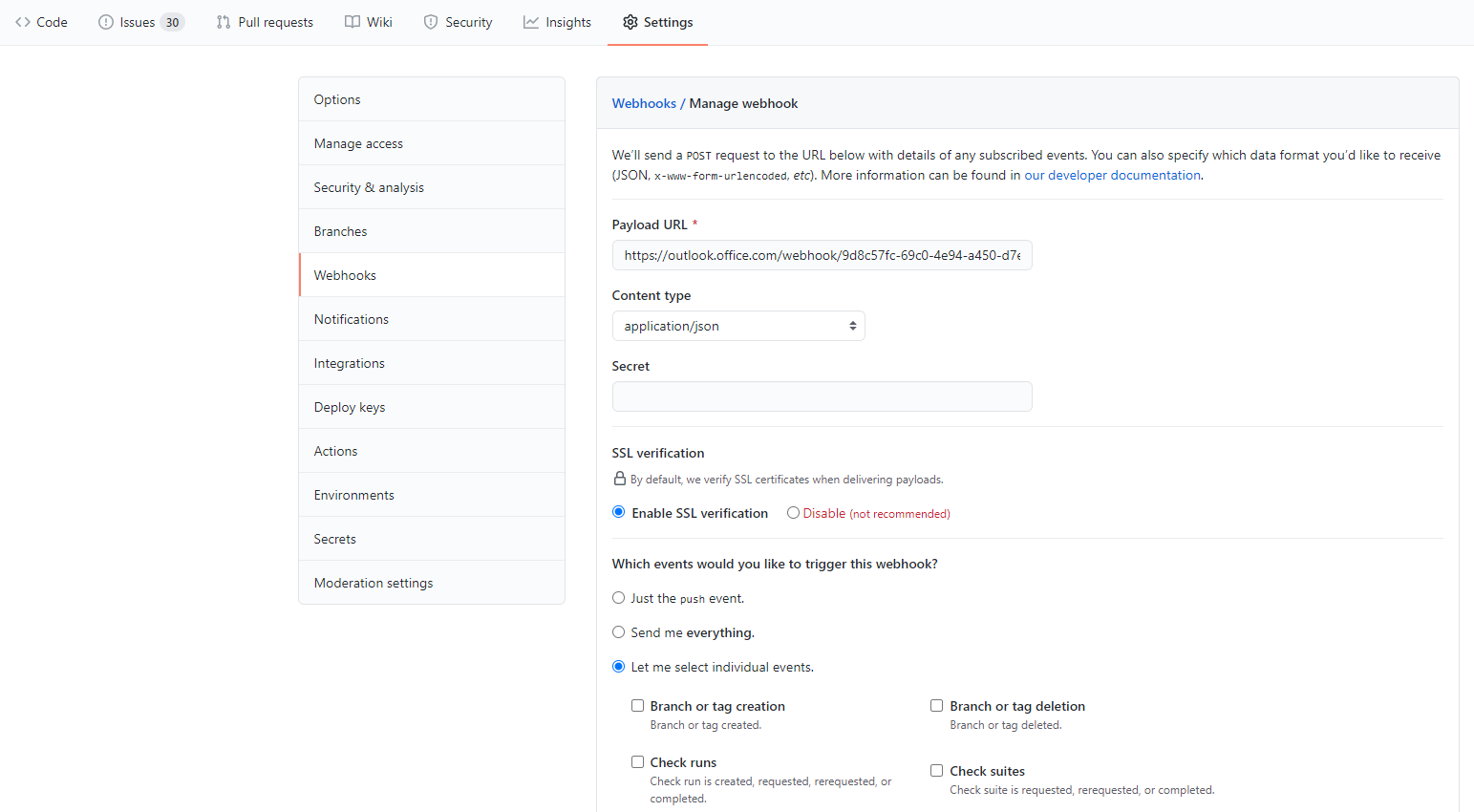
- Go to your GitHub repository settings where you will find WebHook configuration. Add recently copied url and specify which event you want to listen
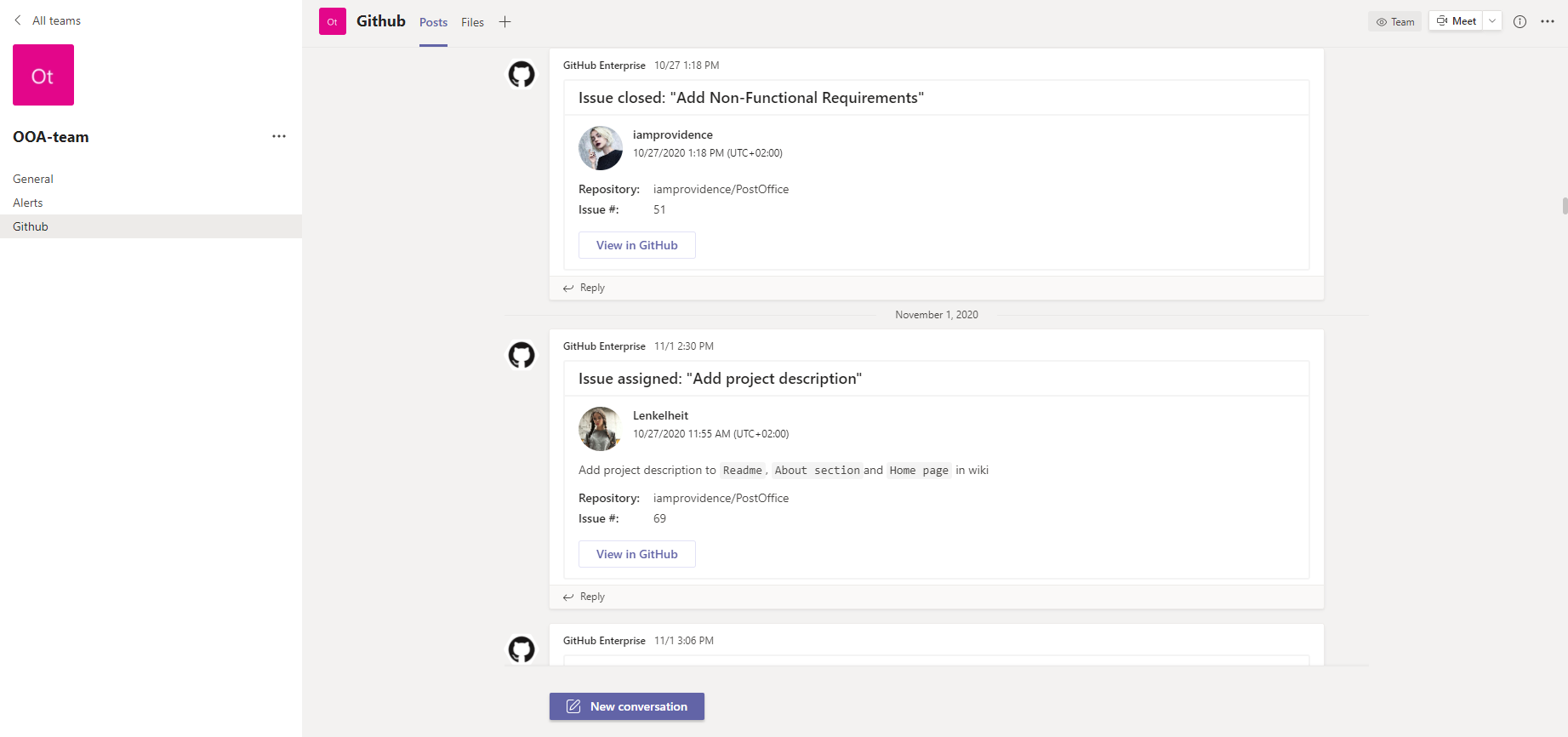
- At the end you will see notification from Githum in Teams channel