Conversation


|
Why do you not reuse https://github.com/OCA/report-print-send/tree/12.0/printer_zpl2 ? |

|
@etobella As far I understand, the module you refer to could be used to format the labels. This add-on handles a different use case. Here @vvrossem and Grégoire Leeuwerck implemented a method to send print jobs to a ZPL-II capable printer using IPP. This enables us to print simple barcode labels straight from the web browser. |
|
That module depends on base_report_to_printer, that allows to send a report or, in this case, a ZPL Label to a printer using a cups server. So, IMO, you can reuse it. In my case, I have used this module for 2 years for printing labels, so I am pretty sure that you can use it to solve your issue. |
|
@etobella ok got it, thank you for the comment, it still looks like somehow a different use case, here we are closer to what has been done to print the receipt from the POS. Here, the printers won't necessarily be accessible from the server (actually they should not since that could be a security issue). Or did I miss something @vvrossem ? |
|
The print server can be another one, so I don't see your point... |
|
@etobella I'm not saying that the print server and the odoo server must be co-located. I'm saying that in order to use https://github.com/OCA/report-print-send/tree/12.0/printer_zpl2 one should have the printer server resolvable FROM the odoo server. Given that we're in a POS-like situation the printer server will not be on a public-facing network (rather on some kind on LAN). Hence the print server should not be accessible from the outside world (nor from the odoo server). |
|
Well, I do not agree on how you made the integration with the printer, as it depends on localhost... in any case, I would not use this kind of integration as you need to configure all your POS specifically, adding a nginx and so on. I think it is specific for a single implementation. However, I will not add more comments as I am not an expert in PoS infrastructure. |

|
Hi @etobella. All the POs devices are depending on the posbox usually installed on localhost. (Or on a common local server). |


|
There hasn't been any activity on this pull request in the past 4 months, so it has been marked as stale and it will be closed automatically if no further activity occurs in the next 30 days. |
 github-actions
bot
added
the
stale
github-actions
bot
added
the
stale

5 participants


This module extends
pos_self_service_base(#655) and handles barcode label printing from the browser using ZPL and Internet Printing Protocol (IPP).In
pos.config(POS Settings), several ZPL related fields are added :Screenshots:
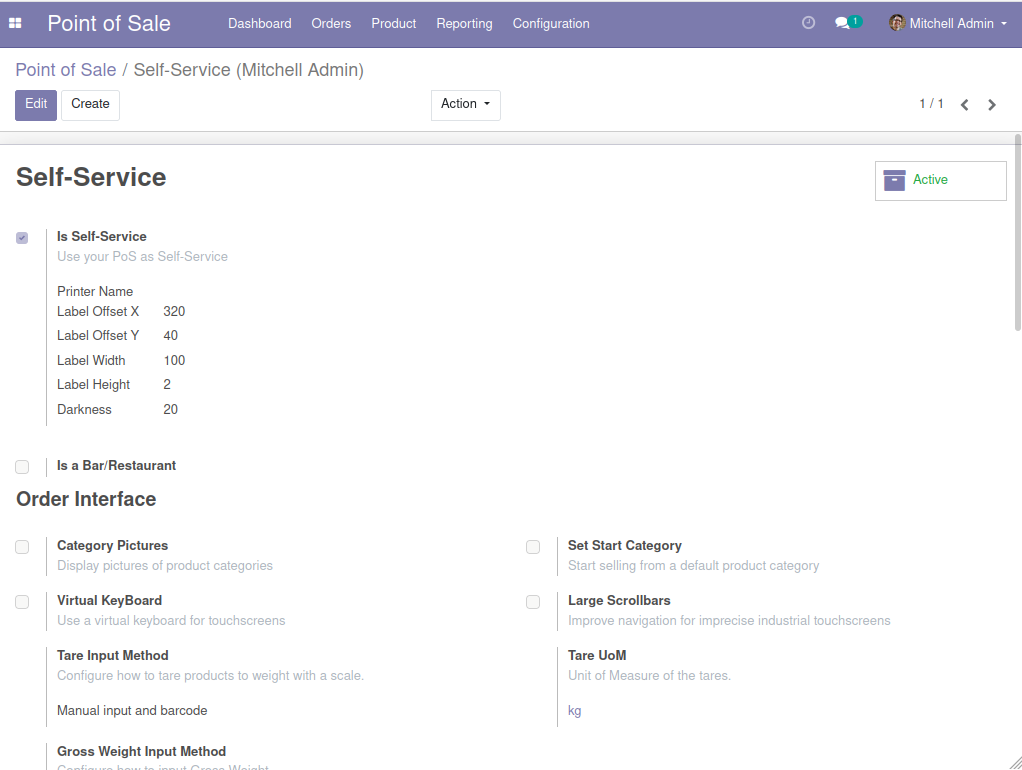
POS Settings
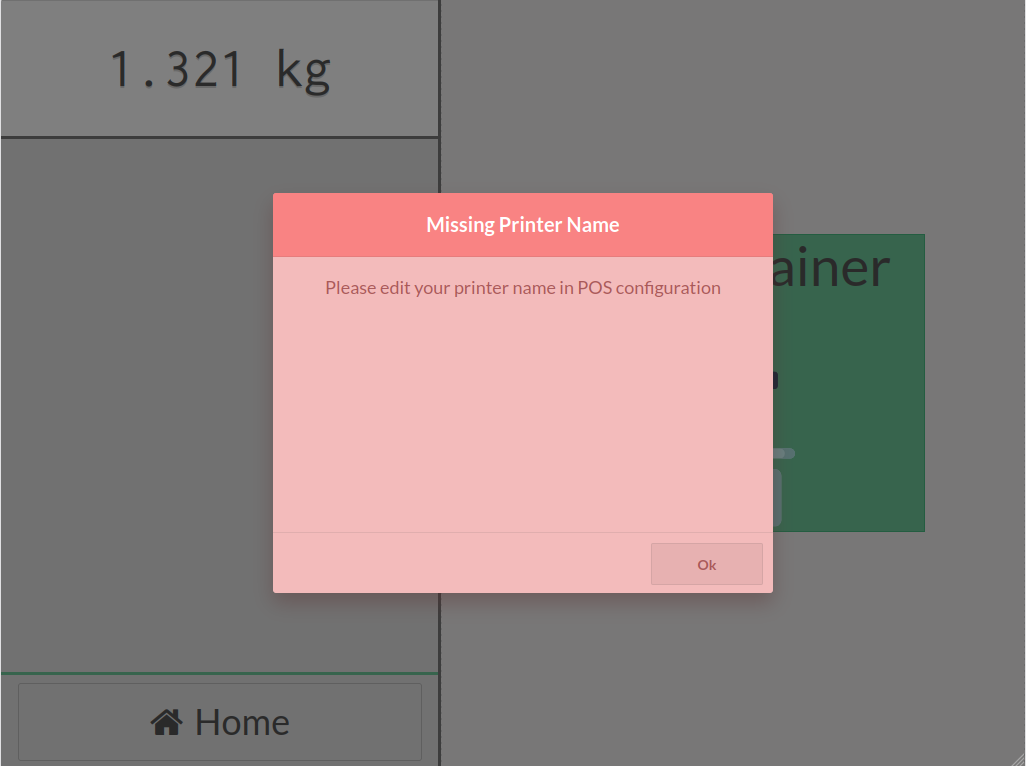
Missing Printer Name
Credits: