Conversation


|
|
||
| This self-service module can be used in kiosk mode. To launch Firefox in kiosk mode, run this command:: | ||
|
|
||
| firefox <url> -foreground --kiosk |
There was a problem hiding this comment.
what is foreground ?
I tested without, and it is launching in kiosk mode in the same way.
There was a problem hiding this comment.
-foreground used to "Make this instance the active application.". I think it is now deprecated and will be removed from README
| @@ -0,0 +1,7 @@ | |||
| Setup the self-service POS | |||
| ~~~~~~~~~~~~~~~~~~~~~~~~~~ | |||
There was a problem hiding this comment.
nitpicking : I think the the 2 lines are unnecessary.
|
|
||
| * **Use a dedicated odoo account with the least possible rights** | ||
| * Configure the web browser to be in kiosk mode (cf. "Launch Firefox" section) | ||
|
|
There was a problem hiding this comment.
maybe add : * hide the keyboard and mouse once the point of sale is launched ?
| @@ -0,0 +1,52 @@ | |||
| upstream cups-reverse-proxy { | |||
There was a problem hiding this comment.
why this file is in the readme part ?
Don't understand why it should be contained in this module.
There was a problem hiding this comment.
Indeed, it should be in pos_self_service_print_zpl (or simply removed since it's in pos_self_service_print_zpl/readme/CONFIGURE.rst)
| }); | ||
| } | ||
| }, | ||
| format_barcode: function(weight) { |
There was a problem hiding this comment.
I think that all the algorithm, could be moved in a separate module "pos_generate_barcode" to make this module more light, and because it is a generic feature. (that should be in the core, by the way in the module barcodes, near the barcode_parser.js file)
I can make a PR for that point if you want.
some thing that could replace line 62 to line 110 by :
get_barcode: function() {
  return new_function_to_do("tare", this.scale_weight * 1e3);
}
What do you think ?

There was a problem hiding this comment.
Yep, that'll be great. I can give it a try as well :)
There was a problem hiding this comment.
That's a great idea and gladly accept your proposition regarding the PR :)

|
I wonder if tare printing should not be in a separate module, as it is an optional feature after all. Don't you think? |

|
The goal of this base module is to gather common functionalities shared by modules that would extend it :
I realize the button |

|
There hasn't been any activity on this pull request in the past 4 months, so it has been marked as stale and it will be closed automatically if no further activity occurs in the next 30 days. |
 github-actions
bot
added
the
stale
github-actions
bot
added
the
stale
3 participants


This is the base module for the implementation of POS as a self-service weighing station, inspired by #470
It depends on pos_tare to avoid duplicate barcode tare rule.
This base module handles weighing (requires you to use an electronic scale) and EAN13 barcode formatting. It is aimed to be extended by other modules, such as:
Once
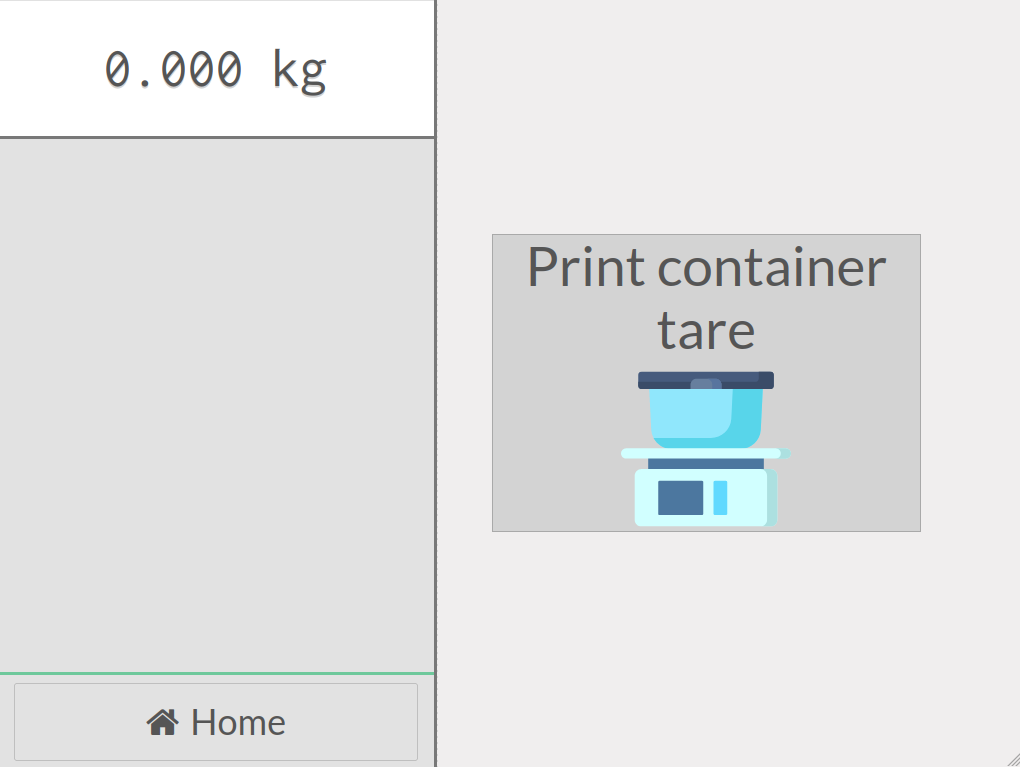
iface_self_service(Is Self-Service) is checked inpos.config(POS Settings), the main widgetChromeis split in:SelfServiceScaleWidget(the weight returned by the scale) andself-service-control-buttons. (SelfServiceHomeButton)SelfServiceScreenWidget(the Home screen with user actions such as label printing, barcode scanning, etc.).Screenshots:
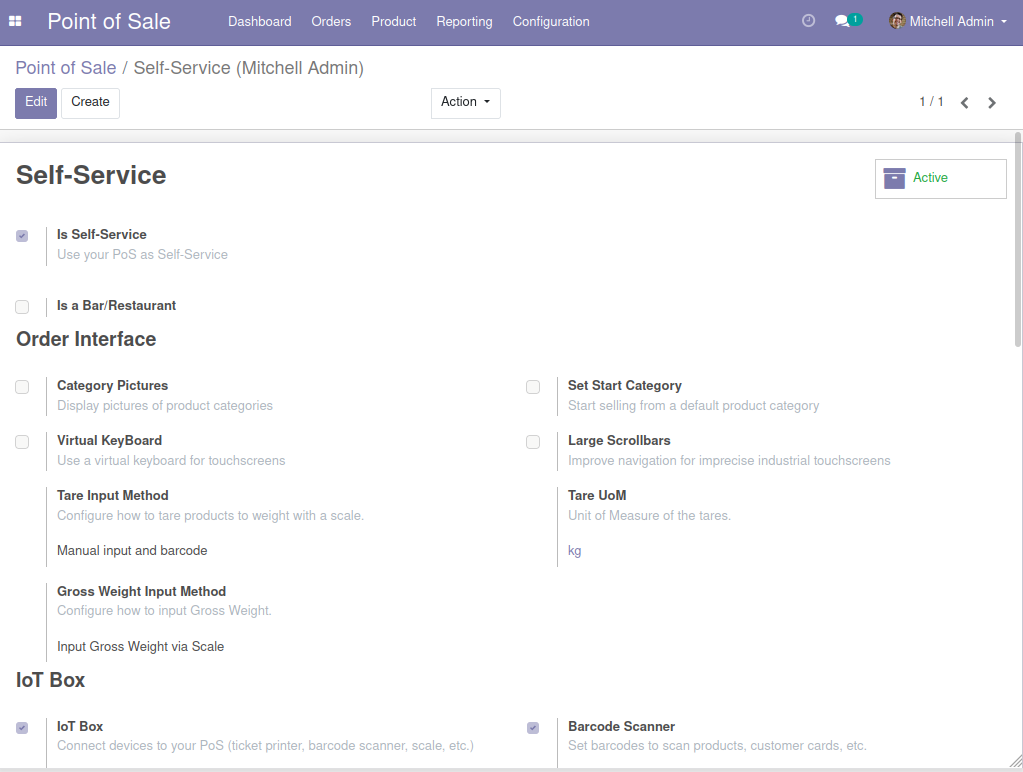
POS Settings
Startup screen
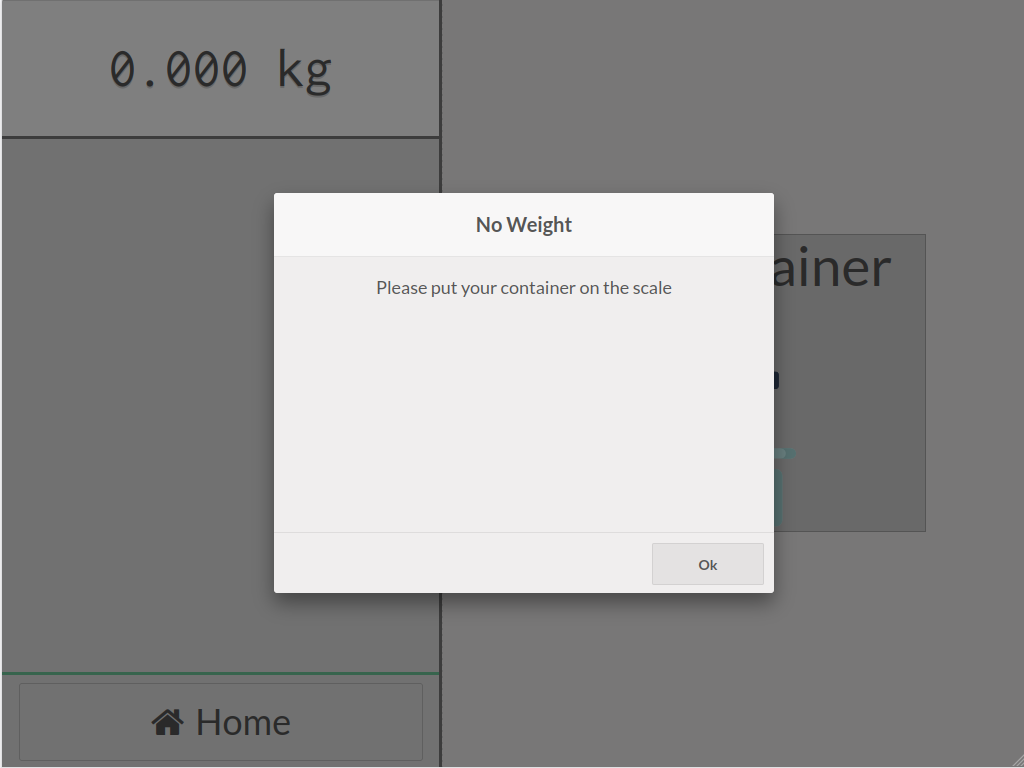
No weight
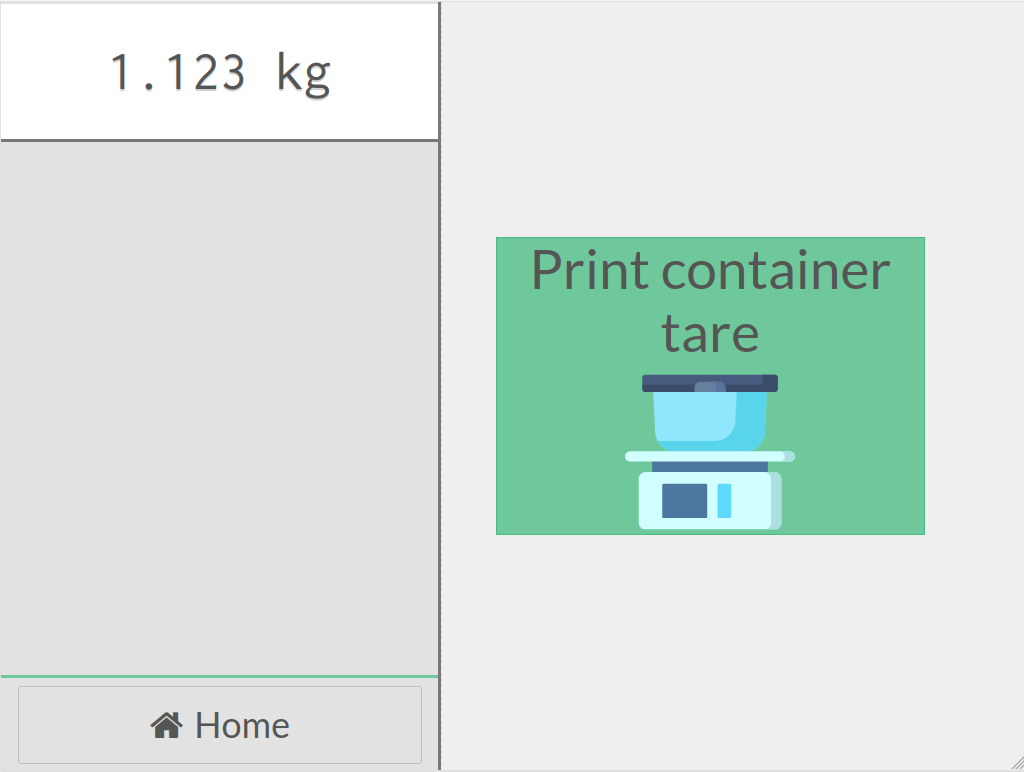
Printing enabled
Credits: