Run npm i for both backend and frontend files
Note:
if you do not have nodemon globally installed, please install it (npm i nodemon) after running npm i
Backend Dialect: Postgres. If you are using other dialects, please amend accordingly
The UI for this app would fit most laptop screen sizes. Any other screen sizes might result in your UI looking out of place. To amend, go to the frontend CSS files and edit if you wish to.
Combining the idea of Carousell (a Singapore-based C2C/B2C marketplace for buying and selling new and secondhand goods) and Maplestory, MapleSell allows users to buy/sell items from any of the 9 shops available.
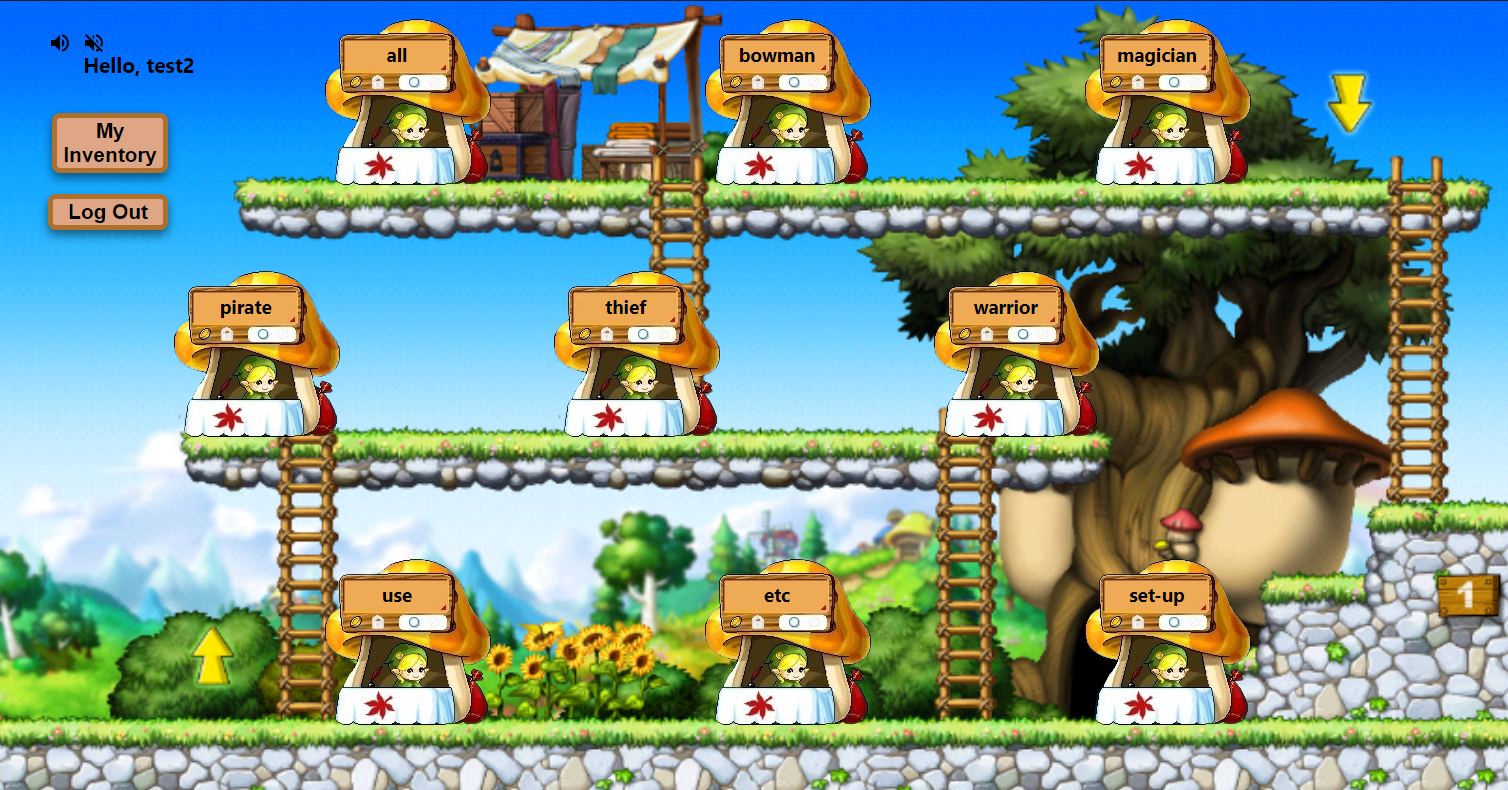 Logged in username is reflected at the top left corner.
User can access the inventory or logout through clicking on "My Inventory" or "Log Out" buttons.
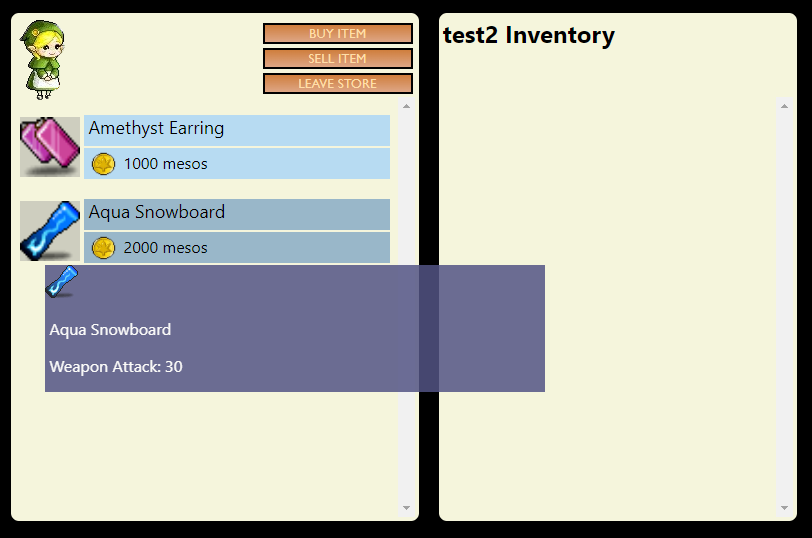
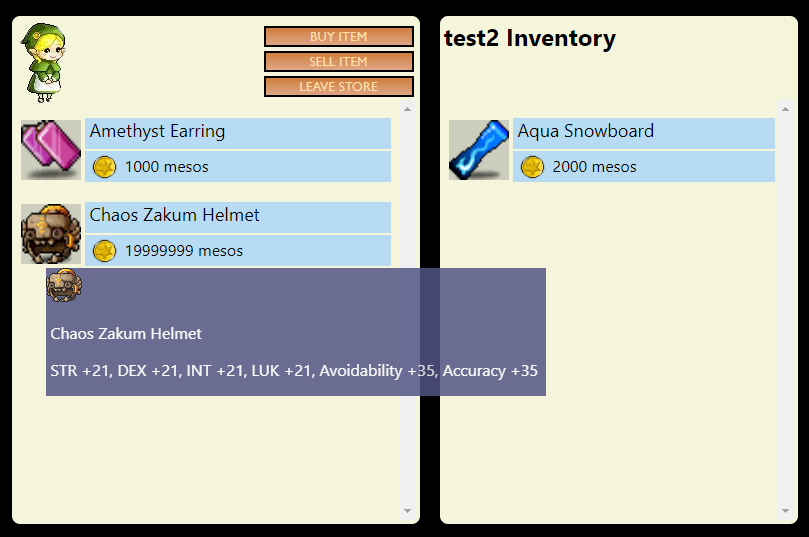
Item description will be displayed onMouseOver and item will be highlighted when clicked.
Upon clicking buy, item will be shown in the user's inventory via the homepage or in any shop.
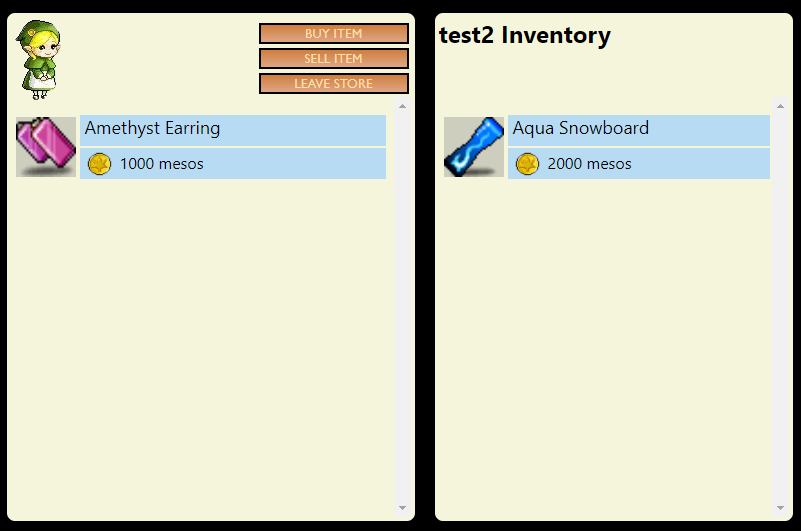
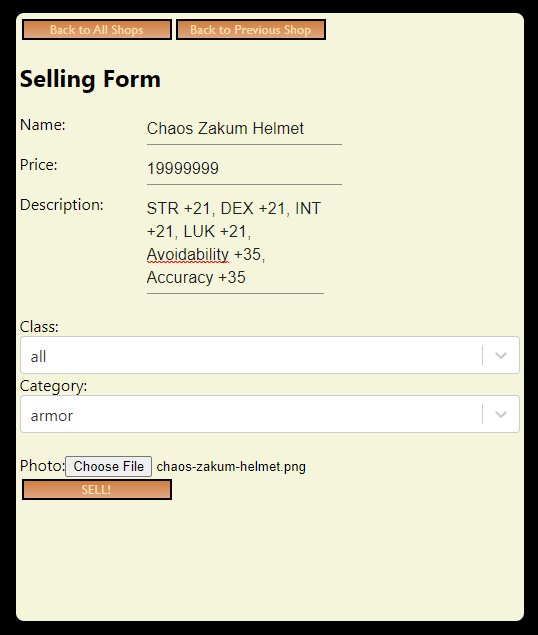
Selling can be done after entering any shop and clicking on the "SELL ITEM" button.