LSI Video Plugin
LSI = Linked Service Infrastructure
- Reference Name: VideoPlugin
- Code Source:
videoplugin.coffee - Compiled Source:
videoplugin.js
- Generates widgets that aggregate up to 4 videos related to the annotated DBPedia concept
- According to the number of videos, the LSI provides, the expanded widget can vary between 600px X 450px (for only one video) and 600px X 600px (for two, up to four videos)
- The expanded widget contains a video area (superior part) which runs youtube videos automatically and, when possible a horizontal video list that displays select-able tabs that can switch the video area source
- LDPlugin, LSI
- The plugin reacts to annotations that point to DBPedia concepts.
- On video initialization, the plugin queries the LSI service for videos related to the annotated concept. If LSI returns a empty response or an error, the plugins will not produce any widget. Else, the plugin produces a aggregation of maximum 4 videos. The main video source is Youtube.com
- Simple widget composed of: a button with a red youtube icon and a the concept label (overwritten by user, or DBpedia
rdf: label) - The expanded widget varies according to the number of video provided by the LSI service as follows
- Four, or more videos
- Three videos
- Two videos
- One video
- Four, or more videos

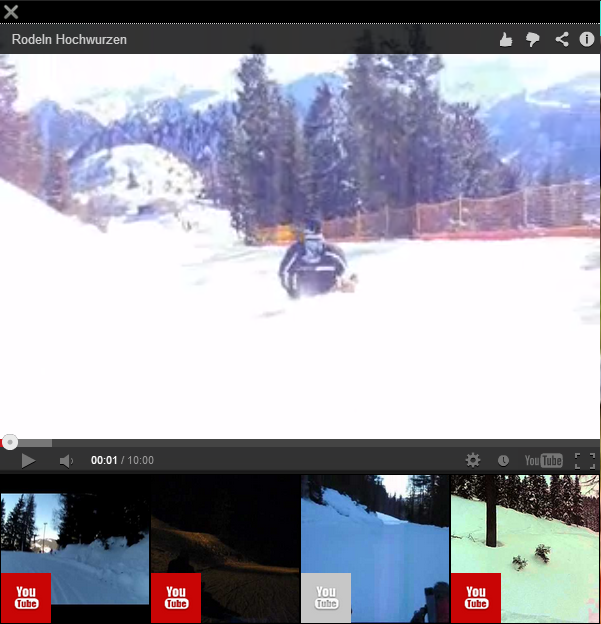
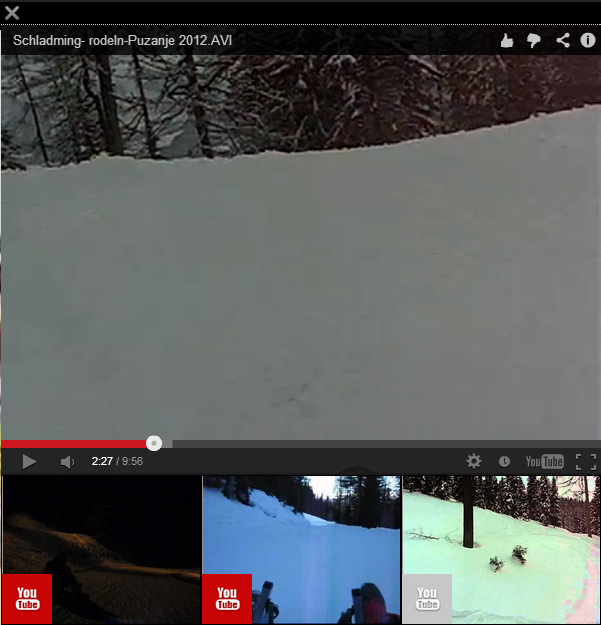
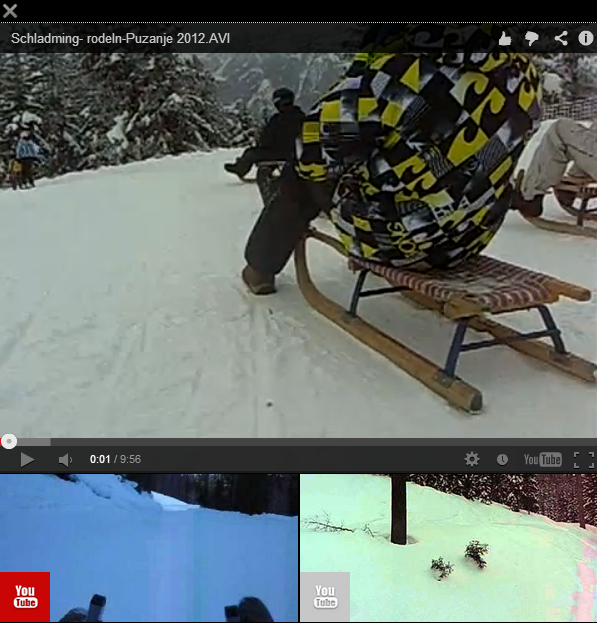
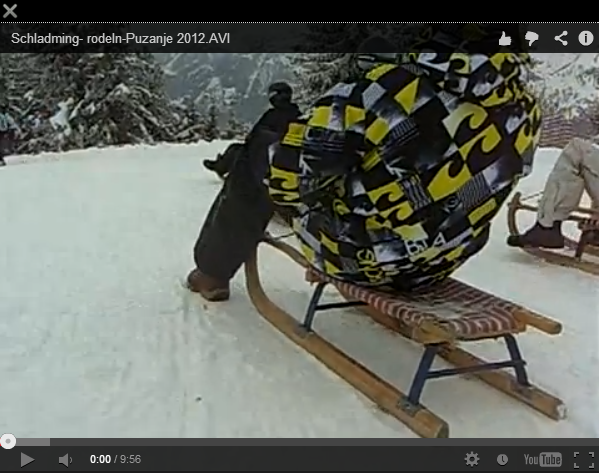
- This plugin will attach the rendering logic of the widgets in the
becomeActiveevent handler of each annotation that contains a DBPedia concept in it resource field.
- Each widget binds activate events to 'click' events and will trigger a widget expansion.
- Expanded widgets close when 'clicking' the close (X) icon at the top left hand side of the expanded widget.
- The video area embeds a YouTube player. All YouTube player interaction is available, except the player re-sizing.
- The video list items can be selected by 'clicking' them. As a direct effect, the widget changes the video source of the video area.
- Each widget binds activate events to 'tap' events and will trigger a widget expansion.
- Expanded widgets close when 'tapping' the close (X) icon at the top left hand side of the expanded widget.
- The video area embeds a YouTube player. All YouTube player interaction is available, except the player re-sizing.
- The video list items can be selected by 'tapping' them. As a direct effect, the widget changes the video source of the video area.
- Each widget binds activate events to 'OK' events and will trigger a widget expansion
- Expanded widgets close when pressing the 'BACK' button
- The video area automatically plays its assigned video source.
- 'LEFT' and 'RIGHT' selects a different item in the list and automatically changes the video source in the video area. The new video plays automatically.