Conversation


Step2 merge

 jaemuYeo
left a comment
jaemuYeo
left a comment
jaemuYeo
left a comment
There was a problem hiding this comment.
씨유 도도 스텝2 고생많았습니다!!
너무 잘해주었네요 👏
이번 스텝에서는 오토레이아웃을 적용하지 않아
테스트하는데 불편함이 있었을텐데 PR내용에 이미지를 잘 표현해주어서
저도 헤매지않고 이해했던 거같아요 👍
파싱도 잘 해주었고 전체적으로 잘 구현해주었지만
아쉬운 부분이 남아 코멘트 몇가지 남겨놓았습니다!!
궁금한 부분이 있으면 언제든 디엠주세요~~
| @IBOutlet weak var shortDescriptionLabel: UILabel! | ||
| var itemInfo: Item? | ||
|
|
||
| override func awakeFromNib() { |

There was a problem hiding this comment.
객체가 생성 및 초기화를 모두 완료한 뒤에 호출되는 메서드라고 생각합니다!
There was a problem hiding this comment.
커스텀 셀 파일을 만들 때 자동으로 생겨 필수적인 메서드인 줄 알았으나 삭제해도 문제가 없다는 걸 확인했습니다
| super.awakeFromNib() | ||
| } | ||
|
|
||
| override func setSelected(_ selected: Bool, animated: Bool) { |
There was a problem hiding this comment.
setSelected메서드를 오버라이딩 한 이유는 무엇인가요?
There was a problem hiding this comment.
위와 마찬가지로 커스텀 셀 파일을 만들 때 자동으로 생성된 것으로 삭제하도록 하겠습니다
| import UIKit | ||
|
|
||
| class ExpositionViewController: UIViewController { | ||
| @IBOutlet weak var titleLabel: UILabel! |
| setUiData(from: expositionData) | ||
| } | ||
|
|
||
| func setUiData(from data: Exposition) { |
There was a problem hiding this comment.
Ui보다는 View는 어떤가요?? setView 정도만 해주어도 충분할 것 같습니다!
There was a problem hiding this comment.
확실히 setView정도로 줄이는게 더 보기 좋을것 같습니다!
|
|
||
| func setUiData(from data: Exposition) { | ||
| titleLabel.text = data.title | ||
| visitorsLabel.text = "방문객 : \(numberFormatToDecimal(of: data.visitors)) 명" |
There was a problem hiding this comment.
이 곳의 String 값들도 특정 타입에 상수로 관리해서 사용하면 좋을 거같아요!
읽었을때 이해하기 편하기 위해 상수의 네이밍도 중요하겠죠??
There was a problem hiding this comment.
넵 상수로 바꾸고 네이밍도 기존과 비슷하게 title 등으로 바꿨습니다
| return 1 | ||
| } | ||
|
|
||
| func tableView(_ tableView: UITableView, didSelectRowAt indexPath: IndexPath) { |
There was a problem hiding this comment.
딜리게이트를 통해 화면이동을 구현하였군요!! 👍
여러 화면전환 방법이 있었을텐데 딜리게이트를 통해 화면을 전환하고 데이터를 전달한 이유가 있나요??
There was a problem hiding this comment.
셀에 관련된 이벤트이기 때문에 딜리게이트를 통해 처리하려고 했습니다!
|
|
||
| import Foundation | ||
|
|
||
| enum ParsingError: Error, LocalizedError { |
|
|
||
| enum ParsingError: Error, LocalizedError { | ||
| case expositionParsingError, itemParsingError | ||
| var errorDescription: String { |
There was a problem hiding this comment.
케이스와 프로퍼티 사이에 한번 개행해주면 더 읽기 편할거같아요!
|
|
||
| import UIKit | ||
|
|
||
| class JSONParser { |
There was a problem hiding this comment.
VC에 직접적으로 파싱하지 않고 객체를 통해 파싱을 구현한 부분에 대해서 매우 칭찬합니다!! 👏
다만 파싱할 데이터가 열 개,백 개가 되버리면 그만큼의 메서드를 만들어줘야하는데
반복되는 코드들을 줄이기위해 프로토콜과 제네릭등을 활용해서도 구현해 볼 수 있을 거같습니다
이번 스텝에서는 JSON 데이터를 화면에 잘 표시하는 것이 목적이기때문에 지금 방법도 너무 좋아요 👍
There was a problem hiding this comment.
한번 제네릭으로 구현해보려고 시도했으나 아직 부족한 점이 있는 것 같습니다..
이부분에 대해서 공부해보겠습니다!
|
|
||
| class JSONParser { | ||
| func getExpositionData() throws -> Exposition { | ||
| guard let expositionDataAsset = NSDataAsset(name: "exposition_universelle_1900") else { |
There was a problem hiding this comment.
파일 네임의 String 값들도 예전에 언급했던 매직넘버와 같은 녀석이랍니다 ㅎㅎ
어떻게 처리해보면 좋을까요??
fix: 피드백 반영
3 participants


작업 내용
실행 화면
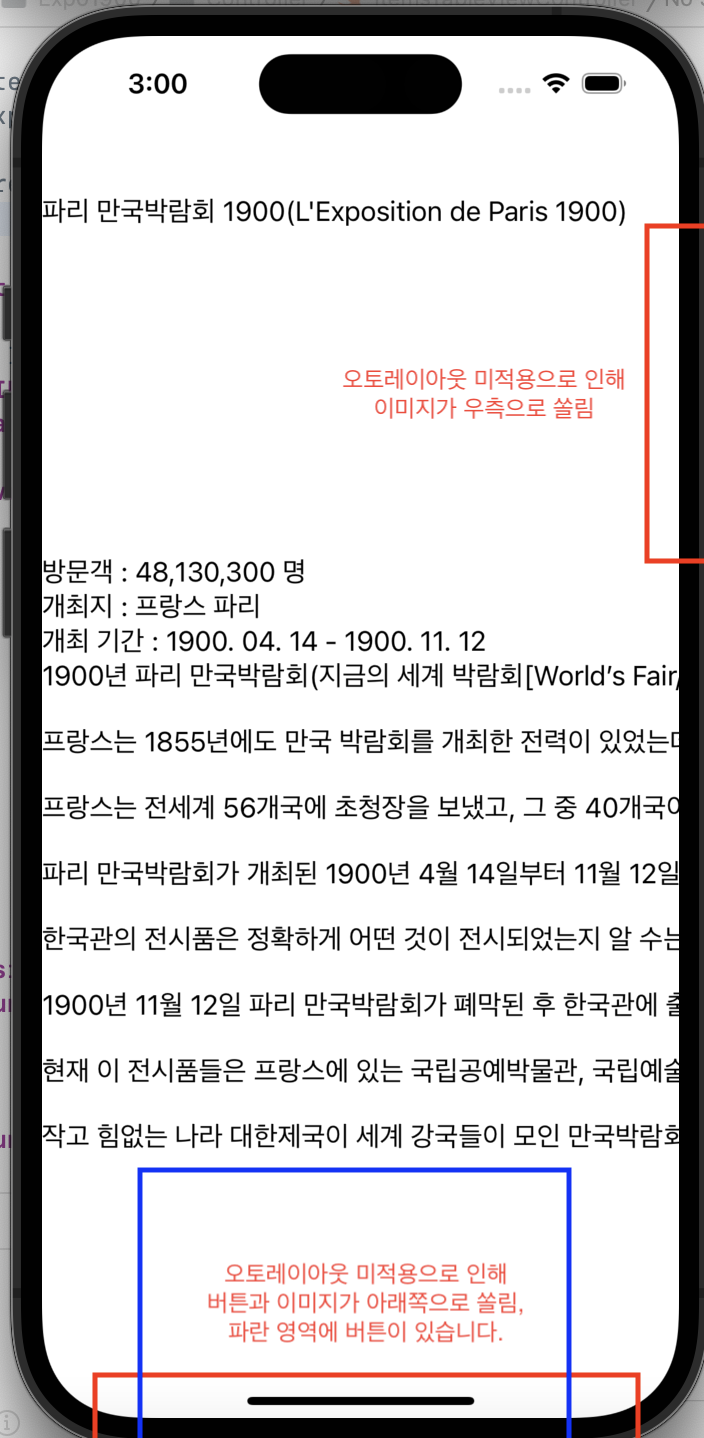
2. 출품작 목록 뷰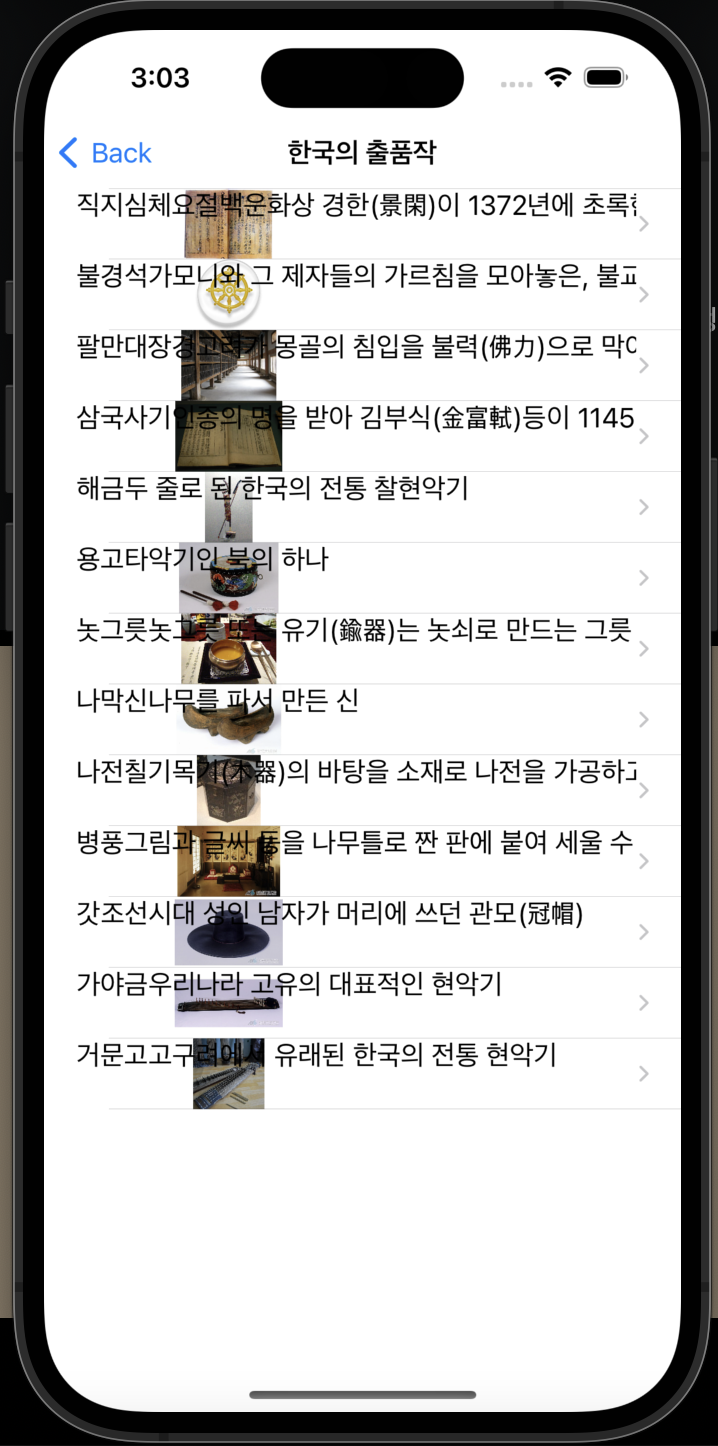
3. 출품작 상세정보 뷰