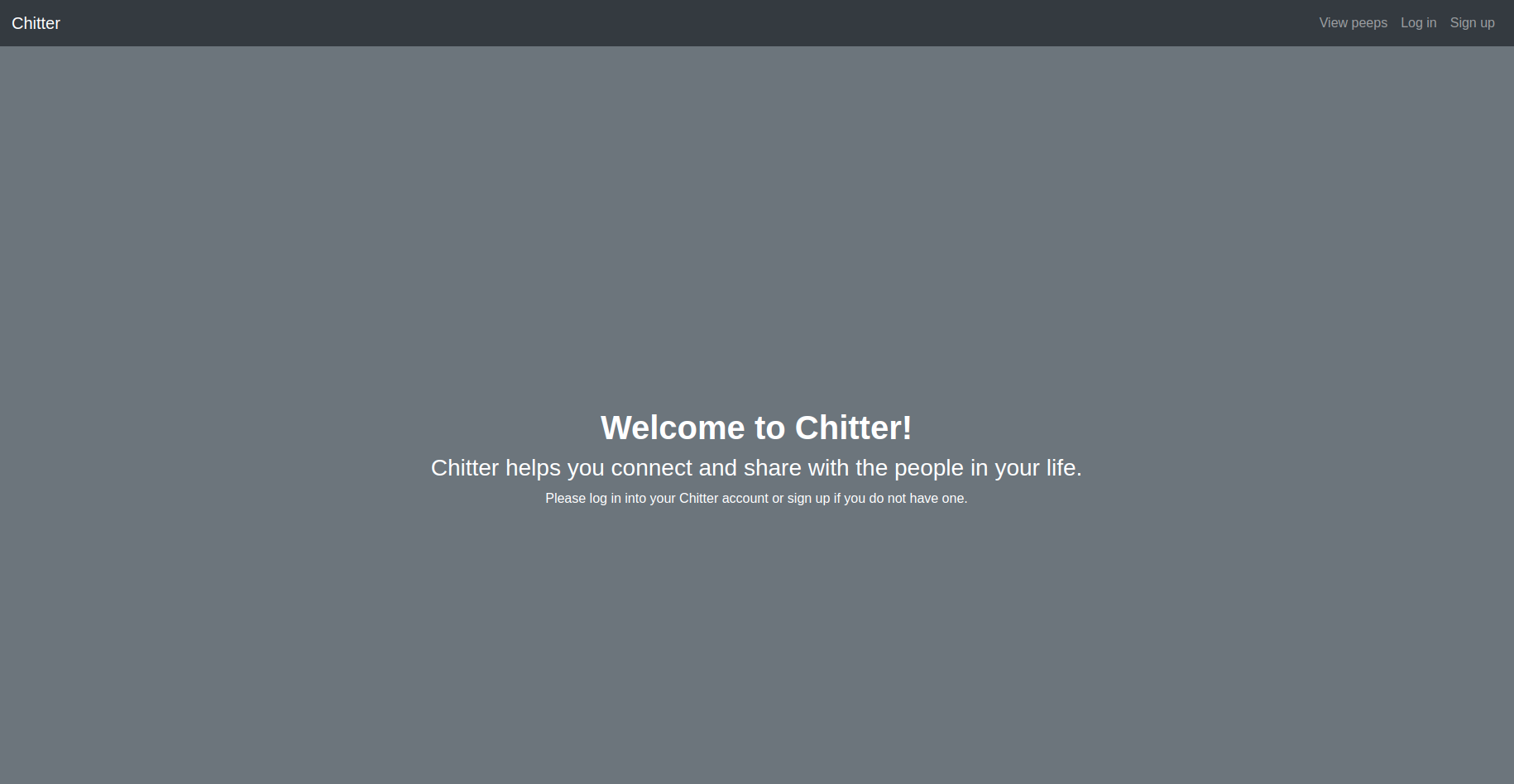
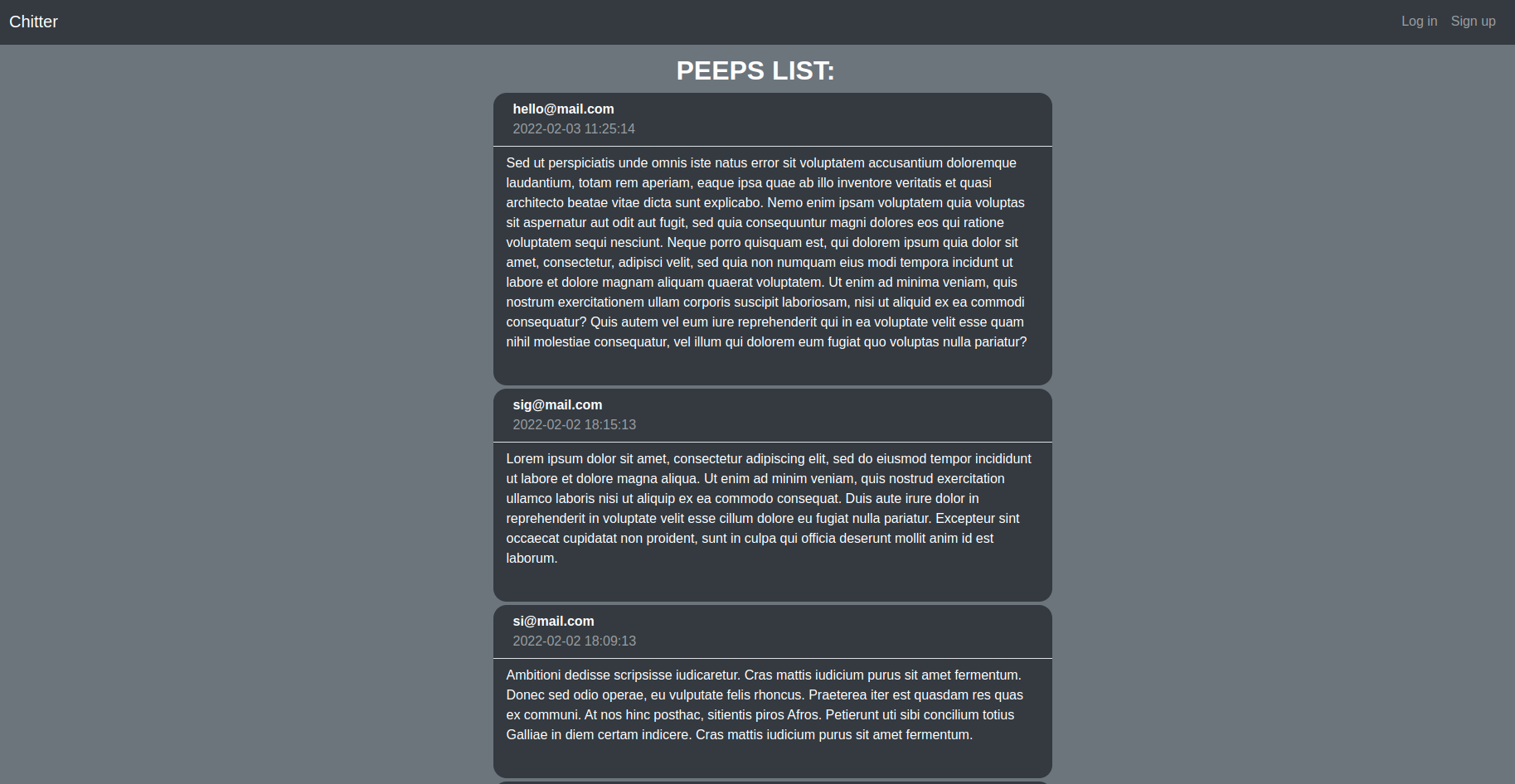
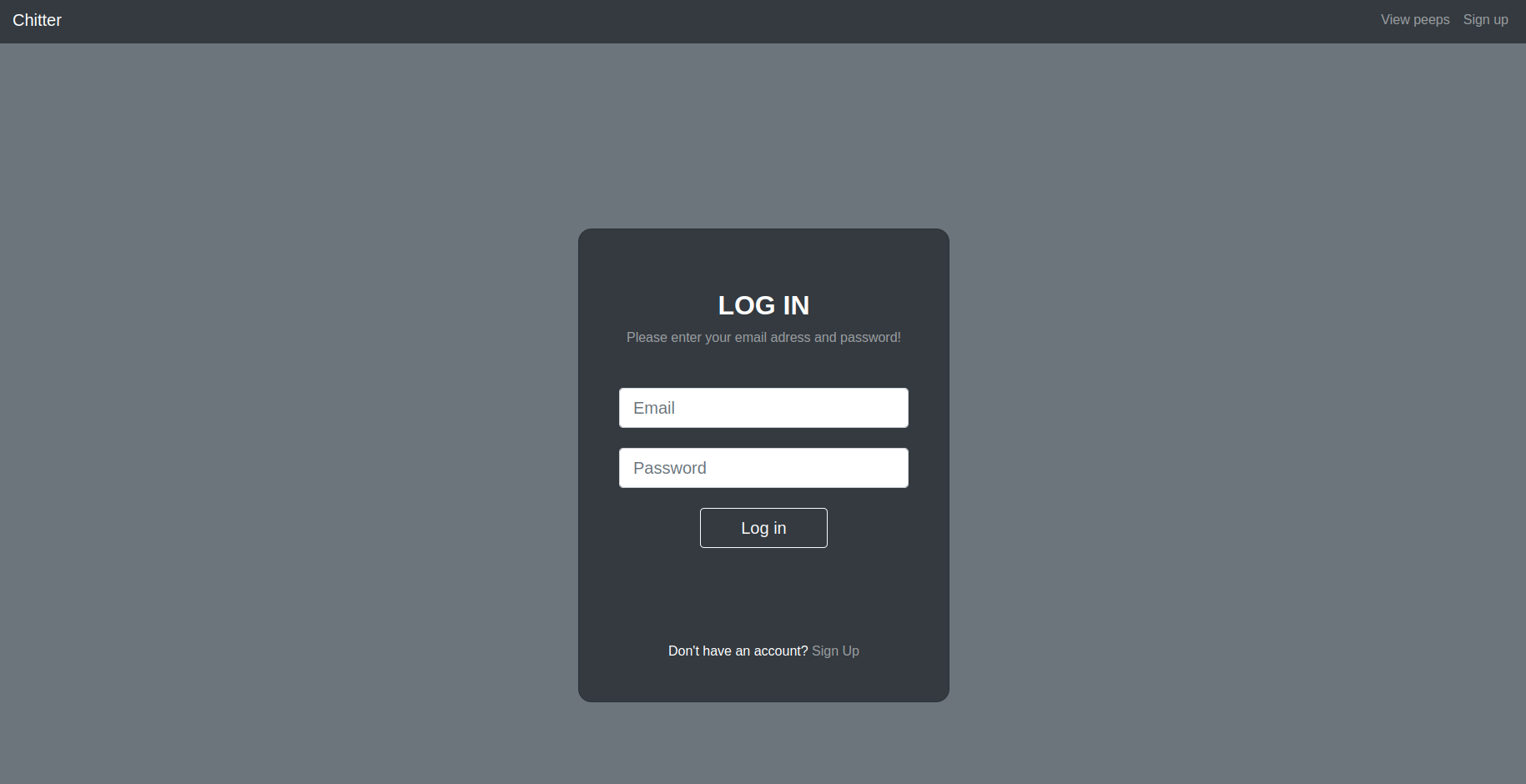
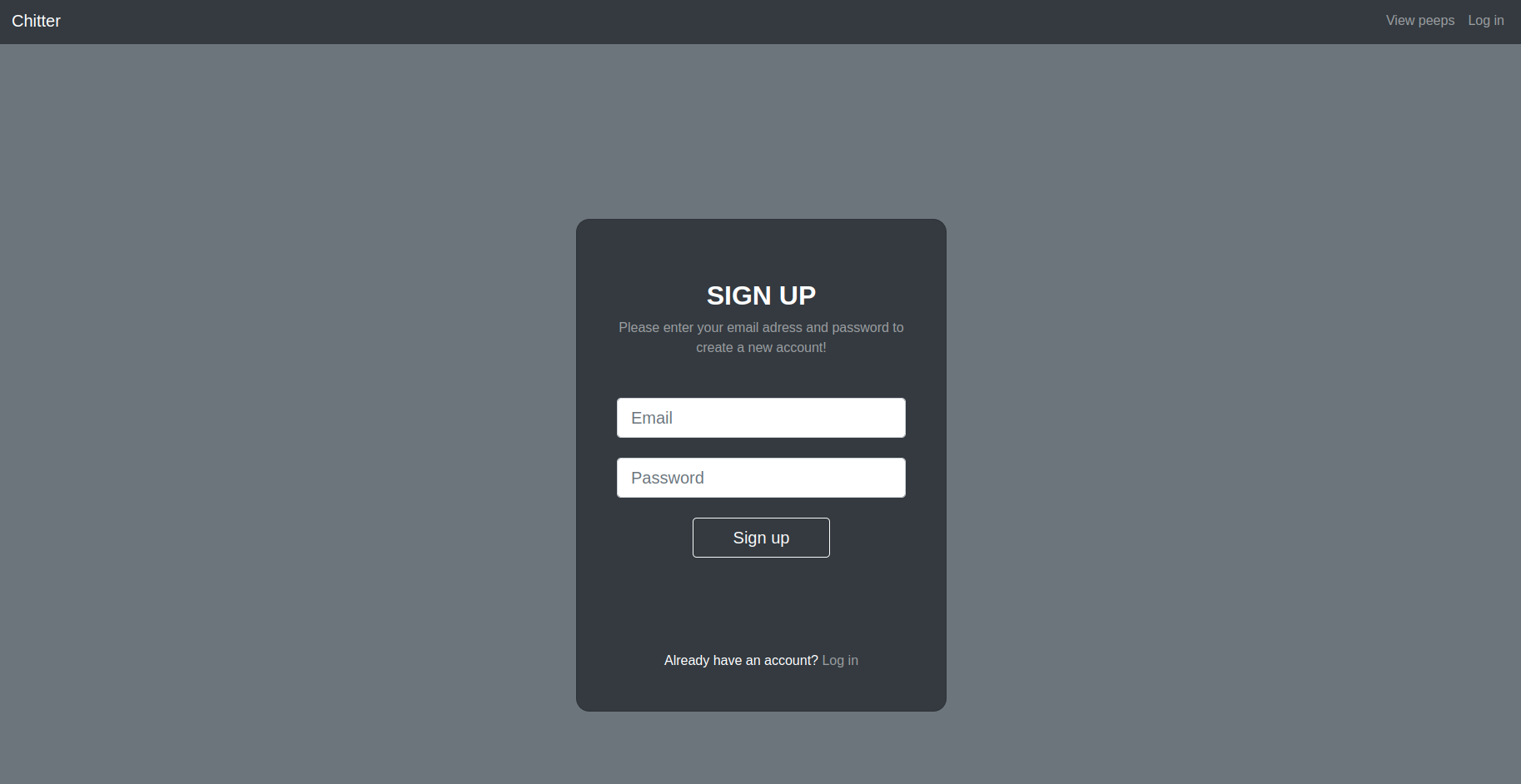
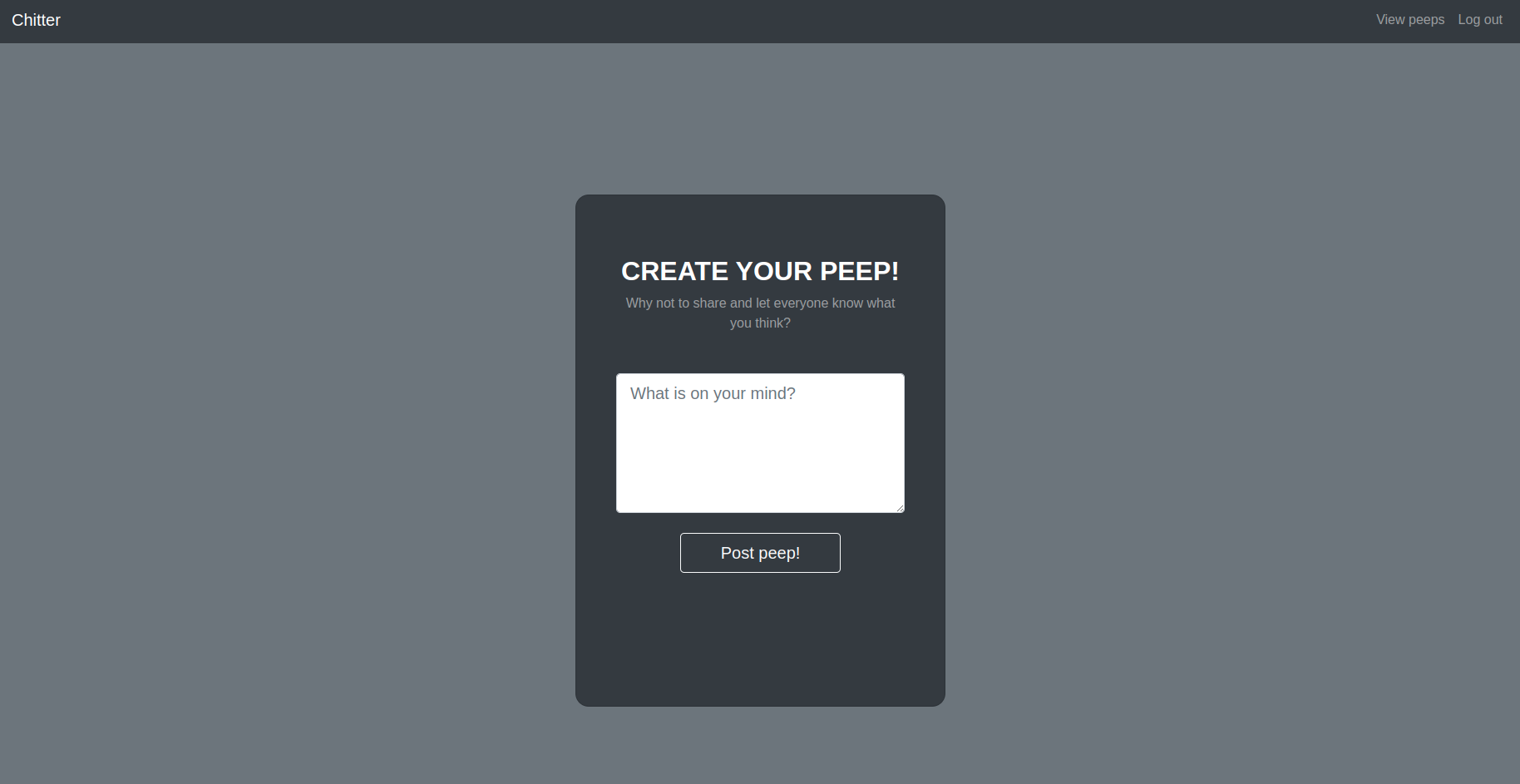
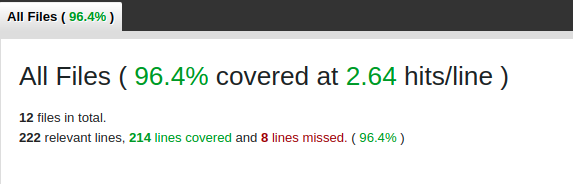
This is a simple Twitter clone which allows a user to see all peeps (tweets) without resgistration. In order to create and to post a peep user has to sign up or log in into their account. Users can see who posted a peep and when it was created. Peeps history is printed with the newest peep first. Also, user can log out. I tried to keep my code as small as possible and tried to follow the Single Responsibility Principle for readability. Also, I used TDD to reduce the number of bugs and improve my code quality.
USER STORIES
As a user
So that I can let people know what I am doing
I want to post a message (peep) to chitter

As a user
So that I can see what others are saying
I want to see all peeps in reverse chronological order

As a user
So that I can better appreciate the context of a peep
I want to see the time at which it was made

As a user
So that I can post messages on Chitter as me
I want to sign up for Chitter

As a user
So that only I can post messages on Chitter as me
I want to log in to Chitter

As a user
So that I can avoid others posting messages on Chitter as me
I want to log out of Chitter
- Ruby 3.1.0
- RSpec
- Capybara
- SimpleCov
- Sinatra
- HTML
- Bootstrap
- PostgreSQL
- Clone this repo
git clone https://github.com/sigii1992/Chitter-challenge2.git cd Chitter-challenge2- Run
bundle install - Set up database (see instructions bellow)
- run
rackup
- Connect to
psql. - Create the database using the
psqlcommandCREATE DATABASE chitter;andCREATE DATABASE chitter_test;. - Connect to the database using the
psqlcommand\c chitterand\c chitter_test. - Run the query for both databases I have saved in the files
01_create_peeps_table.sql,02_create_users_table.sql,03_add_foreignKey_to_peeps.sqlin thedb/migrationsfolder.
bundle install
rspec