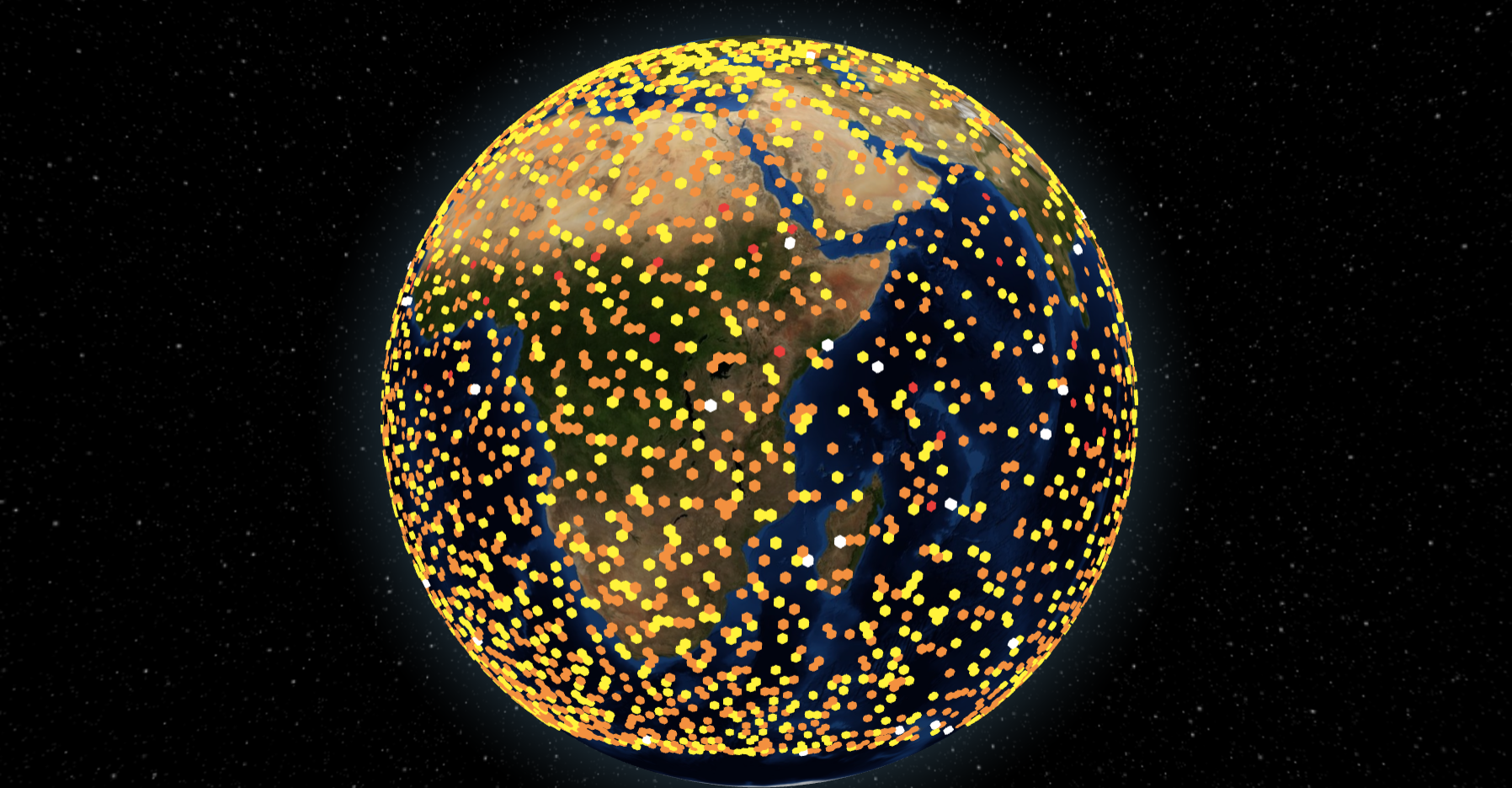
When you clone this repo, you will have to do one of the following to be able to run it:
Download a pre-processed data file here from Google Drive and put it inside the src folder of your repo. Then enter the following command on a command line window in your repository's directory:
npm start
In order to process data yourself, you can obtain the ISS data here from Google Drive.
Alternatively, you can retrieve the data directly from NASA here.
Download these CDF files, whether from Google Drive or directly from NASA, and put them in a folder called "iss_data", and put that folder in the src folder of the repo.
In the src folder of the repo, open 'space_apps_iss_data_extraction.py' with your preferred text editor. On line 11, replace the path with your path to a CDF library. If you do not have a CDF library, download it here and make not of the installation directory.
Then, on a command line, navigate to the src folder of the repository and type
python space_apps_iss_data_extraction.py
This script will take 10 mins to run. It will process ISS data from cdf form into json data readable by the React front end to map data onto the globe.
Once you've done one of the above, you are read to start the program by typing:
It takes amateur radio data from the ISS, extracts electron density data, and maps this data onto a 3D interactive globe.