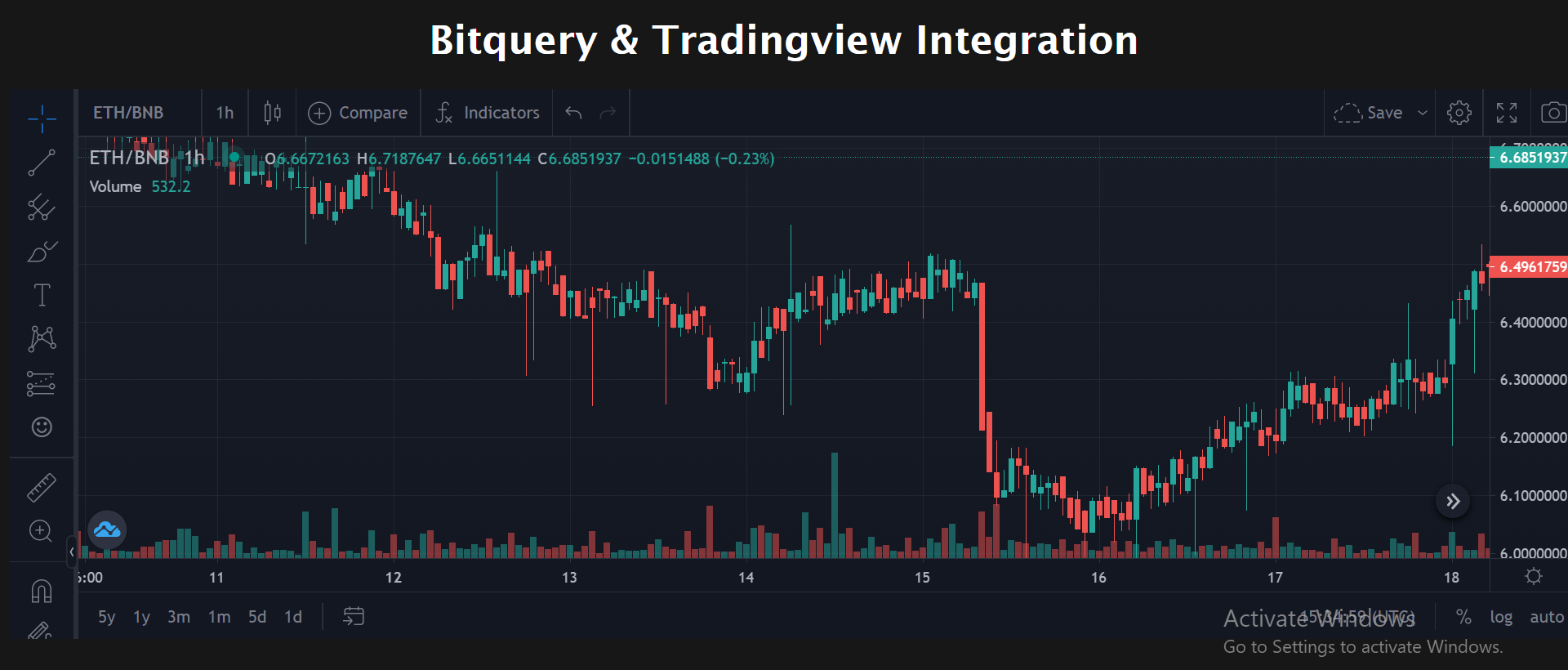
Tradingview which is one of the most popular charting applications used by Stock Market analysts does not support Cryptocurrency data. In order to place cryptocurrency data in Tradingview, the data has to processed in OHLC format and then the charting is shown.
Step-1: Fork the repository
Step-2: Clone the repository
Step-3: Open a terminal and navigate to the cloned repository folder
Step-4: npm install
Step-5: If you are cryptocurrency trader or a blockchain developer and have prior knowledge regarding GraphQL, you must know about Bitquery https://bitquery.io. Sign up to Bitquery and get your unique API key from https://graphql.bitquery.io/ide
Step-6: Replace your Unique API key from Bitquery in the ./src/components/api/index.js in line-53 and line-123.
Step-7: npm run serve
The Chart rendered by Tradingview's widget along with the data passed on by Bitquery GraphQL API shows the data for the Binance Smart Chain Mainnet's latest prices in the Ethereum blockchain. The data is represented in the Candlestick format.