Please ensure to follow the steps detailed in my YouTube video for the full experience!
- Node.js installed on your computer
- Google Cloud account (with free credits)
- Clone this project locally with
git clone. - Create a
.env.localfile in the root of this project - Add your function URL as the
VITE_ENDPOINTvariable in your.env.localfile - Run
npm ito install all of the dependencies. - Run
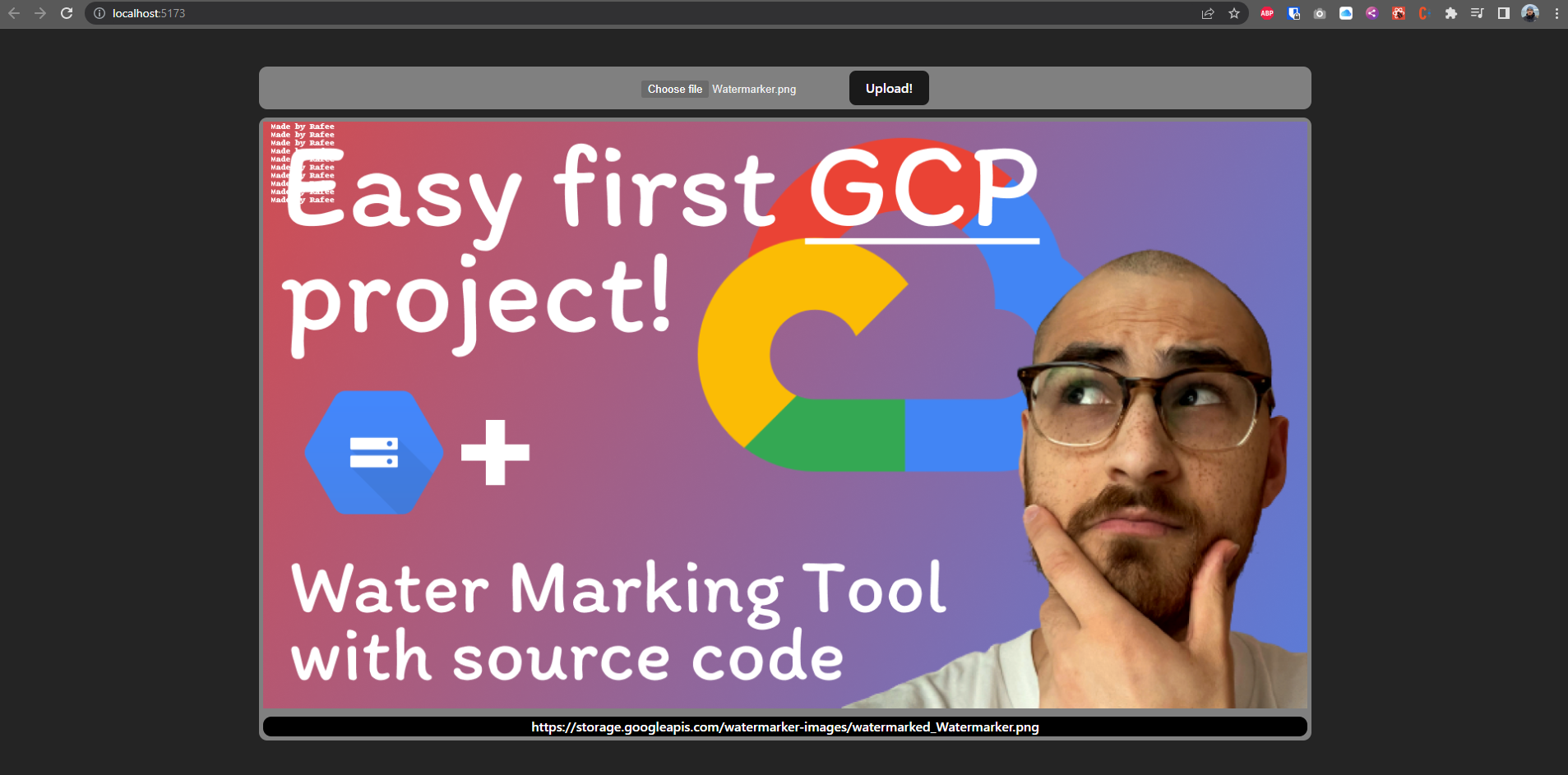
npm run devto get the web app working.
I found when testing that you may get a CORS error, to (temporarily) remedy this please install a CORS extension to your browser.