

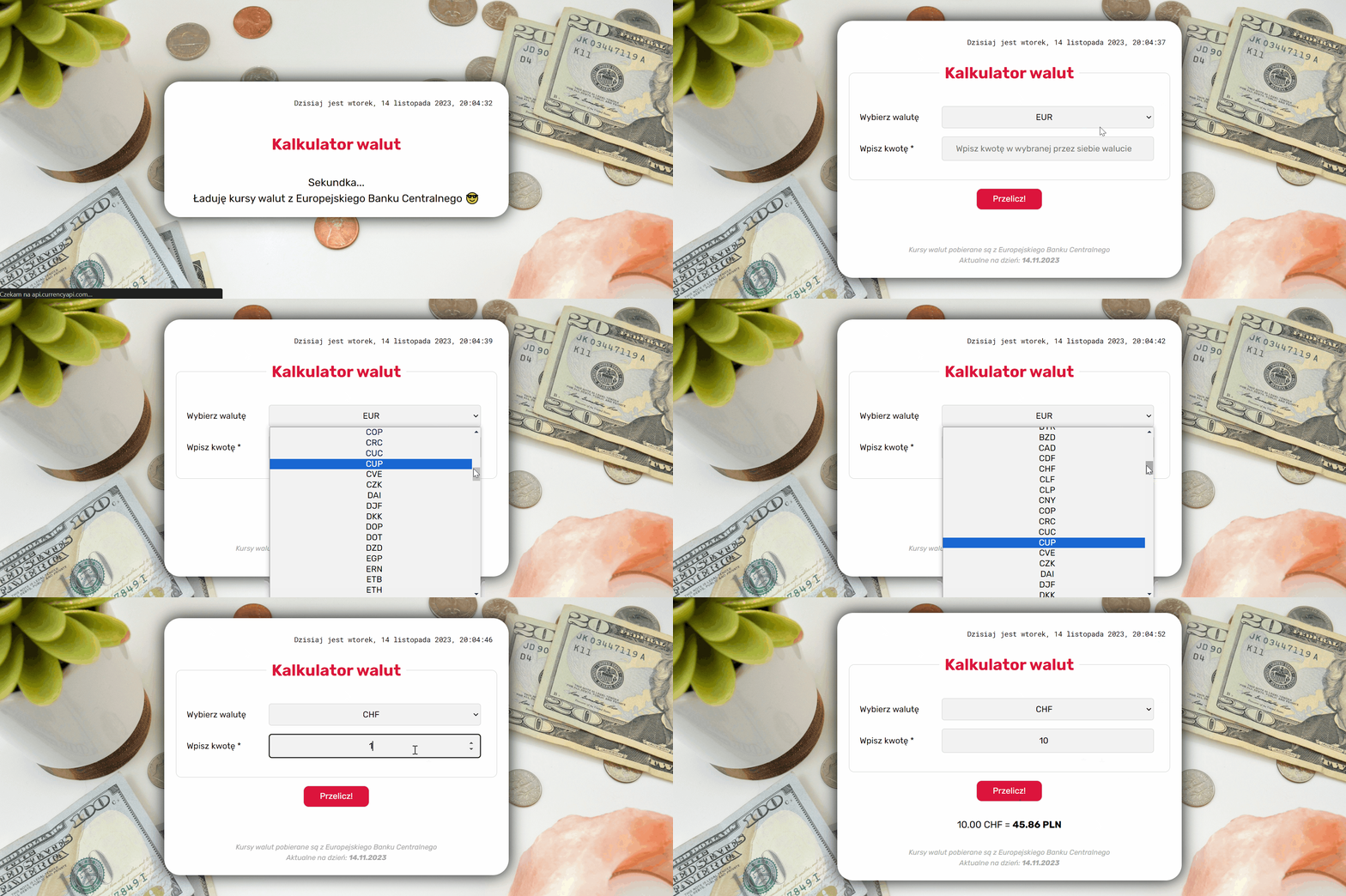
https://patrycja-gomza.github.io/currency-converter-react/
The subject of this page is a currency converter. In the center of the page is the form window, which contains two elements:
- a field for selecting a currency from a drop-down list
- a field for typing the amount in the selected currency
After you fill the form, click the "Convert" button to get the amount in PLN.
This project was bootstrapped with Create React App.
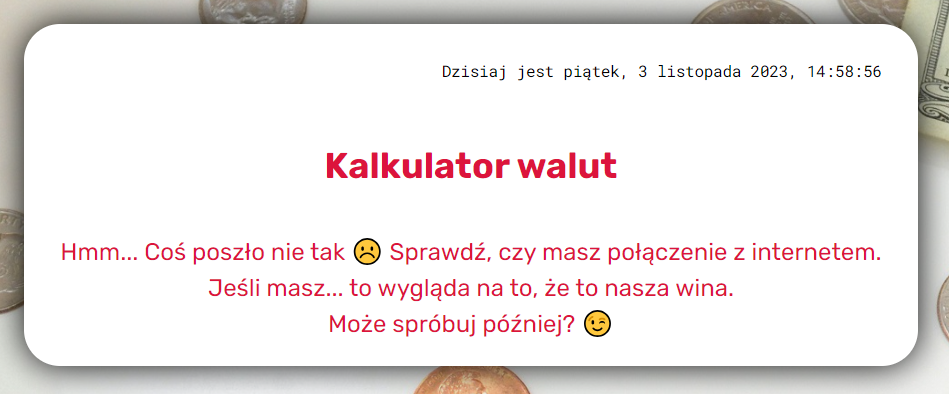
The app has loading and error state handling.
- JSX (JavaScript XML)
- Flexbox
- CSS Grid
- JavaScript ES6+ Features
- React.js
- Create React App (Webpack, Babel, ESLint, PostCSS, CSS Loader & Style Loader)
- Controlled Components
- Styled Components
- Media Queries
- Custom Hooks
- Axios
- Async/Await
- API Integration
The site is dynamically growing, along with the new front-end programming skills I'm learning.
This website is inspired by the course "Frontend Developer from the Basics" by the online programming school YouCode.
In the project directory, you can run:
Runs the app in the development mode.
Open http://localhost:3000 to view it in your browser.
The page will reload when you make changes.
You may also see any lint errors in the console.
Builds the app for production to the build folder.
It correctly bundles React in production mode and optimizes the build for the best performance.
The build is minified and the filenames include the hashes.
Your app is ready to be deployed!
See the section about deployment for more information.
Note: this is a one-way operation. Once you eject, you can't go back!
If you aren't satisfied with the build tool and configuration choices, you can eject at any time. This command will remove the single build dependency from your project.
Instead, it will copy all the configuration files and the transitive dependencies (webpack, Babel, ESLint, etc) right into your project so you have full control over them. All of the commands except eject will still work, but they will point to the copied scripts so you can tweak them. At this point you're on your own.
You don't have to ever use eject. The curated feature set is suitable for small and middle deployments, and you shouldn't feel obligated to use this feature. However we understand that this tool wouldn't be useful if you couldn't customize it when you are ready for it.