The recipes behind the trend, as editable pipelines — not black-box presets.
Every few weeks a new AI video style goes viral: paper-collage explainers, claymation miniature worlds, aged-parchment time-lapses, halftone collage b-roll. Usually the only way to reproduce one is to reverse-engineer a prompt from a screenshot and hope. Creative Skills turns those styles into open, versioned recipes — documented craft vocabulary (medium, texture, palette, camera, motion, negatives) plus a runnable pipeline that builds and renders the workflow on Brainy Canvas.
Install a skill, hand it a subject, approve the preview, get the video. Fork the recipe JSON to remix the style. No black boxes.
vox-explainer sample — click the still to watch the generated clip. More demos below.
| Skill | Style | Output | |
|---|---|---|---|
| 🎙️ vox-explainer | Vox-style paper-collage documentary explainer | 16:9, narrated explainer pacing | skills/vox-explainer/ |
| 🗺️ parchment-timelapse | Aged-parchment paper-cutout documentary time-lapse | 16:9, historical map-and-timeline motion | skills/parchment-timelapse/ |
| 🧱 claymation-world | Claymation stop-motion miniature-world reveal | 16:9, tactile handmade-diorama feel | skills/claymation-world/ |
| 🩶 collage-broll | Editorial B&W halftone collage b-roll loops | 9:16, looping vertical b-roll | skills/collage-broll/ |
| 🌀 scroll-world | Scroll-scrubbed continuous camera flythrough — dive into each scene, fly seamlessly to the next | 16:9 (+ optional native 9:16 mobile), one continuous scroll-driven flight | skills/scroll-world/ |
Generated end-to-end with each skill's pipeline on Brainy Canvas — click a still to watch the clip.
| 🎙️ vox-explainer | 🗺️ parchment-timelapse |
|---|---|
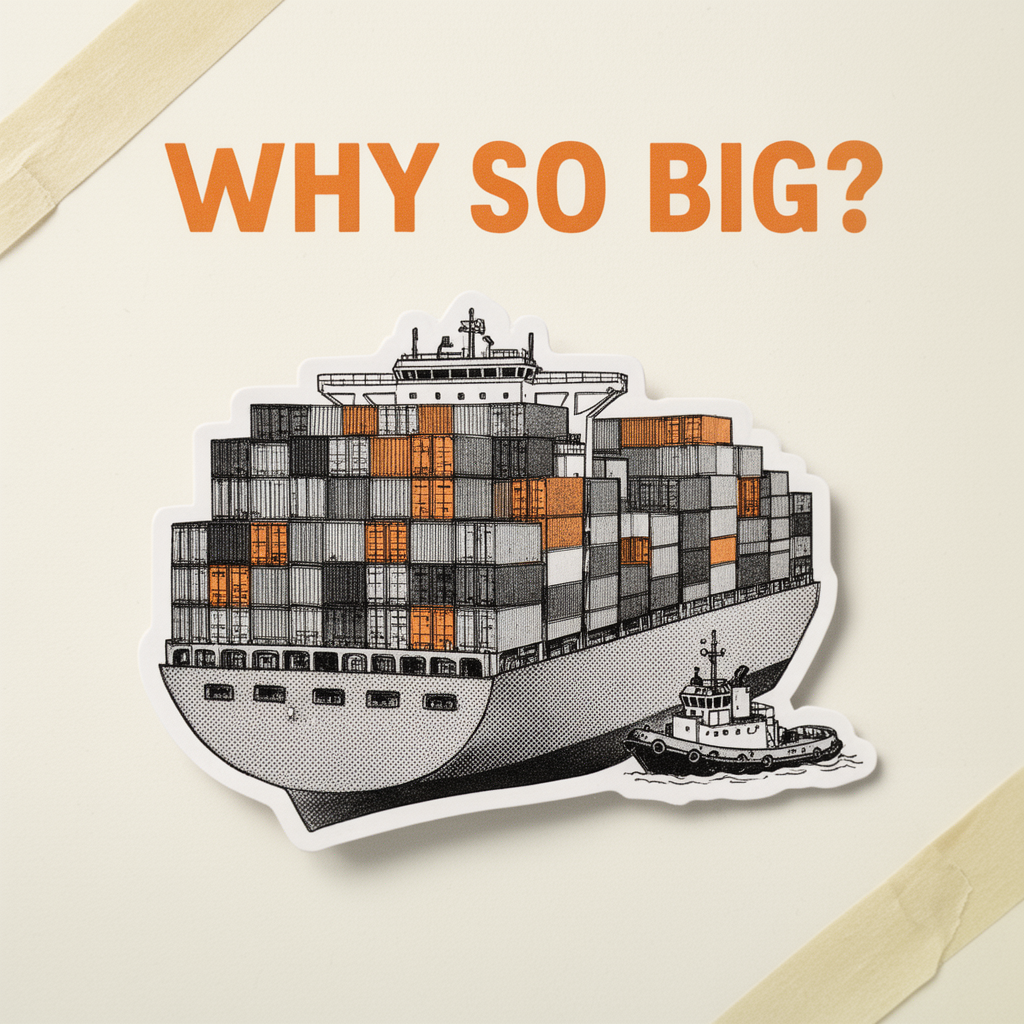 |
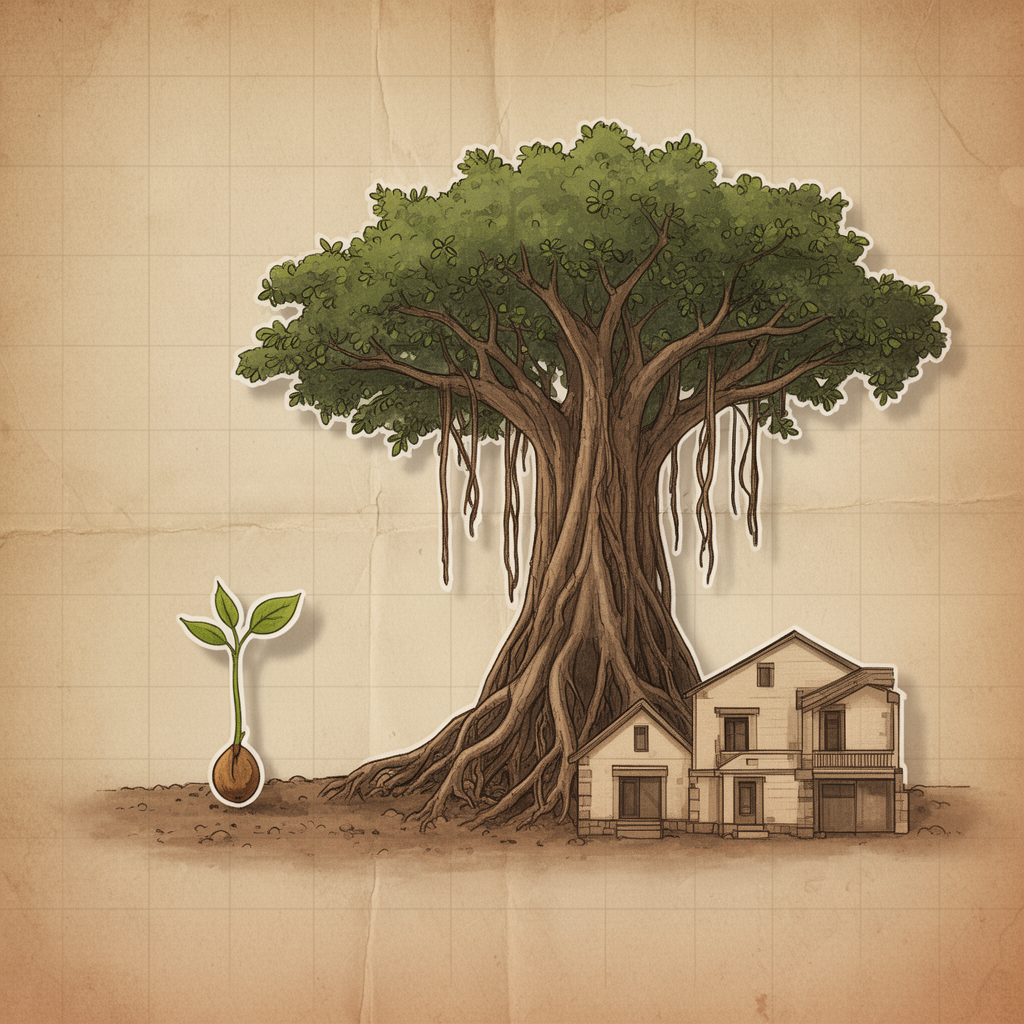 |
| 🧱 claymation-world | 🩶 collage-broll |
|---|---|
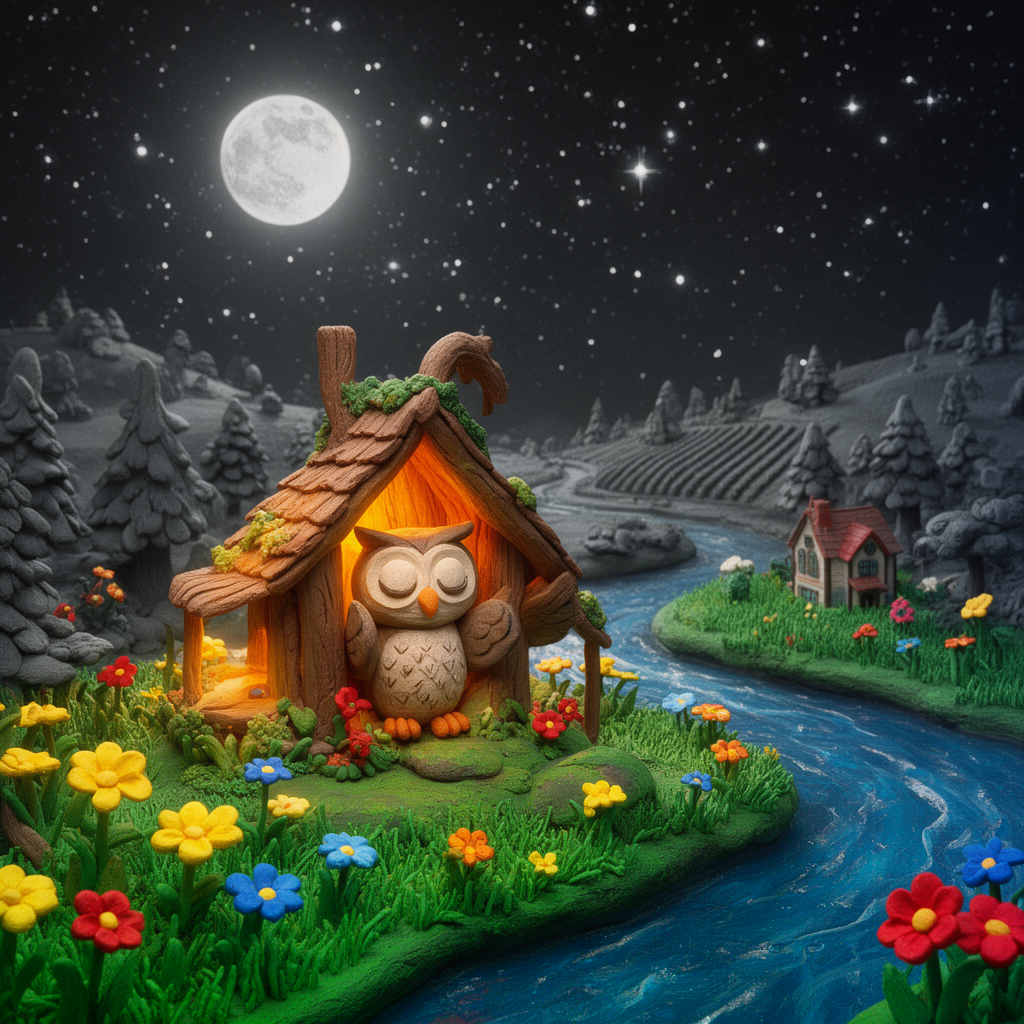 |
 |
scroll-world is a full pipeline skill (no recipes/ JSON — it doesn't fit the
single-clip recipe schema), ported from oso95/scroll-world
(MIT, by cyw), adapted to run entirely on Brainy Canvas — see
skills/scroll-world/SKILL.md.
A complete scroll-world demo site — "Pearl & Co.", a boba-shop story told as one continuous scroll-scrubbed camera flight through three clay-diorama scenes — lives in docs/demo/. Every clip was generated on Brainy Canvas (Seedance 2.0 Mini via fal, with first/last-frame connectors between scenes).
Live: menloparklab.github.io/creative-skills/demo/
Or run it locally:
cd docs/demo && python3 -m http.server 8000
# open http://localhost:8000
It's a fully static site — the live copy above is served straight from GitHub Pages.
More skills ship as recipe PRs are merged — see Contributing.
Every skill here is a plain SKILL.md folder in the open Agent Skills format — no Claude Code lock-in. It runs in Claude Code, OpenAI Codex CLI, and any other harness that supports Agent Skills. Harnesses without native skill support can still drive the whole pipeline through the brainy CLI or the Brainy Canvas MCP server directly.
Via the Claude Code plugin marketplace:
/plugin marketplace add menloparklab/creative-skills
Then install whichever skills you want from the marketplace listing.
Manually:
Copy a skill folder (e.g. skills/vox-explainer/) into your project's .claude/skills/ directory, or reference it directly — each skill is self-contained (SKILL.md + its recipe JSON).
Works with:
- Claude Code — drop the skill folder into
~/.claude/skills/(all projects) or.claude/skills/(this project), or install via the plugin marketplace above. - Codex CLI — point Codex at the skill folder, or paste the
SKILL.mdcontents into yourAGENTS.mdcontext so Codex picks up the same instructions. - Any MCP-capable agent — such as Cursor, Gemini CLI, OpenCode, or Windsurf — connect the Brainy Canvas MCP server, or call the
brainyCLI directly, and follow the recipe/pipeline steps in the skill'sSKILL.mdby hand.
Skills in this repo generate by driving Brainy Canvas, not by calling model APIs directly.
- Sign up at brainycanvas.com.
- Create an API key in app settings (keys look like
bc_live_...). - Install the CLI and log in:
npm install -g @brainycanvas/cli
brainy login --key bc_live_...
Full setup, the CLI reference, the MCP server details, and the canvas mental model live in docs/brainy-canvas-integration.md.
Invoke the skill in Claude Code, Codex CLI, or your agent of choice with your subject (e.g. "make a vox-explainer about the history of coffee"). It builds the node graph on Brainy Canvas, previews the image step, pauses for your approval, then renders the video — you're always asked to confirm before the expensive generation step runs.
recipes/<name>.json   →   skills/<name>/SKILL.md   →   runs on Brainy Canvas
   (the craft spec)         (the runnable agent)         (CLI or MCP)
recipes/<name>.jsonformalizes a style as data: medium, texture, palette, camera vocabulary, negative list, output spec, model defaults, and a{{subject}}-templated prompt. Seerecipes/schema.jsonfor the full shape.skills/<name>/SKILL.mdis the Agent Skill (runnable by Claude Code, Codex CLI, or any other Agent Skills-compatible harness) that reads the recipe and drives Brainy Canvas — via thebrainyCLI or the Brainy Canvas MCP server — to build the node graph, preview it, and (after your approval) render the final video.- Brainy Canvas is the execution surface: a ReactFlow node graph where text/image/video nodes wire together. See
docs/brainy-canvas-integration.mdfor the full integration reference.
Because the recipe is just JSON, you can remix any style without touching code — change the palette, tighten the negative list, swap the model, adjust duration. Accepted recipes can also be published as ready-to-fork templates at brainycanvas.com/templates, so the same styles are remixable as Claude Code or Codex skills and as one-click canvas templates.
The primary contribution path is a recipe PR: add recipes/<name>.json (validated against the schema by CI) plus a skills/<name>/SKILL.md. It's merged as a community-tier recipe and can be promoted to official after maintainer verification. Full pipeline skills are welcome too, at a higher review bar.
See CONTRIBUTING.md for the schema walkthrough, security requirements, and PR checklist.
This repo doesn't invent these styles — it packages and credits the community work that defined them, adapted into a common recipe format:
- oso95/scroll-world — scroll-scrubbed cinematic world skill pattern (MIT)
- CK42BB/vox-explainer-skill — Vox-style paper-collage explainer prompt design (MIT)
- Alisa0808/vox-director — Vox-style directorial prompt structure (MIT)
- pyang5166/gbro-collage-broll — editorial halftone collage b-roll style (MIT)
If you're the author of a style adapted here and want different attribution or removal, please open an issue.
MIT — see LICENSE.