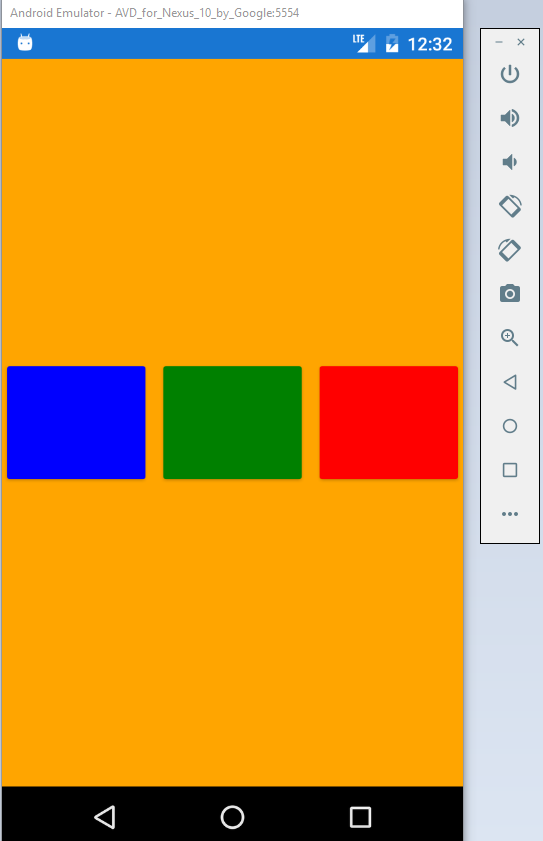
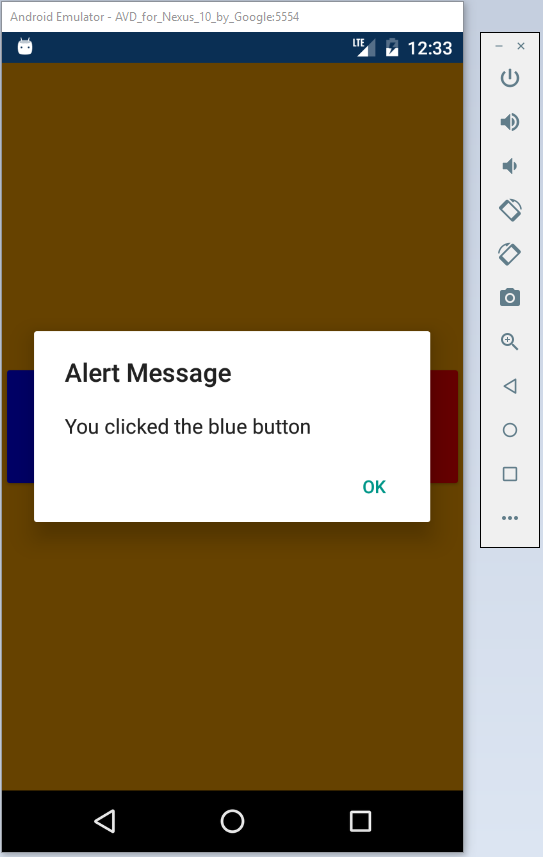
This is an example on how to integrate Mobile Center Analytics and Crashes to Xamarin.Forms application.
Mobile Center can track your application events, logs, and crashes which is essential for your app's growth and rating.
How to use:
-
Add Nuget Packages(using Manage Nuget Packages) and add the following codes that you want to track by Mobile Center:
using Microsoft.Azure.Mobile; using Microsoft.Azure.Mobile.Analytics; using Microsoft.Azure.Mobile.Crashes; -
Add your Android key from Mobile Center for Xamarin.Forms in App.xaml.cs
protected override void OnStart() { // Handle when your app starts MobileCenter.Start($"android={androidKey};", typeof(Analytics), typeof(Crashes)); } -
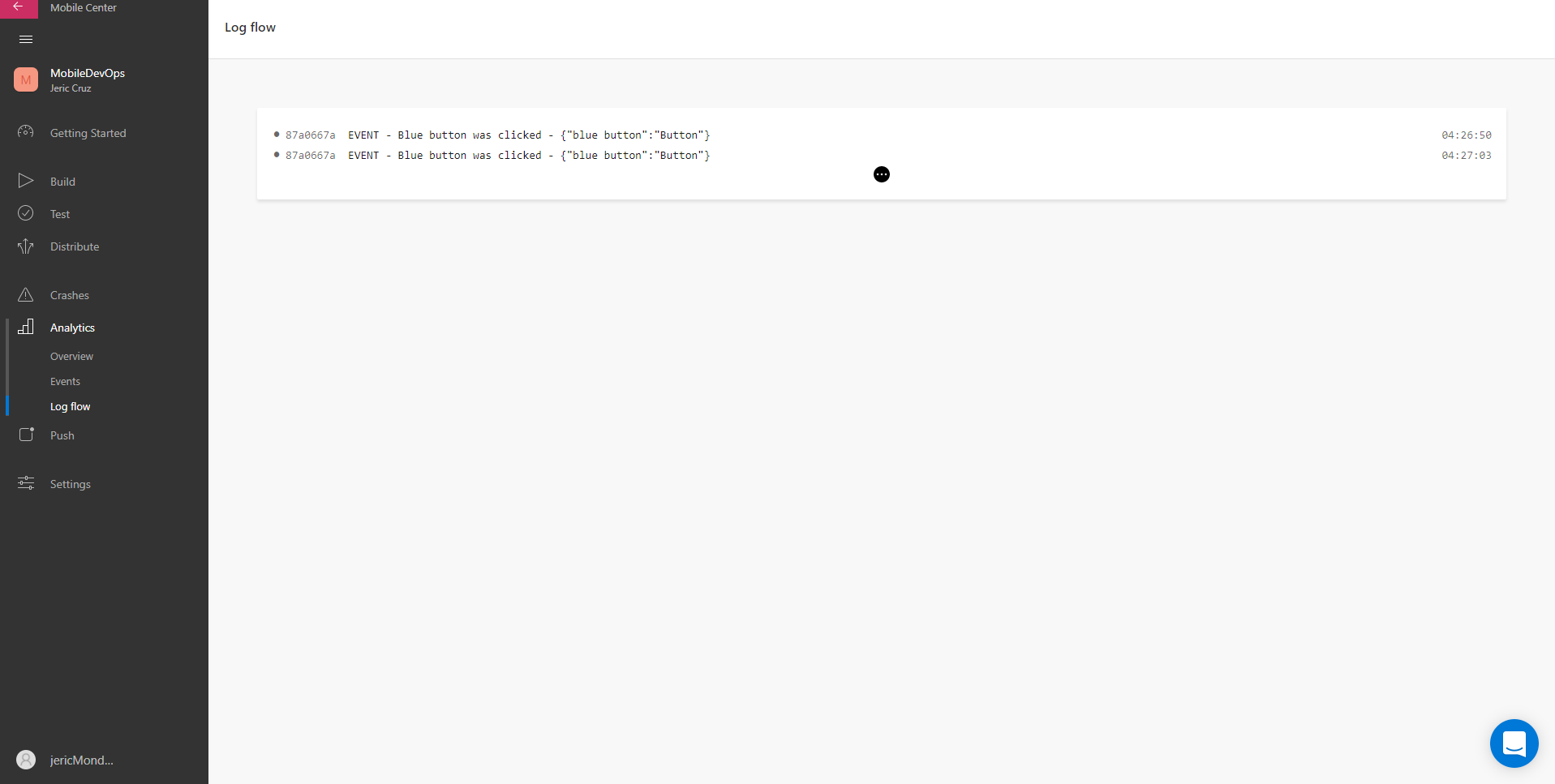
Add Tracking Event:
      var param = new Dictionary();
      param.Add("Blue button", "Button");
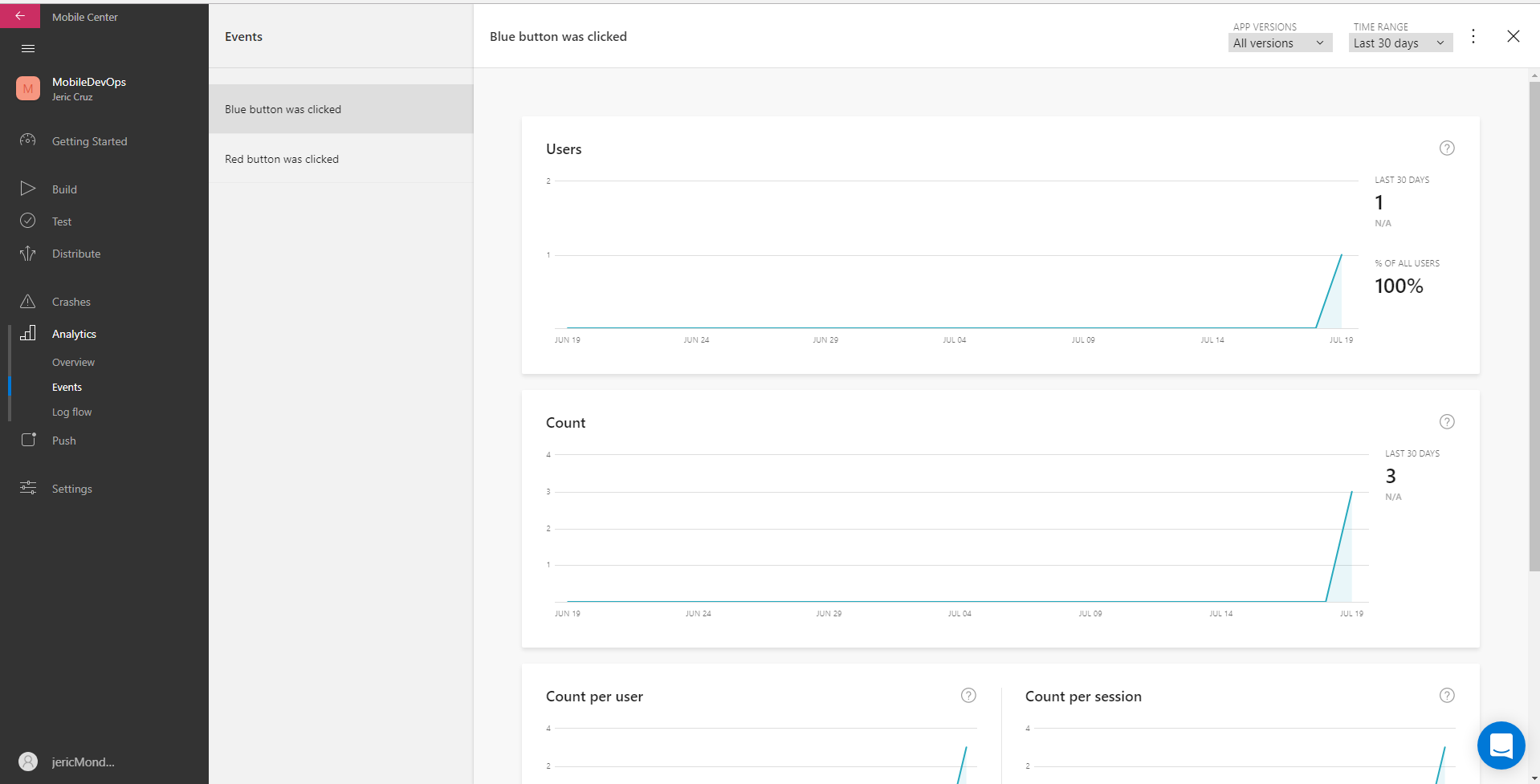
      Analytics.TrackEvent("Blue button was clicked", param);
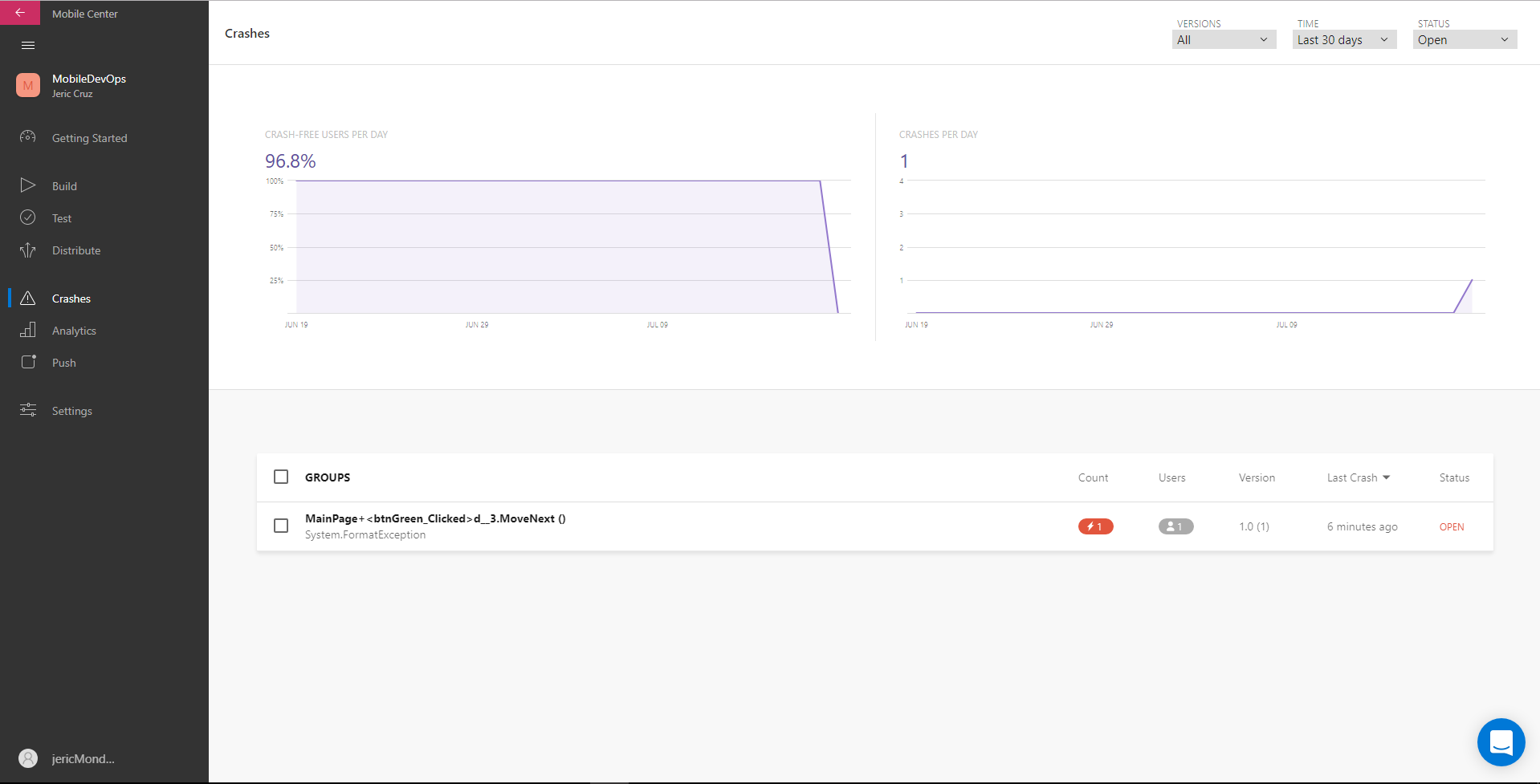
Add Crash Event:
bool didAppCrash = await Crashes.HasCrashedInLastSessionAsync();
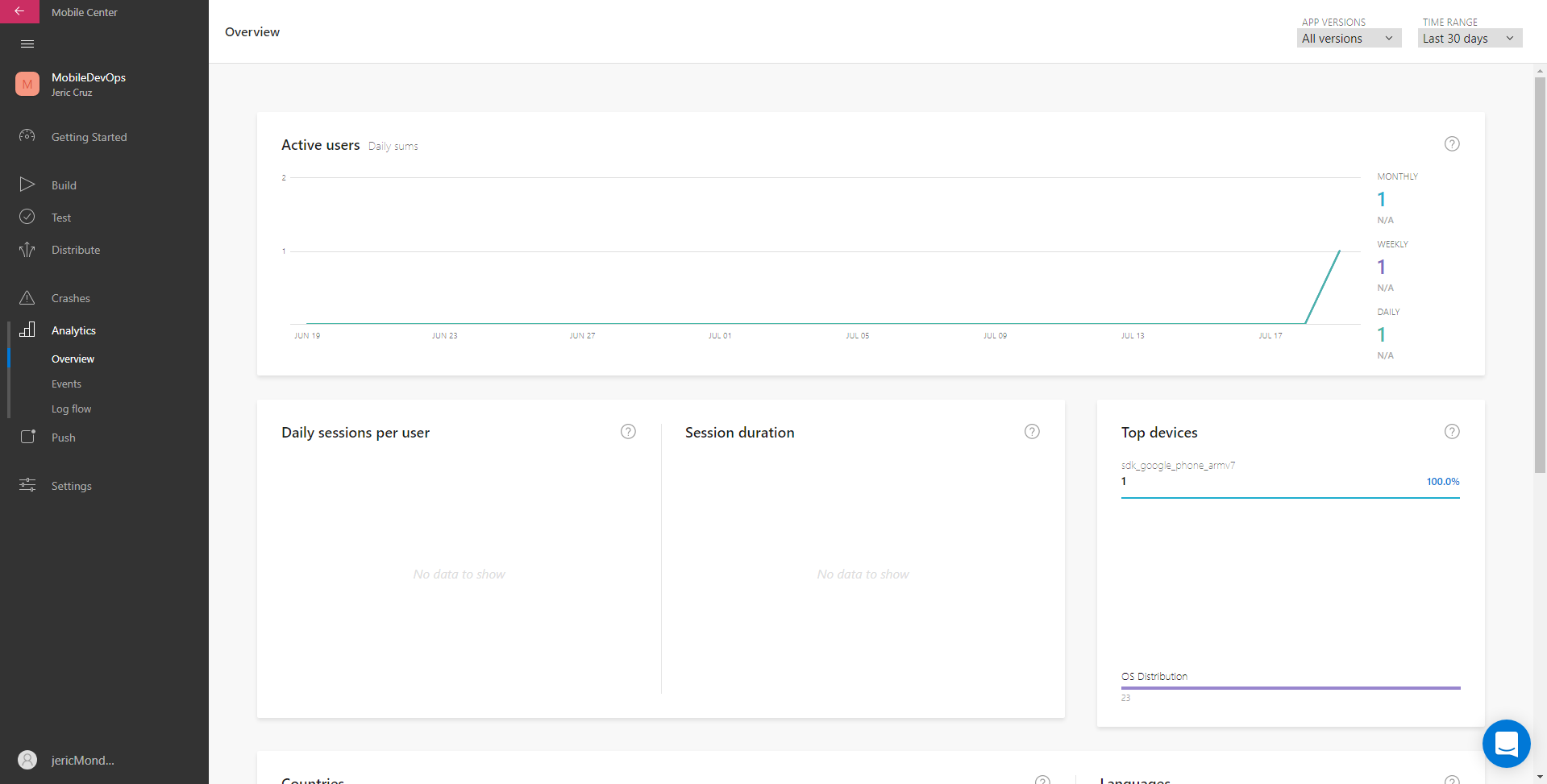
Analytics-Overview
Analytics-Events
Analytics-LogFlow