Using Hand Pose Detection on an Oculus Quest 2 to detect hand gestures and output as speech.
| Demo | Link |
|---|---|
| Hello World Demo | 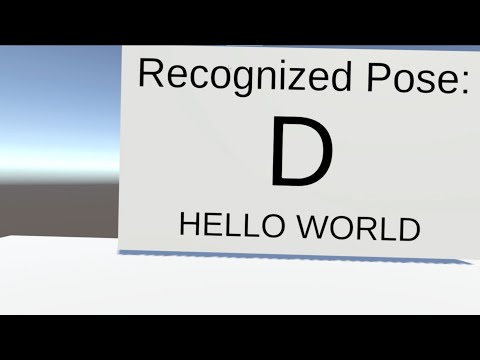 |
| Full Alphabet Demo | 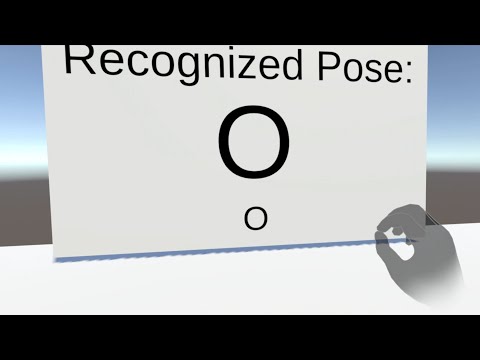 |
| Feature | Current State | Goal State | Is Achieved |
|---|---|---|---|
| Detect Hand Pose | Can detect static hand poses some of the time for all ASL alphabet signs | Can detect all basic ASL alphabet signs with reasonable accuracy | YES |
| Convert to Symbolic Textual Representation | Intermediate layer sends detection events, interprets & sends the meaning as an event, and outputs the meaning | Intermediate layer receives detection events, interpreting them and passing the interpretation as another event | YES |
| Text-To-Speech | Prints current letter and in-progress sentence as text then converts final message to speech. Demarcates work words and sentences with pauses. | Converts letters and words to speech | YES |
- Go to the latest releases build and download the .apk file
- Open SideQuest or Oculus Developer Hub and attach your Oculus Quest 2 to it (ensure you allow access via USB)
- Drag the .apk to your Oculus Quest 2 device and it should automtatically install
- Put on your Oculus Quest 2 and open the 'Apps' menu
- Filter by 'Unknown Source' and select this application
- Download Unity 2020.3.33f1
- Download the Android Unity module with NDK and SDK
- Open the Unity project in ./HandPoseToSpeech
- Click 'File -> Build Settings' then ensure the scene you wish to build is included and the platform is 'Android'
- Click build and choose a folder for the .apk to build to
- Follow the 'How to Run' steps using this .apk file instead
Detect Hand Pose -> Convert to Symbolic Textual Representation -> Text-To-Speech
This architecture is modular so that alternative methods can easily be added in. Therefore superclasses have been created to match each stage:
- Detection
- Interpretation
- Output
Multiple interpreters or outputs may be desired so they are triggered using events.
Uses Oculus SDK to map specific hand poses (represented using manually programmed ShapeRecognizer objects) to trigger (via ShapeRecognizerActiveState objects) an event representing detection of a known hand pose. It also uses a TransformRecognizerActiveState to add pre-conditions to the hand poses. This improves differentiation between similar hand poses and ensures they must appear realistic in orientation.
The 'J' letter uses a 'Sequence' to identify the start and end parts of the sign. Note: This doesn't require the movement to be accurate so could be improved in the future by requiring passing through intermediary stages.
The 'Z' letter triggers an invisible sphere collider to appear and move with the sign to ensure the user is making a 'Z' motion. Note: A 'reset' should be added if the user stops part way as it requires the full motion to be used.
Base class that is triggered by the 'Selector Unity Event Wrapper' function in each hand pose to trigger an event that will be sent to all 'Interpretors'.
This implementation allows for multiple interpreters to read events from a single detector.
Receives a String from the 'Detector' event upon a registered hand pose being detected that uniquely identifies that registered hand pose. Note: There is no safety check for multiple unique poses with the same detection signature.
Interprets the meaning of the String and triggers an event to pass on the interpreted meaning.
Base class that sends the letter information through to the output.
Interprets the incoming letters as an attempt to build a sentence and identifies words/completed sentences with timeouts.
Can send the interpretation in-progress (e.g. for visually showing the sentence being generated) or only at the end (e.g. for speaking only once the sentence is completed).
Note: The default timeout is 4 seconds to build a word and 8 seconds to end a sentence
- Using a dictionary/autocorrect to fix mistakes in gesturing words
Receives the interpreted meaning as a String and outputs the meaning somewhere.
Base class that outputs to nowhere.
Outputs message to a TextPro object.
Outputs message as audio using the ReadSpeaker plugin.
Some hand poses are easier to detect than others, but all can be detected.
Big thank you to ReadSpeaker for assisting me with using their text-to-speech library on the Oculus Quest 2.
Thanks to Meta & Oculus for developing the Quest 2 headset and Unity Oculus SDK that allows for the development of applications like this.