This sample shows how can you read VM metrics using Azure Insights REST API.
To use this API metric you always needs to do two calls: first to retrieve metric definition and the second to read the metrics values.
- Have a VM created in Azure with diagnostic activated
- Have a user created in Azure AD
- Grant this user as a reader of the VM
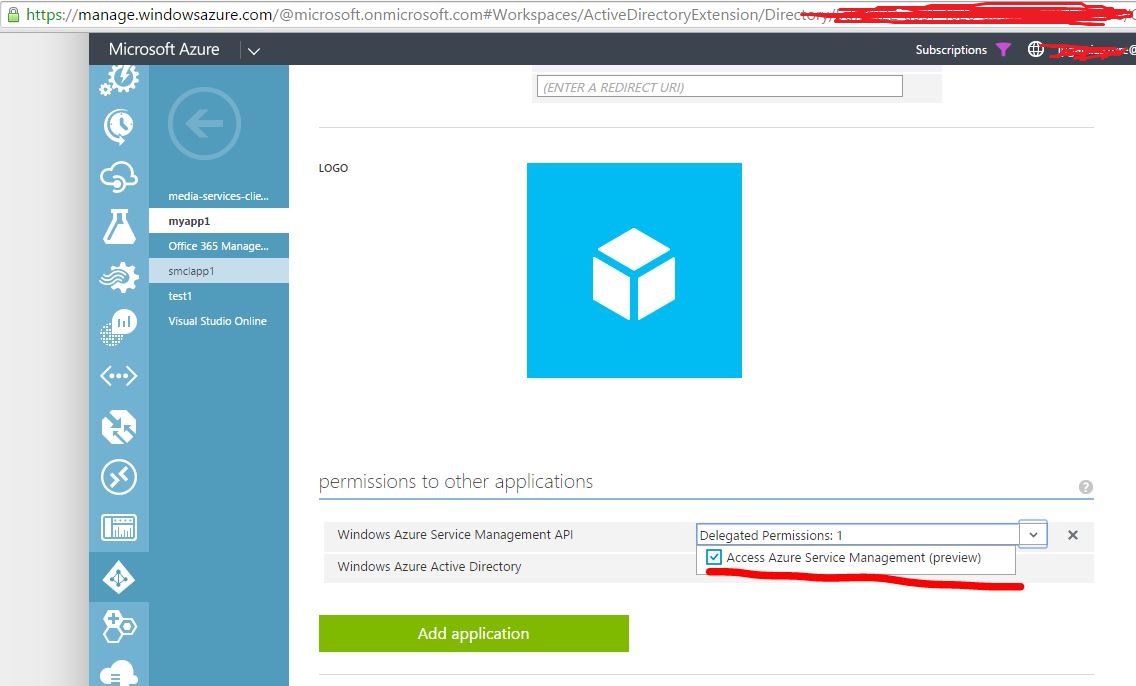
- Create an application in Azure AD and gives permission to other application Windows Azure Service Manager API

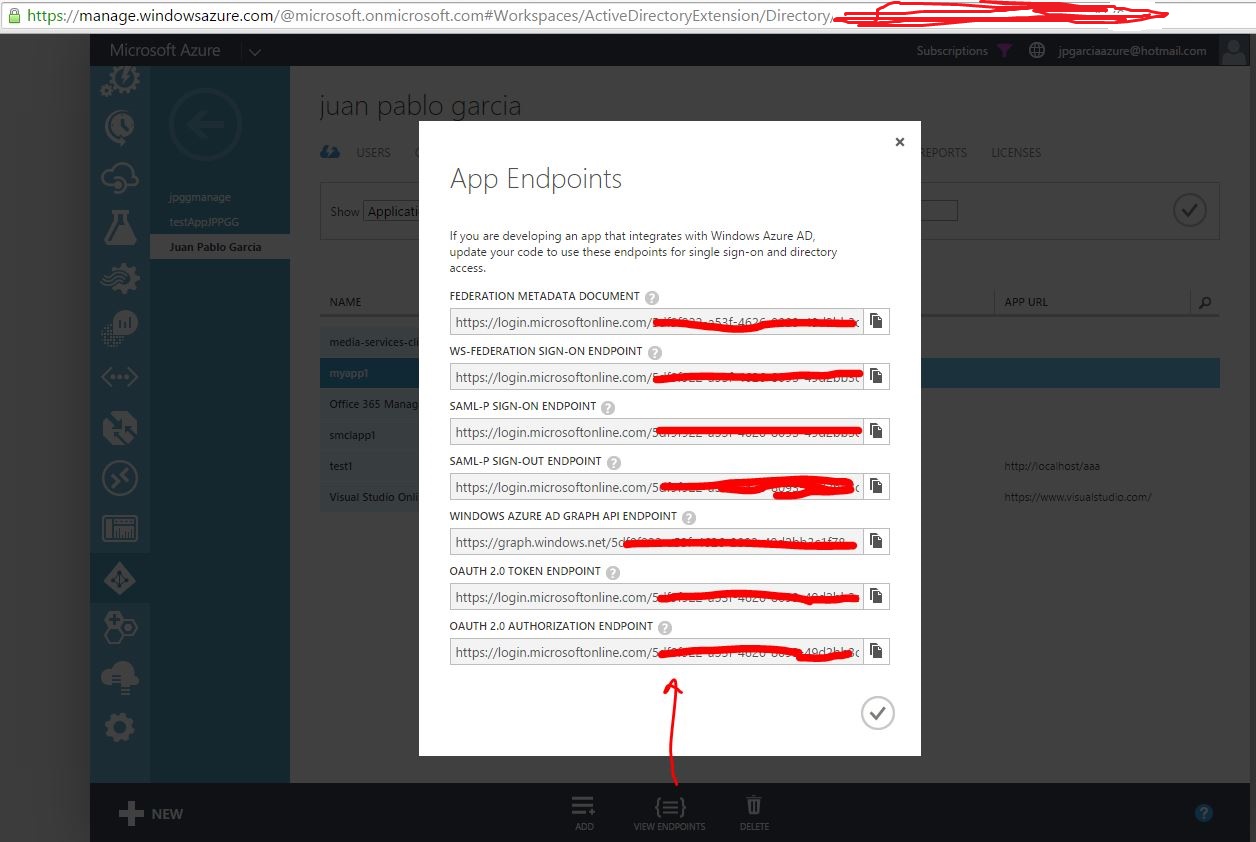
- tenantId: you can see your tenant id in Active directory, application endpoints
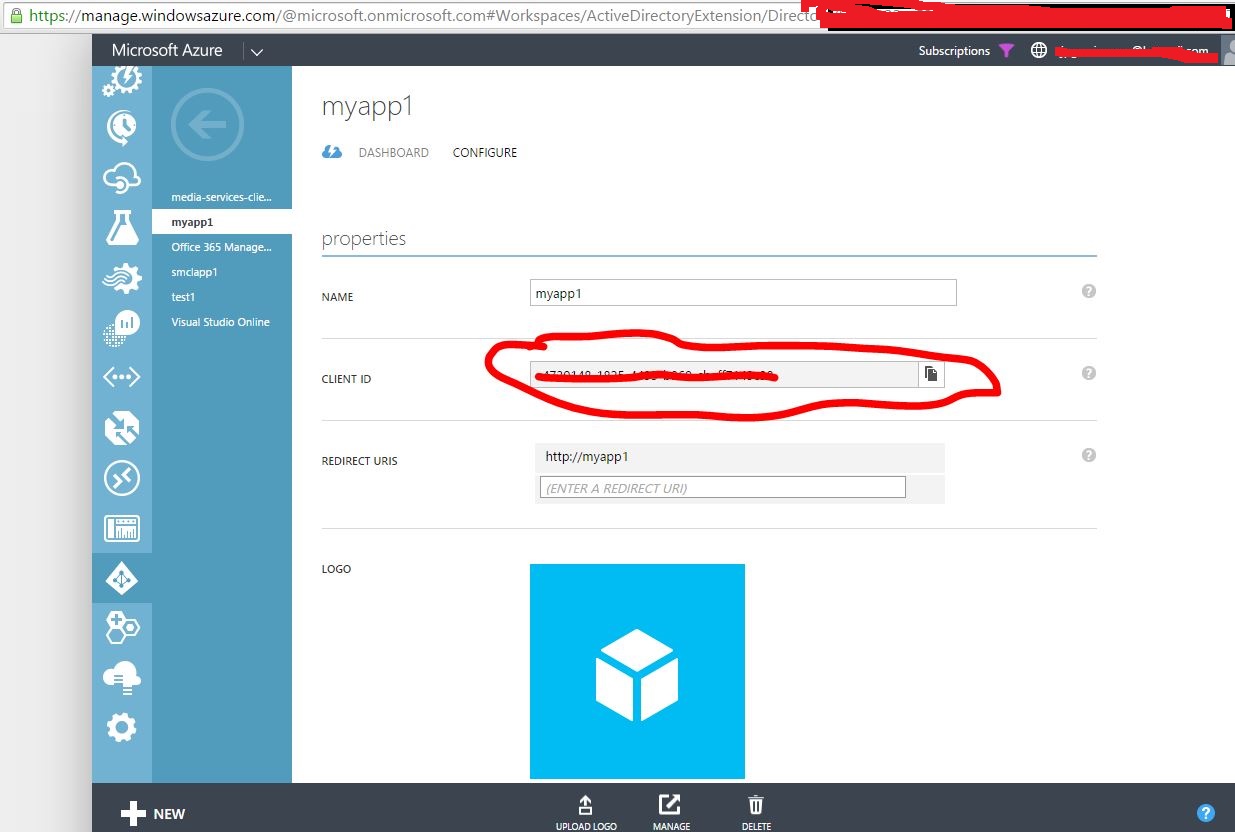
- clientId:You can read client id in e Active directory, application property
- userName: username from Azure Active Directory
- password: user password
- SubscriptionId: subscription ID from the resource, in this case the VM
On the code you need to change the resource with your data
  string ResourceGroupName = "metricsampleRG";
  string ProviderName="Microsoft.Compute";
  string VirtualMachineName="metricsample";
This data can ead from Resource ID in the new portal
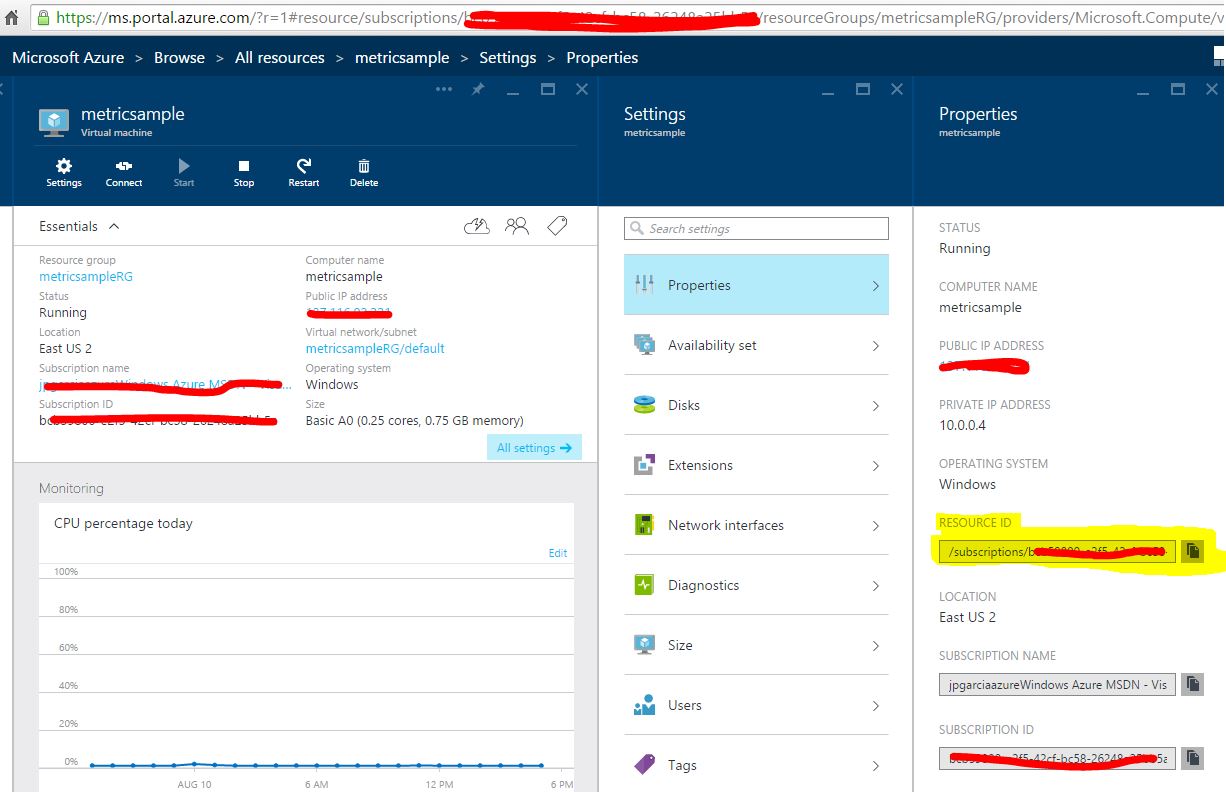
and looks like this sample
/subscriptions/d134b748-cba2-43e2-a445-edc634076368/resourceGroups/metricsampleRG/providers/Microsoft.Compute/virtualMachines/metricsample
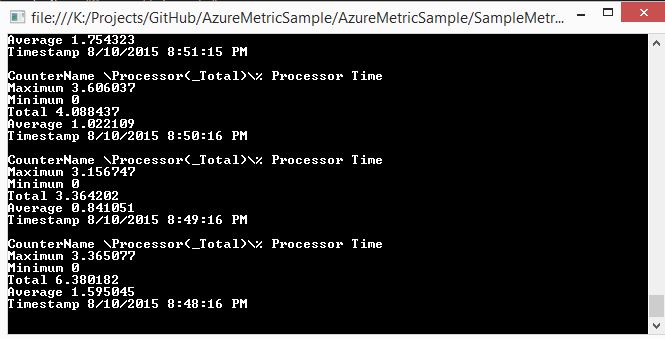
When run the sample program you will see:
- The Token
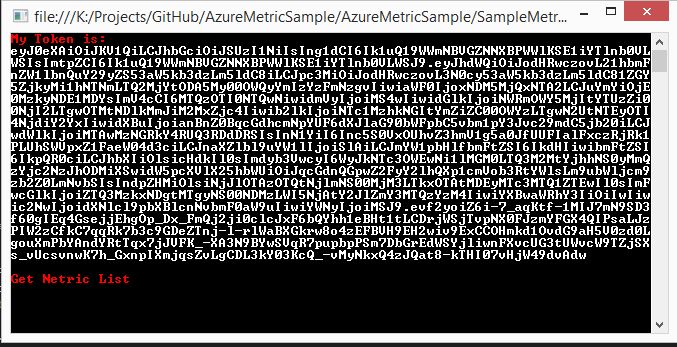
-
The metric list for this recource

-
The metric values for this recource(filtered)