PiCNiC is an open source program which allows you to turn your raspberry pi into a 3D CNC controller.
Your raspberry pi is not able to directly drive stepper motors, it can only be used to control the motor drivers. Per default, PiCNiC is developed to drive a 3-axis CNC machine, with one motor for x and z direction each and two motors in y-direction using DRV8825 stepper motor drivers. Furthermore, a MCP23017-E/SP port expander is used (using the I2C protocol) since the raspberry pi does not provide sufficient GPIO ports for endswitches, relays, microstepping controls etc.
- control of 4 motors (two motors for y-axis)
- endswitches
- automated start/stop of millig motor
- fan control
- parsing of svg and stl files
- multiple toolpath strategies (e.g. contour, constant z, scan)
- manual controls of all axes
PiCNiC requires the following modules to be installed on your raspberry pi:
- pigpio
- PyQt5
- matplotlib
- scipy
- trimesh
- numpy-stl
- shapely
- pyyaml
In order to install the dependencies, you can run the setup.sh files.
PiCNiC was tested on raspberry pi 3 and 4.
First, start the pigpio daemon by executing the command
sudo pigpiodin your console, then run the python file PiCNiC.py by executing
python3 PiCNiC.pyPiCNiC has a built in SVG module interpreter, which allows SVG files to be parsed in two 2D strategies, namely Contour and Constant Z.
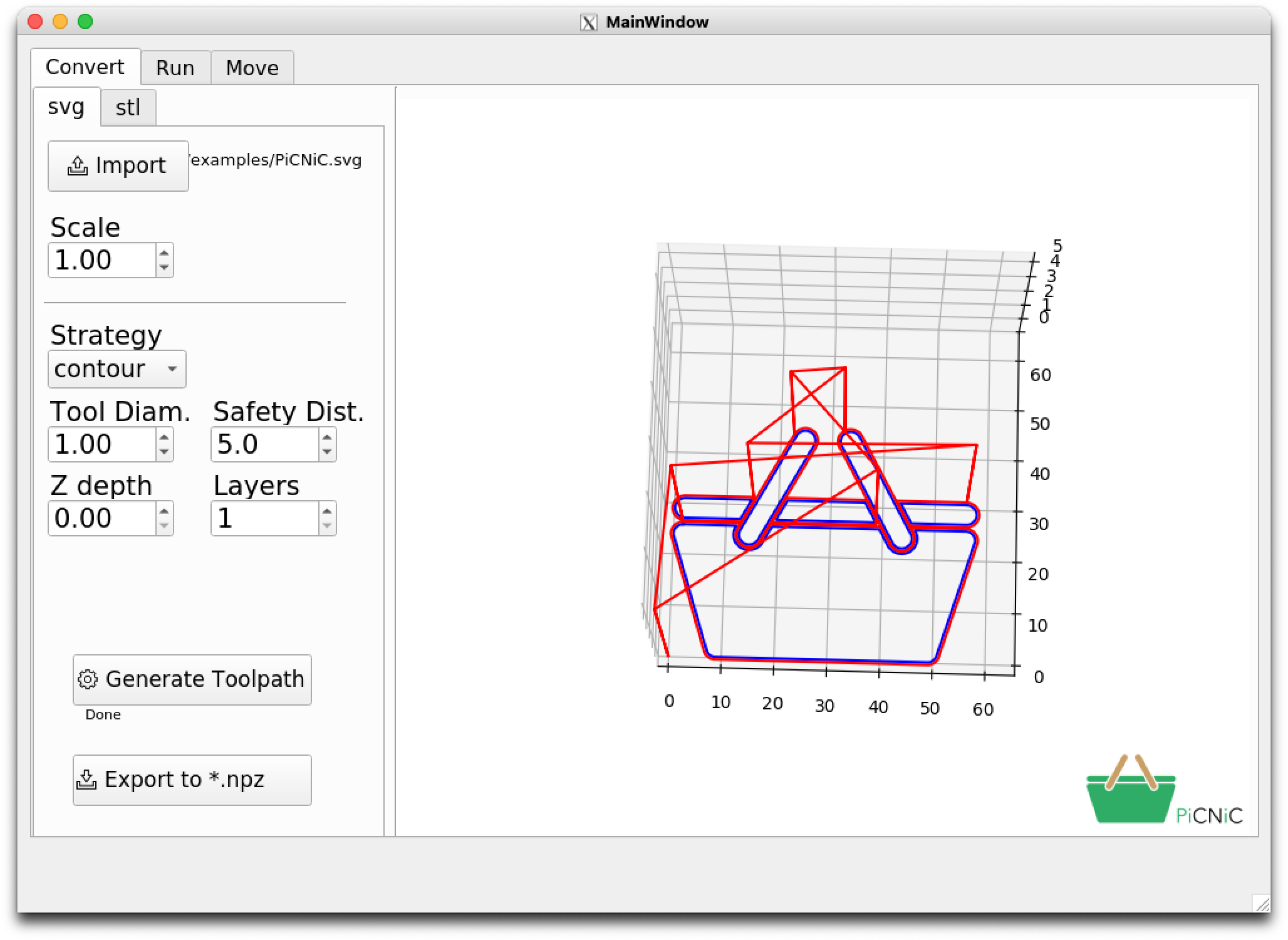
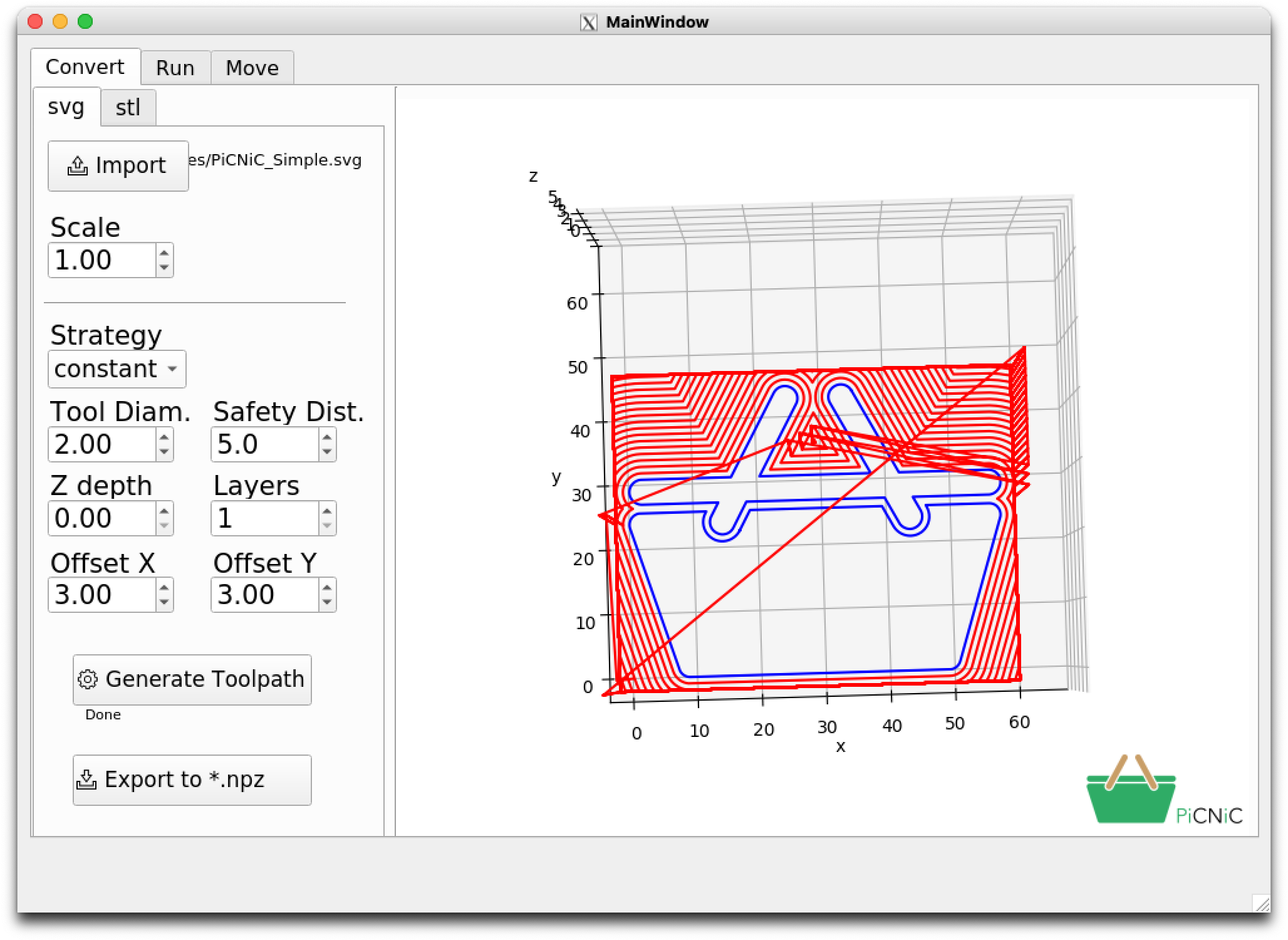
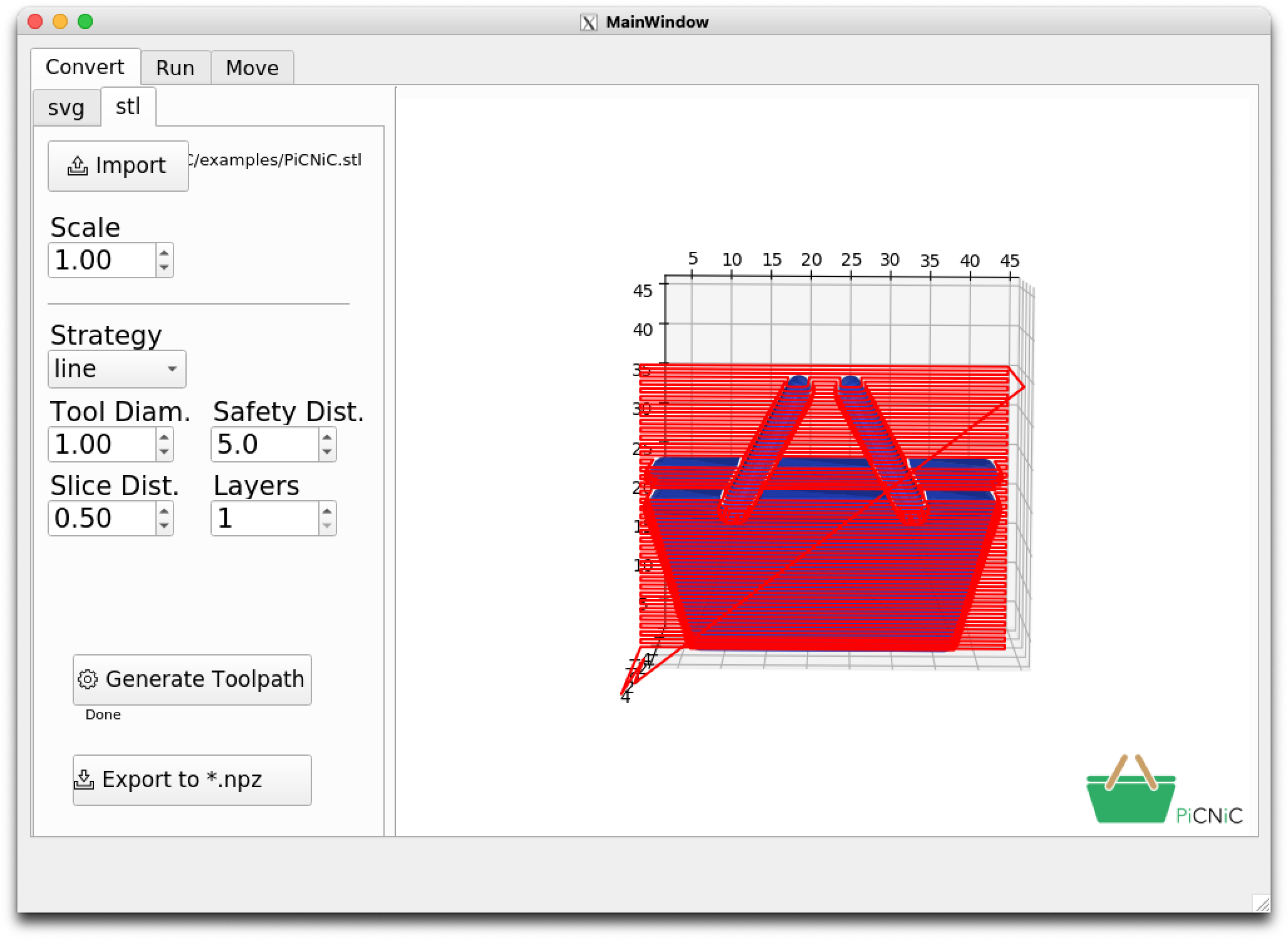
PiCNiC has a built in STL interpreter, which allows STL files to be parsed in both a 2D and a 3D strategy, namely Scan and Contour.
- The icons included in this repository are designed by freepik from Flaticon
- PiCNiC uses third party libraries for the communication with the MCP23017 provided by https://bitbucket.org/dewoodruff/mcp23017-python-3-library-with-interrupts/src/master/
MIT