


chrome extension for yobi
- Add the Dual View mode to all markdown editor.
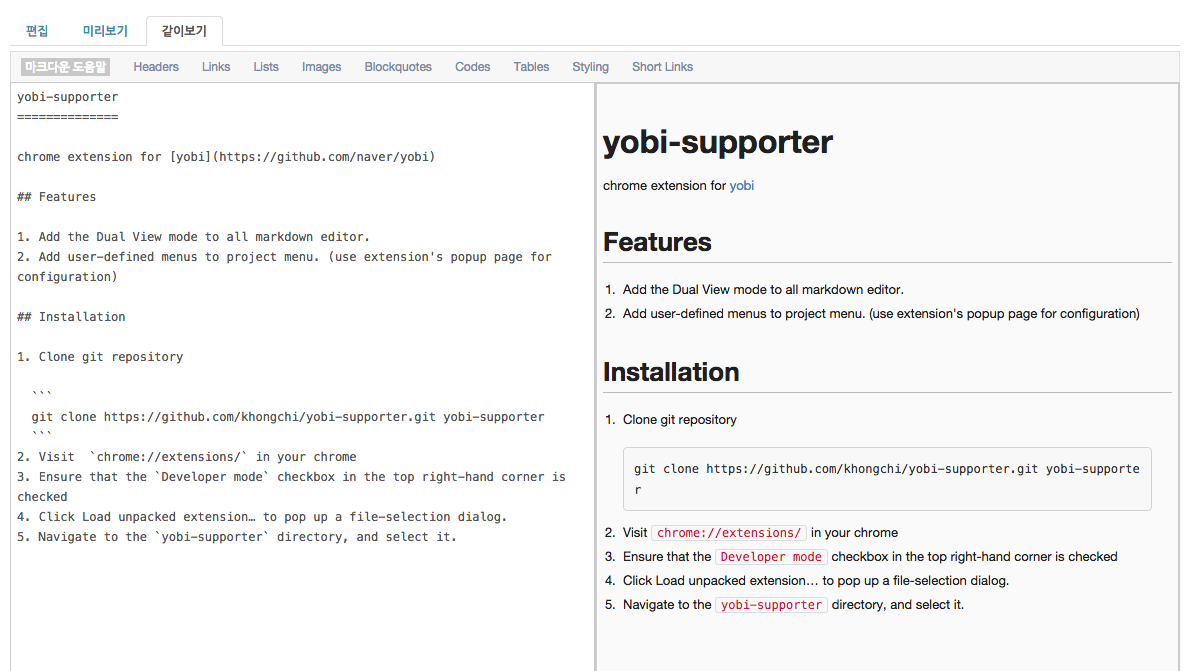
- Add user-defined menus to project menu. (use extension's popup page for configuration)

- Clone git repository
git clone https://github.com/khongchi/yobi-supporter.git yobi-supporter
- Input your yobi project url to
content_scripts.matchesarray inmanifest.json
use wild card(*).
"matches": ["http://myyobi.com/*"],
- Visit
chrome://extensions/in your chrome - Ensure that the
Developer modecheckbox in the top right-hand corner is checked - Click
Load unpacked extension…to pop up a file-selection dialog. - Navigate to the
yobi-supporterdirectory, and select it.