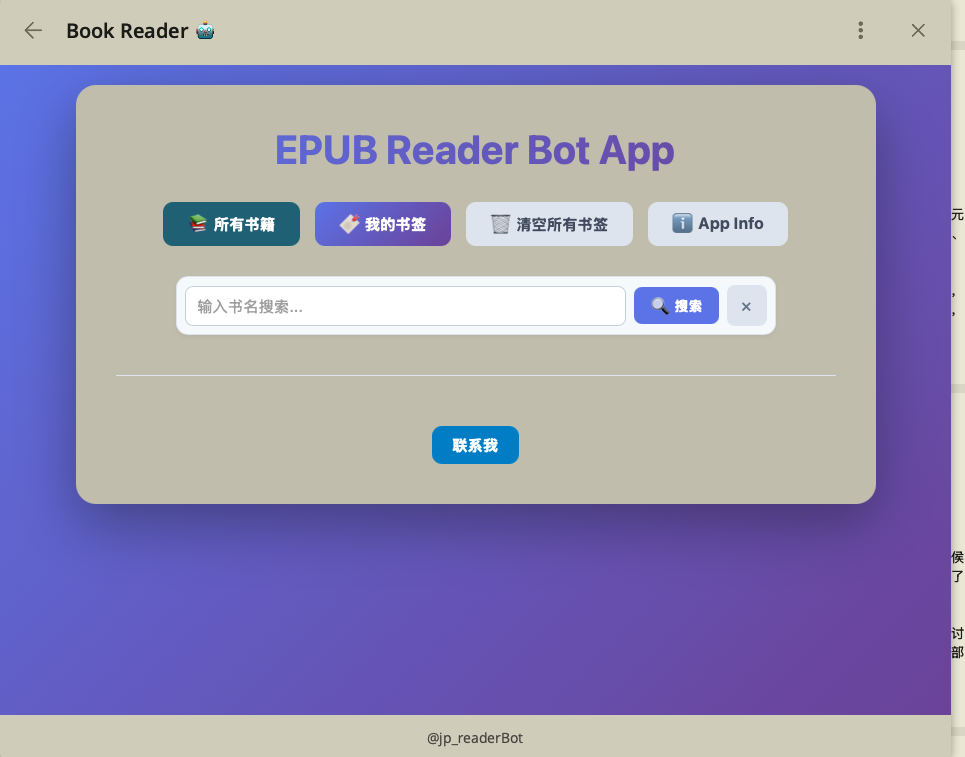
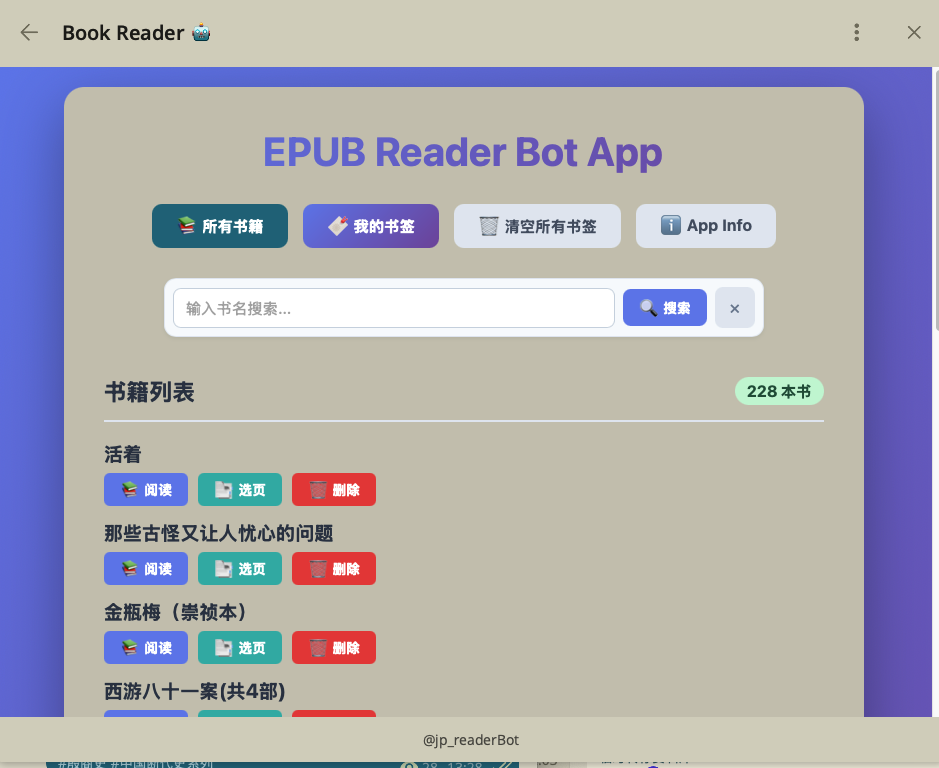
该工具可以通过telegram bot解析epub/txt/pdf书籍,并保存到cloudflare的R2桶中,用于访问书籍,并带有书签功能。
- 上传epub文件给bot
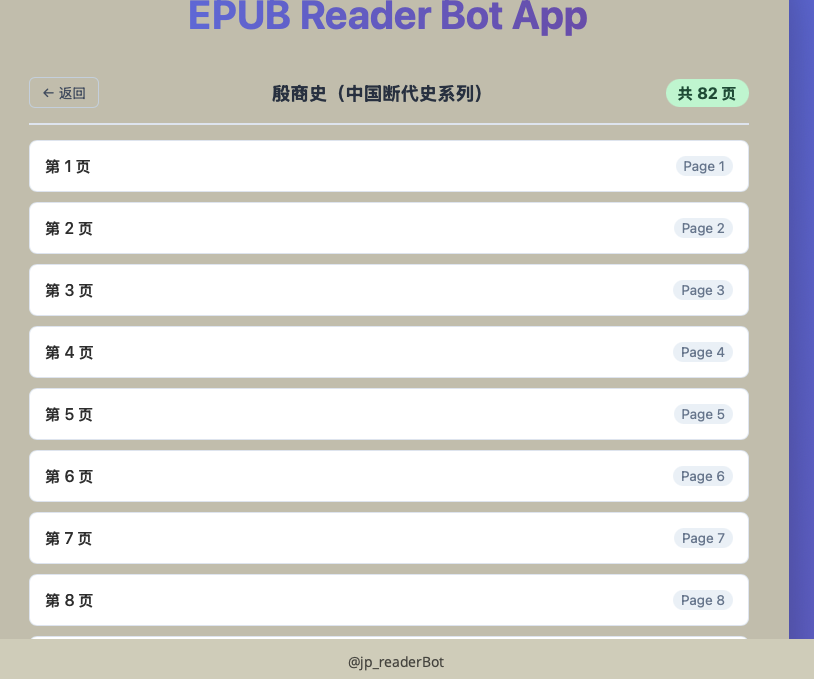
- bot转换成多页后发布到telegraph上,永久保存
- 通过链接访问阅读
- 点击书签即可记录当前阅读进度
- 打开cloudflare目录
- 登录cloudflare
wrangler login - 创建worker
npx wrangler deploy - 下载
docker-compose.yml - 修改
docker-compose.yml - 运行命令
docker-compose up -d
| 参数名 | 类型 | 默认值 | 说明 |
|---|---|---|---|
TELEGRAM_BOT_TOKEN |
string |
null |
telegram bot token,通过botFather获取 |
TELEGRAM_BOT_USERNAME |
string |
null |
telegram bot name |
TELEGRAM_BOT_ADMINS |
string |
null |
bot的可上传书籍人的telegram id,多个使用,隔开,留空表示任何人都可上传epub文件 |
TELEGRAM_BOT_BASE |
string |
https://api.telegram.org |
telegram api base url |
APP_CHARS_PER_PAGE |
int |
10000 |
每一页的字数 |
APP_SAVE |
string |
cloudflare |
数据存储位置local/cloudflare |
TELEGRAM_BOT_WEBAPP_URL |
string |
null |
服务地址,必须使用https协议 |
CLOUD_R2_ACCESS_KEY |
string |
null |
|
CLOUD_R2_SECRET_KEY |
string |
null |
|
CLOUD_R2_ACCOUNT_ID |
string |
null |
|
CLOUD_R2_BUCKET_NAME |
string |
epub-storage |
r2的名称 |
CLOUD_R2_PUBLIC_DOMAIN |
string |
null |
cf 所部署的worker的域名地址 |
CLOUDFLARE_API_TOKEN |
string |
null |
cf 创建自定义缓存清除令牌 |
CLOUDFLARE_ZONES_BOOK_8VOID_SBS |
string |
null |
cf 域名一的Zone ID |
CLOUDFLARE_ZONES_ANOTHER_DOMAIN_COM |
string |
null |
cf 域名二的Zone ID |
欢迎提交 Issue 和 Pull Request!