


A Catppuccin theme extension for Zensical documentation sites.
It registers an installable theme named catppuccin that extends Zensical's
default theme with Catppuccin's Latte, Frappé, Macchiato, and Mocha
palettes.
Live demo · Showcase · Configuration · Changelog
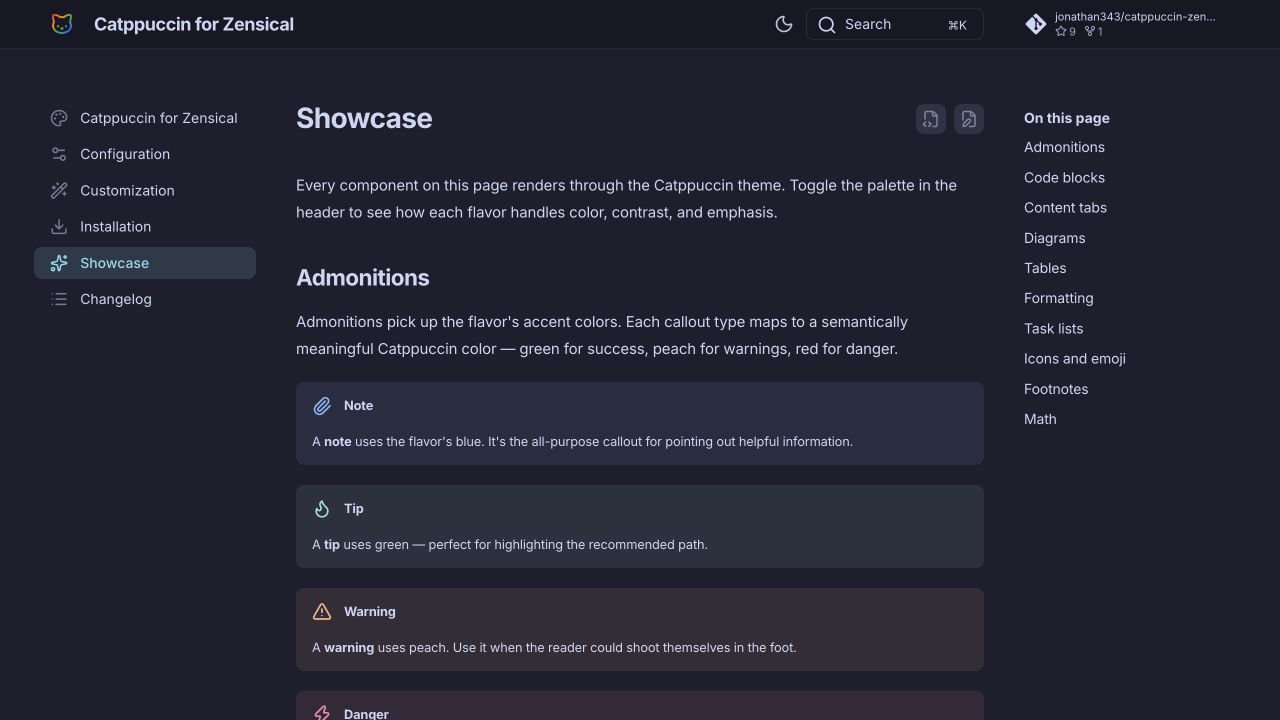
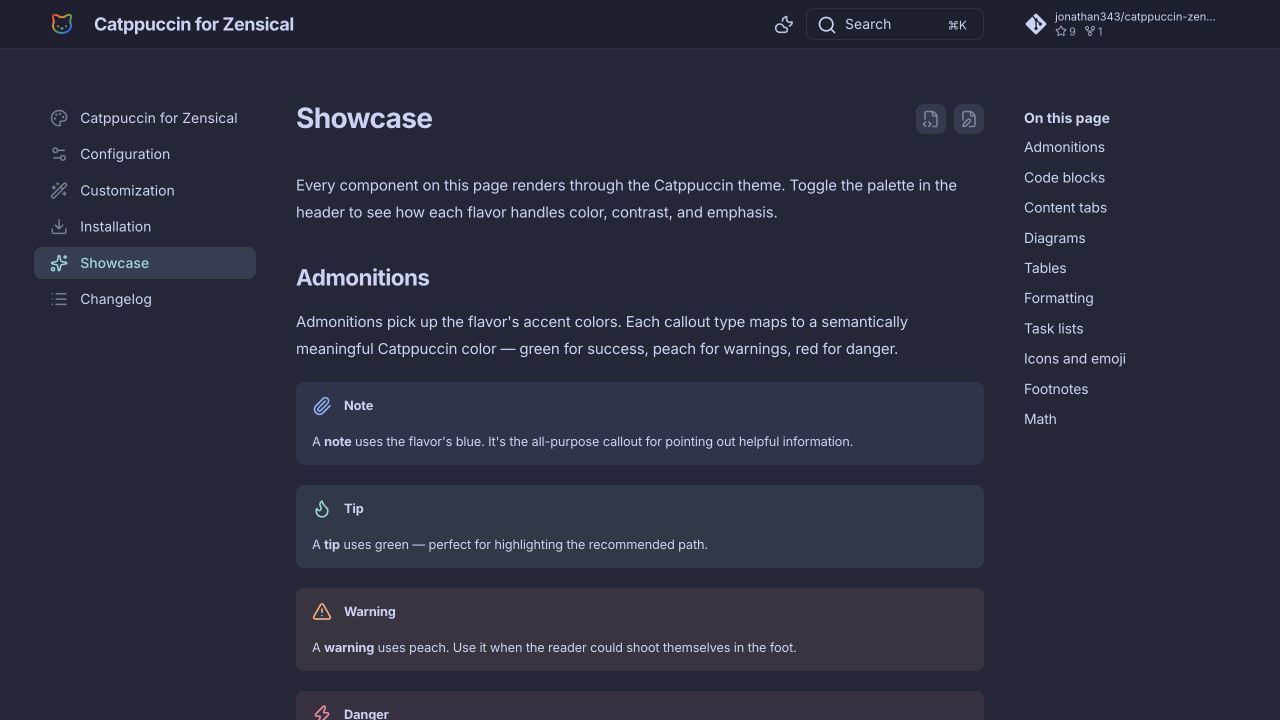
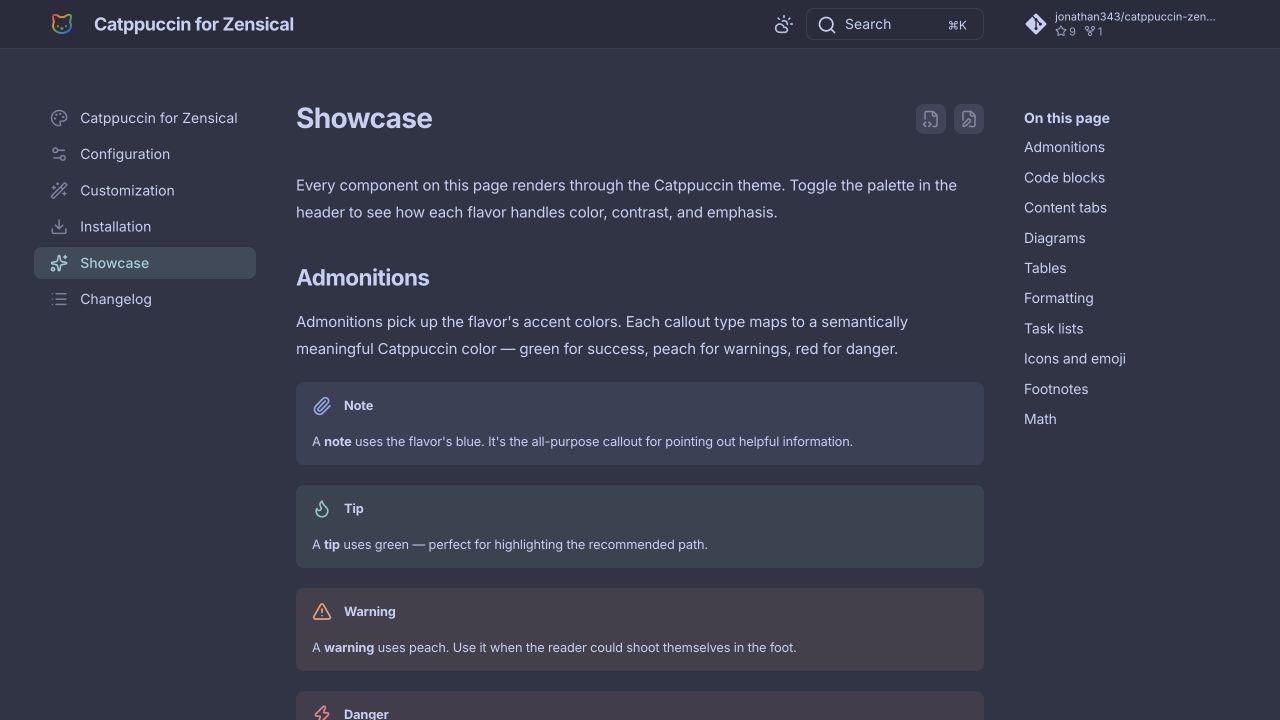
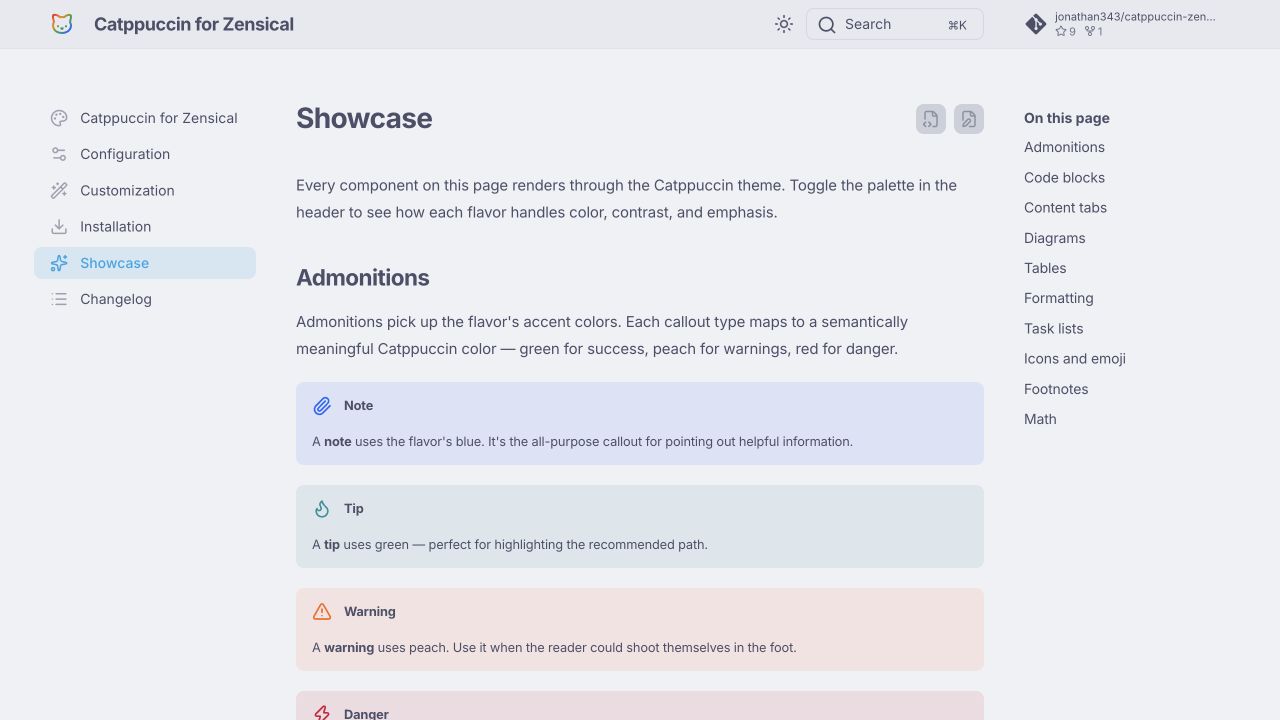
- Four Catppuccin flavors: Latte, Frappé, Macchiato, and Mocha.
- Automatic light/dark mode defaults: Latte for light mode and Mocha for dark mode.
- Catppuccin colors across Zensical components, including navigation, search, code blocks, admonitions, tables, highlights, diagrams, and footer elements.
- A small optional "Styled with catppuccin-zensical" footer signature that links back to the live documentation.
Install the package in the same environment as Zensical:
uv pip install catppuccin-zensicalThen set the theme name in zensical.toml:
[project.theme]
name = "catppuccin"The default configuration follows the user's system preference with Latte for light mode and Mocha for dark mode. To force a specific flavor, set the palette scheme:
[project.theme]
name = "catppuccin"

[[project.theme.palette]]
scheme = "catppuccin-macchiato"
primary = "custom"
accent = "custom"
Available schemes:
| Flavor | Scheme |
|---|---|
| Latte | catppuccin-latte |
| Frappé | catppuccin-frappe |
| Macchiato | catppuccin-macchiato |
| Mocha | catppuccin-mocha |
The theme adds a small "Styled with catppuccin-zensical" line to the footer that links to the live documentation. To opt out, set:
[project.extra.catppuccin]
signature = falseFrom this checkout:
uv sync --all-groups
uv run zensical serve