iOS 6 introduced a new feature called UICollectionView. UICollectionViewWaterfallLayout is a subclass of UICollectionViewLayout.
This layout is inspired by Pinterest. It also is compatible with PSTUICollectionView.
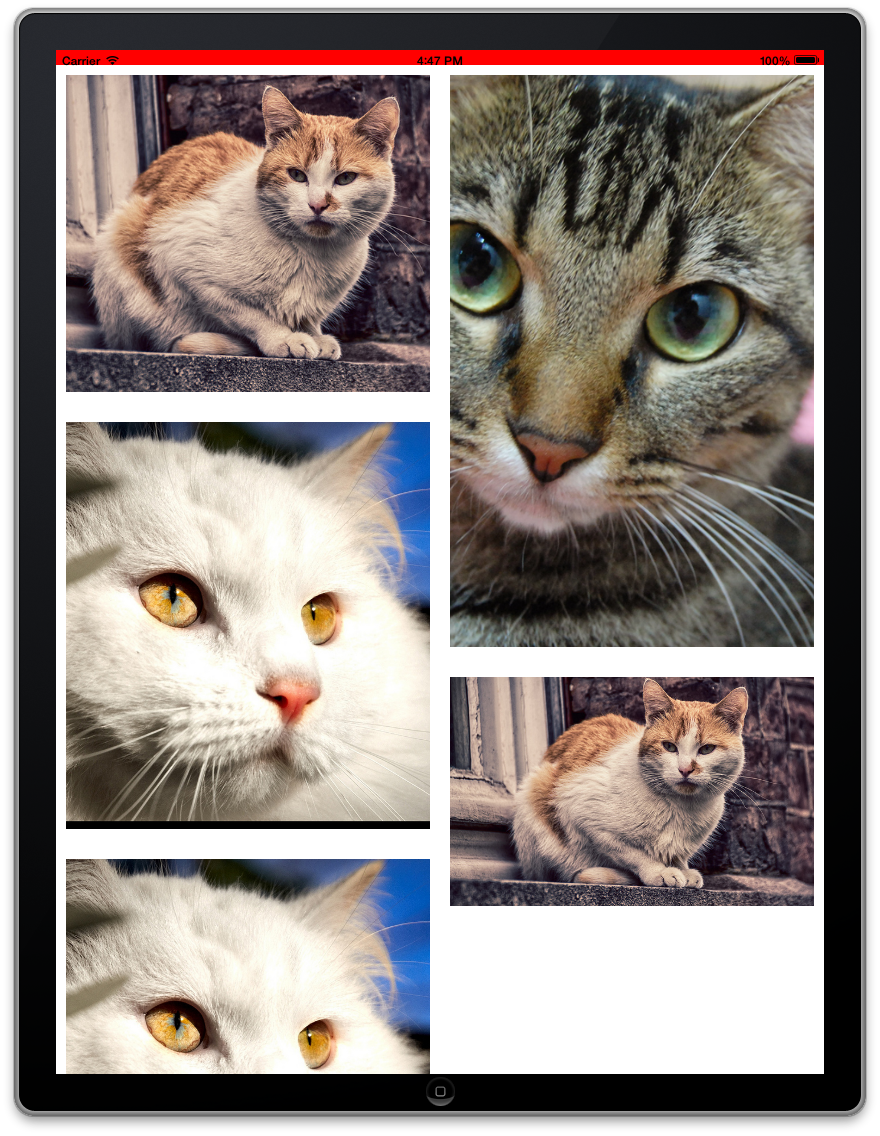

- ARC
- Xcode 4.4+, which supports literals syntax.
- iOS 6+, or
- iOS 5 and below, with PSTUICollectionView.
There are four properties for you to set up.
@property (nonatomic, weak) id<UICollectionViewDelegateWaterfallLayout> delegate;
@property (nonatomic, assign) NSUInteger columnCount; // How many columns
@property (nonatomic, assign) CGFloat itemWidth; // Width for every column
@property (nonatomic, assign) UIEdgeInsets sectionInset; // The margins used to lay out content in a section
It's your responsibility to set up delegate, columnCount, and itemWidth, they are required. But sectionInset is optional.
And you also need to implement one method in your delegate for the UICollectionViewDelegateWaterfallLayout protocol.
- (CGFloat)collectionView:(UICollectionView *)collectionView
                   layout:(UICollectionViewWaterfallLayout *)collectionViewLayout
 heightForItemAtIndexPath:(NSIndexPath *)indexPath;
Then you are done! Easy, right?
- Only one section is supported.
- Only vertical scrolling is supported.
- No supplementary view and decoration view.
UICollectionViewWaterfallLayout is available under the MIT license. See the LICENSE file for more info.
None, so far.