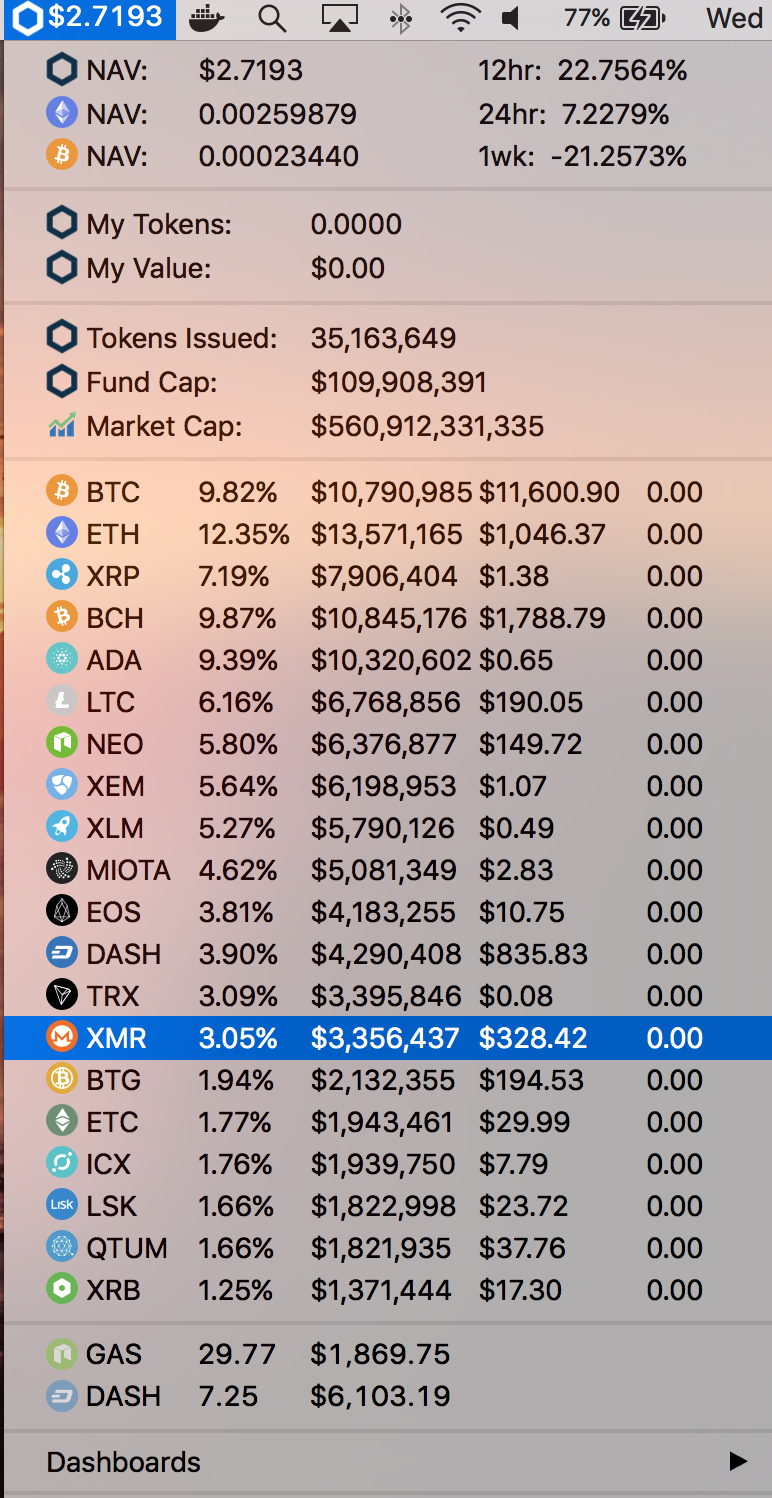
Download BitBar https://getbitbar.com/
- Copy
c20.pyinto your bitbar plugins directory - In the command prompt run
chmod 755 c20.py - Refresh your bitbar
- nav in ETH and BTC
- market cap links to https://livecoinwatch.com/
- individual holdings link to their respective page on coinmarketcap
- added dashboard links to youcandance & firebaseapp
- added the amount of each holding you technically hold with your tokens
- added nav movements
- The
c20.pyscript grabs token images from the github repo - The devs are responsible for generating them as new coins enter the market. This is done by running
python bin/generate_images.py. You'll need to install thepillowdep and push the resultant generated images back to the repo for the clients to consume. - The
c20.pyscript caches token images locally so github isn't hit often.