Features BQM
DOCSight can collect ThinkBroadband BQM data from public CSV share URLs and can still archive legacy PNG graph URLs from ThinkBroadband BQM.
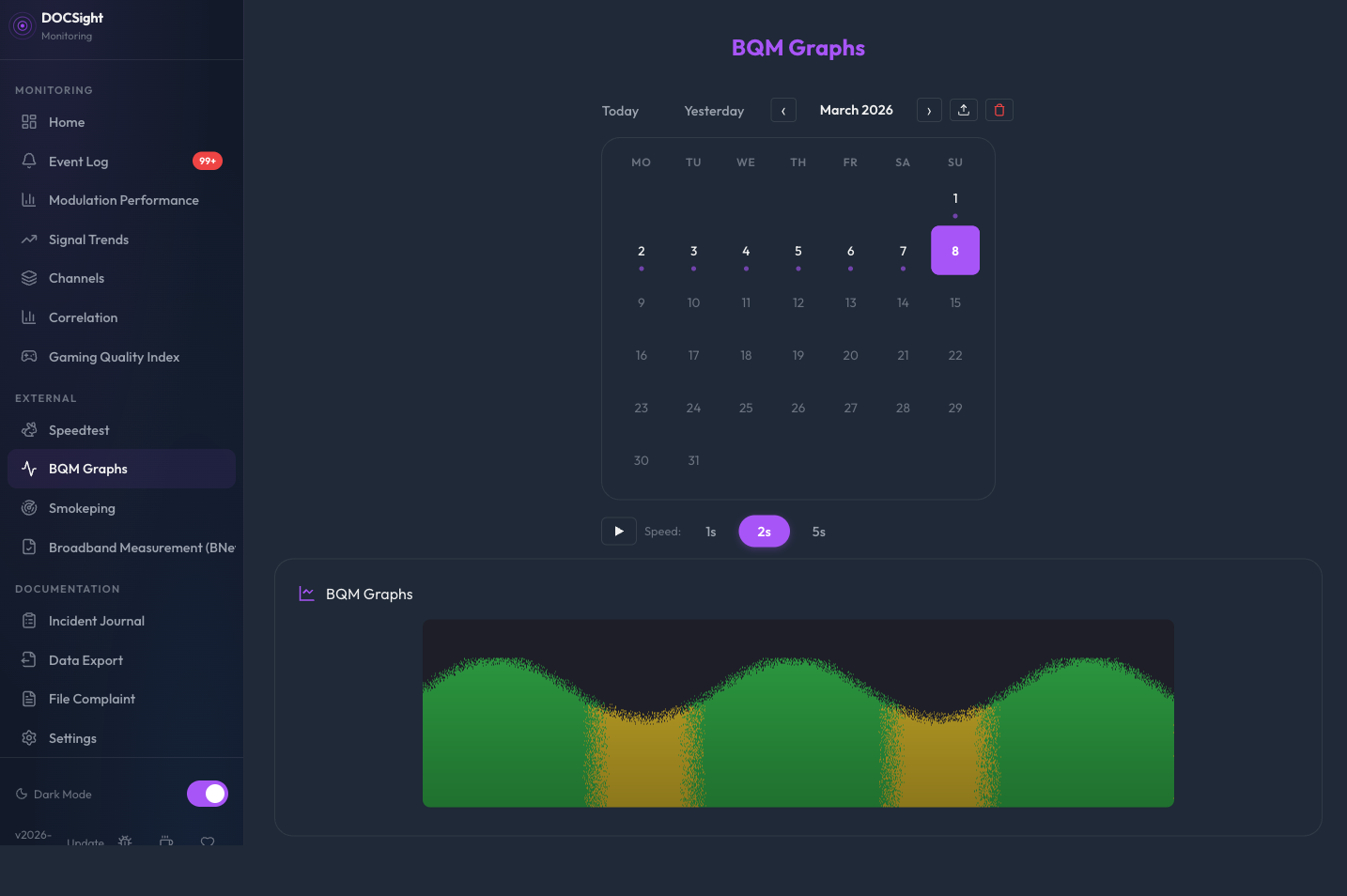
ThinkBroadband's Broadband Quality Monitor measures latency, packet loss, and jitter from outside your network. It complements DOCSight's internal DOCSIS monitoring by showing what your connection looks like from the internet's perspective.
Use a CSV Yesterday share URL for daily collection. This gives DOCSight parsed latency and packet-loss data for interactive charts.
- Create a free BQM account at thinkbroadband.com.
- Open your BQM share options.
- Copy the CSV Yesterday share URL.
- In DOCSight Settings, expand ThinkBroadband BQM.
- Paste the CSV Yesterday URL into Share URL.
- Set the daily collection time.
- Save.
After saving a new BQM URL, DOCSight immediately tries one initial fetch. After that it collects once per day at the configured time. PNG links remain supported only for legacy image mode.
Do not use CSV Live for daily collection. CSV Live is useful for spot checks, but daily history should use CSV Yesterday so DOCSight stores a stable completed day.
If you want more history before the daily collector takes over, use the CSV bulk import.
- Open BQM Graphs.
- Click Import.
- Add ThinkBroadband CSV exports.
- Use the 12-month CSV export when you want a larger initial history.
- Review the import preview.
- Import only when the validation state is clean.
DOCSight stores imported CSV rows in the same chart data store as daily collection. Duplicate timestamps are ignored, so re-importing an already loaded period is safe.
If you already have saved BQM graph images, DOCSight can still import them as legacy evidence:
- Open BQM Graphs.
- Click Import.
- Drag in PNG/JPEG images or use Browse BQM images.
- Review the preview table before importing.
- Fill in any missing dates detected from filenames.
- Import only when the inline validation state says the images are ready.
Unsupported file types and missing dates stay visible inside the modal. The import action remains disabled until every selected image has a usable date.
The BQM view shows a month calendar for navigating collected data:
- Day cells with data are marked.
- Today is highlighted.
- The selected date is highlighted.
- Click a day with CSV data to load an interactive chart.
- Click a day with only legacy PNG data to load the archived image.
- Use Today, Yesterday, 7d, 30d, and 1y shortcuts for common ranges.
When viewing today's date, DOCSight can fetch a live PNG directly from ThinkBroadband. The live image:
- auto-refreshes approximately every 15 to 17 minutes while the BQM view is active;
- shows a Live status only when the image really came from a live request;
- labels cached PNG fallback separately if the live request fails.
This avoids presenting cached data as live freshness.
Polling jitter: Each refresh cycle adds a random offset of 0 to 120 seconds to the 15-minute base interval. This prevents multiple DOCSight instances or browser tabs from hitting ThinkBroadband at the exact same moment.
DOCSight collects daily BQM data once per day at the configured time, defaulting to 02:00. To avoid all instances requesting BQM data simultaneously, each instance applies a random spread offset of 0 to 120 minutes on startup.
DOCSight records the last successful BQM collection in persistent metadata. If the app restarts after successfully collecting a target day, it does not fetch that same target day again.
Longer offline gaps are not silently backfilled by the daily collector. Use CSV bulk import for older missing periods.
When you select a date range in Signal Trends or the Incident Journal timeline, switching to the BQM view pre-selects that same range in the calendar. This makes it easy to correlate DOCSIS signal issues with external quality data.