Getting started
The first thing to do is to install VirtualBox on your system. Then you have the choice of either using the minimal blackbox and a SIP phone on your host computer, or use a blackbox image with a pre-installed client. The former is the closest to the actual setup on the small hardware but the later will probably be easier to use. If you are unsure, go for the pre-installed SIP phone.
In both images the password for root is "blackbox". There is also a normal user named "box" which has the password "box". Besides Ekiga, there is no difference in terms of software installed.
Then, download the virtual image of the BlackBox and import it (menu "File -> Import Appliance"). Once the machine is imported, start it to get it running
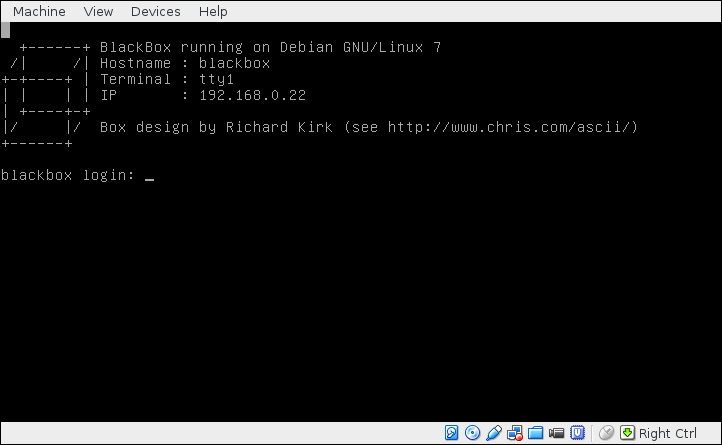
The BlackBox is by default configured with a SIP interface and a little menu. In order to test it you first need to have a SIP phone installed on your computer. Two popular choices are LinPhone and Ekiga. Install one of these and configure it properly. Once this is done you will be able to call SIP numbers such as sip:500@ekiga.net or sip:zakim@voip.w3.org.
Once your SIP phone is correctly configured you can call the blackbox. Its IP is normally shown on the header message. If there is nothing there log on into the BlackBox and display your IP address using the command ip addr:
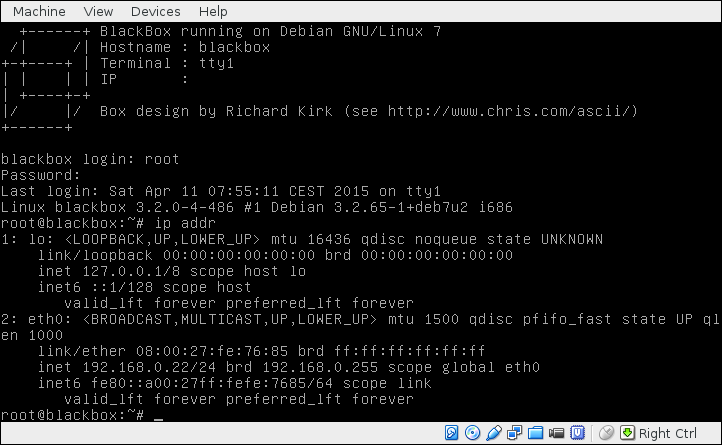
In this screenshot the IP is 192.168.0.22. Use your SIP phone to call to sip:testing@192.168.0.22 and you will be hearing the sound of the country side around '-Hertogenbosch :-) While you are enjoying it, you can press 1 to switch to hearing a beep and 2 to terminate the call. You can also just wait until the end of the sound file.
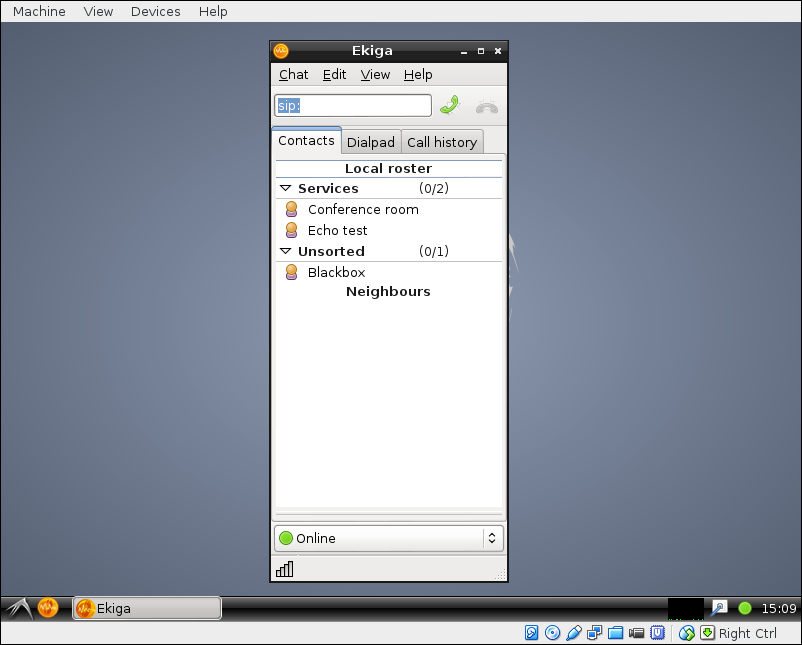
Download an install the image of the blackbox with Ekiga and import it (menu "File -> Import Appliance"). Once the machine is imported, start it to get it running
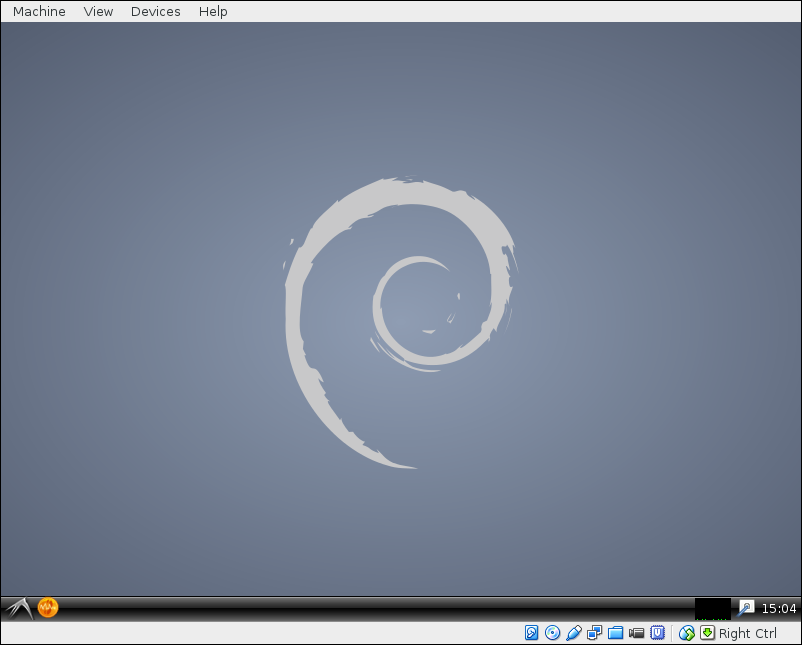
The orange icon on the bottom left part of the screen is Ekiga. Click on it to open the phone and then call the contact "BlackBox" to call the blackbox. To press numbers click on the "Dialpad" tab.