
A Decentralised solution for college projects to get grants from Ecosystem.
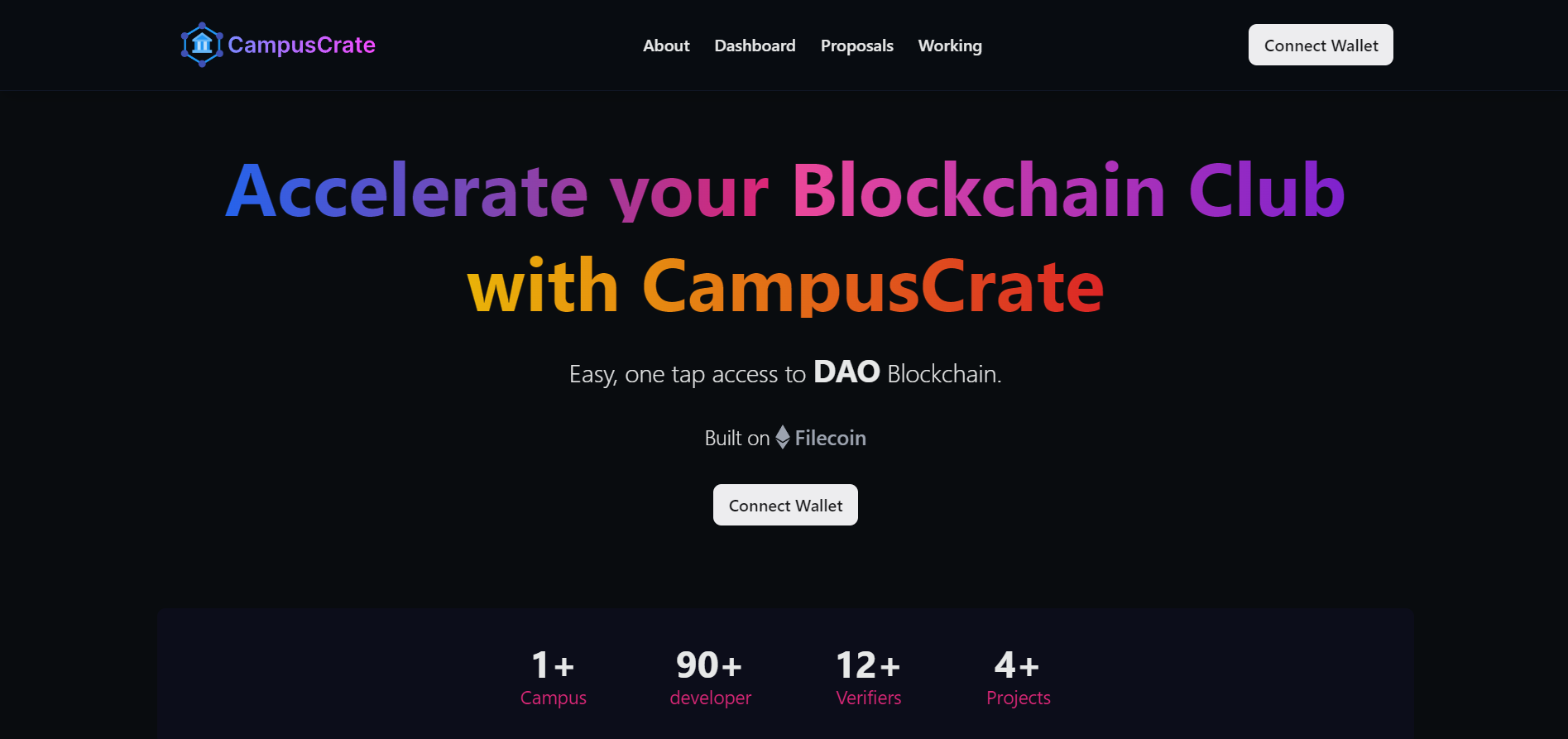
Home Page
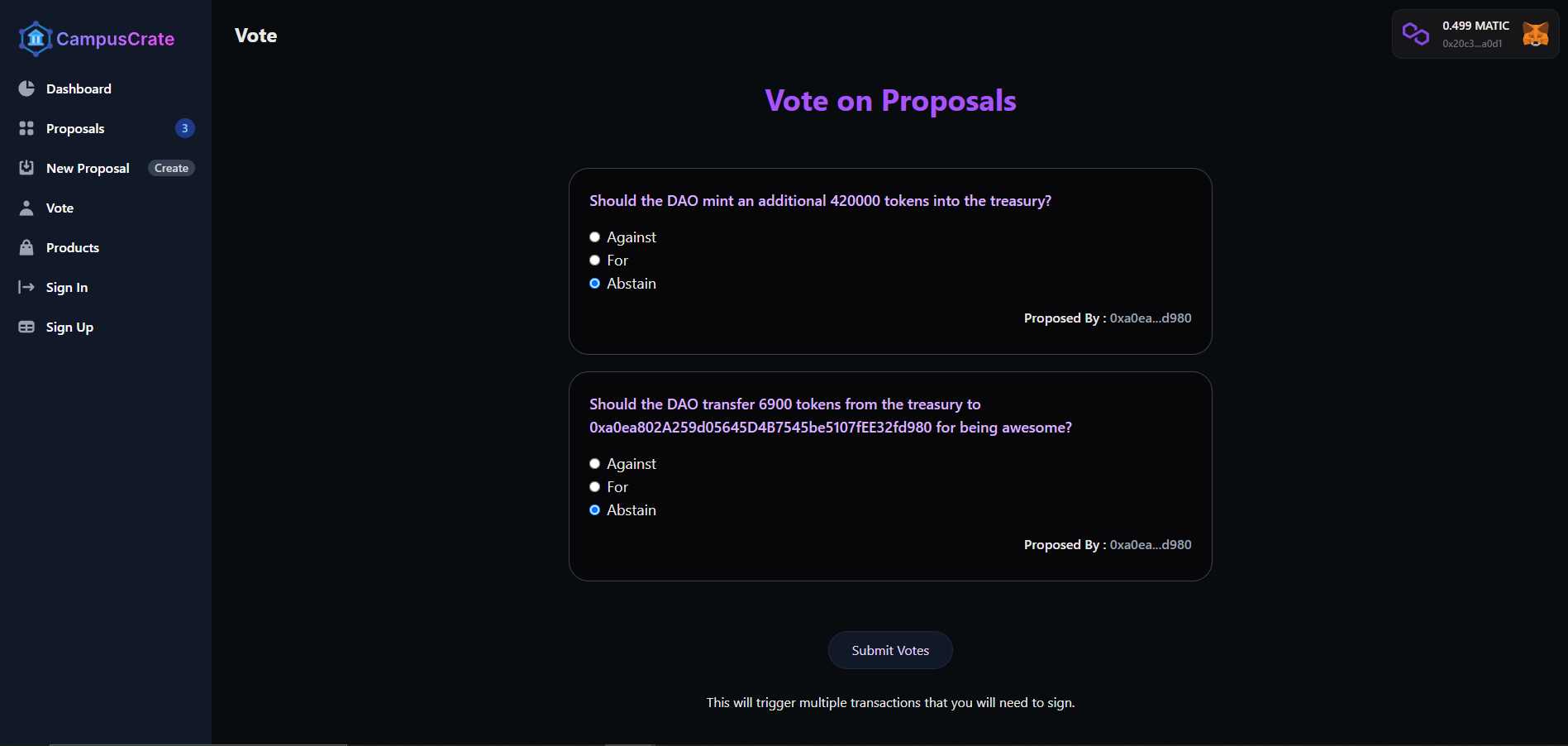
Voting Page
DAO functionalities:
- A two-tier DAO for incubating and accelerating ecosystem projects.
- Top tier consists of CampusCrate DAO that is accessible for ecosystem verifiers and club leaders.
- Bottom level DAO for college/university clubs to develop projects(personalized for every university with limited functionality).
- NFTs for members and leaders with DAO tokens for voting proposals.
- Club leader can propose new proposals and vote on proposals, as well as secure funding for their respective Blockchain club

- Student entrepreneurship in the web3 space faces significant challenges.
- Many students abandon their web3 projects after hackathons due to a lack of guidance, vision, and funding.
- The lack of proper web3 student infrastructure is a key factor in preventing projects from gaining traction and recognition.
-
Introducing an innovative solution to expedite student projects :-
A Decentralized Autonomous Organisation (DAO) specifically designed for university Blockchain clubs. Our approach comprises a two-tier structure of DAOs, starting with individual University Blockchain clubs that discover and nominate promising projects on campus, with voting conducted by club members -
The second tier involves the collaboration of these university DAOs, where each Club Leader can propose guidance and funding for projects. Every club leader has the power to cast their vote on proposals, making this a truly democratic and inclusive platform.
We have used ERC1155 contract to deploy NFTs of CampusCrate DAO membership.
Deployed Address:
https://mumbai.polygonscan.com/address/0x12C381A9b06EDeB5a03Be718bbBCF6a1dB306f8a
We have deployed CampusCrate Goveranance Token which is a ERC20 token.
Deployed Address:
https://mumbai.polygonscan.com/address/0xbf9a9f4ff3da3ea6b17c59b04332edd89b072c0c
A voting cortract has been deployed on Polygon to give votting access to CampusCrate DAO members.
Deployed Address:
https://mumbai.polygonscan.com/address/0xc8A95Bc1dF176777F52C1F0cD3d7dd93206CEed8
We have a DAO treasury account which holds over 90% of CampusCrate tokens, with no single entity claiming ownership or control of account.
It divided in two part: Server and client
It consists of following scripts:
- Initialize-sdk.js : It initialize the thirdWeb SDks which we can use to call transactions in other scripts.
- deploy-drop.js : This scripts is used for metadata creation of CampusCrate membership NFTs.
- config-nft.js : Used for deployment of NFTs to the Mumbai Testnet
- set-claim-condition.js : This script is used for claiming the NFT for membership of DAO.
- deploy-token.js : This script is used for deployment of CampusCrate Governance token {CCT} to AddressZero
- print-money.js : Used for amoumt to token to be minted for the DAO. For now we have minted 1,000,000 CCT tokens.
- airdrop.js : With the help of this script, we transfer tokens to new joined members for voting to thier accounts.
- setup-vote.js : This script is used for giving voting access to DAO members only.
- create-vote-proposal.js : With the help of this file, members are given access to create proposals.
Visit https://thirdweb.com to know more.
Refer to https://react.dev/ install React
Refer to TailwindCSS docs
A Javascript runtime environment that executes Javascript code outside a web browser.
Polygon is a protocol and a framework for building and connecting Ethereum-compatible blockchain networks. It is a scaling solution for Ethereum that allows developers to quickly and easily build and deploy Ethereum-compatible blockchain networks tailored to the needs of their decentralized applications (dApps) and users.
Express.js, or simply Express, is a back end web application framework for Node.js, released as free and open-source software under the MIT License. It is designed for building web applications and APIs. It has been called the de facto standard server framework for Node.js.
Metamask is a browser extension that allows users to interact with the Ethereum blockchain. It allows users to connect to the Ethereum network and interact with smart contracts.
IPFS is a peer-to-peer hypermedia protocol designed to make the web faster, safer, and more open. It is a distributed file system that seeks to connect all computing devices with the same system of files. In some ways, this is similar to the original aims of the Web, but IPFS is actually more similar to a single bittorrent swarm exchanging git objects.
Refer to https://nodejs.org/en/ to install nodejs
Install create-react-app npm package globally. This will help to easily run the project and also build the source files easily. Use the following command to install create-react-app globally.
npm install -g create-react-appThis project uses Tailwind CSS for styling. Refer to https://tailwindcss.com/ to learn more about Tailwind CSS.
The WebSite is deployed in https://campus-crate.vercel.app/
Click on the link to see the website.
Clone the project into local.
Install all the npm packages. Go into the root folder in each folder client and server and type the following command to install all npm packages
npm installIn order to run the application Type the following command in the client folder of the project
npm run startAnd Type the following command in the server folder of the project
npm run devAlso you need to add .env file in server folder:
Its format looks like:
PRIVATE_KEY=<YOUR WALLET PRIVATE KEY>
WALLET_ADDRESS=<YOUR WALLET ADDRESS>
QUICKNODE_API_URL=<YOUR RPC URL>
The Client Runs on http://localhost:3000/
The Server Runs on http://localhost:4000/
- website : https://campus-crate.vercel.app/
- Youtube : https://youtu.be/lsd5nwyz0uc
- Screen Recording : https://app.flonnect.com/view/video/harshktiwary07/Flonnect_2023-04-16_81866baf-3eb9-4fae-81f4-f5d9d40ebaf9
-
Our team faced a major challenge while attempting to deploy our project on the Filecoin Hyperspace testnet. We encountered an issue with the RPC (Remote Procedure Call) URL, which prevented us from completing the deployment process.
-
We also encountered a challenge with routing while trying to deploy our backend on Vercel. Despite trying various solutions, we were unable to resolve the issue. In order to continue with the project, we decided to switch to Railway for deployment.
Team of CampusCrate 💕: