
A VS Code extension that provides visual editors for pokeemerald-expansion projects. It was built by AI with human guidance, review, and testing.
Working knowledge of the game and its data formats is still expected — always verify your changes are correct before committing. Since this tool is AI-generated, never assume the output is always accurate. I will be fixing issues as I discover them through my own personal use. If something isn't being edited correctly, please open an issue.
| Editor | Description |
|---|---|
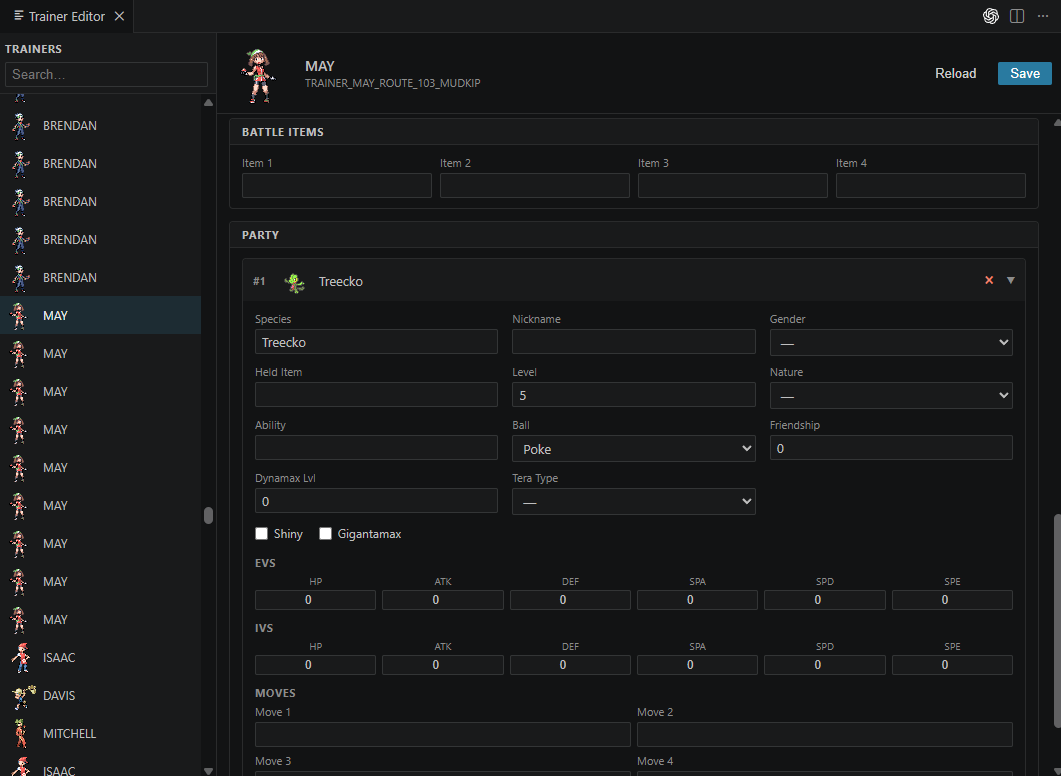
| Trainer Editor | Edit trainers and their party Pokémon via a GUI. Writes to src/data/trainers.party. |
| Trainer Editor (FRLG) | Same as above for the FRLG variant. Writes to src/data/trainers_frlg.party. |
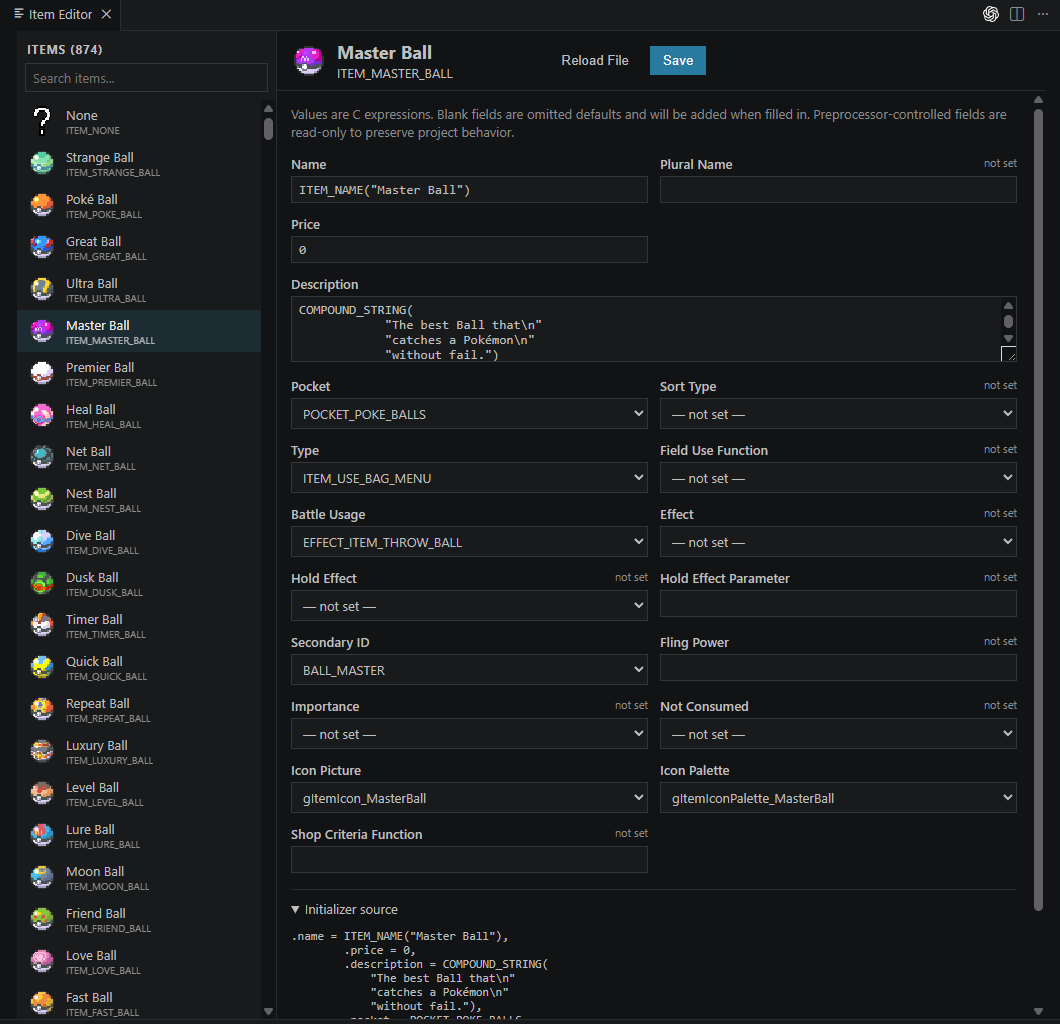
| Item Editor | Edit items via a GUI. Writes to src/data/items.h. |
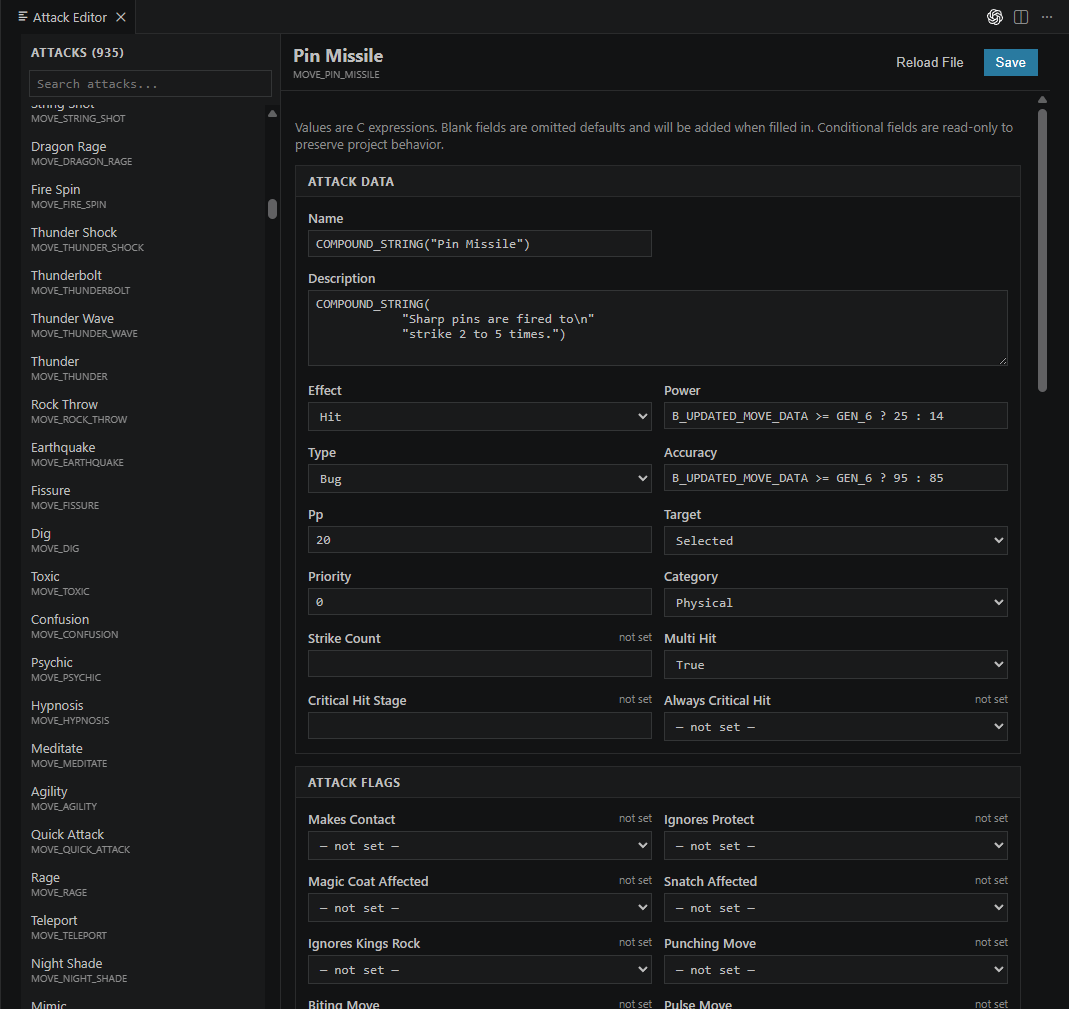
| Attack Editor | Edit attacks and their battle properties via a GUI. Writes to src/data/moves_info.h. |
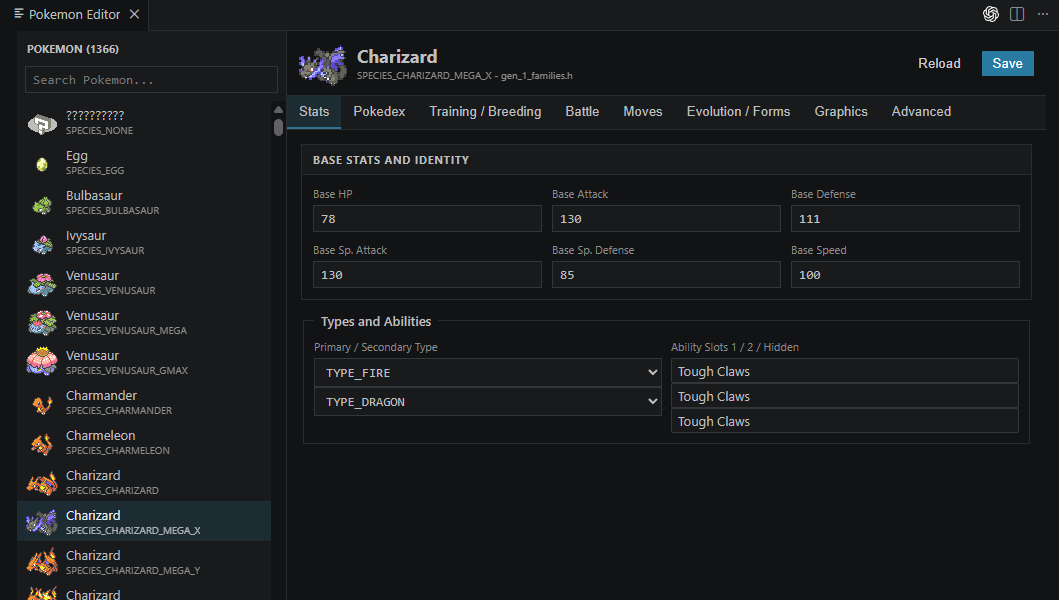
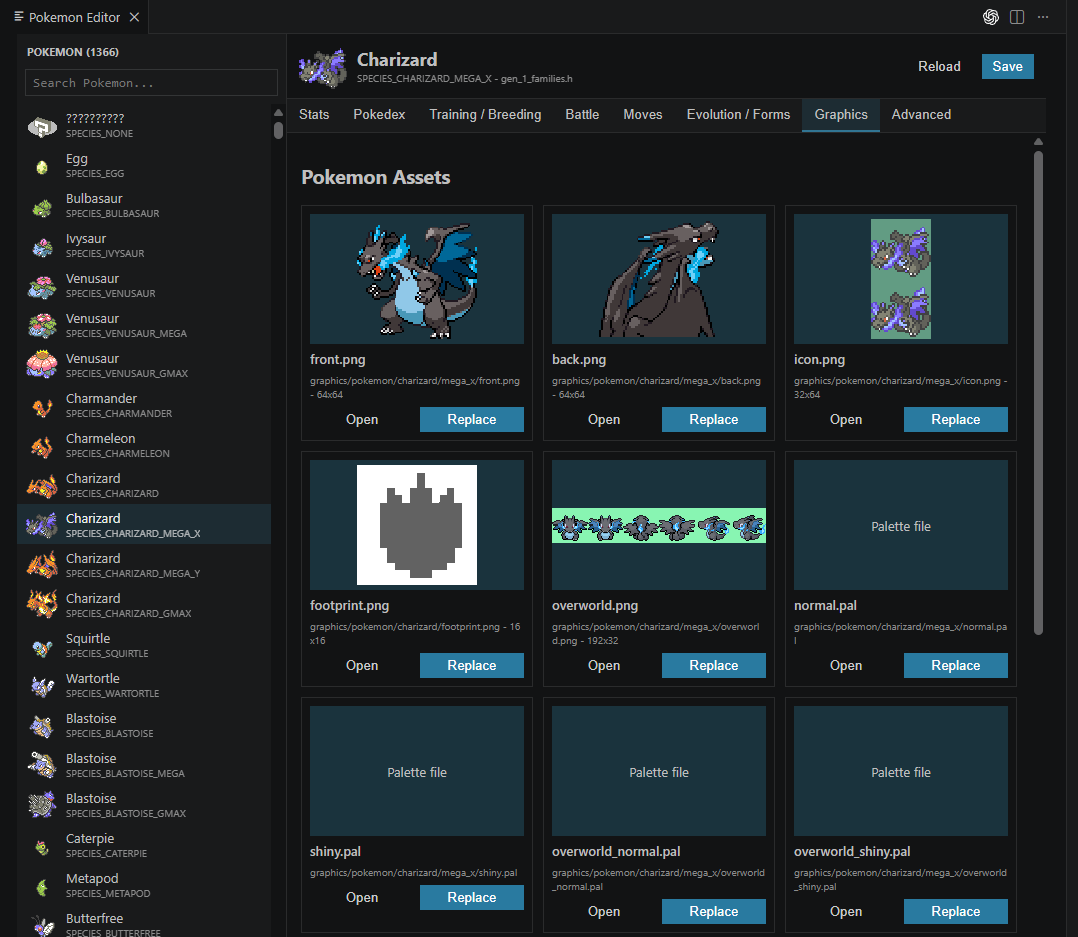
| Pokemon Editor | Not done! Not tested! |
- Download
pokecompeditor.vsixfrom the Releases page, or use the one included in this repository. - In VS Code press
Ctrl+Shift+P→ Extensions: Install from VSIX… and select the downloaded file. - Reload VS Code when prompted.
- Open your pokeemerald-expansion project folder in VS Code.
- Click the Pokéball icon in the Activity Bar on the left.
- Select an editor from the sidebar.
- Make your changes and click Save to write them back to the project files.
- Click Reload File to discard unsaved changes and re-read from disk.
Note: After saving, run
makeas usual to rebuild the ROM.
Note: The GUI appearance is subject to change.
- Let me know of any ideas and they will be considered. The goal is to implement tools that do not exist otherwise, especially if existing tools already work great.