Hipermodal is a Natural User Interface (NUI) that allows users to control Windows and macOS through gestures and voice commands.
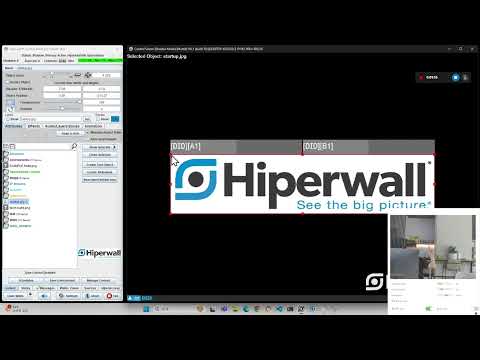
Hipermodal was developed to control the Hiperwall video wall controller.
- Easy Setup: Operates with just an RGB camera (e.g., webcam) and microphone input, without any additional devices.
- Offline Operation: Equipped with Mediapipe and OpenAI Whisper, allowing real-time operation without an internet connection.
- Fast Response Time: Ensures fast response times using multi-threading.
- Recommended: Windows 10 or higher
1. Clone the repository:
git clone https://github.com/Sion99/Hipermodal.git hipermodal
cd hipermodal
2. Create and activate a virtual environment:
python -m venv .venv
.venv\Scripts\activate
3. Install the required libraries:
pip install -r requirements.txtIf your dependecies have conflict problems, use requirements-win.txt instead.
4. Start the Python script
python main.py- Recommended: macOS 10.15 or higher
For macOS, you can easily install it by copy and paste the following command in the terminal:
bash -c "$(curl -fsSL https://raw.githubusercontent.com/Sion99/Hipermodal/master/install.sh)" && cd hipermodalAfter the installation, execute run.sh to start the program.
./run.shRead Korean user documentation to learn operations and gestures.

