Demo Video: https://www.youtube.com/watch?v=b3V1MQDvrE8





Slash is a web application that scrapes the most popular e-commerce websites to get the best deals on the searched items across these websites.
- Fast: With slash, you can save over 50% of your time by comparing deals across websites within seconds
- Easy: Slash uses very easy commands to filter, sort and search your items
- Powerful: Quickly alter the commands to get desired results
Getting Started :: Features :: Phase 3 :: Future :: Use Case :: Why :: Contributors
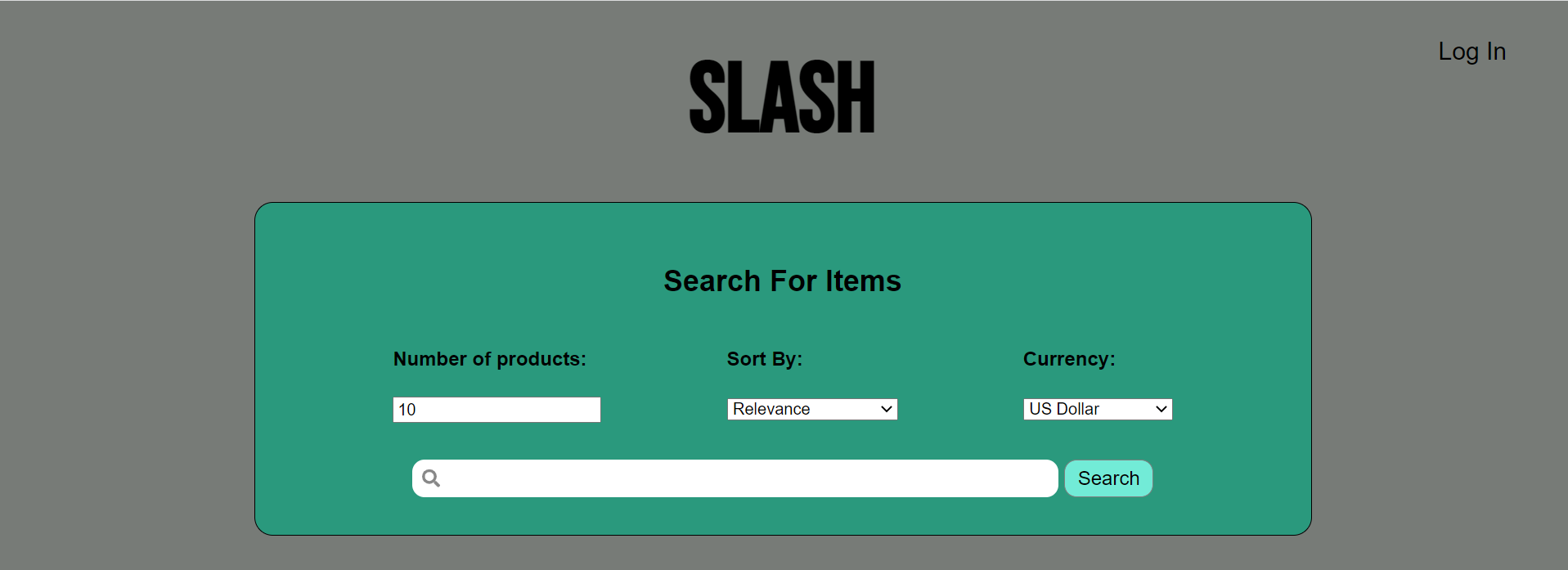
To get started with Slash, follow the instructions in the Getting Started Guide
The main functionality of Slash is to search for products on various sites (currently supports Amazon, Walmart, Etsy). Users can go to the website to see the an item by clicking on the name of the item.
- Start the application
- Type the product you would like to search for in the search box
- Click the
Searchbutton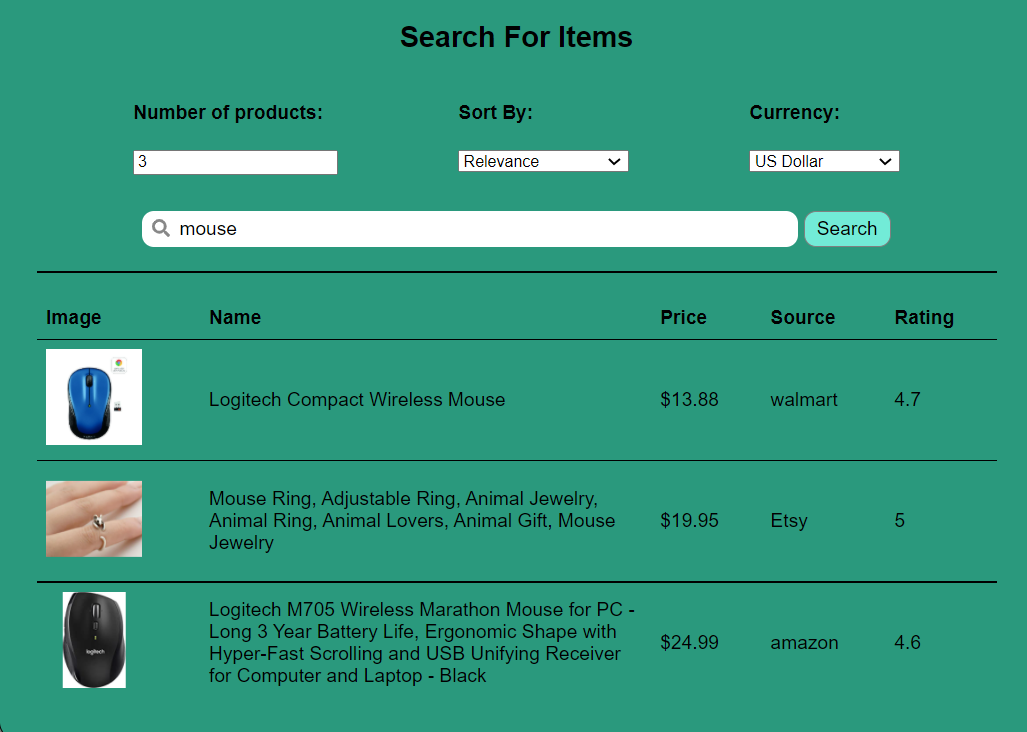
Users can also register for and log in to a profile to create a wishlist of items.
To Register:
- Start the application
- Click
Log Inin the top right corner - Under the
Log Inbutton, clickSign Up - Enter a username and password
- Click
Sign Up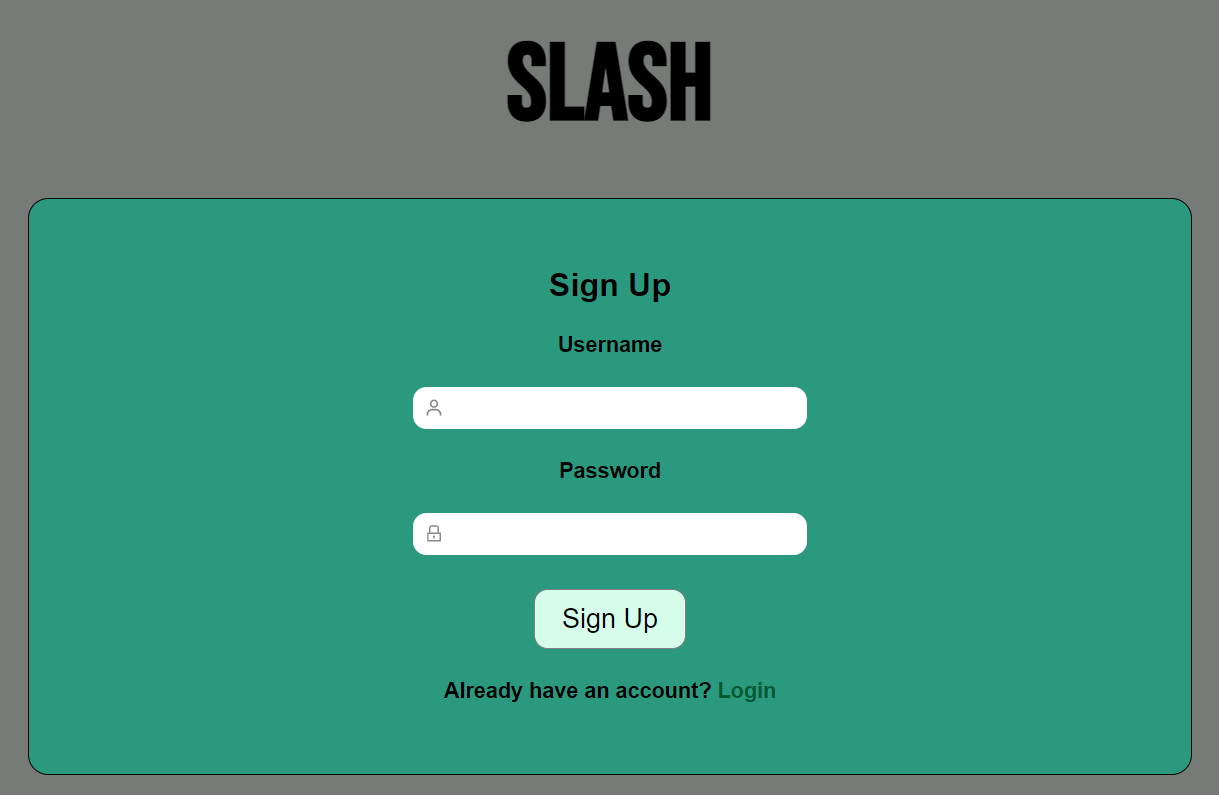
To Log In:
- Start the application
- Click
Log Inin the top right corner - Enter your username and password (Make sure you have registered for a profile as shown above)
- Click
Log In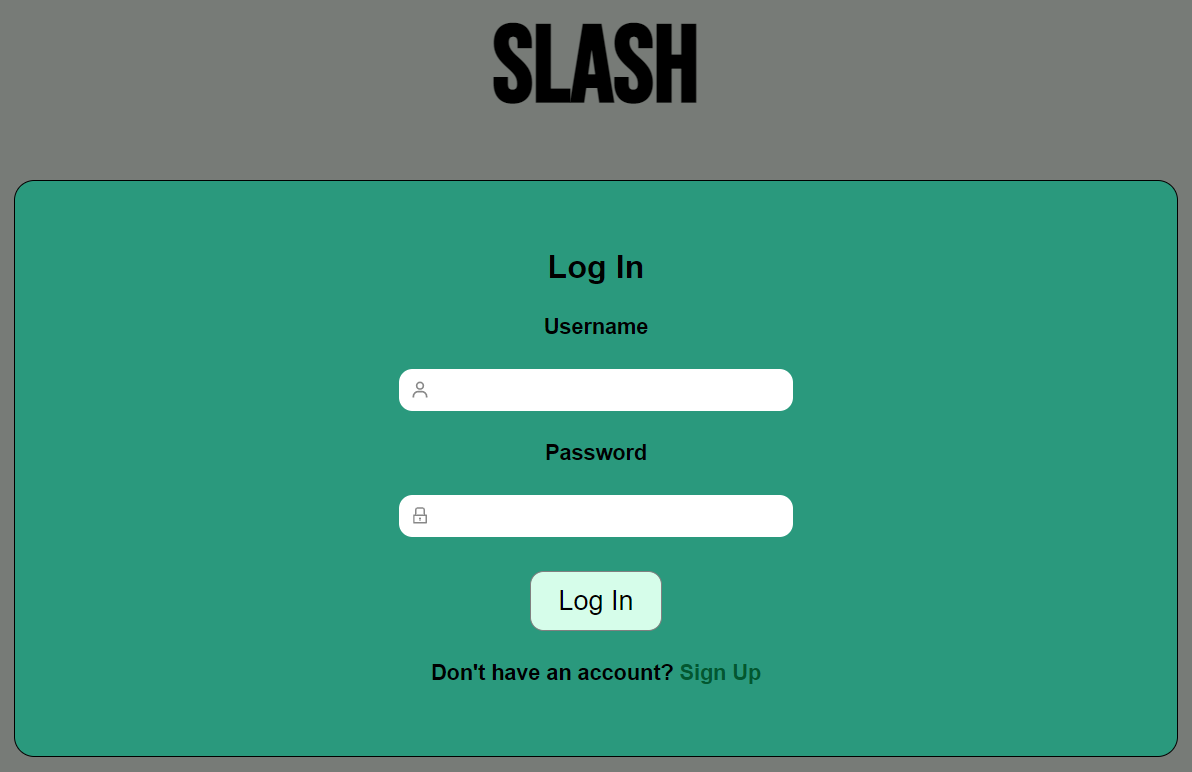
After logging in, users can add search items to their wishlist.
To Add to Wishlist
- Start the application
- Log in and search for a product
- Click the
Add to wish listbutton on the item you wish to add to your wishlist
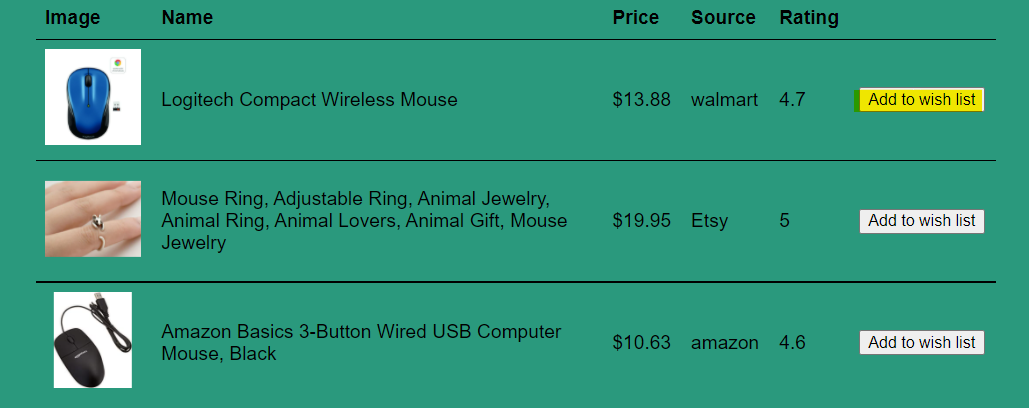
To Remove from Wishlist
- Click
Remove from wishlistbutton on the item. You can also remove an item from the wishlist by going to the wishlist (see below).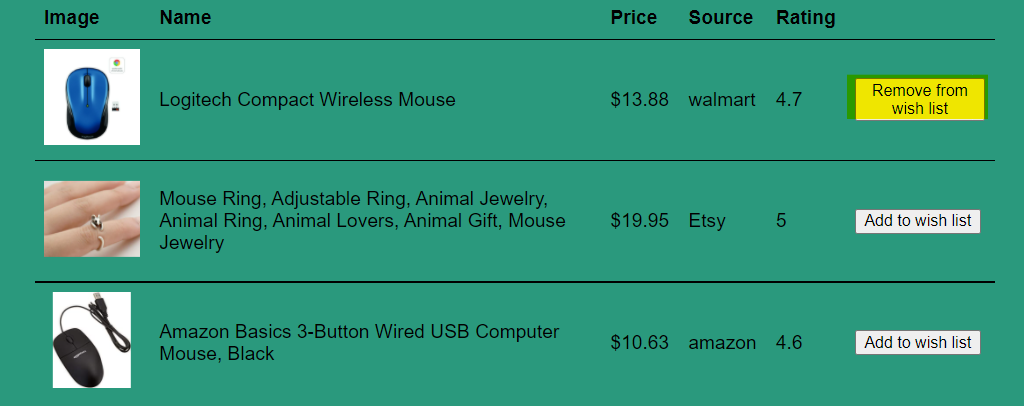
To View the Wishlist
- Start the application
- Log in and click the
View Wishlistbutton in the top right corner.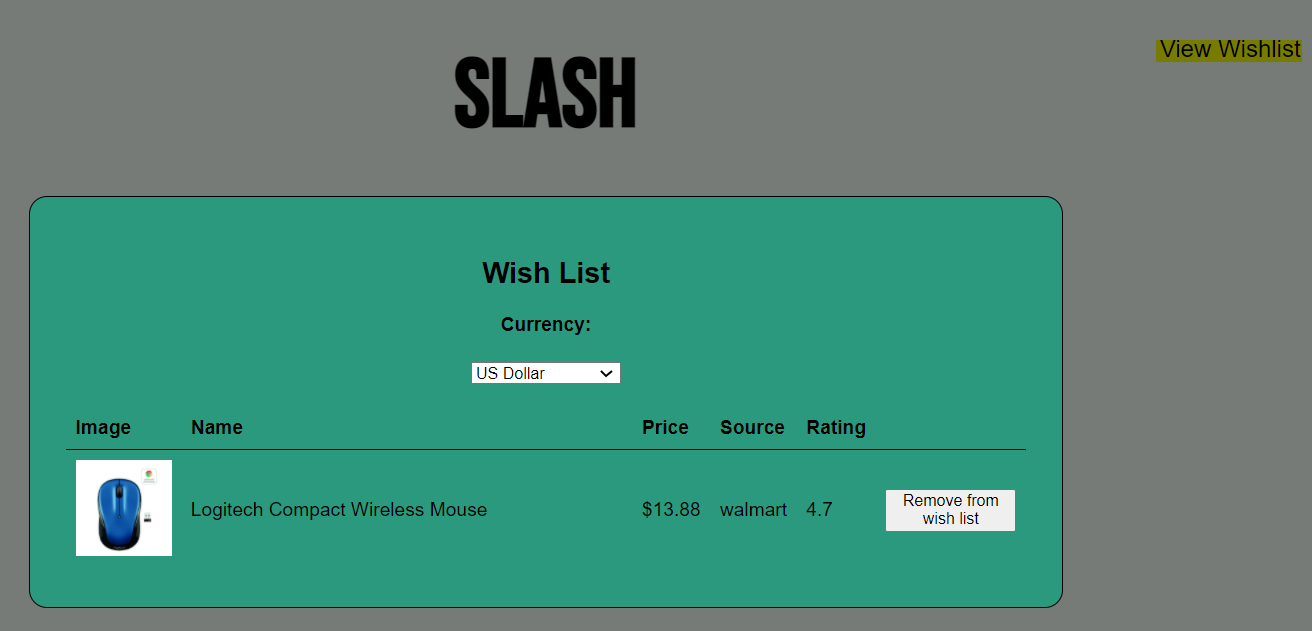
Users can sort the results by price or ratings in ascending or descending order. Sorting is done while getting results from e-commerce websites, so it must be refreshed with each search.
- Start the application and search for a product
- In the
Sort Bydropdown, select the desired sorting scheme - Click the
Searchbutton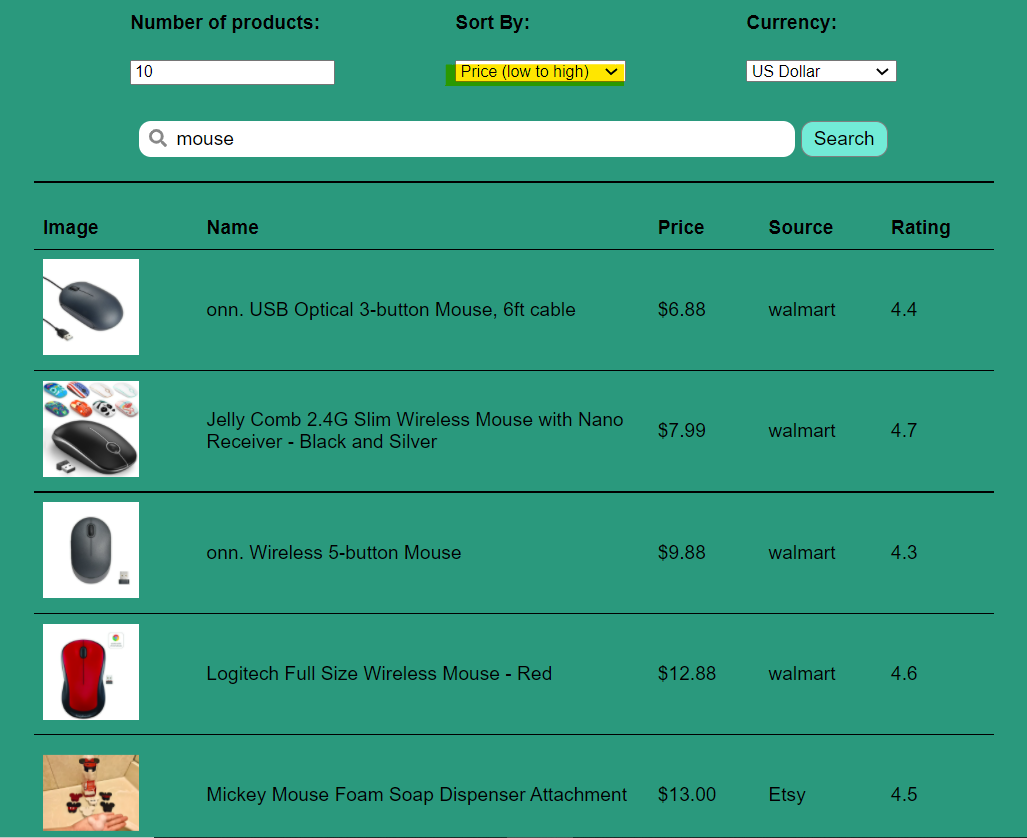
Users can view the price of the items in various currencies (currently supports USD, EURO, AUD, YUAN, YEN, POUND).
- Start the application and search for a product
- In the
Currencydropdown, select the currency you would like to convert to. The price is converted in the items table.
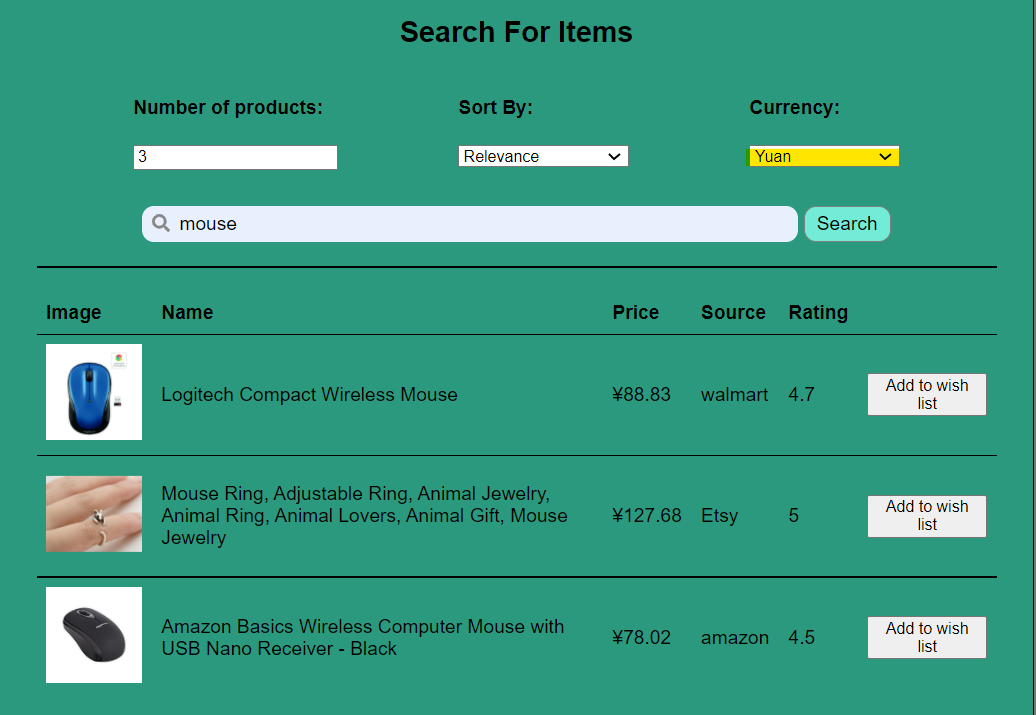
For a list of specific changes in phase 3, see Project 3 Changes.
- Scrape more e-commerce websites for wider range of options
- Add functionality to store multiple wishlists from the output generated using the search query
- Extend the dynamic currency converters to more currencies
- Allow downloading the search result items to CSV
- Students: Students coming to university are generally on a budget and time constraint and generally spend hours wasting time to search for products on Websites. Slash is the perfect tool for these students that slashes all the unnecessary details on a website and helps them get prices for a product across multiple websites.Make the most of this tool in the upcoming Black Friday Sale.
- Data Analysts: Finding data for any project is one of the most tedious job for a data analyst, and the datasets found might not be the most recent one. Using slash, they can create their own dataset in real time and format it as per their needs so that they can focus on what is actually important.
- In a market where we are spoilt for choices, we often look for the best deals.
- The ubiquity of internet access has leveled the retail playing field, making it easy for individuals and businesses to sell products without geographic limitation. In 2020, U.S. e-commerce sales, receiving a boost due to the COVID-19 pandemic, grew 44% and represented more than 21% of total retail sales, according to e-commerce information source Internet Retailer.
- The growth of e-commerce has not only changed the way customers shop, but also their expectations of how brands approach customer service, personalize communications, and provide customers choices.
- E-commerce market has prompted cut throat competition amongst dealers, which is discernible through the price patterns for products of major market players. Price cuts are somewhat of a norm now and getting the best deal for your money can sometimes be a hassle (even while online shopping).
- This is what Slash aims to reduce by giving you an easy to use, all in one place solution for finding the best deals for your products that major market dealers have to offer!
- Slash in its current form is for people who have some understanding of python and are comfortable in using the command line interface to interact with systems.
- Future updates aim to encompass a wide variety of users irrespective of their computer knowledge and background.
 Tanya Chu |
 Steven Jones |
 Shikha Nair |
 Alex Snezhko |
 Pradhan Chetan Venkataramaiah |
 Anant Gadodia |
 Anmolika Goyal |
 Shubhangi Jain |
 Shreya Karra |
 Srujana Rao |
 Shubham Mankar |
 Pratik Devnani |
 Moksh Jain |
 Rahil Sarvaiya |
 Anushi Keswani |