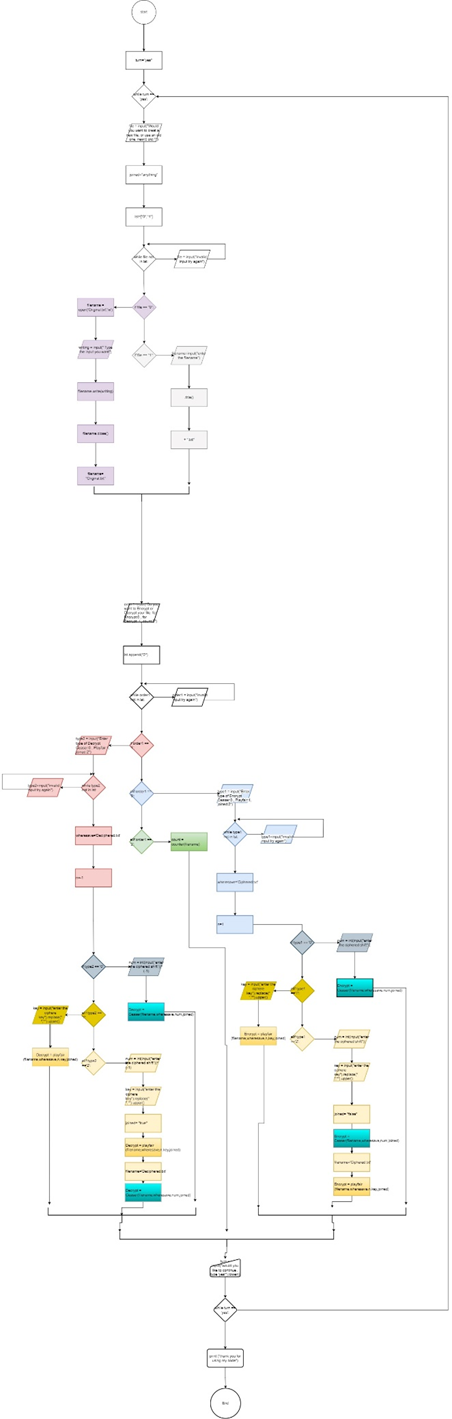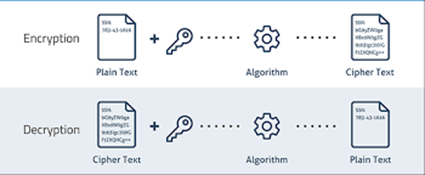
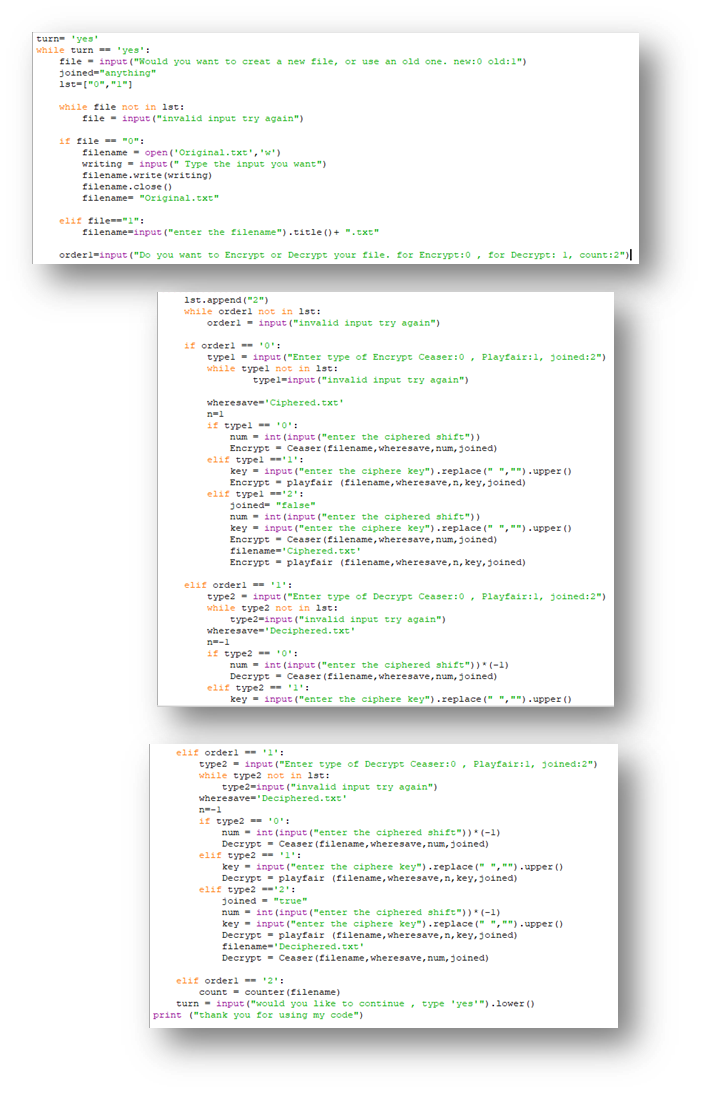
The main code is used to call the other functions defined below according to the user input.
To further explain the main function, start with a large while loop that will keep the code running until the user decides to turn it off, either manually or by deciding to not continue in the last question. Furthermore, the main function is used to determine whether the user wants to
1-Use an old file or create a new one.
2-If he wants to decrypt, encrypt, or count
3-In case the user chooses to encrypt or decrypt, The user will be presented with the choice of the following cipher languages: Ceaser, Playfair, and Join.
A while loop is created after each needed input to assure that the input is valid and ask the user to reenter their choice if necessary.
According to each choice, the user will be presented with further questions to input. For instance, if he chooses to use an old file, he will be asked to insert its name. If he chooses to create a new one, the user will be asked to insert the new input "text" he wants to include in the file.
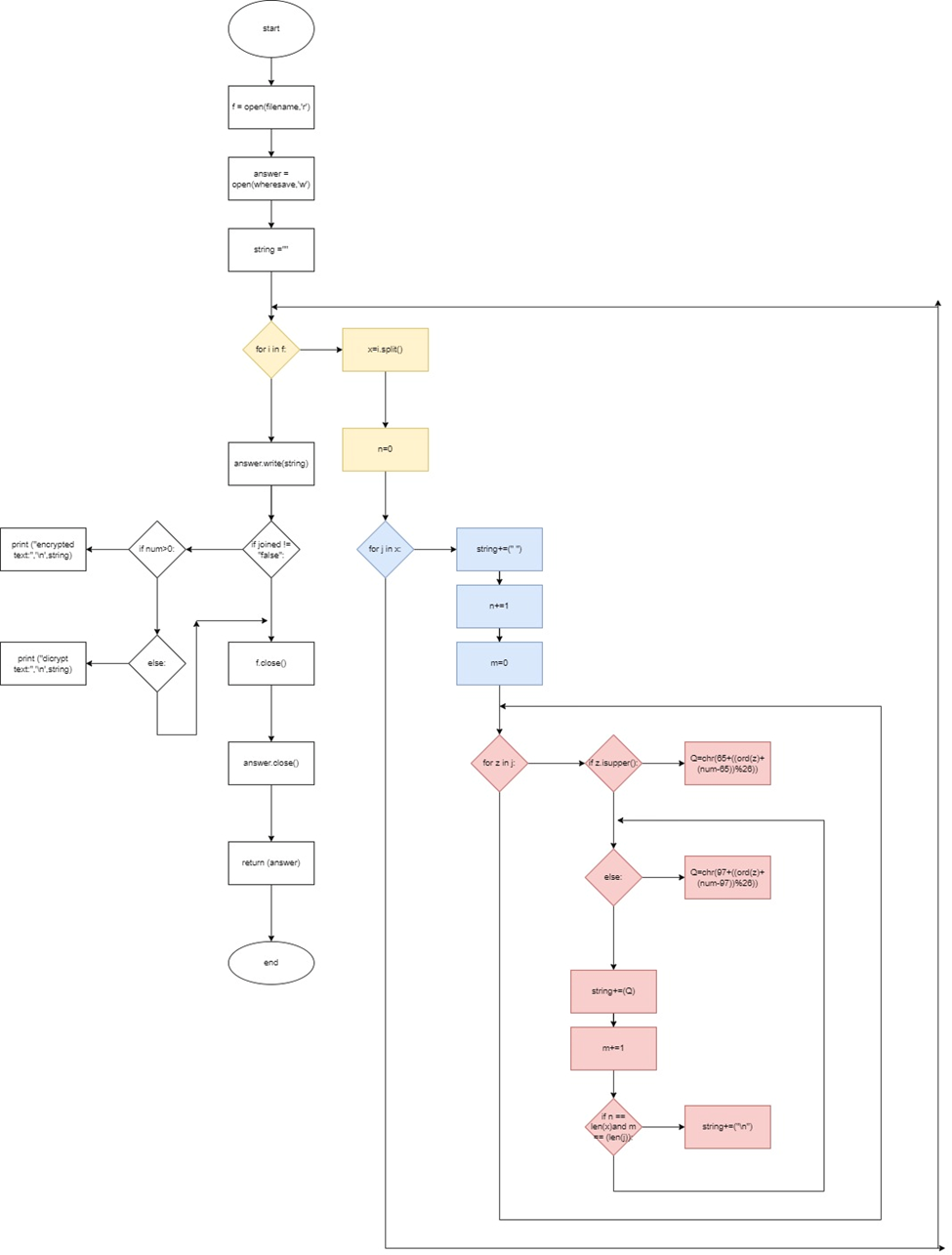
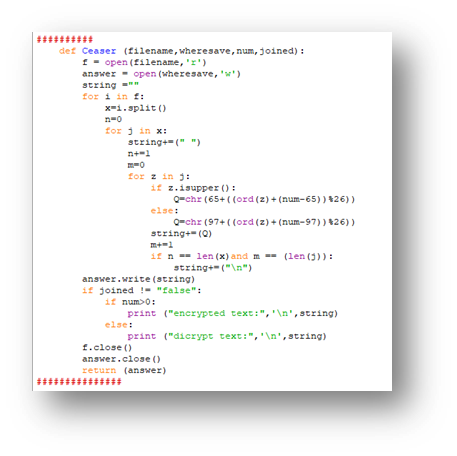
The following code defines the first cipher language "Ceaser". The code starts with opening the allocated "filename" file as r "read" in a new variable named "f". Then a new variable is also introduced named "answer", in which the "wheresave" file is opened as "write" to save the new output. Finally, an empty string is introduced.
The major part of the function starts with a for loop where "I" moves across the lines in the file where the split function is used to cut the line into words under a variable named x and a new variable is introduced called "n" and it is used to count the number of words in each line to be able to jump a line in the right location. Then a nested loop is introduced to move across each word in a line under the variable "j". Furthermore, the variable "n" is increased by a value of 1, and a new variable "m" with a value of zero, then a space is inserted into the string to separate each word from the other. Moreover, another nested for loop is used to move across each letter in a word where the current letter is called by variable "z". In this instance, the letter is shifted based on an if statement regarding if it is an upper case or a lower case .
If the letter was an upper case, then the num (the shift, which was inputted by the user) is either added or subtracted from the value "65", which stands for the ordinal "ord" of the first letter "A". The shift is then divided by 26, which is the number of letters in the English alphabet. After all of that, the shift is determined and is added to the ordinal of the letter allocated by the nested loop/variable "z", which is then added to the ordinal of the first letter "A". Finally, the resulting number is transformed into a letter through the use of the "chr" function to be introduced as the new letter in the variable "Q". *In the case of lowercase letters, the process is repeated. However, instead of using the value 65, it is replaced by 97, which is the ordinal of "a". After this, the letter is added/inserted into the string (string+=Q) and the value of variable "m" is increased by 1 to count the number of letters in a word. Afterwards, another if statement is used which states that if the value of variable "n", which stands for the number of words in a line, equales the "len" function of variable "x" and if the value of variable "m", which stands for the number of letters in a word, equals the function "len" of variable "j", then the code will insert a line skip/space (n) into the string.
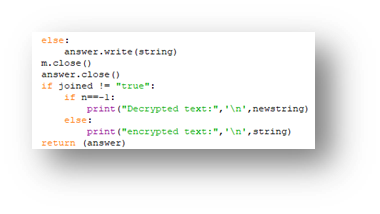
At this point, the changes in the function output have ended. However, what is left is how the function will present the output and that depends on the user input on what process was used (encryption or decryption) and if it is a single or joined use of cipher language. Finally, the files are closed and the function returns the new file associated with the "answer" variable.
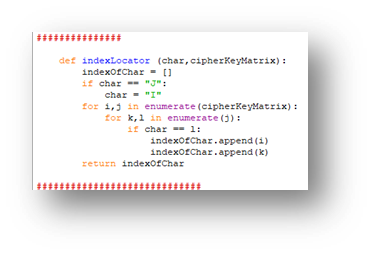
The index finder is used to move around the matrix with ease by determining the column and row of each letter.
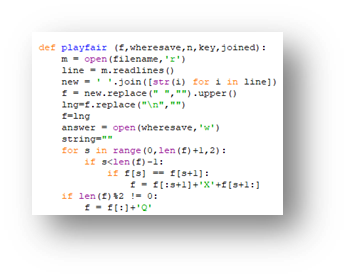
The letter j is replaced in the alphabet by the letter I.
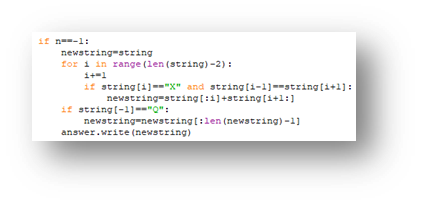
And "X" is placed between all double letters. For example, "hello" would become "helxlo."
A "Q" is added at the end of any odd-numbered sentence to turn it into an even one.
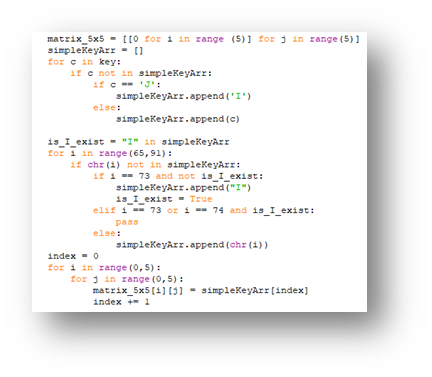
This part is used to create the alphabet matrix, which is based on 25 letters, as we will remove the letter "J" to create an equal square.
The matrix will move in alphabetical order after starting with the keyword inputted by the user as long as the letter is not found in the keyword itself.
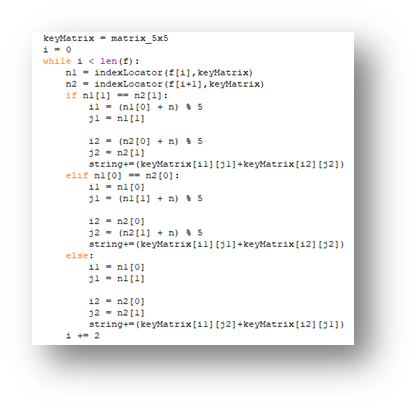
The following is used to replace the letters according to the three situations of play (vertically associated, horizontally associated, and box-like transfer). Every two letters are combined. Where n1 stands for the first letter, while n2 stands for the second letter. The value is divided by 5 as the matrix is created by 25 letters to create a 5*5 square, which makes it possible for the code to move across the matrix with ease .