Hexapod MPC-WBC controller adapted from legged_control based on OCS2.
NOTE: This package is still under development. Refer to it carefully.
video.mp4
OCS2 is a huge monorepo; DO NOT try to compile the whole repo. You only need to compile ocs2_legged_robot_ros and
its dependencies following the step below.
-
You are supposed to clone the OCS2, pinocchio, and hpp-fcl as described in the documentation of OCS2.
# Clone OCS2 git clone [email protected]:leggedrobotics/ocs2.git # Clone pinocchio git clone --recurse-submodules https://github.com/leggedrobotics/pinocchio.git # Clone hpp-fcl git clone --recurse-submodules https://github.com/leggedrobotics/hpp-fcl.git # Clone ocs2_robotic_assets git clone https://github.com/leggedrobotics/ocs2_robotic_assets.git # Install dependencies sudo apt install liburdfdom-dev liboctomap-dev libassimp-dev -
Compile the
ocs2_legged_robot_rospackage with catkin tools instead ofcatkin_make. It will take you about ten minutes.catkin config -DCMAKE_BUILD_TYPE=RelWithDebInfo catkin build ocs2_legged_robot_ros ocs2_self_collision_visualization
Ensure you can command the ANYmal as shown in the document and below.
# Launch the example for DDP
roslaunch ocs2_legged_robot_ros legged_robot_ddp.launch
# OR launch the example for SQP
roslaunch ocs2_legged_robot_ros legged_robot_sqp.launch
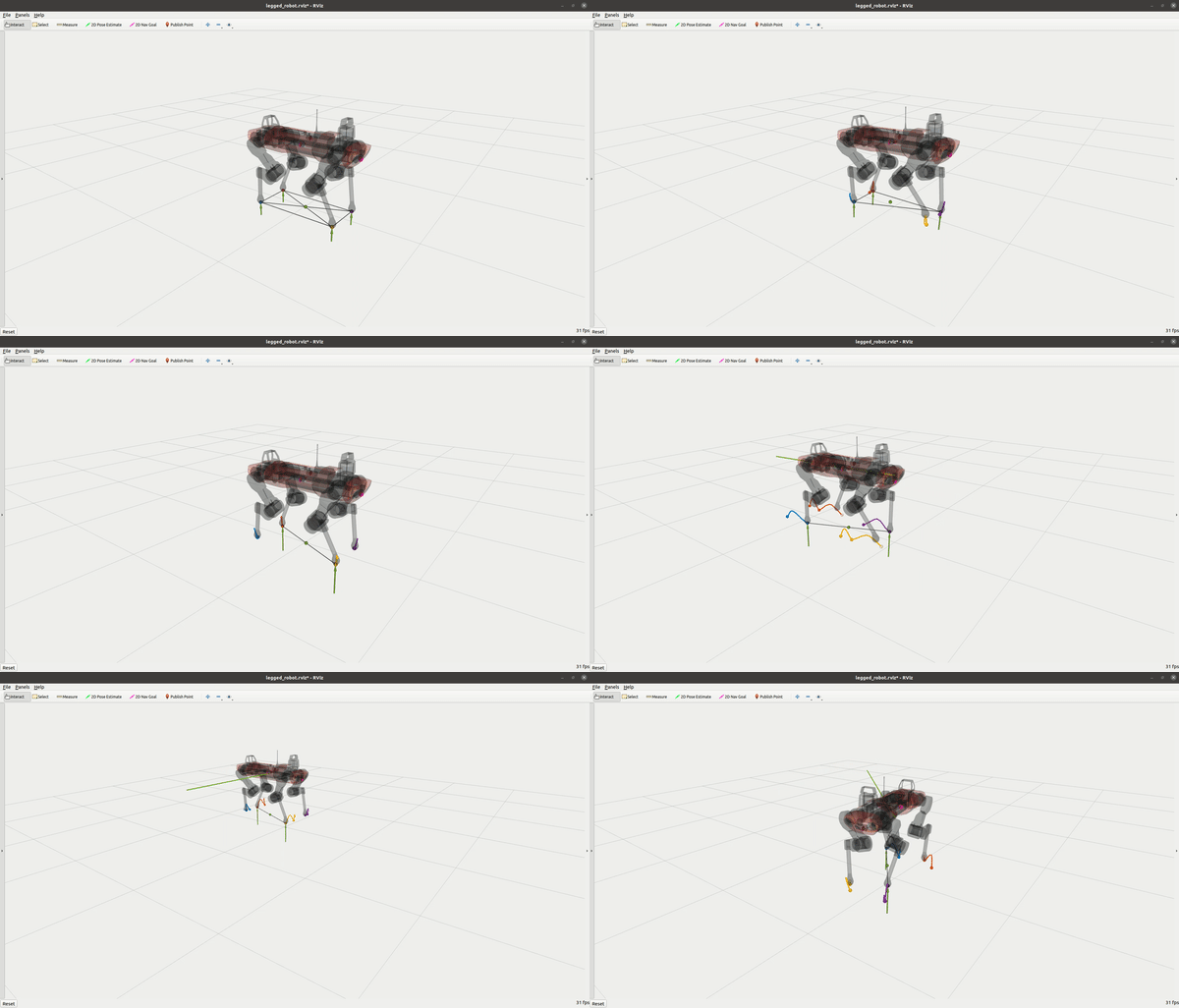
Build the source code of legged_control by:
catkin build legged_controllers legged_unitree_description legged_hexapod_descriptionBuild the simulation (DO NOT run on the onboard computer)
catkin build legged_gazeboBuild the hardware interface real robot. If you use your computer only for simulation, you DO NOT need to
compile legged_unitree_hw (TODO: add a legged prefix to the package name)
catkin build legged_unitree_hw legged_hexapod_hw- Set your robot type as an environment variable: ROBOT_TYPE
export ROBOT_TYPE=a1
export ROBOT_TYPE=elspider_air
source ~/Documents/CodeSpace/ROS_ws/legged_ws/devel/setup.bash- Run the simulation:
roslaunch legged_unitree_description empty_world.launch
#roslaunch legged_hexapod_description empty_world.launch (Do not run this command)

# HexapodSoftware Simulation
source ~/Documents/CodeSpace/ROS_ws/hexapod_ws/devel/setup.bash

roslaunch user main.launch \
controller_type:=hlc \
robot_name:=elspider_air \
joystick_type:=keyboard_sim \
gazebo_hang_up:=false \
interface_type:=gazebo
Or on the robot hardware:
IMPORTANT: Hexapod is controlled by
HexapodSoftware, therefore selecthardwarefor both simulation and hardware.
roslaunch legged_unitree_hw legged_unitree_hw.launch
roslaunch legged_hexapod_hw legged_hexapod_hw.launch- Load the controller:
roslaunch legged_controllers load_controller.launch cheater:=false
roslaunch legged_controllers load_hexcontroller.launch cheater:=false- Start the
legged_controllerorlegged_cheater_controller, NOTE that you are not allowed to start thelegged_cheater_controllerin real hardware!
rosservice call /controller_manager/switch_controller "start_controllers: ['controllers/legged_controller']
stop_controllers: ['']
strictness: 0
start_asap: false
timeout: 0.0"
hexapod controller
rosservice call /controller_manager/switch_controller "start_controllers: ['controllers/hexapod_controller']
stop_controllers: ['']
strictness: 0
start_asap: false
timeout: 0.0"
Or, you can start the controller using rqt_controller_manager GUI:
sudo apt install ros-noetic-rqt-controller-manager
rosrun rqt_controller_manager rqt_controller_manager- Set the gait in the terminal of
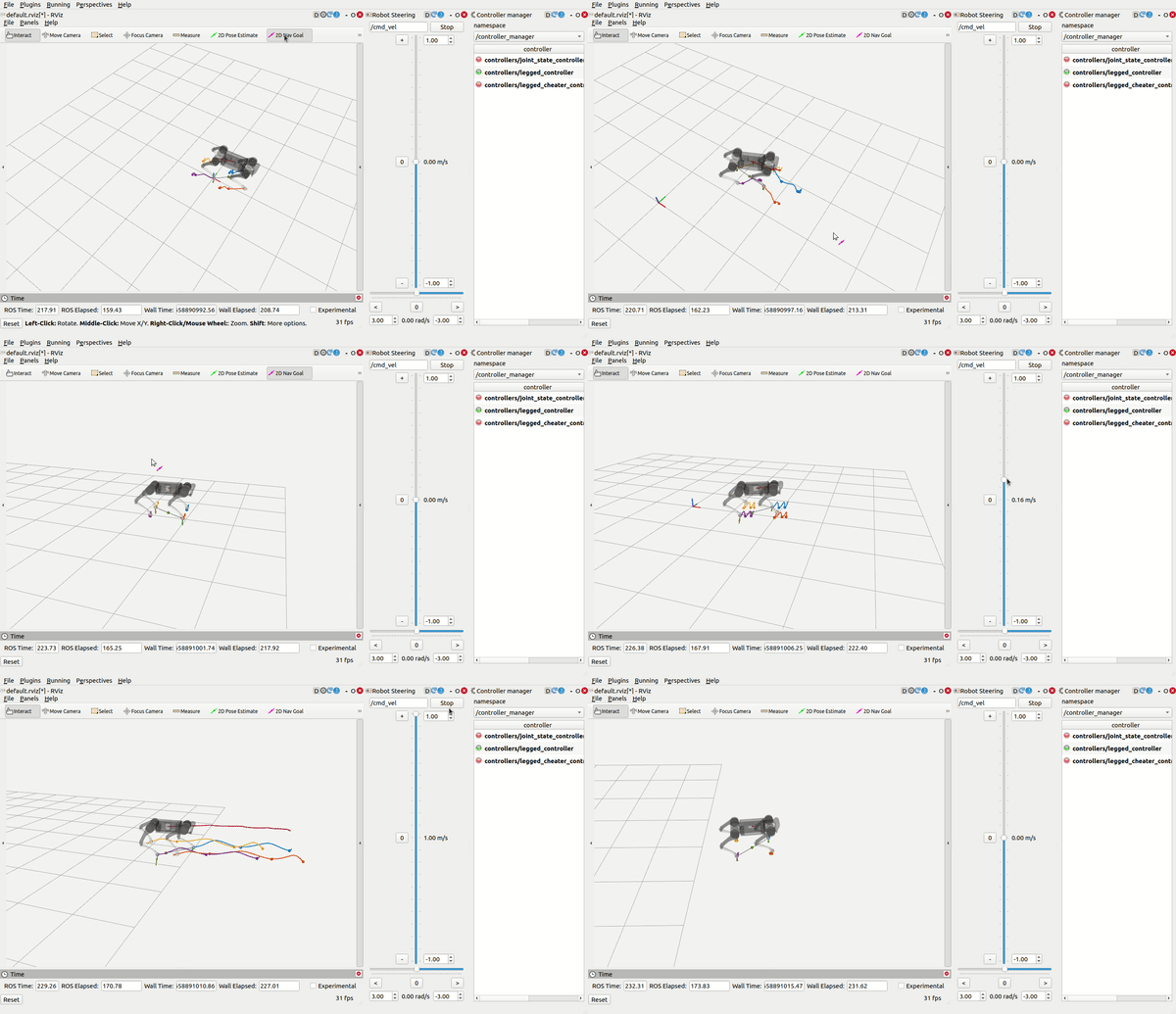
load_controller.launch, then use RViz (you need to add what you want to display by yourself) and control the robot bycmd_velandmove_base_simple/goal:
-
HexapodSoftwareconfilct with one oflegged_controldeps (ocs2/hpp-fcl/pinocchio) throwstd::bad_allocwhenHexapodSoftwareis running. -
leg index 4 & 5 do not work properly (last 2 leg in contactNames3DoF) How to find bug: search:
contactPointIndex,contactNames3DoF,numThreeDofContacts,numFeet_PROBLEM: task.info mat R is not properly configured. -
IMU Odom is not working properly (position not updated)
-
Better reference generator needed
Subsystem: 3 out of 3
[0]: 63,  [1]: 63,  [2]: 63,  [3]: 15,
terminate called after throwing an instance of 'std::runtime_error'
  what():  The time of touch-down for the last swing of the EE with ID 4 is not defined.
-
New Gazebo Simulation Needed
- If hexapod_controller DIED, delete
/tme/legged_controllerto regenerate shared library. - THE GAIT AND THE GOAL ARE COMPLETELY DIFFERENT AND SEPARATED! You don't need to type stance while the robot is lying on the ground with four foot touching the ground; it's completely wrong since the robot is already in the stance gait.
- The target_trajectories_publisher is for demonstration. You can combine the trajectory publisher and gait command into a very simple node to add gamepad and keyboard input for different gaits and torso heights and to start/stop controller (by ros service).