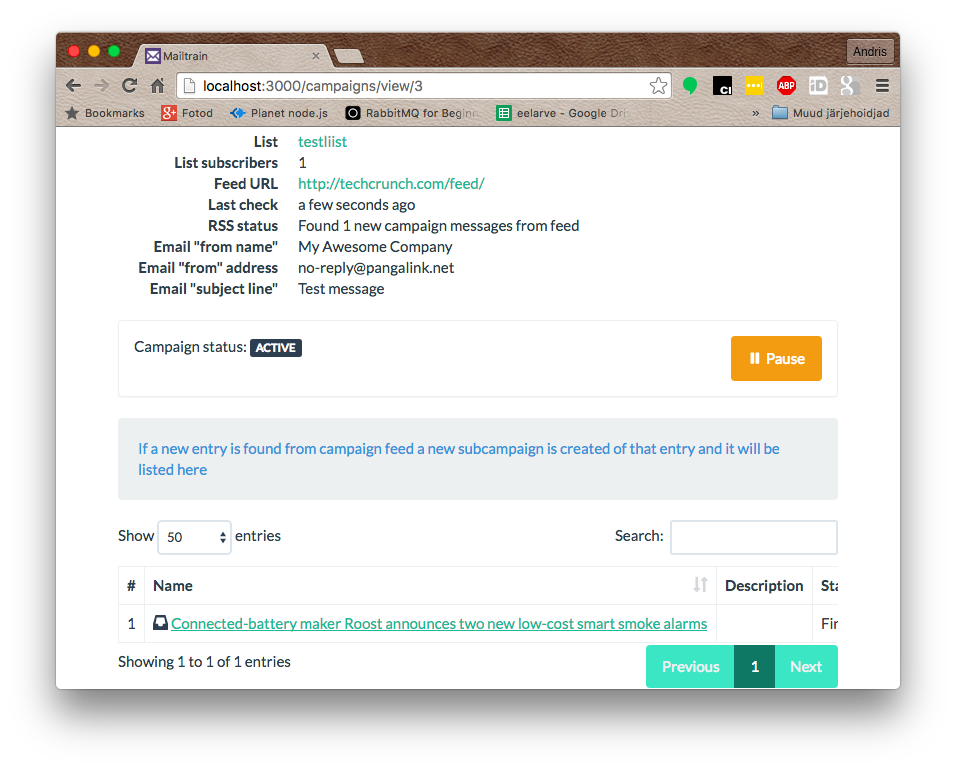
RSS Campaigns
This feature applies to Mailtrain v1.4+
Mailtrain can be used to track a RSS feed – whenever a new entry appears in that feed, it is converted into a campaign and sent to specified subscribers. You can also use merge tags in post content or post title, these are replaced with subscriber specific values.
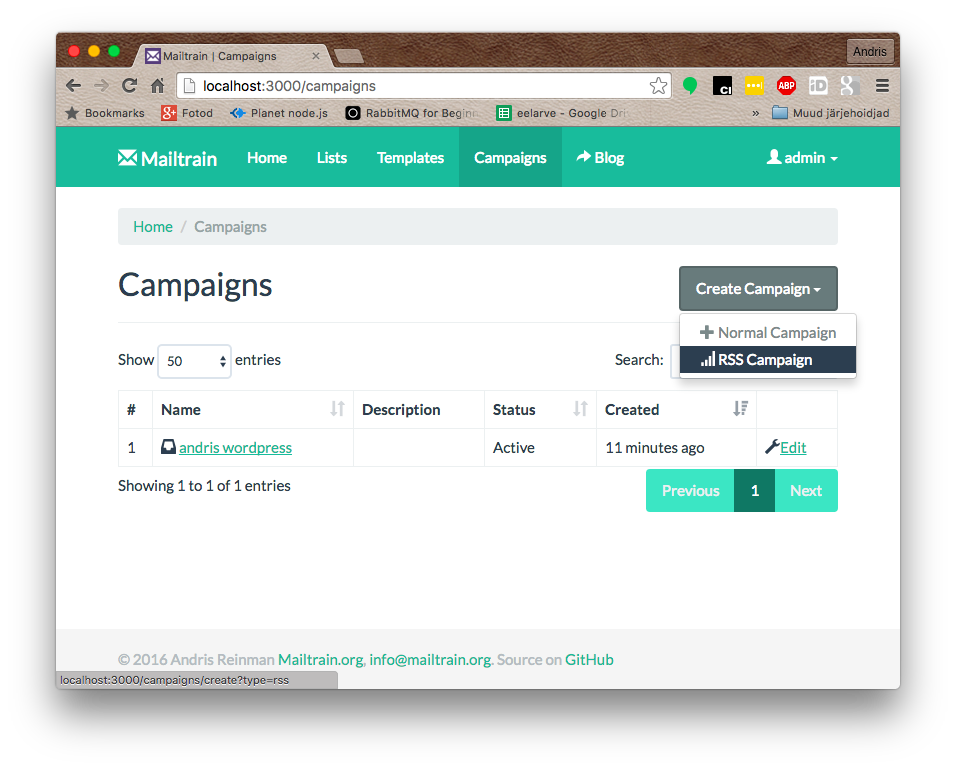
When creating a new campaign there is an option to create a RSS campaign instead of "normal" campaign
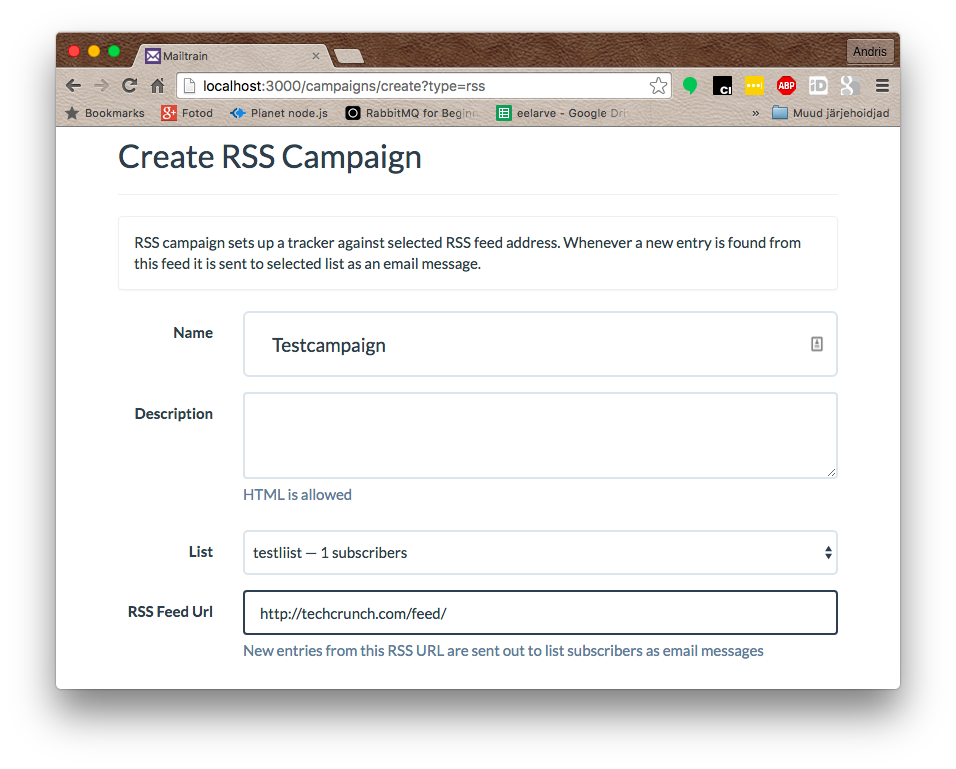
When creating the campaign, you need to have a valid RSS url that can be provided for the campaign. In the following example I use the feed URL for TechCrunch articles.
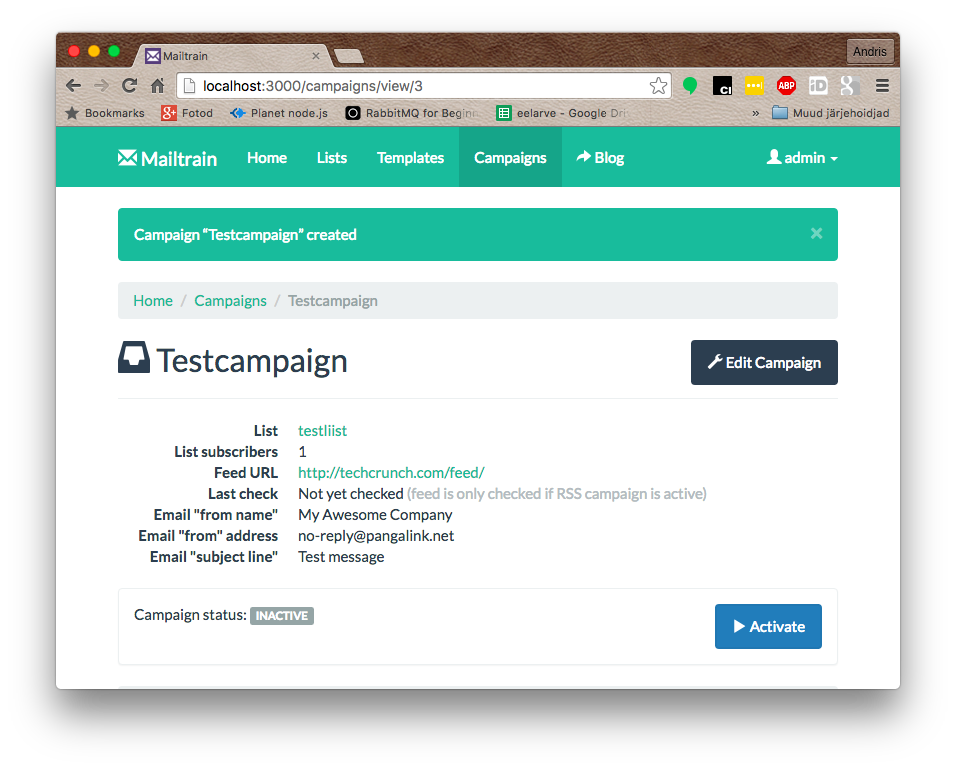
By default the feed is not checked and no messages are sent. To actually start sending you need to activate it by hitting on the "Activate" button
Whenever a new post is found from the provided feed it is converted into a normal campaign and sent out to the selected list. You can find all these subcampaigns in the footer of the RSS campaign page.