The command will make a search throught the current directory to find all the images or the image in the following formats:
- jpg
- png
- jpeg
The images will be transformed into thumbnails with the exact size and background-color for odoo's snippets. The original image isn't modified the command creates a copy and a folder called thumbnails where are going to be stored.
e.g.

Snippet
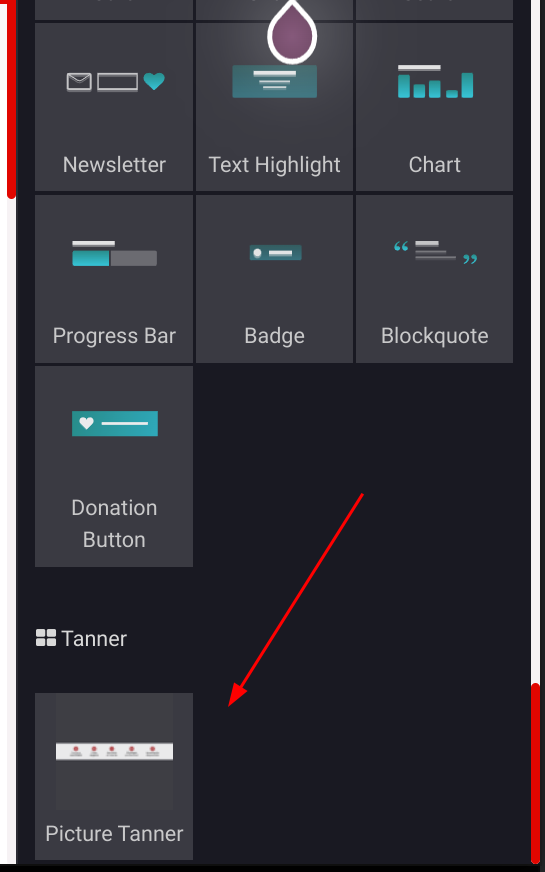
Thumbnail
-pip install Pillow
-pip install argparse
it's recommended to create an alias to the path where you are going to save the thumbnail_creator.py file.
e.g.
| Location | alias |
|---|---|
| ~/Personal/thumbnail_creator.py | alias thumbnail="python3 ~/Personal/thumbnail_creator.py" |
- your_alias --thumb-all
- The command creates a thumbnail for every image in the current path
- Parameters:
- None
- your_alias --thumb < name_of_your_image> < .jpg >
- The command creates a thumbnail for the specified image
- Parameters:
- name_of_your_image: the name of the file
(str) - extension: the extension of the image (.jpg, .jpeg, .png)
(str)including the dot at the beginning
- name_of_your_image: the name of the file