-
Arduino Singlechip . I recommend you to use Arduino UNO.It is easy for new user.
-
ESP8266 wifi module. It is a Low power waste as well as high integration Wi-Fi chip .I recommend to use esp8266-01 version.

- A server that can be accessed .In this project ,I used a server SAE which is a quick application of sinaclound.


PIN Explain And connection instruction:
- TX (UART TX)
- RX (UART RX)
- CH_PD (chip power down, should be pulled highto start the chip)
- RST (reset)
- GPIO0 and GPIO2 (generalpurpose input/output pins)
- VCC (power supply 3.3V, max. ~300mA )
ESP8266-01 Arduino UTXD RX URXD TX 3.3V 3.3V CH_PD 3.3V GND GND
-
First , download the Arduino IDE
-
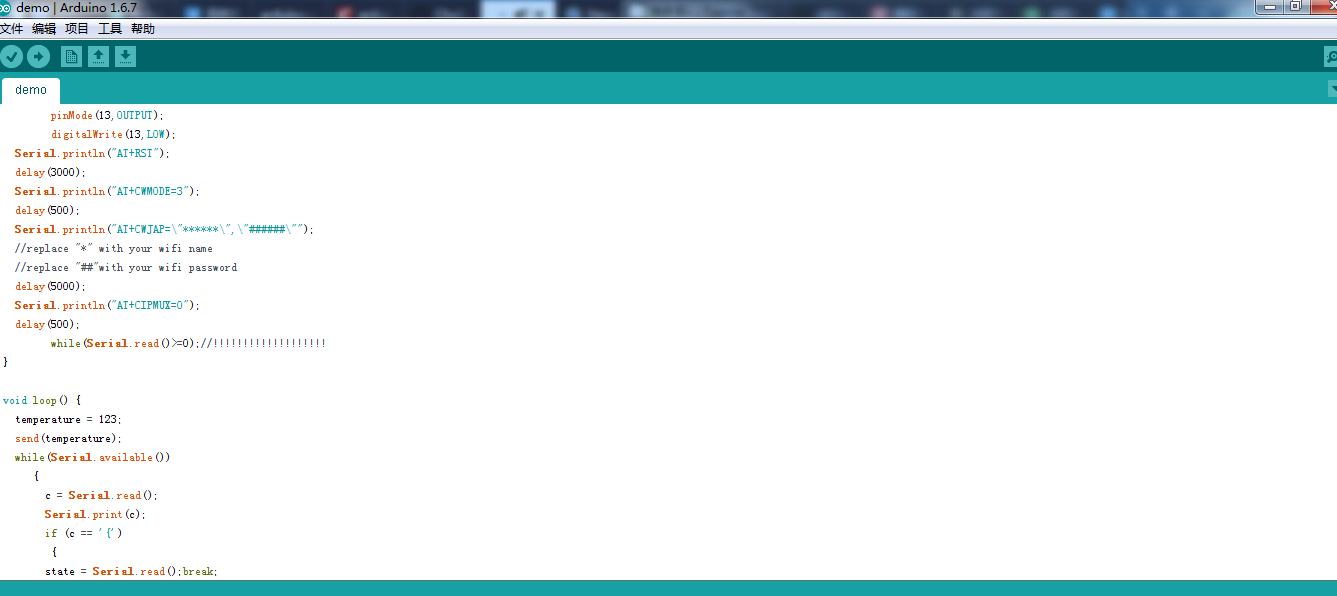
use arduino ide to open the file "demo.ino" which under the folder "arduino + esp8266" .
-
modify the code accoding to the code explain,such as the wifi name and password as well as the server ip or hostname.
-
Use usb to connect arduino with the computer and click upload button
(remember disconnect the rx and tx with the esp8266 while uploading program)


-
Upload api.php and index.php into server.I reccommend to place this two file in the root of the server.
(note the location of the php file , it will affect the code in arduino)
-
set up a new table in database and name it app_smeat8266.After that ,import the file app_smart8266.sql.
-
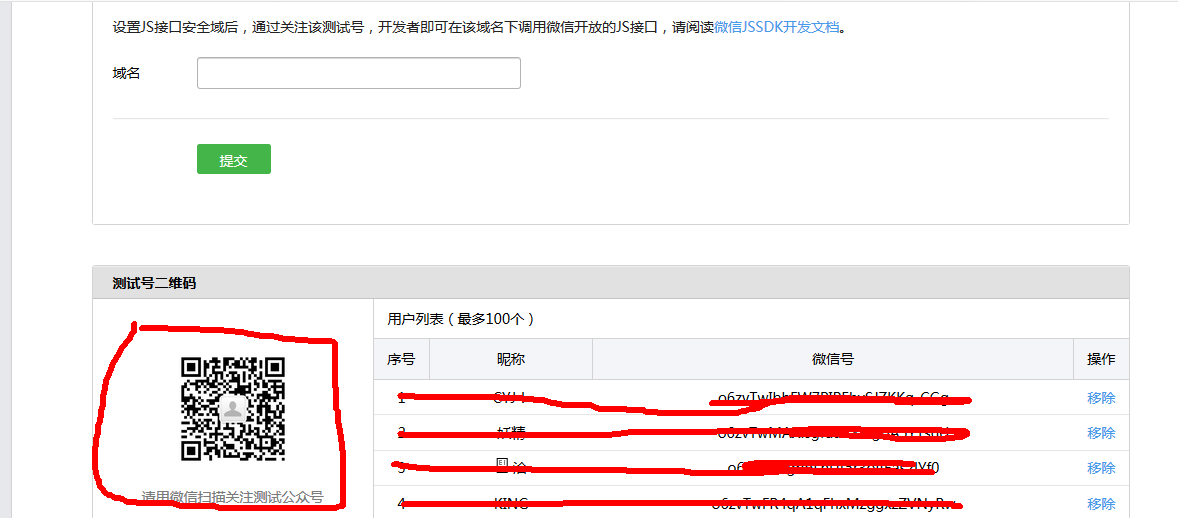
visit the wechat website and open the wechat application to scan the QR code so you can login in.
-
input the url of the file index.php and the token you set in the code.


-
connect esp8266 wifi module with the Arduino mimichip as the step2 above
-
use wechat application scan the QR code and subscribe it
-
send order to the testing number which you set up in the file.php

- add more sensors and Motor module instead of the LED
- add new function of using voice instea of message order
- develop web so you can do it visualizatly


