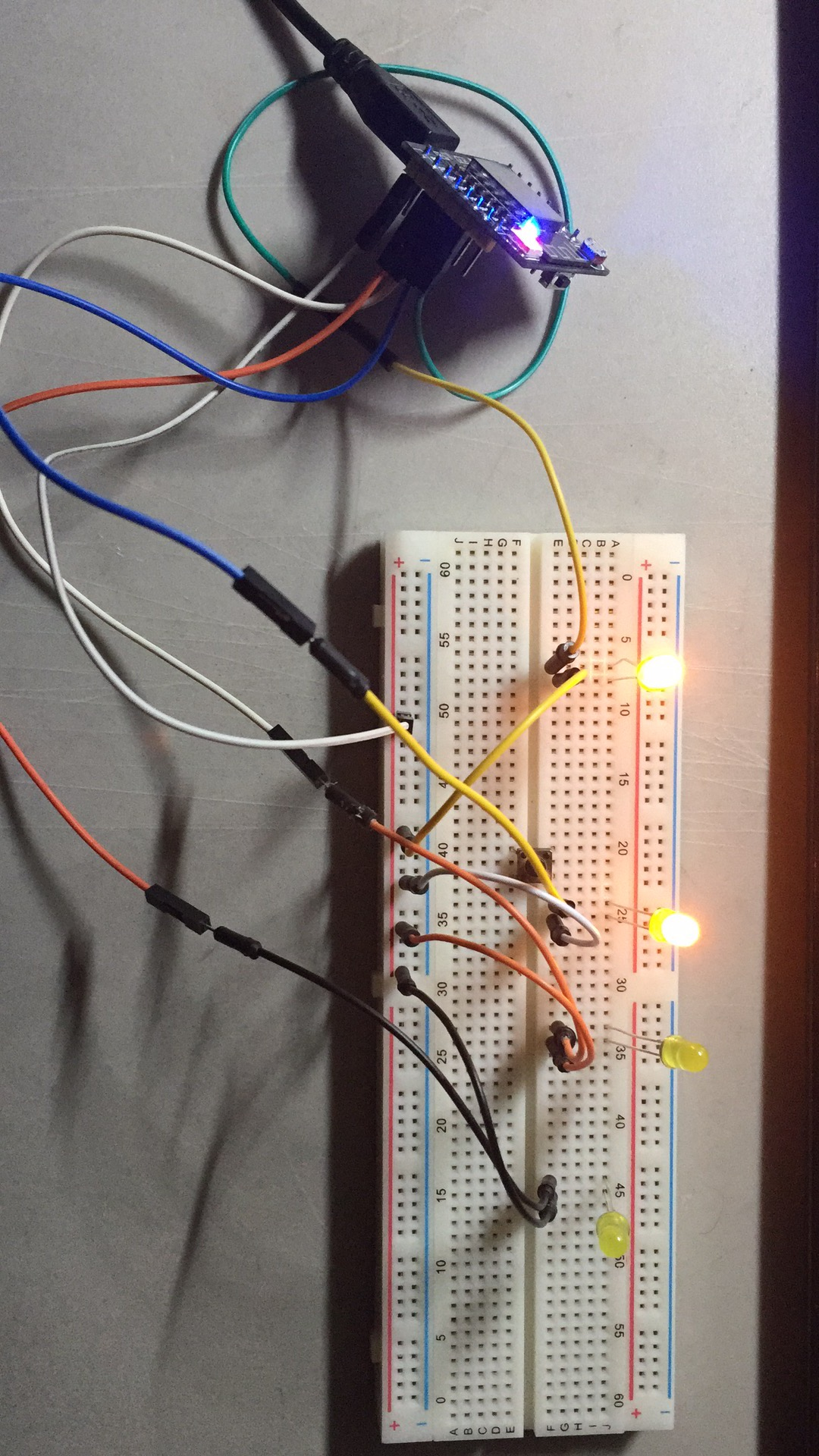
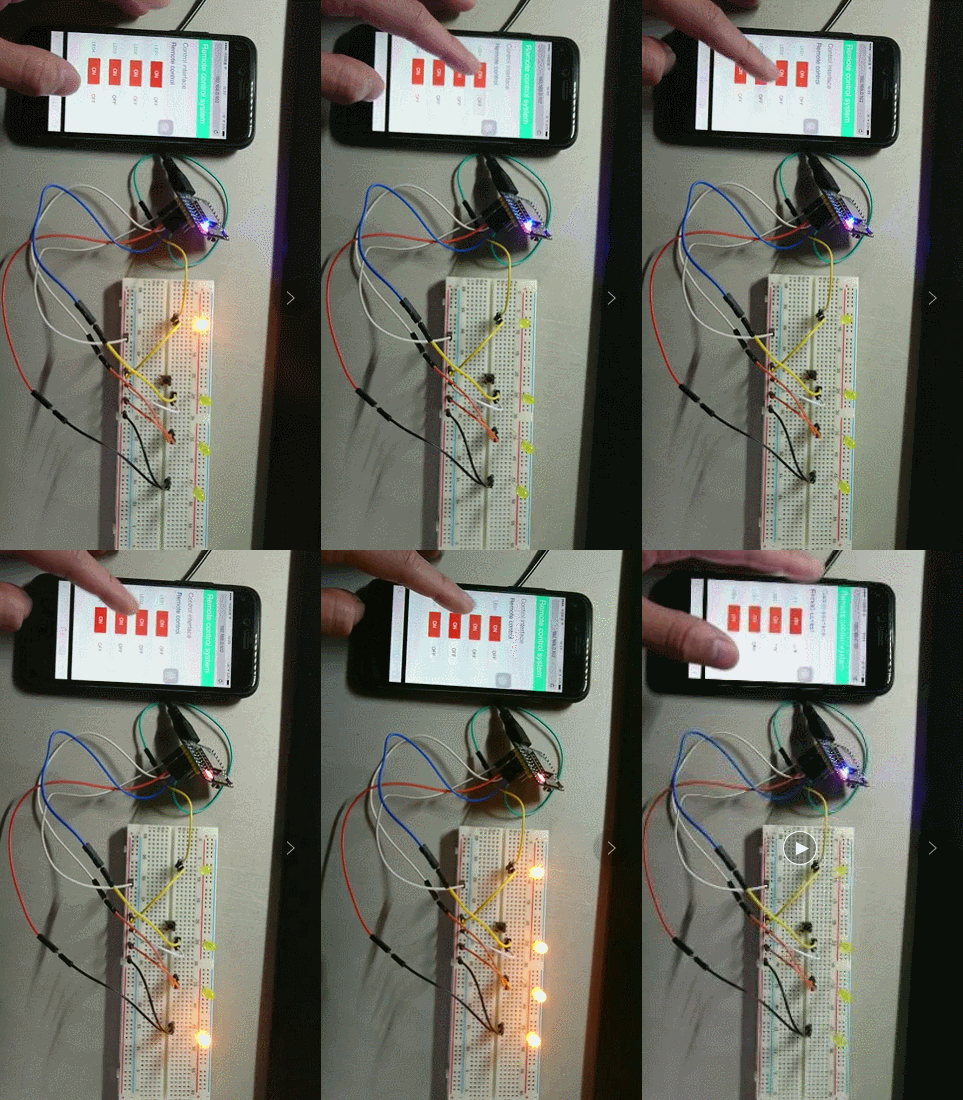
-
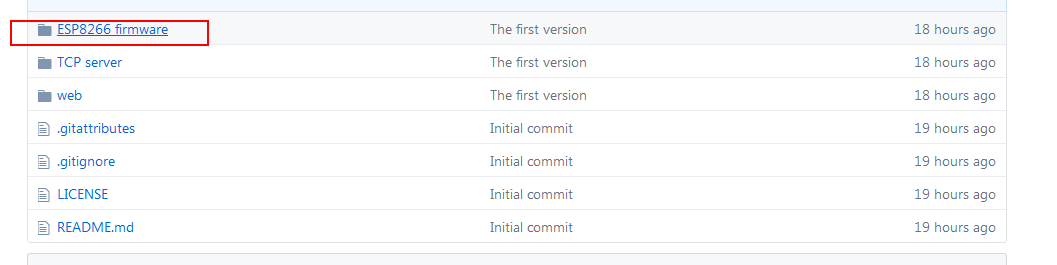
ESP8266 firmware
The ESP8266 is a small chip which includes a MCU as well as the wireless module .By connecting to the TCP server , it makes possibility to remote control the MCU through the Web UI
-
workerman TCP server
TCP server serves as the bridge which connects the MCU and the Web UI
-
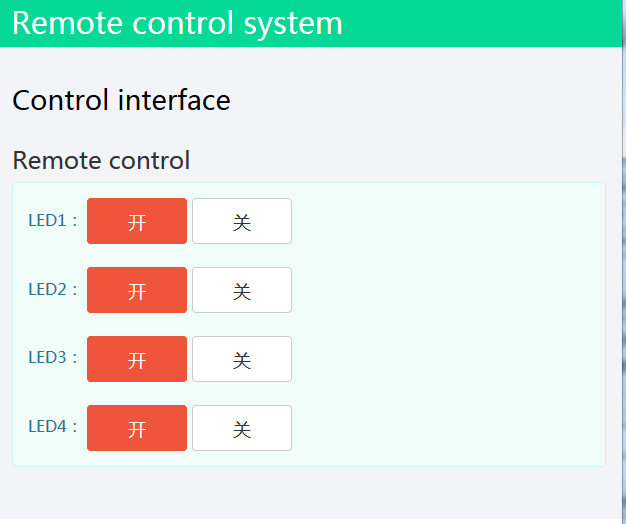
Web UI
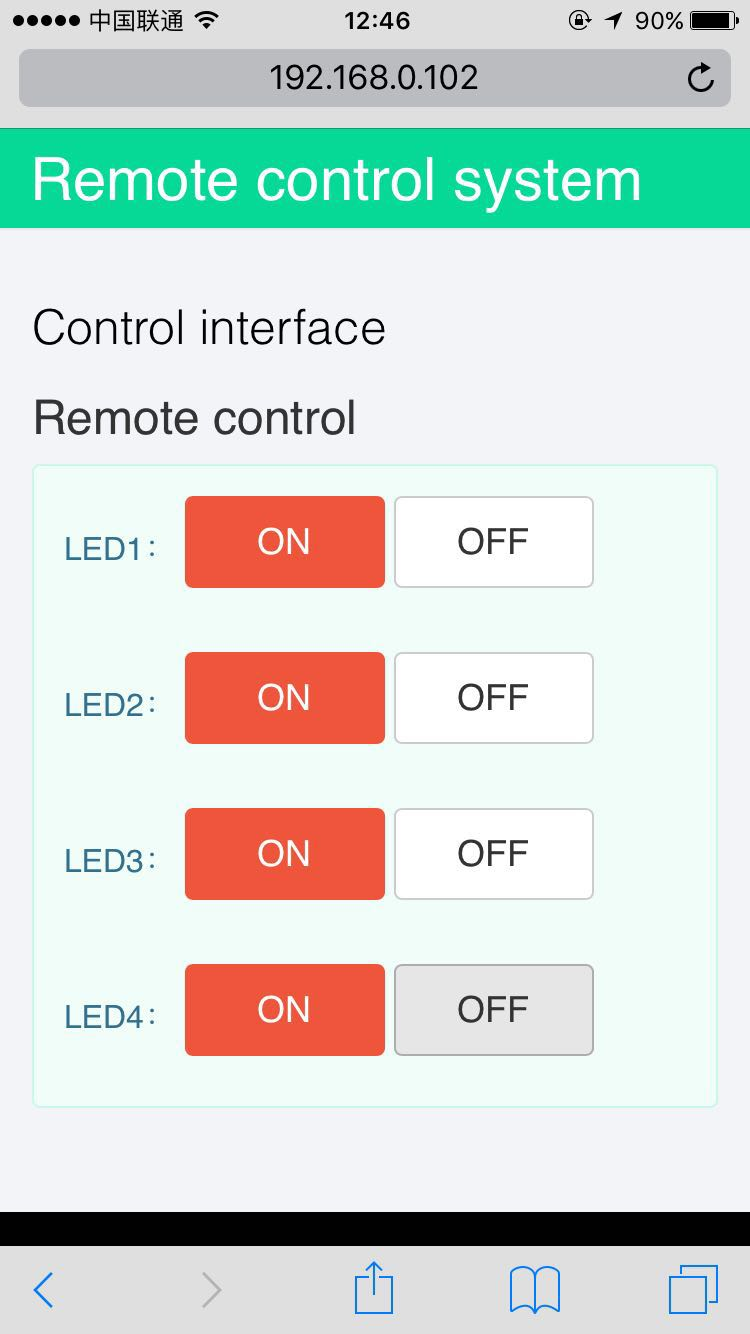
Web UI is a interface that vividly shows the control of the MCU
-
-
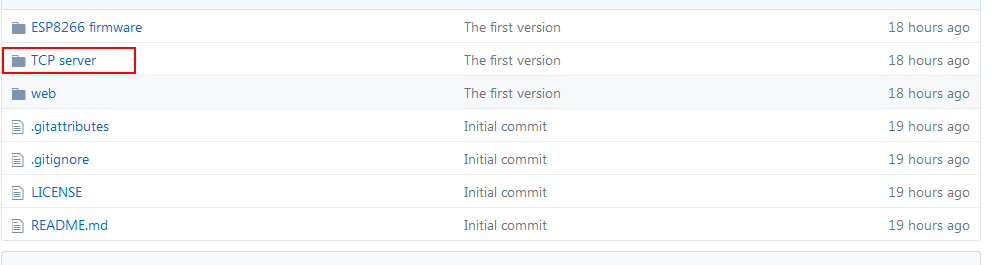
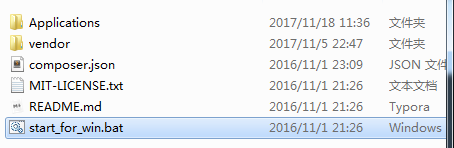
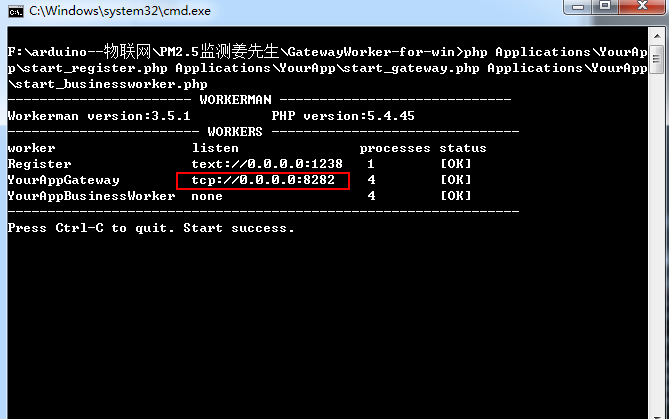
Start up the TCP server
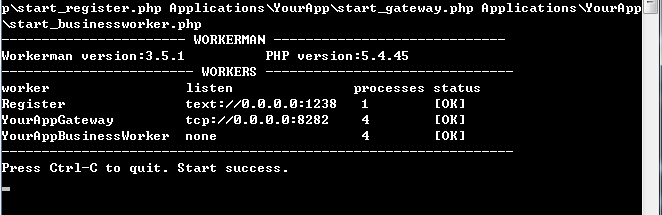
When it goes successfully ,it will show like this:
- Remember the TCP server port : 8282
-
-
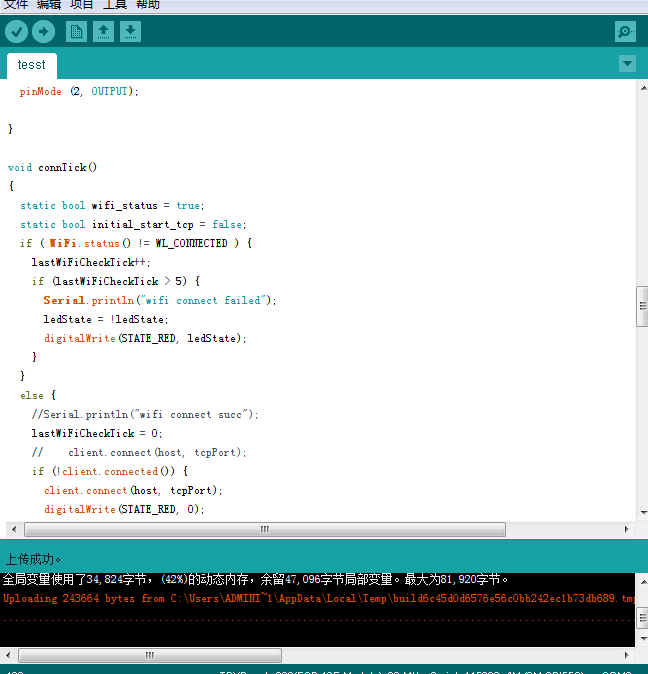
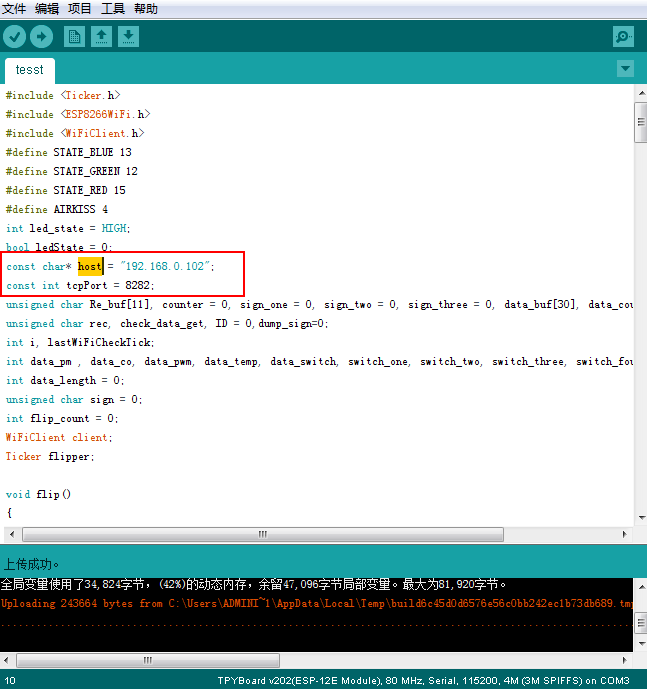
When you download the code ,remember to modify your own TCP server host as well as the TCP server port
-
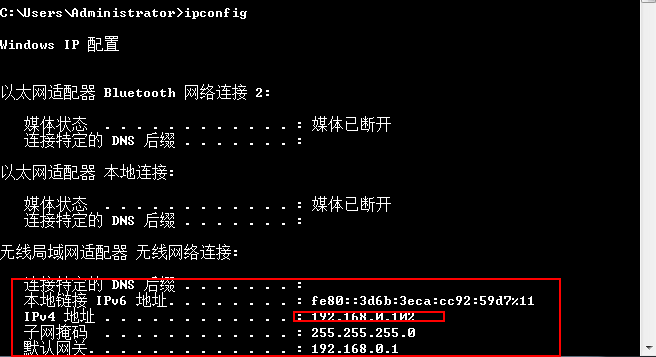
host :host can be read by running cmd.exe and input ipconfig
-
port :port can be read on workeman TCP server
-
-
Connect ESP8266 to computer COM and open Arduino IDE to upload the firmware
For more detail,you can read my tutorials
-
Here I use the phpstudy to setup the server(PHP+NGINX+MYSQL)
-
Run the server and view the url
-
Let ESP8266 connect to WIFI by smartconfig
moer information about smartconfig
-
Power on and control it