
English | 中文
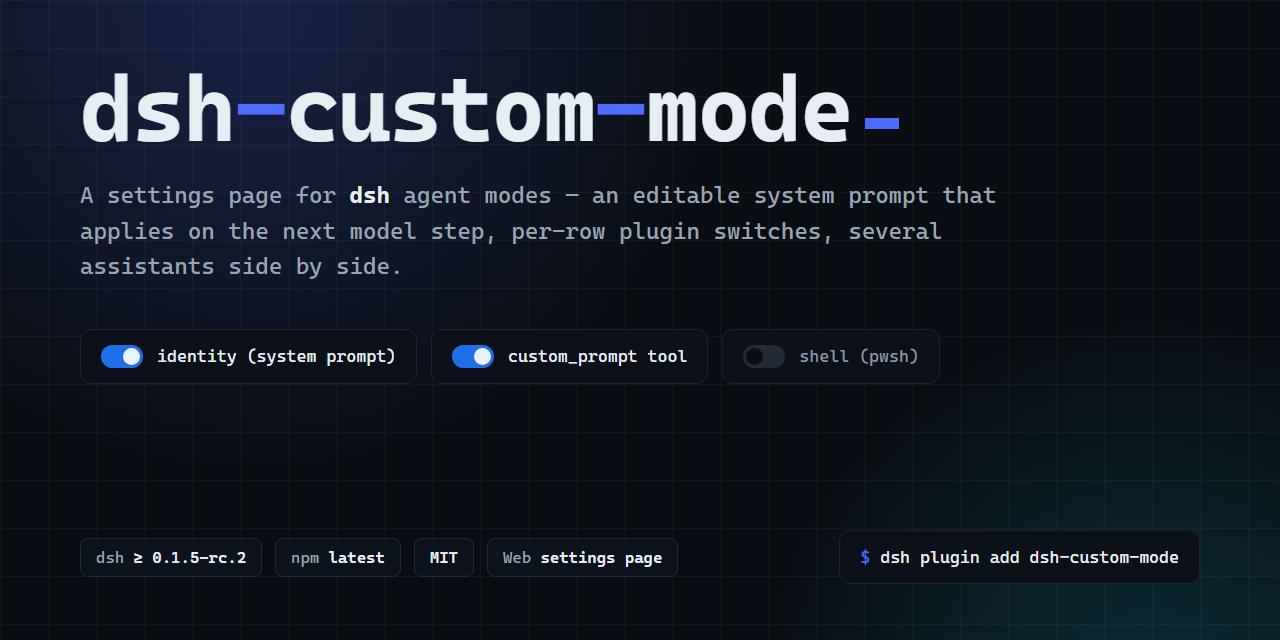
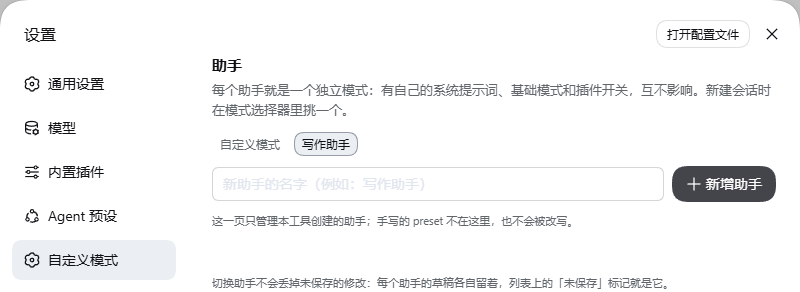
Edit a DeepSeek Harness (dsh) custom mode: system prompt, base mode, and plugin switches. Keep more than one assistant. 自定义模式、系统提示词、提示词编辑。
 |
 |
 |
 |
Pin the version. A bare name can install an older build during pnpm's release cooldown. Details: docs/TROUBLESHOOTING.md.
dsh plugin --profile web add dsh-custom-mode@2.2.3Restart the process that serves the profile. The version on the settings page is the one that is running.
Desktop app: install from the in-app Plugins page. The CLI cannot modify profiles/desktop.
On Windows, install.sh is bash and it needs a dsh executable on PATH. Otherwise use the dsh shipped with DeepSeek Harness, or node node_modules/@deepseek-ai/dsh/lib/bin.js.
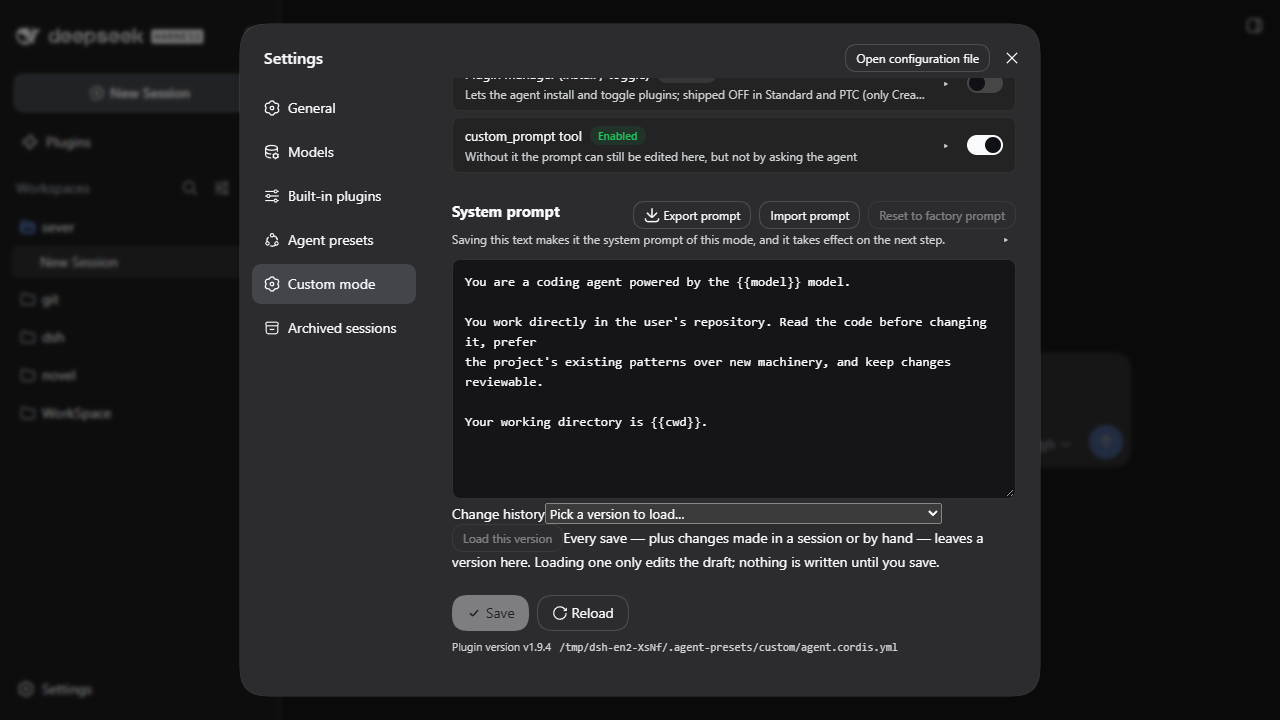
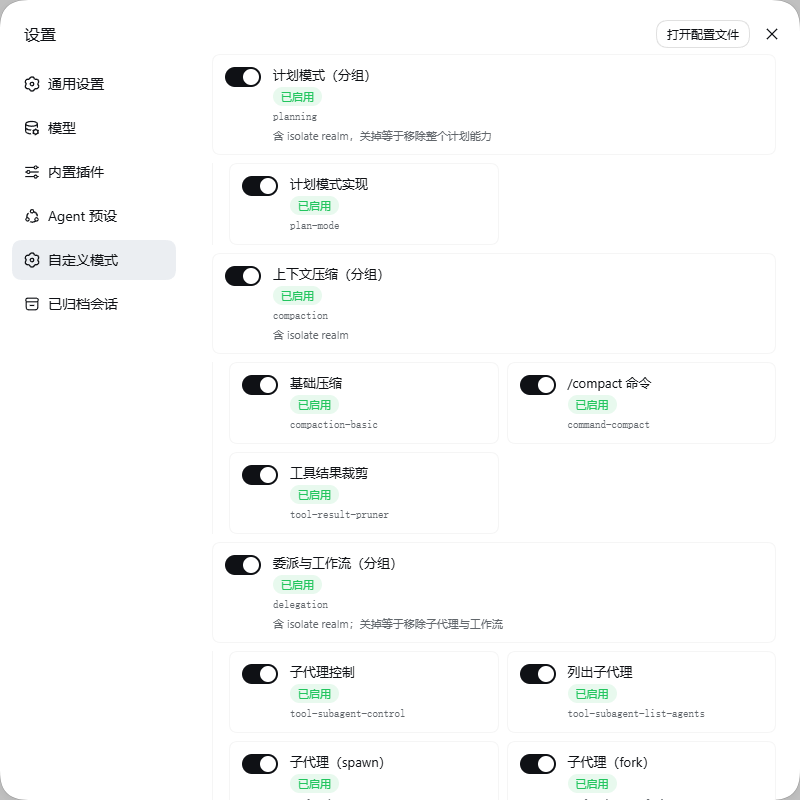
- Open Settings → Custom mode.
- Edit the system prompt. Save is directly under the editor.
- A new session uses this assistant when
settings.yamlhas noagent-presets.defaultyet. An existing value is left as it is. Flow-style, scalar, and aliasagent-presetsvalues are preserved without inserting YAML into them.
The prompt is prompt.md. The next time a model step is assembled, that file is read again. History can load an older draft into the editor; loading does not write. A save computed against an older copy is refused when the file changed underneath. The model can change the same file only through custom_prompt, which asks first.
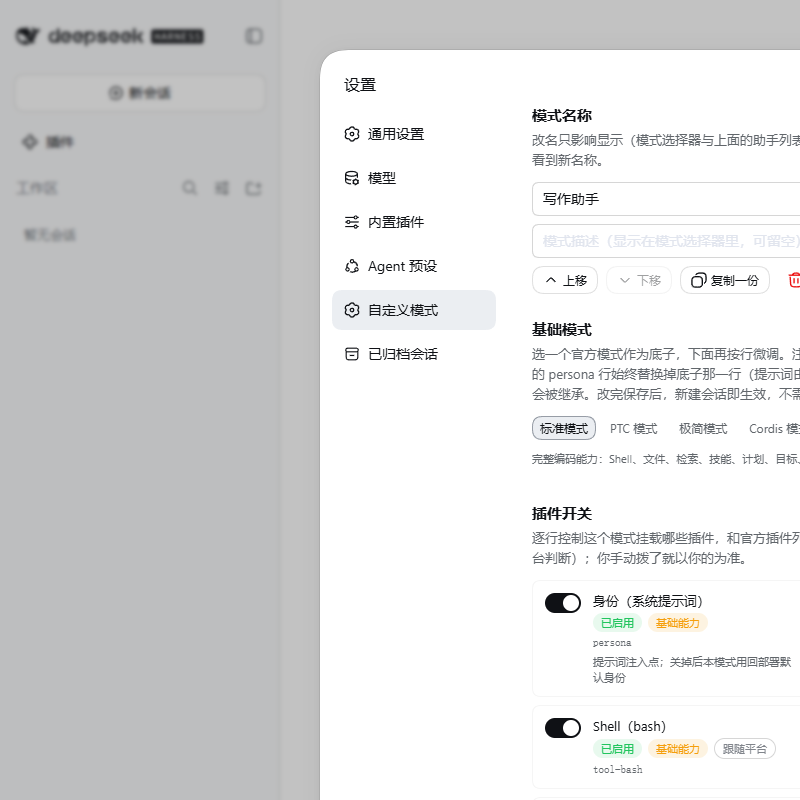
The page is two branches. This assistant edits the one you have open, and all five base modes can be chosen. New assistant writes only when you click New assistant: Coding, Writing, and Chat stay selectable, and only the official Standard mode is lit. The other four official modes are dim and cannot be chosen there.
| Posture | After create |
|---|---|
| Develop | Official Standard mode, tools as shipped. |
| Write | Official Standard mode. Terminal off, file tools on. |
| Chat | Official Standard mode. Files and terminal off. |
- It does not replace Standard, PTC, Minimal, or Creator.
- It does not ship a role-play preset.
- It does not run in the desktop profile from the CLI. Headless mode will not start a session that uses an agent preset.
Declared range: >=0.1.5-rc.2 <0.2.0-0 || >=0.1.6-alpha.1 <0.2.0-0 || >=0.1.7-alpha.1 <0.2.0-0 || >=0.2.0-0 <0.3.0-0 || >=0.2.1-alpha.1 <0.3.0-0
On 2026-10-09, npm latest and next still name 0.2.0-rc.2; alpha names 0.2.1-alpha.2, published that day. Upstream has not published a final stable version yet.
| dsh | Channel | Checked for 2.2.3 |
|---|---|---|
0.2.0-rc.2 |
npm latest / next |
Exact npm host, packed plugin load, API lifecycle, settings and picker in Windows web profile |
0.2.1-alpha.2 |
npm alpha |
The same isolated checks, against this host's own preset declarations |
0.1.7-rc.2 |
earlier declared line | Kept in the CI regression matrix |
Release waits for the unit, boot, and browser workflows. To reproduce against an already installed exact host:
node tools/compat-check.mjs --host-install /path/to/host --out /tmp/custom-mode-check
node tools/runtime-check.mjs --host-install /path/to/host --out /tmp/custom-mode-check --browser /path/to/chrome
Both tools use a generated home and ordinary mock prompts. The runtime check exercises all five base modes, repeated saves, uninstall, reinstall, data preservation, and repeated installation. No model calls are needed. VMware and native Linux desktop results are not claimed.
dshmarket, DSH Plugin Hub (dsh-plugin), and DSH Plugin Store (dshmarketplace-plugin) use different catalogs but install the same profile bundle. The root npm manifest provides dsh.bundle.patch, the browser export, the public repository, and matching compatibility ranges; no extra runtime adapter or build script is needed.
Run node tools/market-check.mjs --out /tmp/custom-mode-markets.json to check their public discovery data. An inaccessible catalog or an unverified/stale listing is reported explicitly. The tool never runs catalog-provided shell commands or submits a listing. Market interfaces and limits.
- docs/TROUBLESHOOTING.md — wrong version installed, base mode unavailable, half-finished upgrade
- docs/ARCHITECTURE.md — where the prompt is read, and which host calls this package depends on
- docs/PUBLISHING.md — tags and release
- CONTRIBUTING.md — people
- AGENTS.md — agents
MIT