Quick Start Tutorial
Your first memory in 2 minutes - Get started with SuperLocalMemory's intelligent local memory system for AI coding assistants.
🌐 Official Website: superlocalmemory.com | 📦 NPM: npmjs.com/package/superlocalmemory
Before starting, ensure you have:
- Python 3.8 or higher installed (
python3 --version) - Git installed (for cloning repository)
- 5 minutes of time
Already installed? Skip to Your First Memory.
# Clone repository
git clone https://github.com/varun369/SuperLocalMemoryV2.git
cd SuperLocalMemoryV2

# Install
./install.shgit clone https://github.com/varun369/SuperLocalMemoryV2.git
cd SuperLocalMemoryV2
.\install.ps1What happens during installation:
- Creates
~/.claude-memory/directory - Initializes SQLite database
- Auto-detects installed IDEs (Cursor, Windsurf, Claude Desktop, VS Code)
- Configures MCP server for detected tools
- Installs CLI wrapper (
slmcommand) - Sets up shell completions (bash/zsh)
Verify installation:
slm statusExpected output:
✓ Database: OK (0 memories)
✓ Knowledge Graph: Ready
✓ Pattern Learning: Ready
✓ Current Profile: default
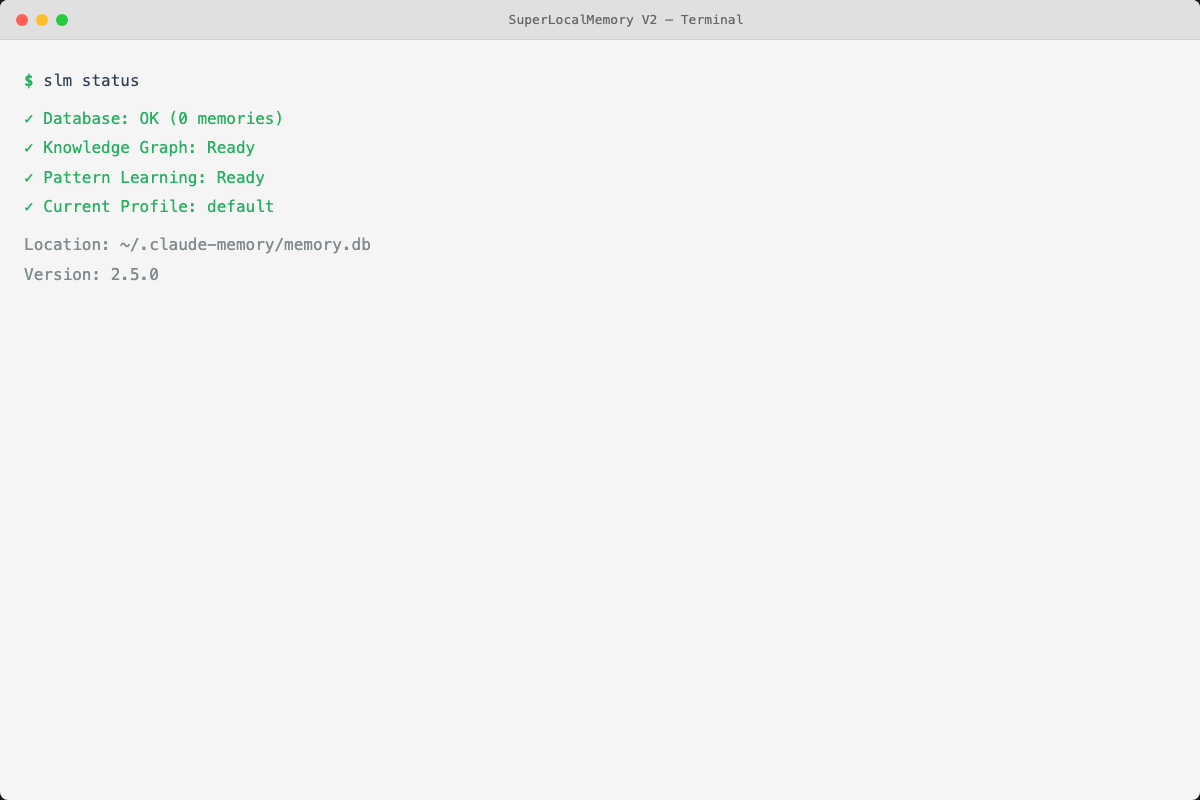
slm status command shows system health and database statistics
For detailed installation troubleshooting, see the Installation Guide.
slm remember "We use FastAPI for REST APIs in this project"Output:
Memory added with ID: 1

✅ Memory saved successfully

Next steps:
  • Use `slm recall <query>` to search this memory
  • Use `slm list` to see recent memories
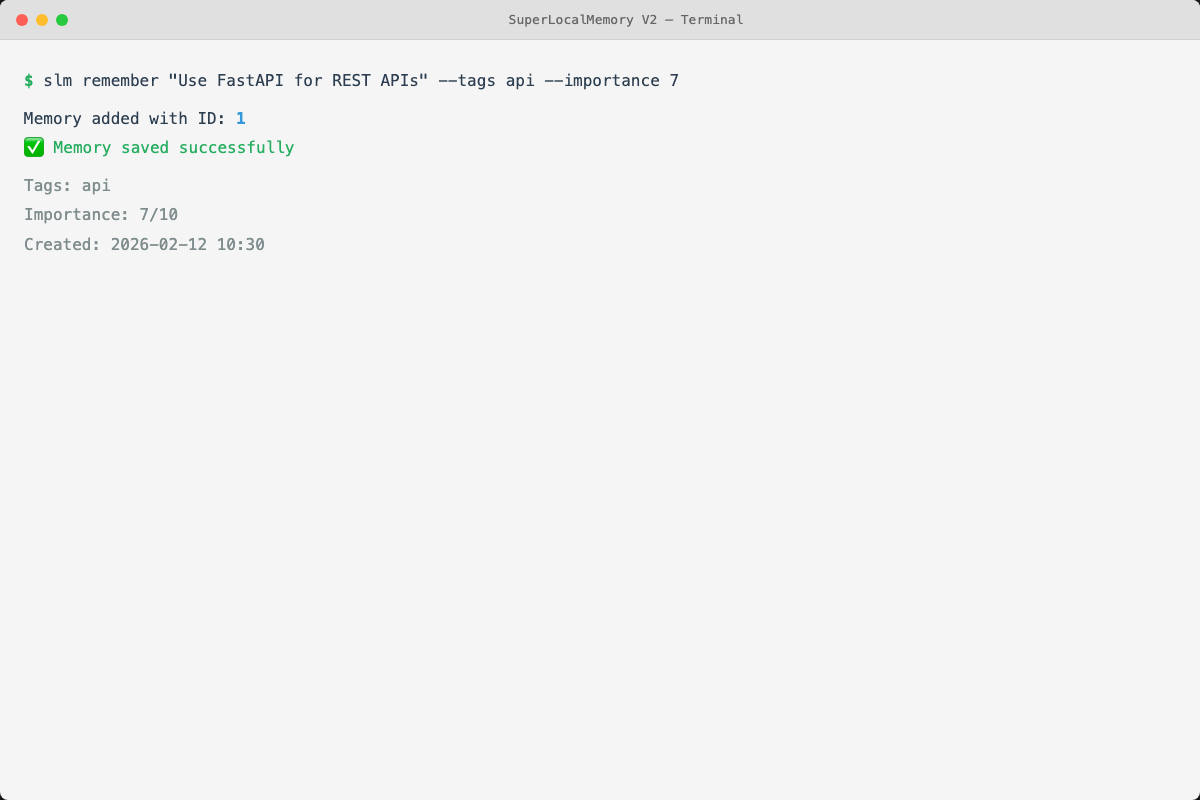
slm remember command
What just happened:
- Content saved to local SQLite database (
~/.claude-memory/memory.db) - TF-IDF vectors generated for semantic search
- Entities extracted ("FastAPI", "REST APIs")
- Pattern learning analyzed your preference for FastAPI
- Full-text search index updated
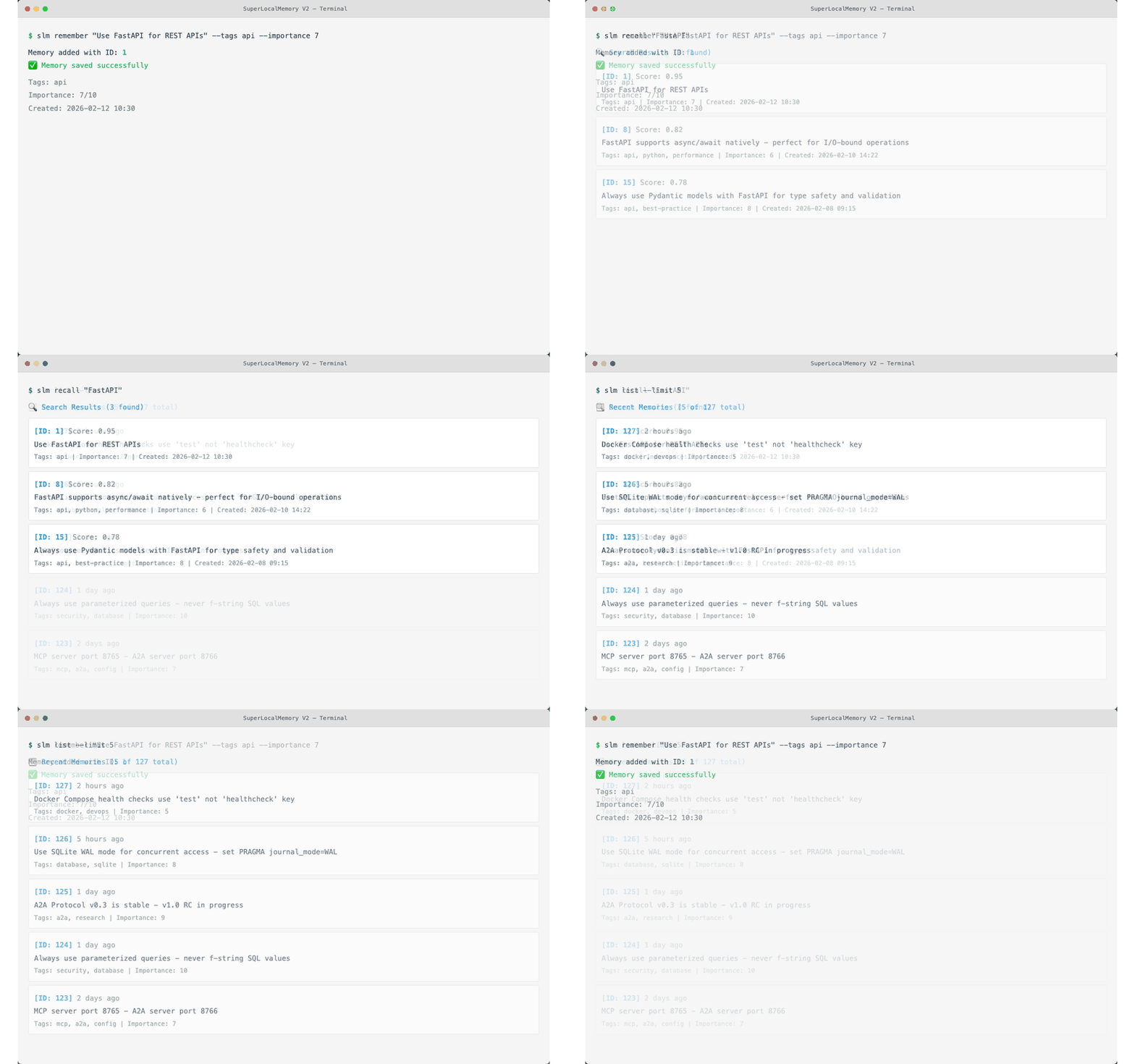
slm remember "JWT tokens expire after 24 hours" --tags security,auth,jwtWith tags for better organization:
- Helps filtering
- Improves search relevance
- Enables tag-based queries
slm remember "Database uses PostgreSQL 15 with UUID primary keys" --project myapp --tags database,postgresqlProject isolation prevents context bleeding between different codebases.
slm remember "CRITICAL: Production deploys require approval from @lead" --importance 10 --tags deployment,productionImportance levels (1-10):
- 1-3: Low priority (notes, ideas)
- 4-6: Normal (coding patterns, decisions)
- 7-9: High priority (critical info, warnings)
- 10: Critical (blockers, security issues)
slm recall "FastAPI"Output:
🔍 Search Results (1 found)

[ID: 1] Score: 0.95
We use FastAPI for REST APIs in this project
Tags: -
Project: default
Created: 2026-02-07 14:23
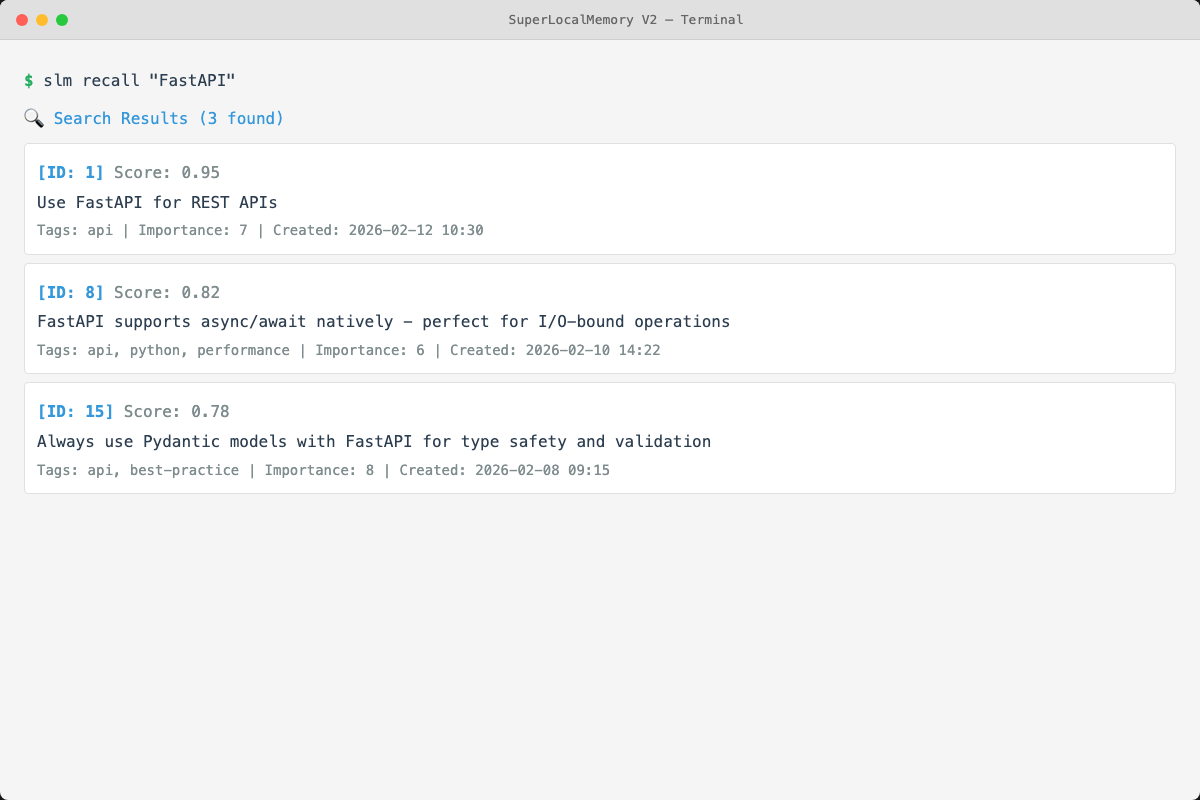
Three search methods working simultaneously:
- Semantic Search (TF-IDF) - Finds conceptually similar content
- Knowledge Graph - Discovers related memories via graph edges
- Full-Text Search (FTS5) - Exact keyword matching
# Limit results
slm recall "authentication" --limit 3

# Filter by relevance score
slm recall "React hooks" --min-score 0.7

# Filter by tags
slm recall "database" --tags postgresql,performance

# Filter by project
slm recall "API design" --project myapp
See the CLI Cheatsheet for all search options.
slm list --limit 10Output:
📋 Recent Memories (3 total)

[ID: 3] CRITICAL: Production deploys require approval from @lead
Tags: deployment, production
Project: default
Created: 2026-02-07 14:25

[ID: 2] JWT tokens expire after 24 hours
Tags: security, auth, jwt
Project: default
Created: 2026-02-07 14:24

[ID: 1] We use FastAPI for REST APIs in this project
Tags: -
Project: default
Created: 2026-02-07 14:23
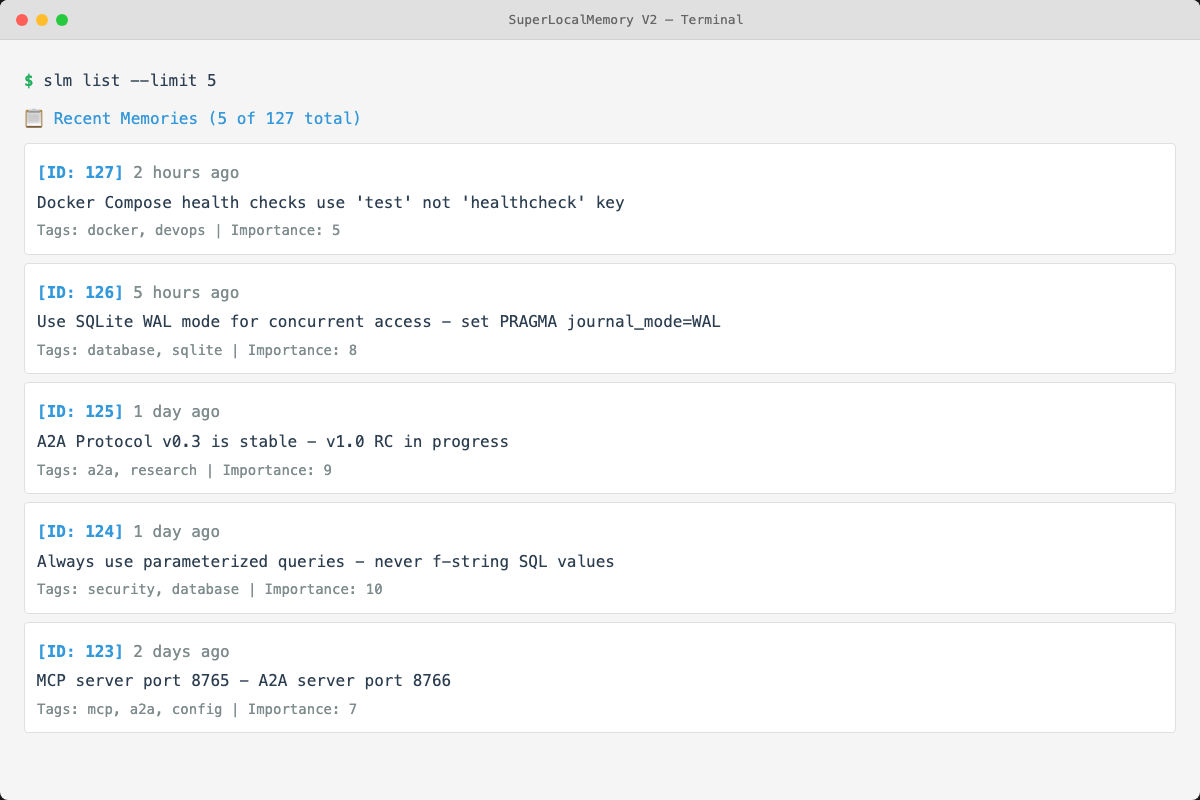
slm list command displays recent memories with tags and metadata
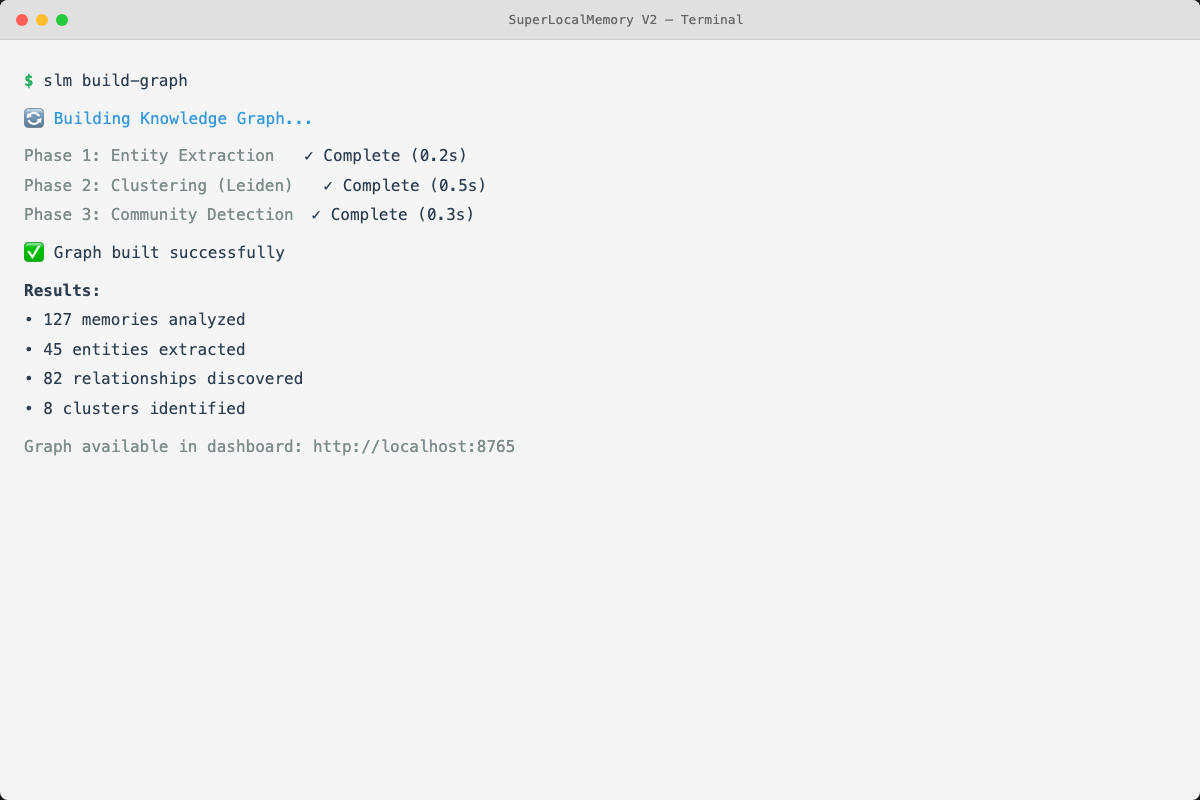
After adding several memories, build the knowledge graph to discover relationships:
slm build-graphOutput:
🔄 Building Knowledge Graph...

Phase 1: Entity Extraction
  Scanning 3 memories...
  Extracted 15 unique entities
  Created 15 graph nodes
  ✓ Complete (0.1s)

Phase 2: Relationship Discovery
  Computing similarity scores...
  Created 8 edges (relationships)
  Avg edges per node: 0.5
  ✓ Complete (0.2s)

✅ Knowledge graph built successfully!

Graph Statistics:
  Nodes: 15
  Edges: 8
  Density: 0.37%
Why build the graph:
- Improves search quality
- Discovers hidden relationships
- Enables graph-enhanced recall
- Creates topic clusters
Learn more in the Knowledge Graph Guide.
slm statusOutput:
📊 SuperLocalMemory Status

Database:
  Total memories: 3
  Database size: 12 KB
  Location: /Users/username/.claude-memory/memory.db

Knowledge Graph:
  Nodes: 15
  Edges: 8
  Clusters: 0 (run with --clustering to enable)

Pattern Learning:
  Learned patterns: 2
  Confidence threshold: 0.5

Current Profile: default
SuperLocalMemory works across 17+ IDEs and tools. All use the same local database - no data duplication.
After installation, Cursor automatically detects SuperLocalMemory.
Usage in Cursor:
You: "Remember that we use FastAPI for REST APIs"
AI: [Automatically invokes memory tools]
✓ Memory saved

You: "What did we decide about APIs?"
AI: [Searches memories]
Found: "We use FastAPI for REST APIs in this project"
# Use skills directly
/slm-remember "content"
/slm-recall "query"
/slm-list-recent
/slm-status# Slash commands
/slm-remember "content"
/slm-recall "query"# Universal CLI works everywhere
slm remember "content"
slm recall "query"
slm list
slm statusSee Multi-Profile Workflows for advanced usage.
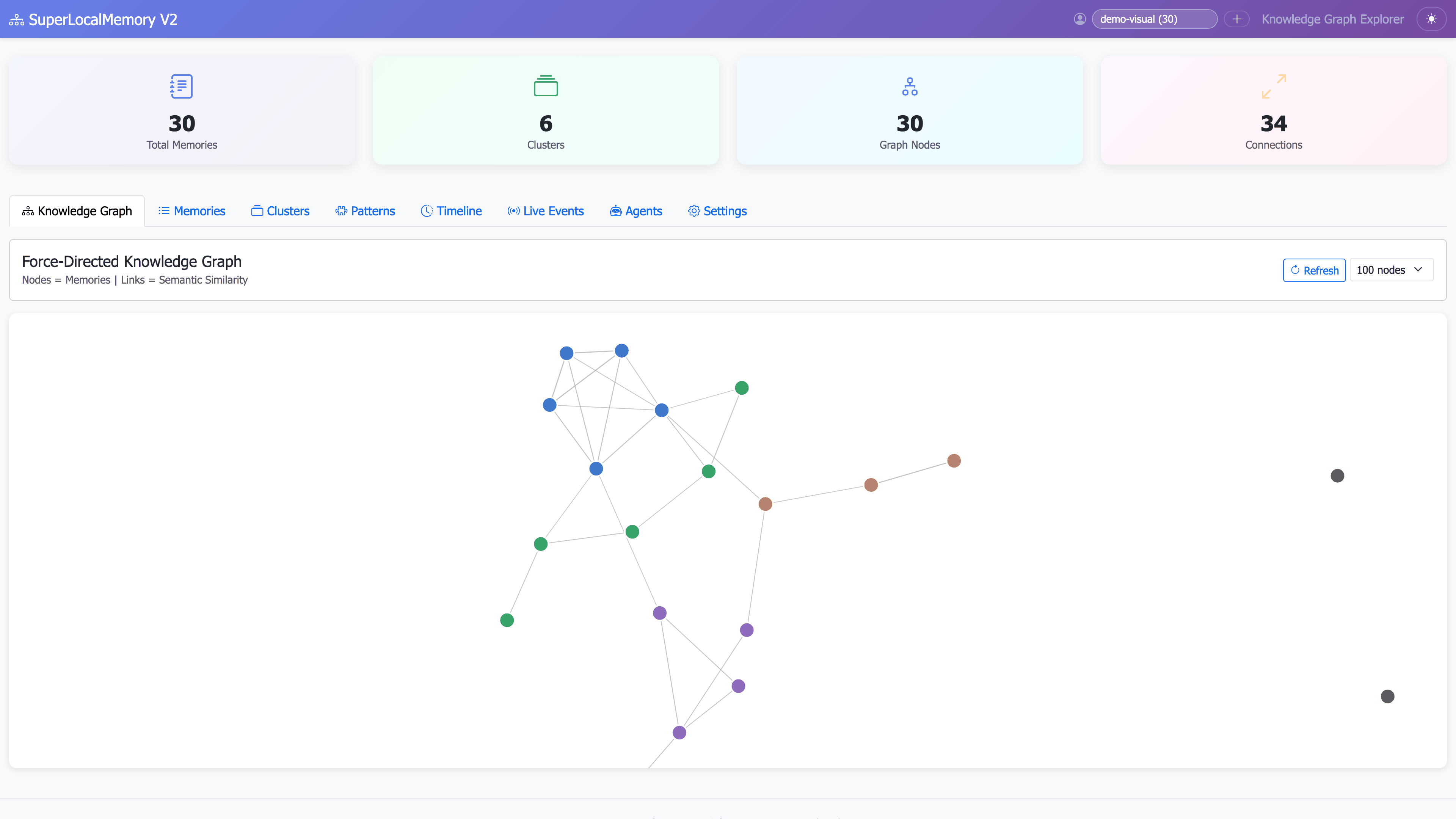
NEW: SuperLocalMemory v2.2.0 includes an interactive web dashboard for visual exploration.
# Start the visualization dashboard
python ~/.claude-memory/ui_server.py

# Opens at: http://localhost:8765
Expected output:
╔══════════════════════════════════════════════════════════════╗
║  SuperLocalMemory v2.2.0 - Visualization Dashboard           ║
╚══════════════════════════════════════════════════════════════╝

✓ Database loaded: 3 memories
✓ Knowledge graph loaded: 1 cluster, 15 entities
✓ Pattern data loaded: 2 learned patterns

🌐 Dashboard running at: http://localhost:8765
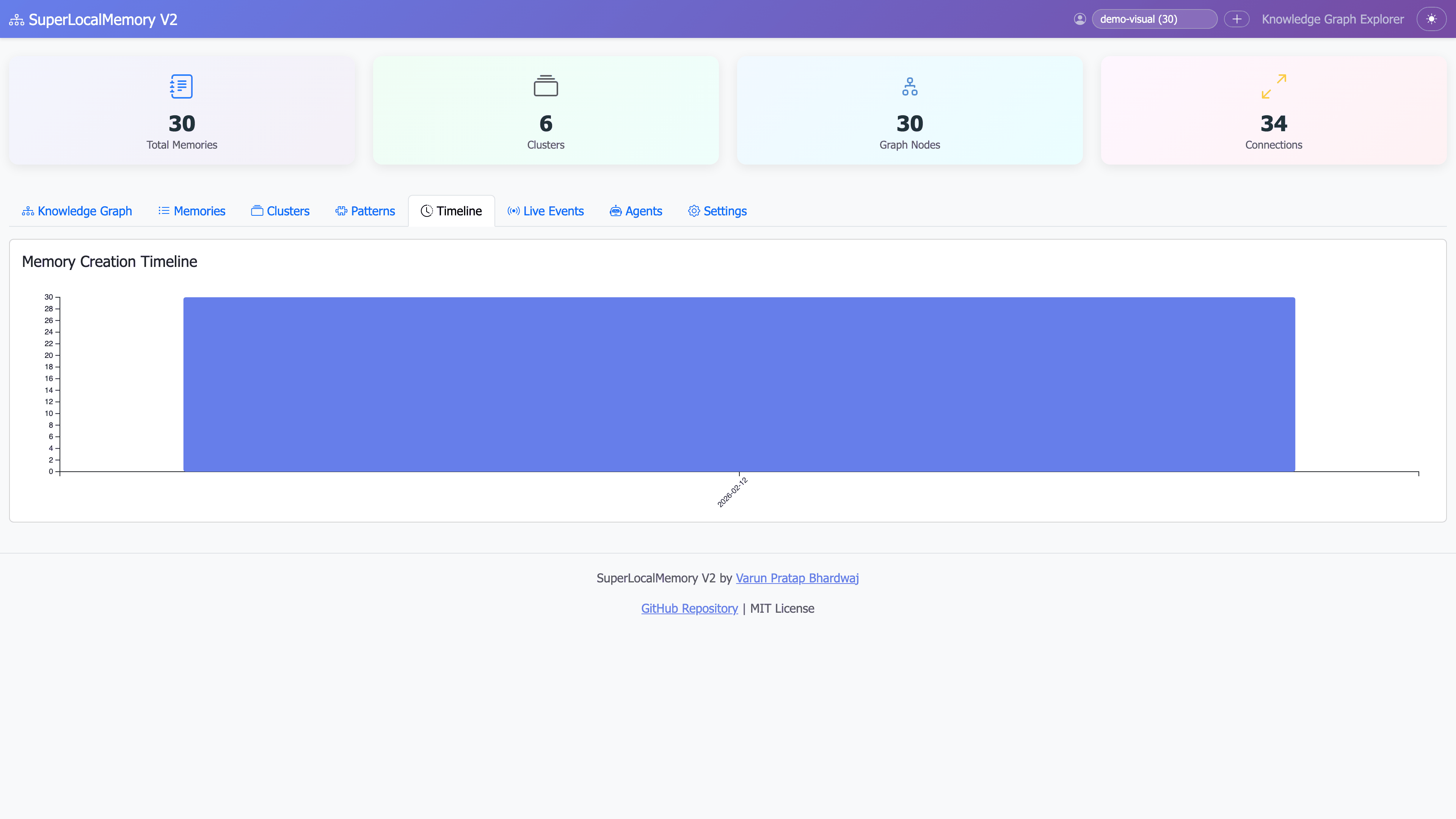
1. Timeline View
Navigate to: Timeline tab
See: All 3 memories chronologically
Features:
  - Color-coded by importance
  - Cluster badges
  - Click to expand
  - Filter by date range
2. Search Explorer
Navigate to: Search tab
Type: "FastAPI"
See: Real-time results with score bars
Features:
  - Live search (updates as you type)
  - Visual relevance scores (0-100%)
  - Strategy toggle (semantic/exact/graph/hybrid)
  - Advanced filters
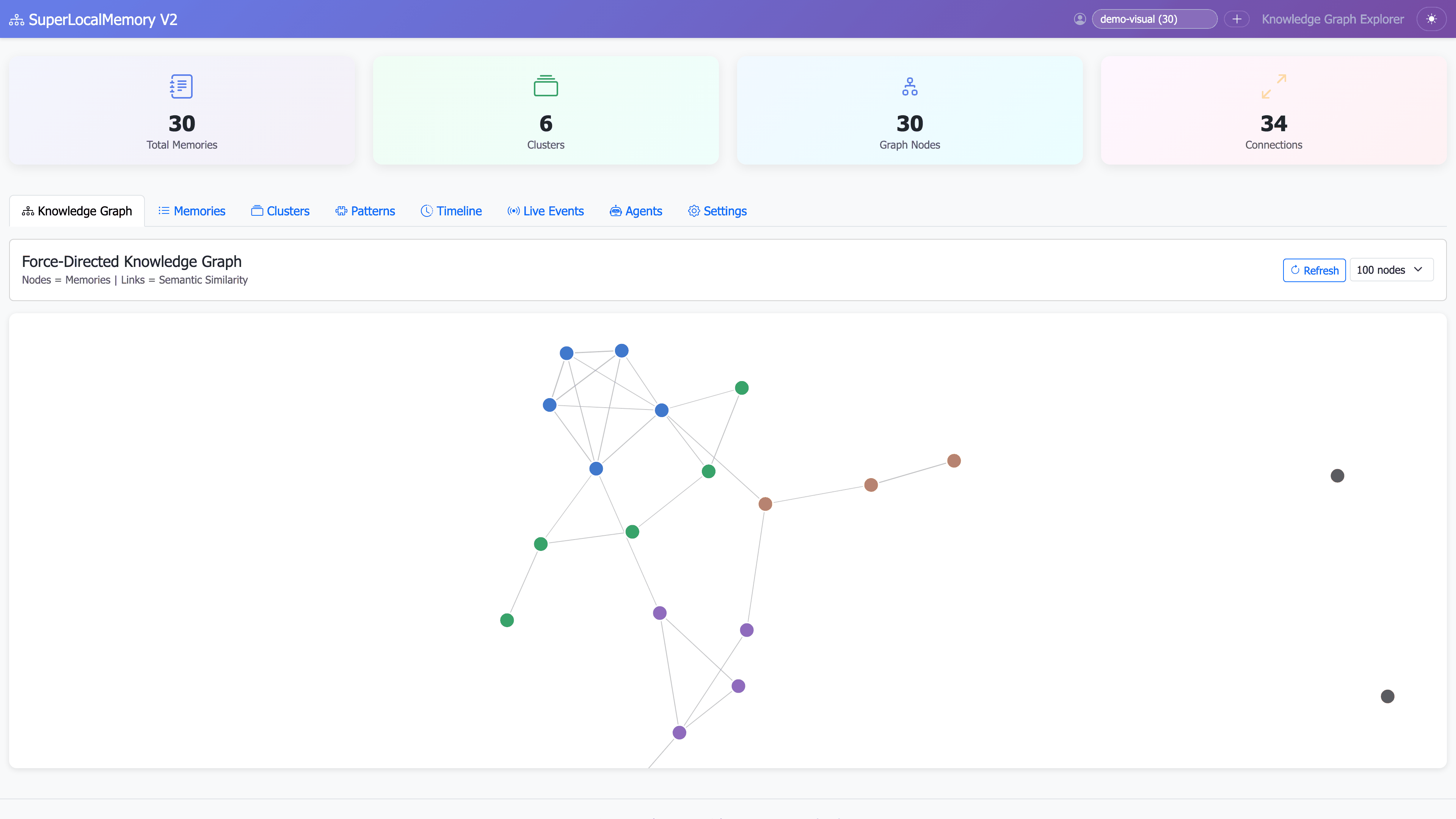
3. Graph Visualization
Navigate to: Graph tab
See: Interactive knowledge graph
Features:
  - Zoom and pan
  - Click clusters to explore
  - Hover for details
  - Drag nodes to rearrange
4. Statistics Dashboard
Navigate to: Statistics tab
See: Memory trends and analytics
Features:
  - Memory trends (line chart)
  - Tag cloud
  - Importance distribution
  - Pattern confidence scores
| Feature | Benefit |
|---|---|
| Real-time updates | Changes via CLI appear immediately |
| Dark mode | Toggle in top-right corner |
| Keyboard shortcuts |
Ctrl+1/2/3/4 for views, Ctrl+F for search |
| Responsive design | Works on desktop, tablet, mobile |
| Export options | Download results as JSON/CSV/PDF |
# If dashboard fails to start
pip install dash plotly pandas networkx

# Or from requirements
pip install -r ~/.claude-memory/requirements-dashboard.txtDaily Context Refresh:
1. Open dashboard (http://localhost:8765)
2. Timeline view → Filter: Last 7 days
3. Scan memories chronologically
4. Export as text for AI assistant
Time: 2 minutes
Discover Patterns:
1. Statistics tab
2. View tag cloud
3. See most frequent topics
4. Analyze pattern confidence
Time: 3 minutes
Explore Relationships:
1. Graph tab
2. Click "Authentication" cluster
3. See all related memories
4. Discover connections
Time: 5 minutes
Congratulations! You've completed the quick start tutorial.
- Multi-Profile Workflows - Separate work/personal contexts
- Knowledge Graph Guide - Deep dive into graph features
- Pattern Learning - How SuperLocalMemory learns your style
- CLI Cheatsheet - Complete command reference
- Python API - Programmatic access
-
Daily Standups:
slm recall "decided" --limit 5 -
Code Reviews:
slm remember "Code review feedback: Use async/await consistently" --tags codereview -
Bug Tracking:
slm remember "Bug: JWT tokens expire too fast" --tags bug --importance 8 -
Architecture Decisions:
slm remember "ADR: Use microservices over monolith" --tags architecture --importance 9
- Issues: GitHub Issues
- Discussions: GitHub Discussions
- Wiki: Complete Documentation
|
|
|
|
|
|
|
|
|
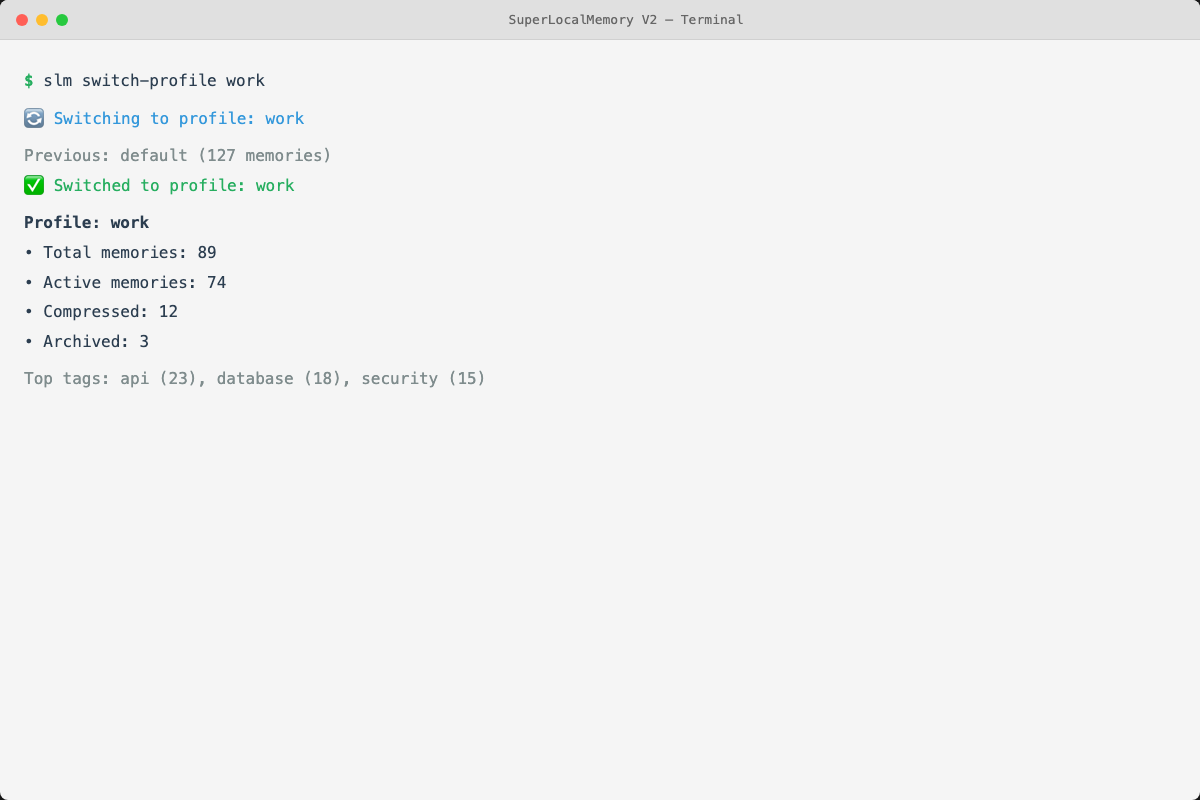 Multi-profile support for context isolation
|
|
|
|
|
|
|
|
|
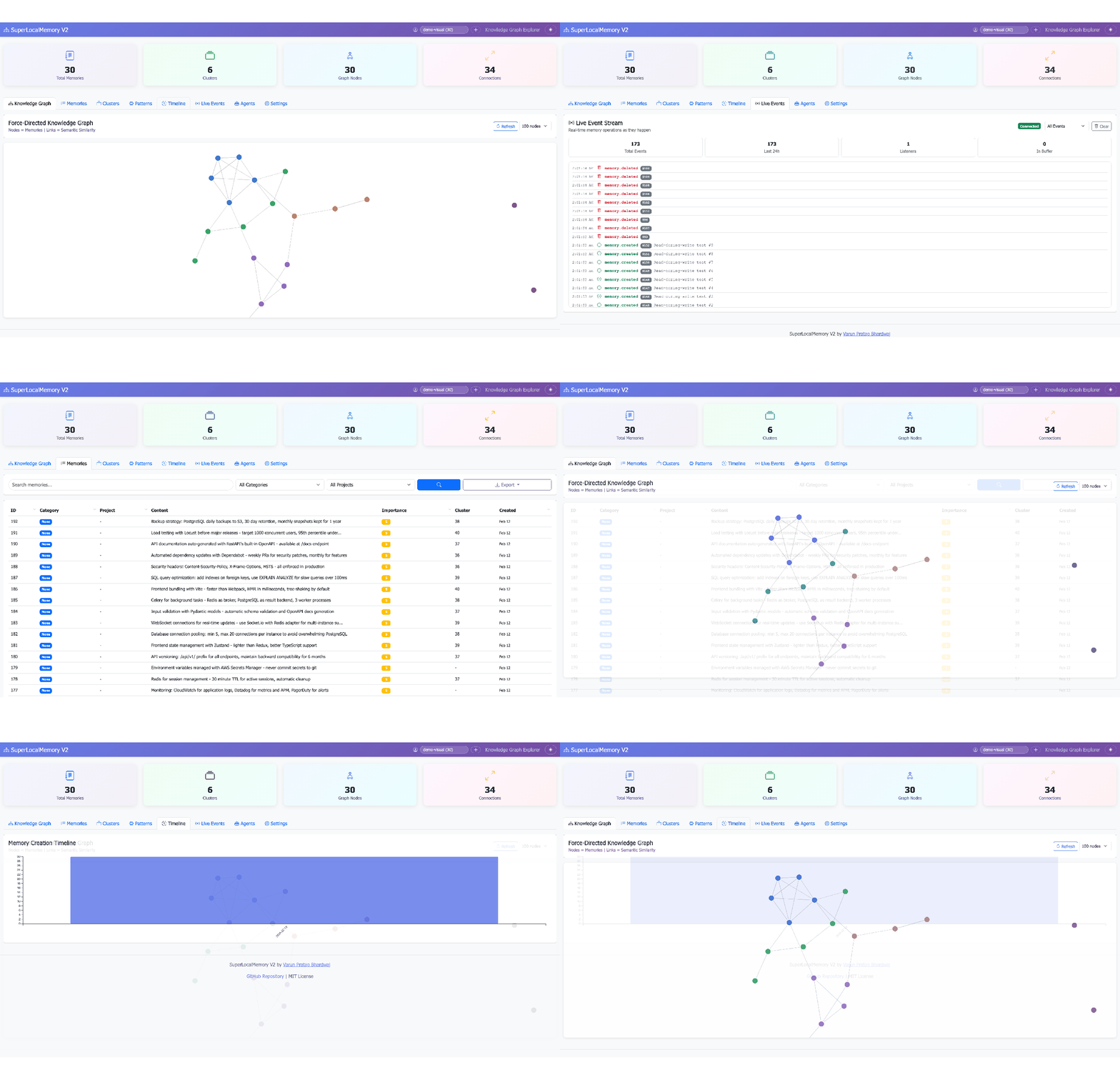
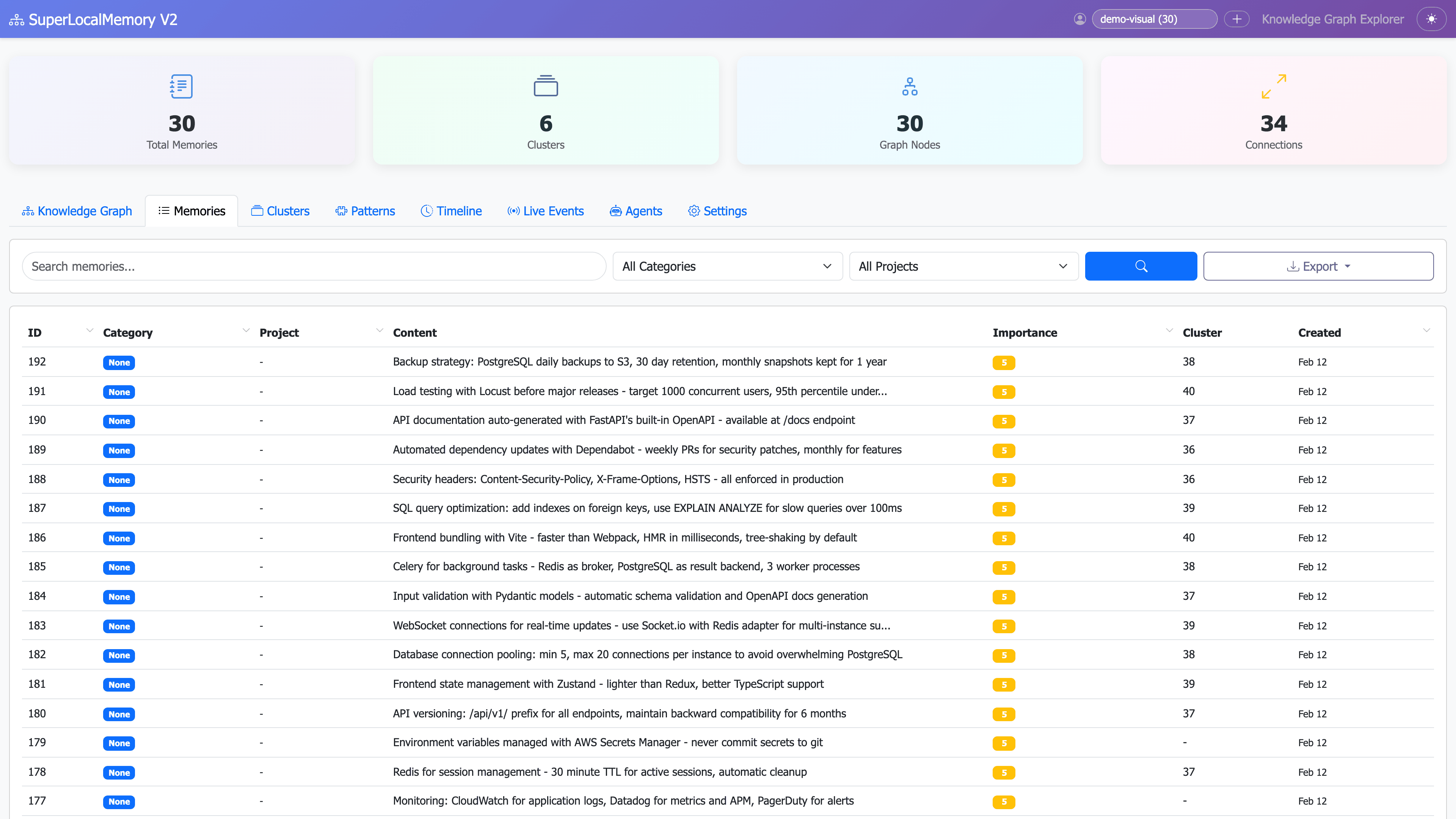 Browse and filter memories with advanced search
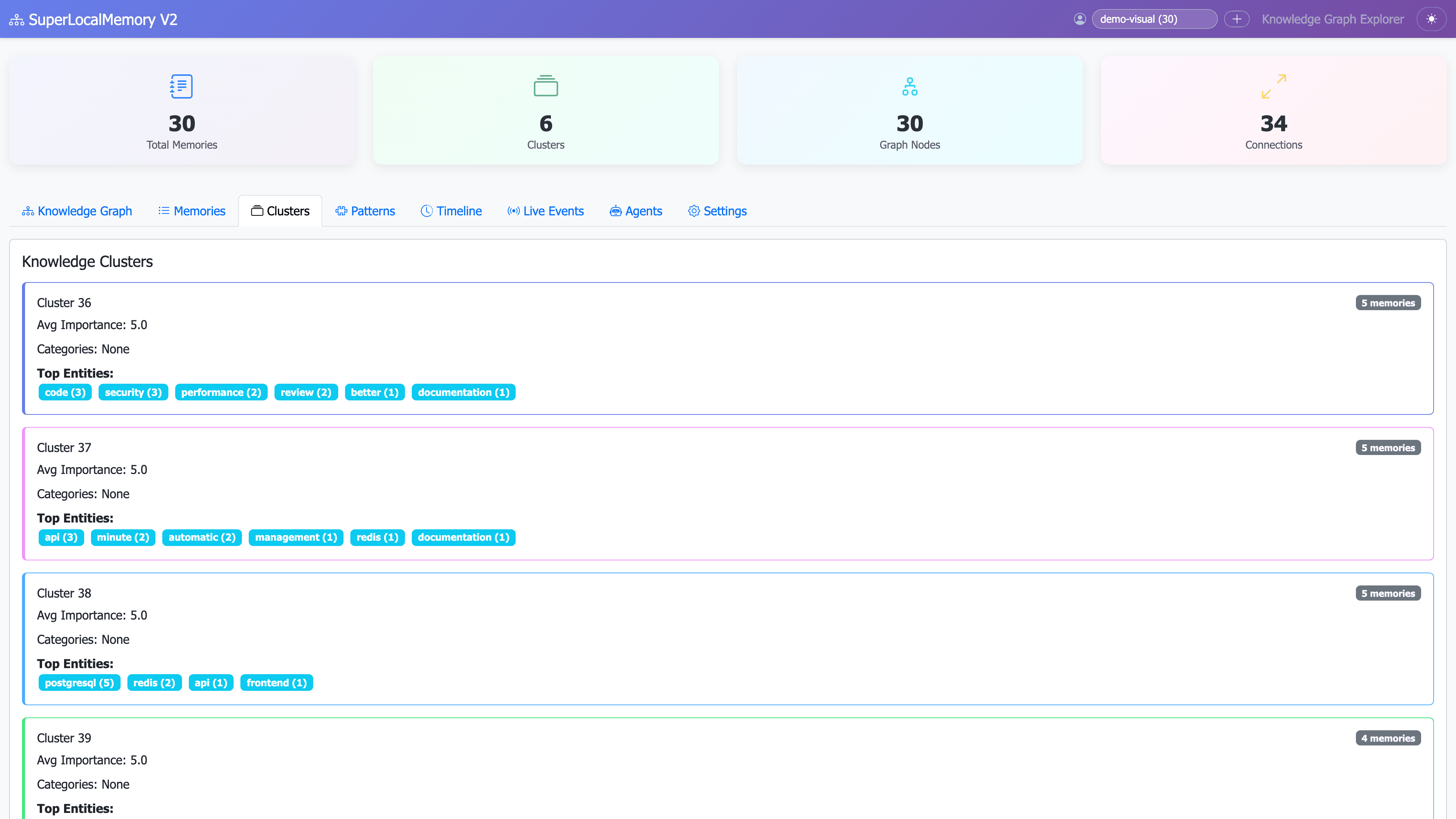 Explore memory clusters and topic relationships
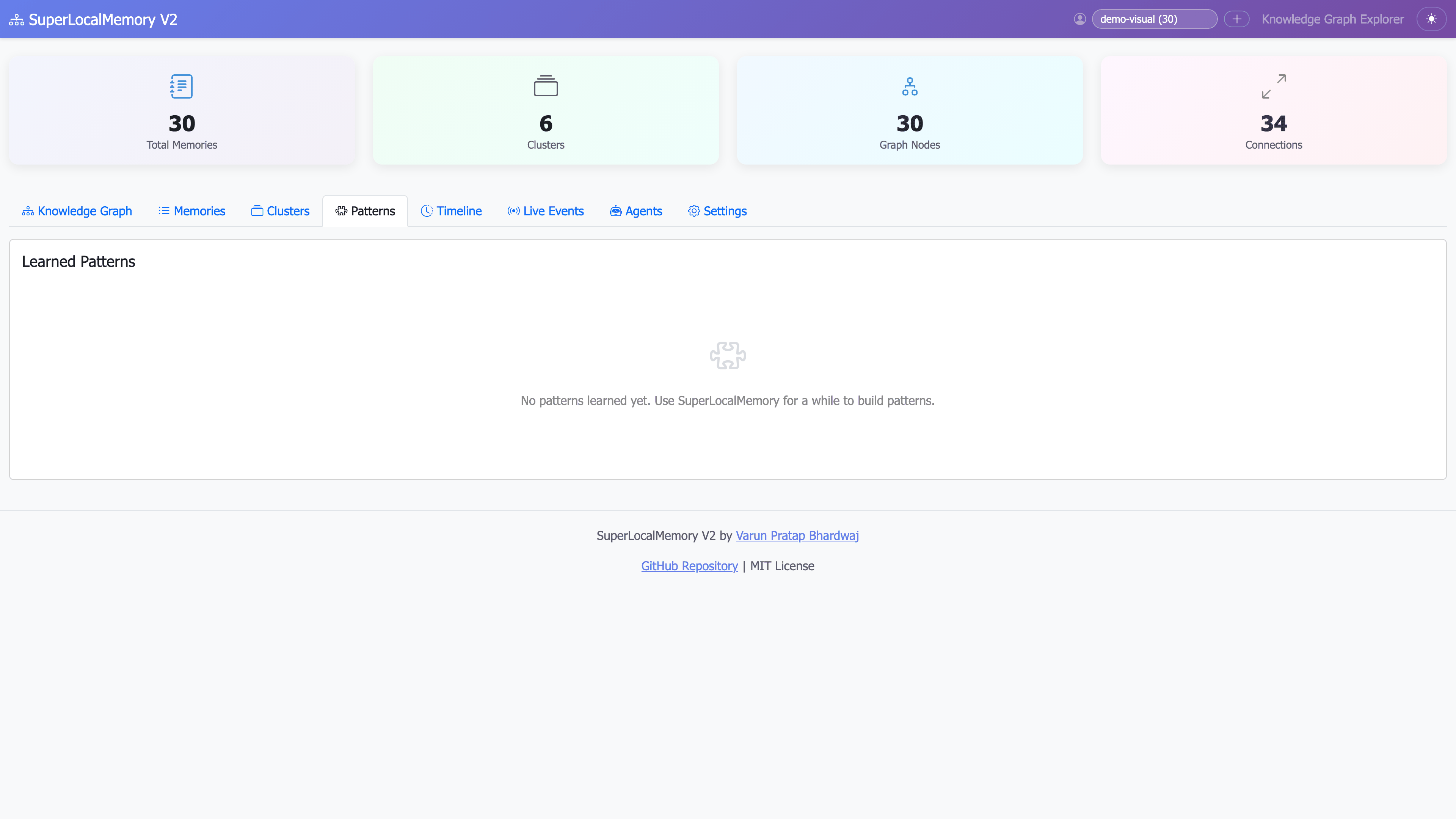 View learned patterns and confidence scores
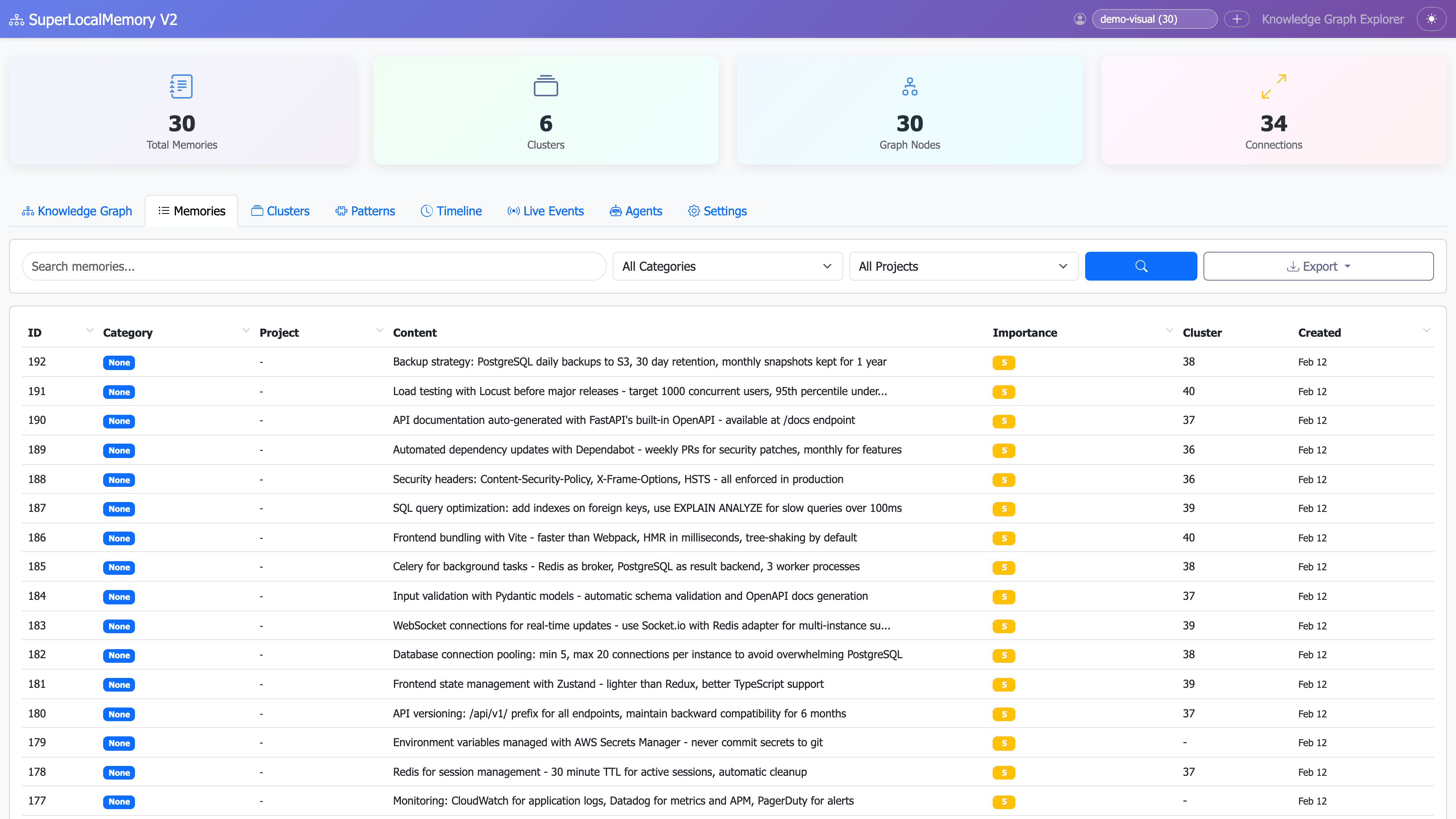 Advanced filtering by tags, projects, and importance
|
|
|
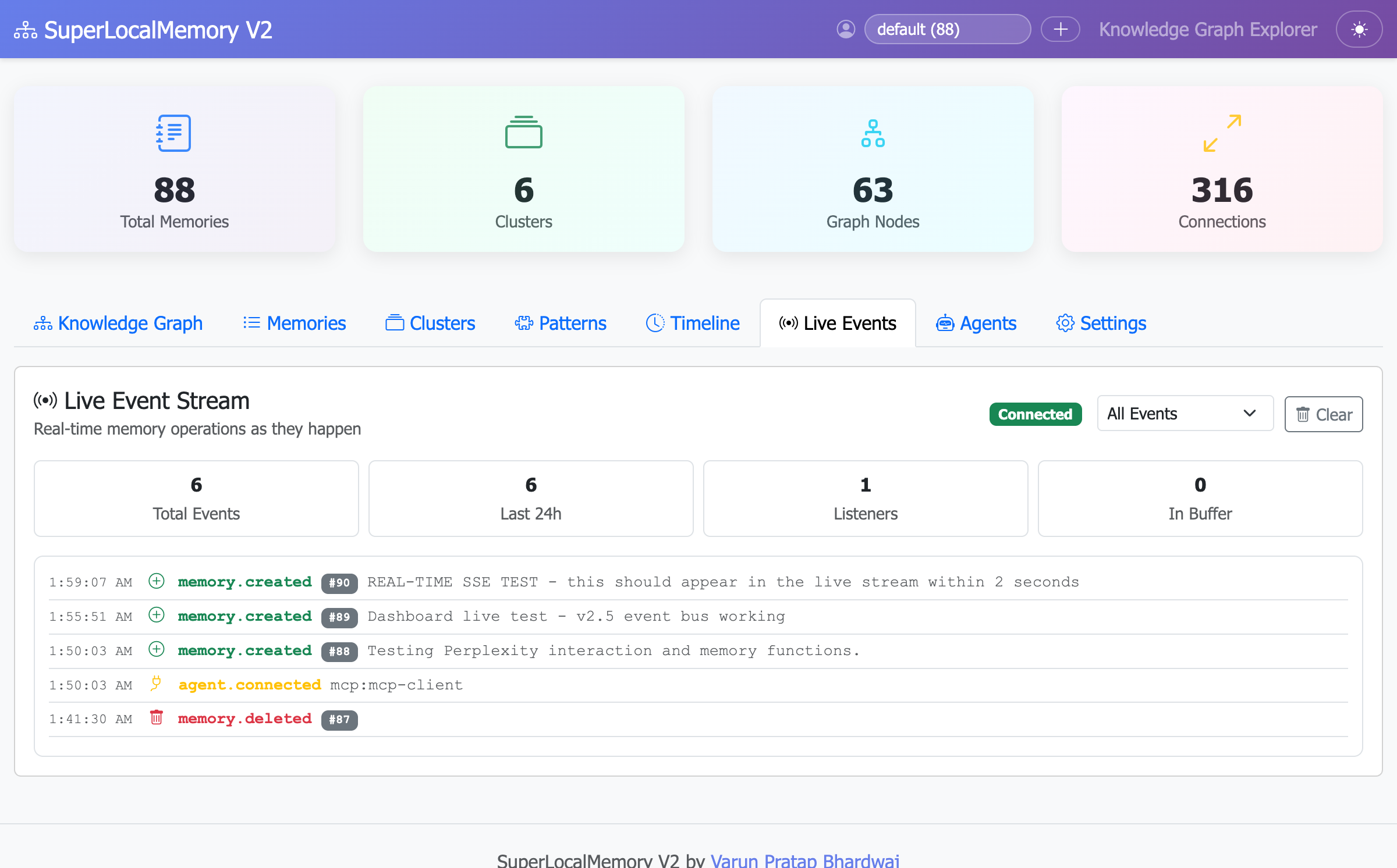 Real-time event stream showing memory operations across all agents
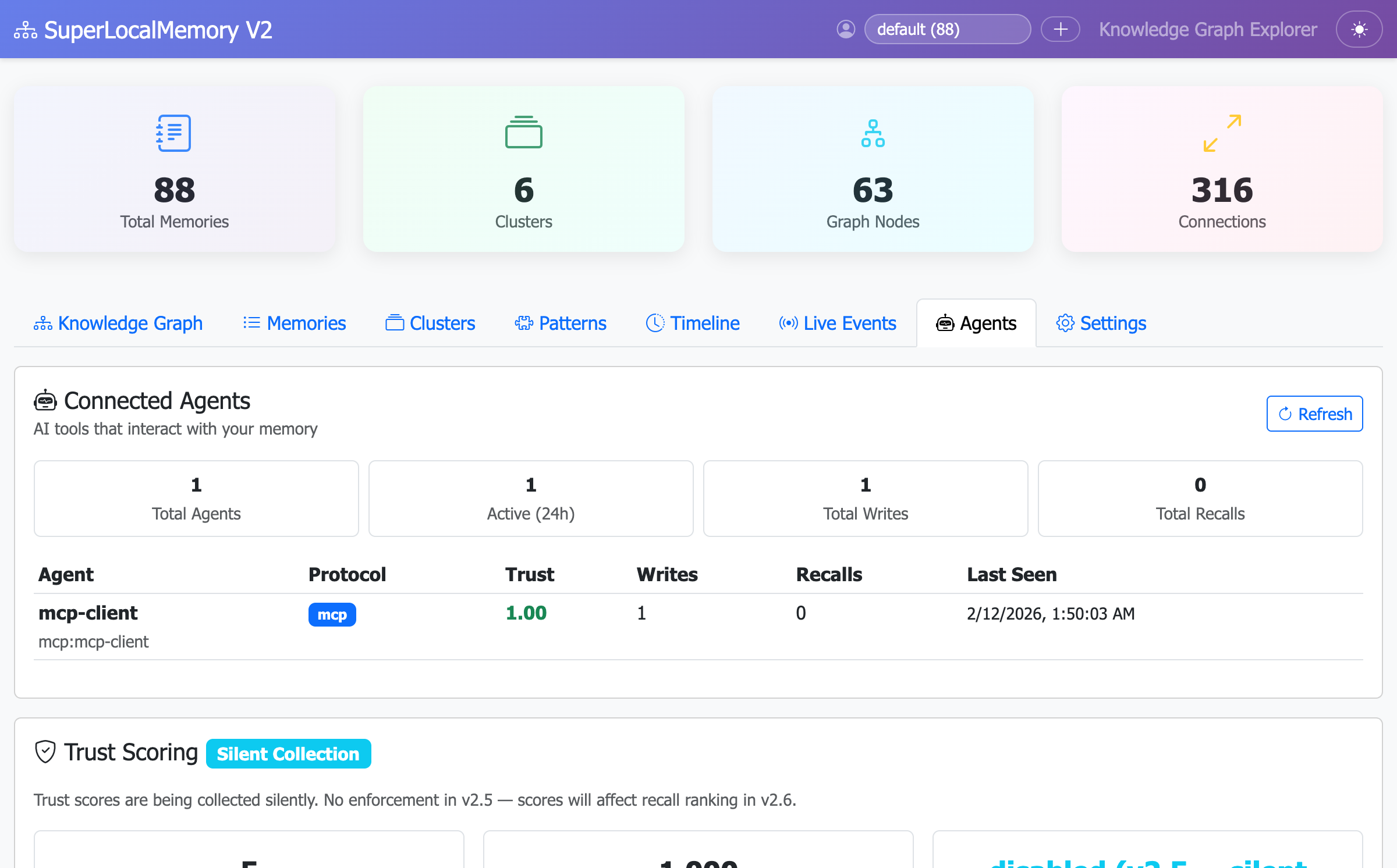 Track active AI agents and their memory access patterns
v2.5 Features (Released Feb 2026):
- Event Bus: Real-time memory operation broadcasting via WebSocket/SSE
- Agent Registry: Track which AI assistants are accessing your memories
- Provenance Tracking: Know which agent created each memory (CLI, Cursor, Claude, etc.)
- Trust Scoring: Silent collection of agent behavior patterns
- Live Dashboard: Watch memory operations happen in real-time

Solution:
# Restart your shell
exec $SHELL

# Or manually add to PATH
echo 'export PATH="$HOME/.claude-memory/bin:$PATH"' >> ~/.bashrc
source ~/.bashrcSolution:
# Verify installation
ls -la ~/.claude-memory/memory.db

# If missing, reinstall
cd SuperLocalMemoryV2
./install.shSolution:
# Check database
sqlite3 ~/.claude-memory/memory.db "SELECT COUNT(*) FROM memories;"

# If 0, check write permissions
chmod 755 ~/.claude-memory/
chmod 644 ~/.claude-memory/memory.db
For more troubleshooting, see the Configuration guide.
You've learned how to:
- ✅ Install SuperLocalMemory
- ✅ Save your first memory
- ✅ Search memories semantically
- ✅ List recent memories
- ✅ Build knowledge graph
- ✅ Check system status
- ✅ Use across different tools
100% local. 100% private. 100% yours.
Created by Varun Pratap Bhardwaj Solution Architect • SuperLocalMemory