This is the "Quickstart fullstack" example Monday app.
It can be used as a integration, or views or both
- Make sure you have Node (v18+) installed
3. Install dependencies with npm:
npm install- Add your MONDAY_SIGNING_SECRET to .env file
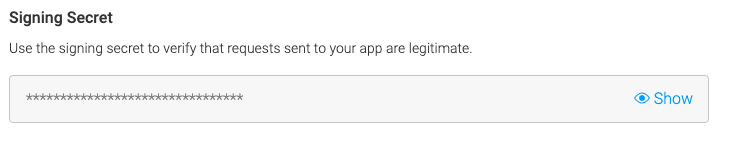
** To get your MONDAY_SIGNING_SECRET go to monday.com, open Developers section, open your app and find the Signing Secret in "Basic Information" section
- Build the client code and run the server with ngrok tunnel with the command:
npm run dev-server
When it's time to production, you can deploy your app to monday code hosting.
Deploying to monday code hosting
-
For the first-time deployment, use this command to initialize Monday code:
-
Start deployment to monday-code using the following command monday apps cli:
npm run deploy1. Choose your app that will be associated with the deployment.
2. Choose the draft version to deploy.