You signed in with another tab or window. Reload to refresh your session.You signed out in another tab or window. Reload to refresh your session.You switched accounts on another tab or window. Reload to refresh your session.Dismiss alert
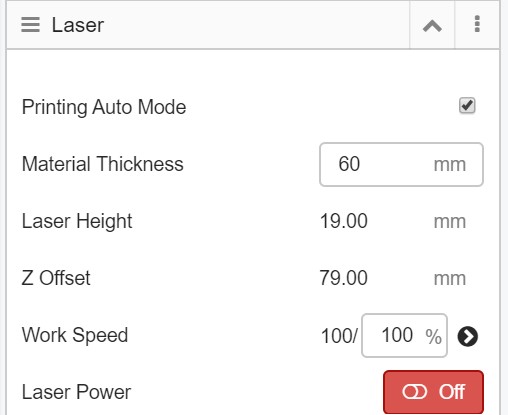
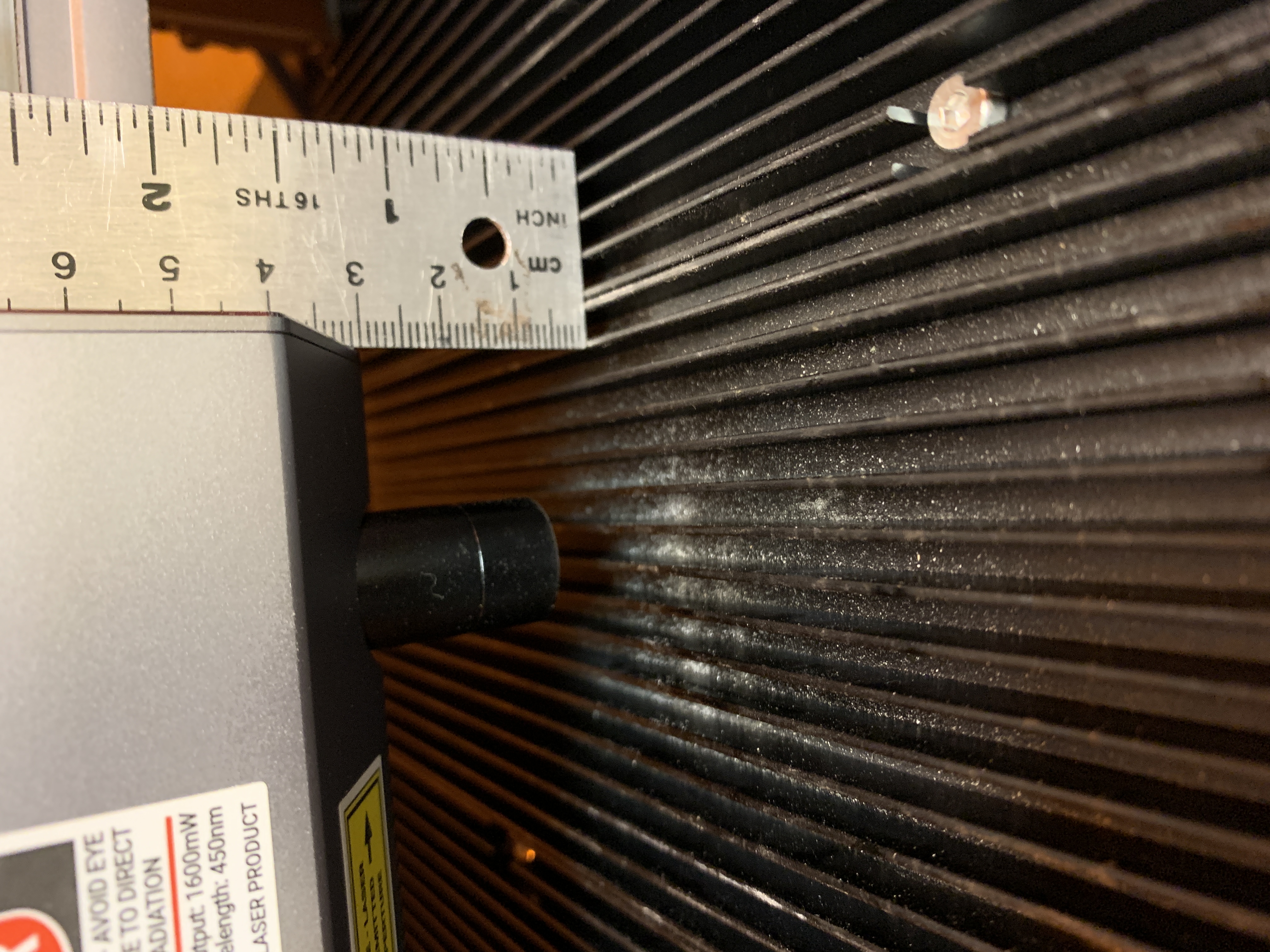
Hello! I'm hoping that this is just a simple rookie mistake, but I can't seem to get the material thickness that I set in Luban to translate over to the actual machine when laser cutting. I've set the thickness everywhere from 10mm to 60mm, and I can see where the Z offset is being adjusted accordingly, but when I click go to work origin, the laser returns to the last job's height, around 5mm, that was set manually on the touchscreen. Am I missing a step somewhere?
reacted with thumbs up emoji reacted with thumbs down emoji reacted with laugh emoji reacted with hooray emoji reacted with confused emoji reacted with heart emoji reacted with rocket emoji reacted with eyes emoji


Uh oh!
There was an error while loading. Please reload this page.
-
Hello! I'm hoping that this is just a simple rookie mistake, but I can't seem to get the material thickness that I set in Luban to translate over to the actual machine when laser cutting. I've set the thickness everywhere from 10mm to 60mm, and I can see where the Z offset is being adjusted accordingly, but when I click go to work origin, the laser returns to the last job's height, around 5mm, that was set manually on the touchscreen. Am I missing a step somewhere?
Beta Was this translation helpful? Give feedback.
All reactions