Summary:
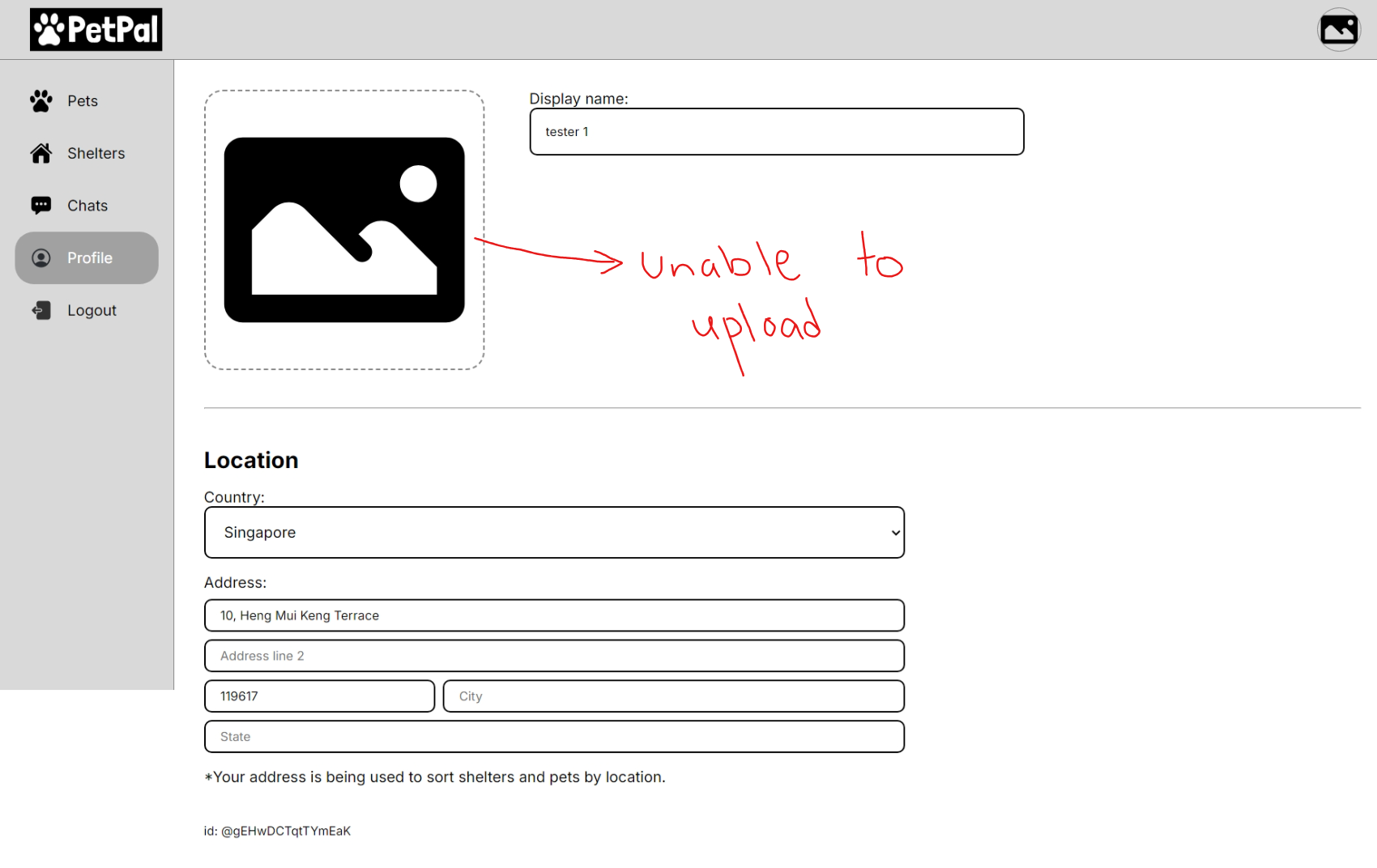
Users are unable to upload profile pictures on the Profile Page. The image upload function fails with no feedback.
Steps to Reproduce:
- Navigate to the user profile page.
- Click on the "Edit Profile Picture" button.
- Click "Upload" and select a valid image file (.jpg, .png).
- Attempt to upload the file.
Expected Result:
The profile picture should upload successfully and appear in the user's profile.
Actual Result:
No error message is displayed, and the image does not upload.
Screenshots:
Summary:
Users are unable to upload profile pictures on the Profile Page. The image upload function fails with no feedback.
Steps to Reproduce:
Expected Result:
The profile picture should upload successfully and appear in the user's profile.
Actual Result:
No error message is displayed, and the image does not upload.
Screenshots: