






A remake of the Odyssey Game Engine that powered KotOR I & II written in JS (TypeScript)
KotOR.js is a TypeScript-based reimplementation of the Odyssey Game Engine that powered the original Star Wars: Knights of the Old Republic (KotOR) and its sequel, KotOR II: The Sith Lords (TSL). The project aims to support the complete feature set of the original engine. While still in the early stages of development, many systems are already online in some form or fashion.
In addition to the game engine, the project includes an early attempt at a modding suite called KotOR Forge.
- The code has been re-written in TypeScript and compiles down into JavaScript.
- THREE.js is used for the base of the rendering engine.
- Electron is used to package and publish a desktop application.
Discussion Thread
KotOR.js Youtube Channel

The following games are currently supported:
- Star Wars: Knights of the Old Republic (PC)
- Star Wars: Knights of the Old Republic II The Sith Lords (PC)
You will need a valid copy of either KotOR I or KotOR II installed on your system if you want to use KotOR.js to interface with the files of either game. No game files are distributed with this project.
The recent transition to TypeScript has brought many improvements to the codebase, including Chrome support. When the project is compiled, the contents of the dist folder can be uploaded to a web server. The only requirement is that the site must be accessed from behind a valid SSL certificate. Using the latest version of Chrome is recommended.

- Download and install Node.js / npm.
- Clone the KotOR.js repository.
- Install dependencies:
npm installThis compiles the TypeScript and launches the Electron desktop window. Run this if you just want to play/test the game locally.
npm run startHot-reload variant: Watches for TypeScript changes and auto-restarts Electron on save:
npm run start-watch
Use this when you're working on the web frontend (Launcher, Game, Forge, Debugger views) and want to open them in Chrome.
Step 1 — Build and watch for changes (keeps running, recompiles on save):
npm run webpack:dev-watchThis compiles five bundles in parallel to the dist/ folder:
KotOR.js— core engine librarydist/launcher/— game launcher UIdist/game/— in-browser game clientdist/forge/— KotOR Forge modding tooldist/debugger/— script debugger
Step 2 — Serve the output (in a separate terminal):
npm run serveStarts a static file server at http://localhost:8080. Then open one of these in Chrome:
| URL | What it is |
|---|---|
| http://localhost:8080 | Redirects to Launcher |
| http://localhost:8080/launcher/ | Game Launcher |
| http://localhost:8080/game/?key=kotor | KotOR I in-browser |
| http://localhost:8080/game/?key=tsl | KotOR II in-browser |
| http://localhost:8080/forge/ | KotOR Forge modding tool |
| http://localhost:8080/debugger/ | Script debugger |
Shortcut — run both at once:
npm run devRuns webpack:dev-watch and serve in parallel with a single command.
If you're using VS Code, press F5 (Run & Debug) and pick a configuration. VS Code will automatically start the serve: dist background task and open Chrome pointed at the right URL:
- KotOR Launcher — opens the launcher at localhost:8080
- KotOR — opens the KotOR I game client
- TSL — opens the KotOR II game client
- KotOR Forge — opens the Forge modding tool
- KotOR Debugger — opens the script debugger
Make sure you've already run
npm run webpack:dev-watch(ornpm run dev) sodist/has been built before pressing F5.
| Command | What it does |
|---|---|
npm run webpack:dev |
One-shot development build (no watch) |
npm run webpack:prod |
Production build (minified, no source maps) |
npm run electron:compile |
Compile only the Electron main process TypeScript |
npm run test |
Run the Jest test suite |
npm run typedoc |
Generate API docs into the wiki/ folder |
| KotOR.js Launcher | KotOR - Taris: Undercity | KotOR - Dantooine |
|---|---|---|
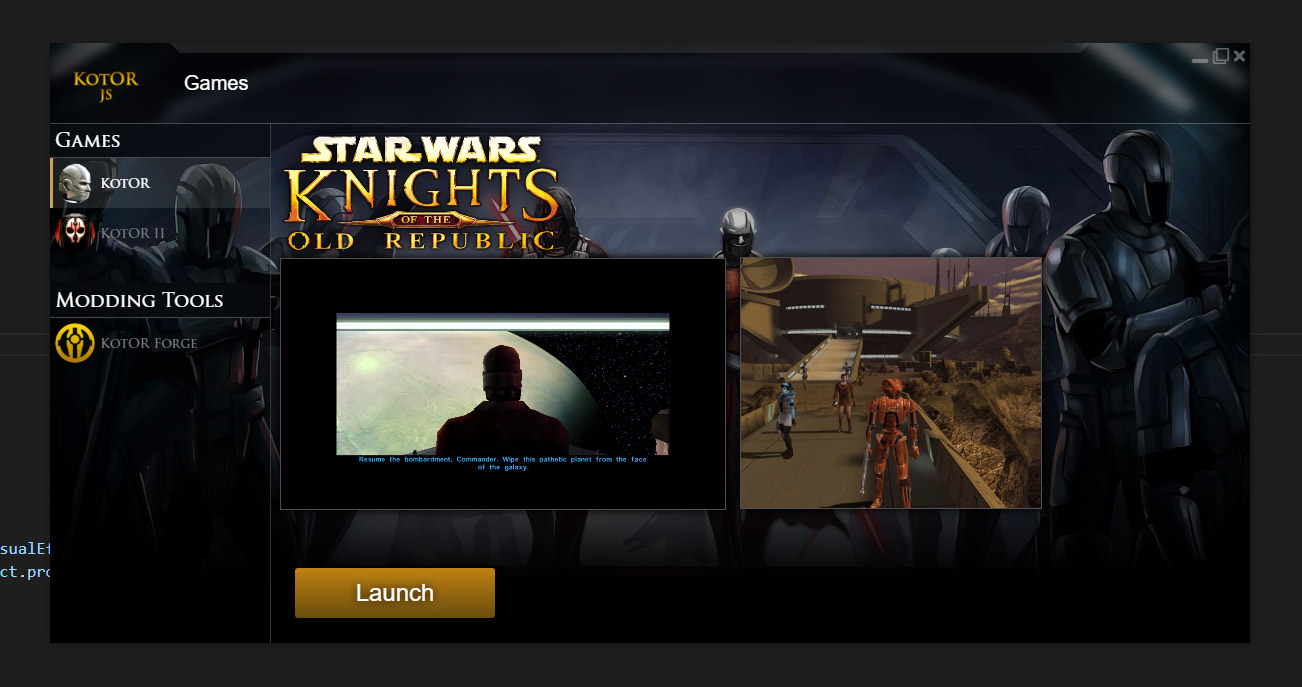 |
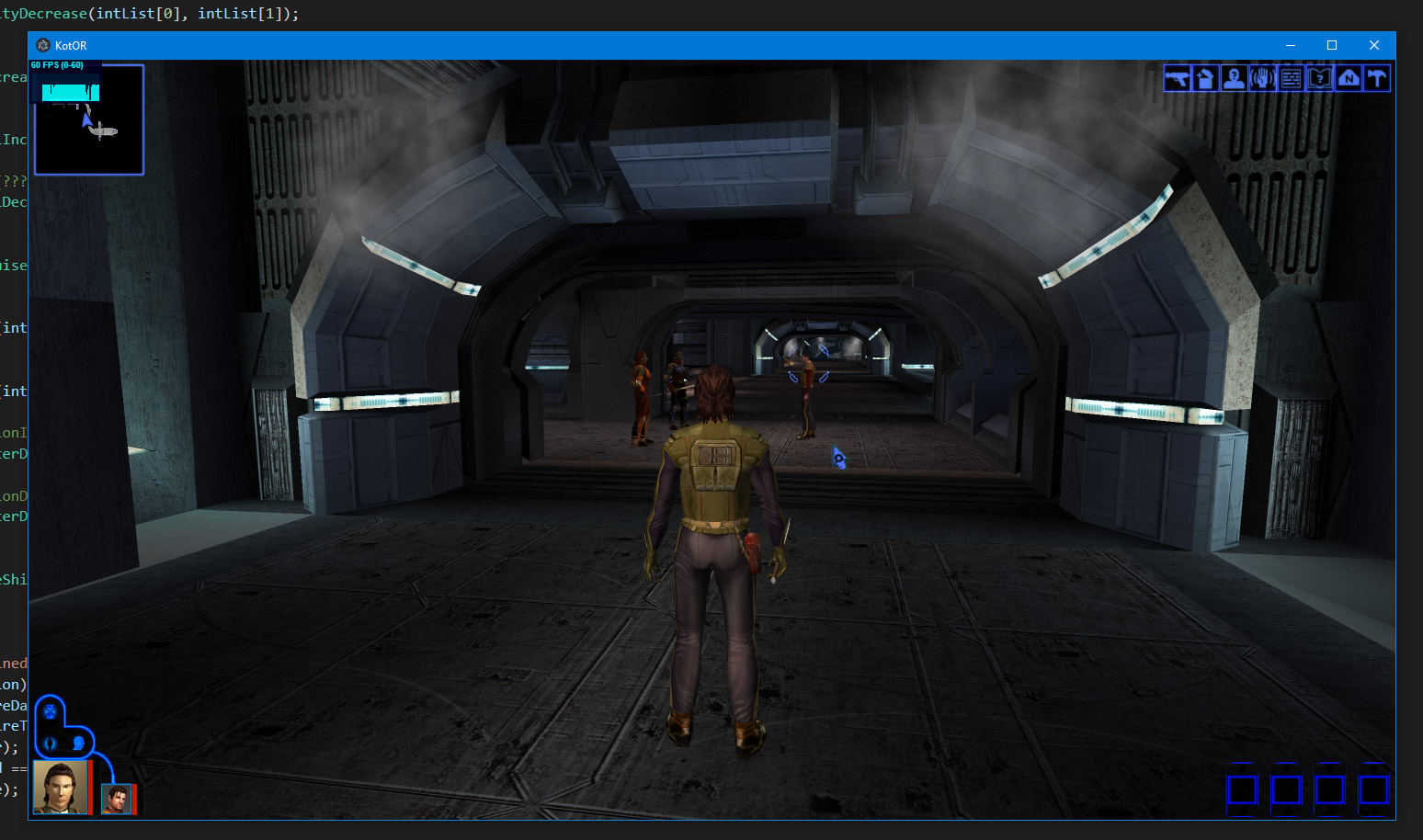 |
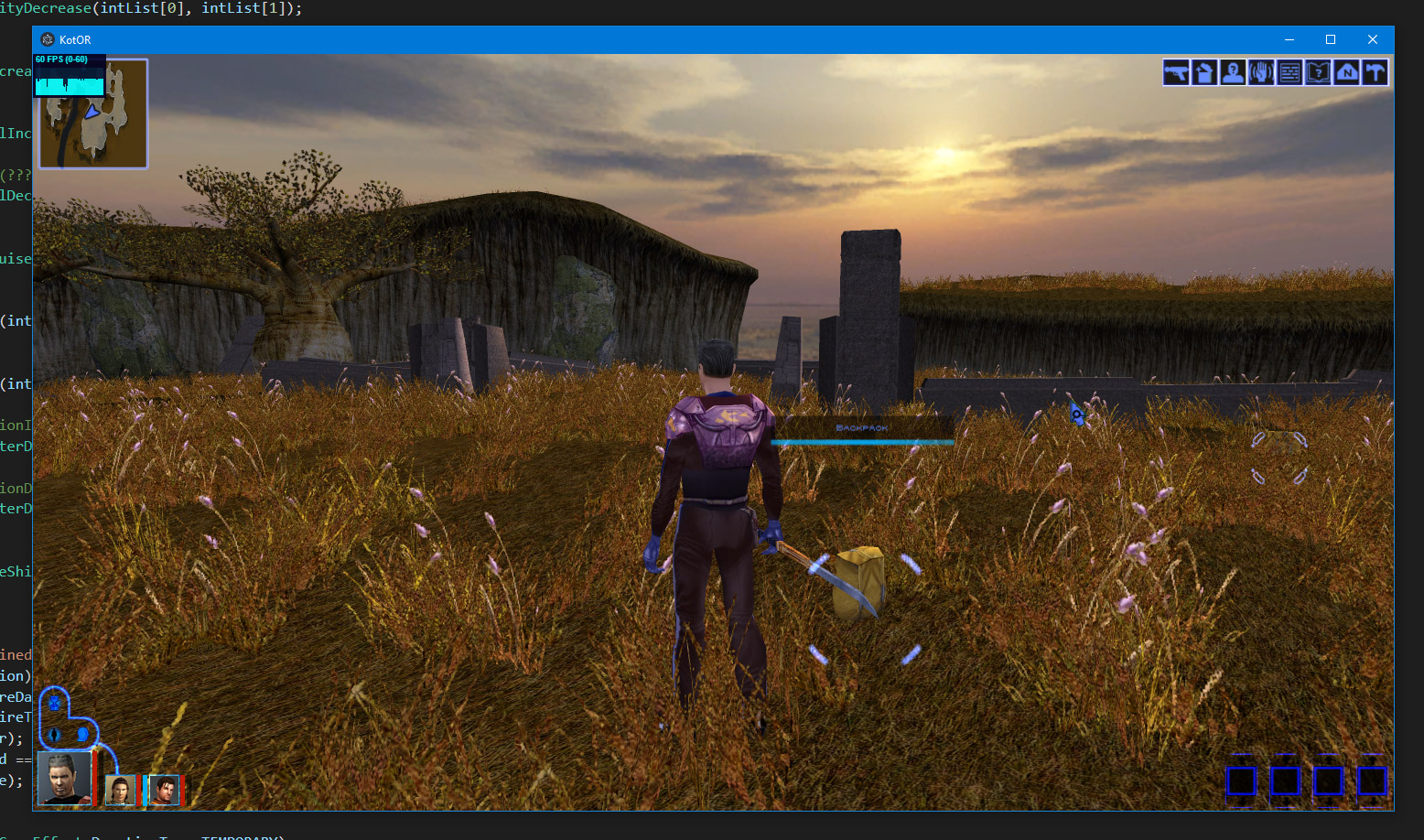 |
| KotOR II - TSL: Awaken Scene | KotOR II - TSL: Awaken Scene 2 | |
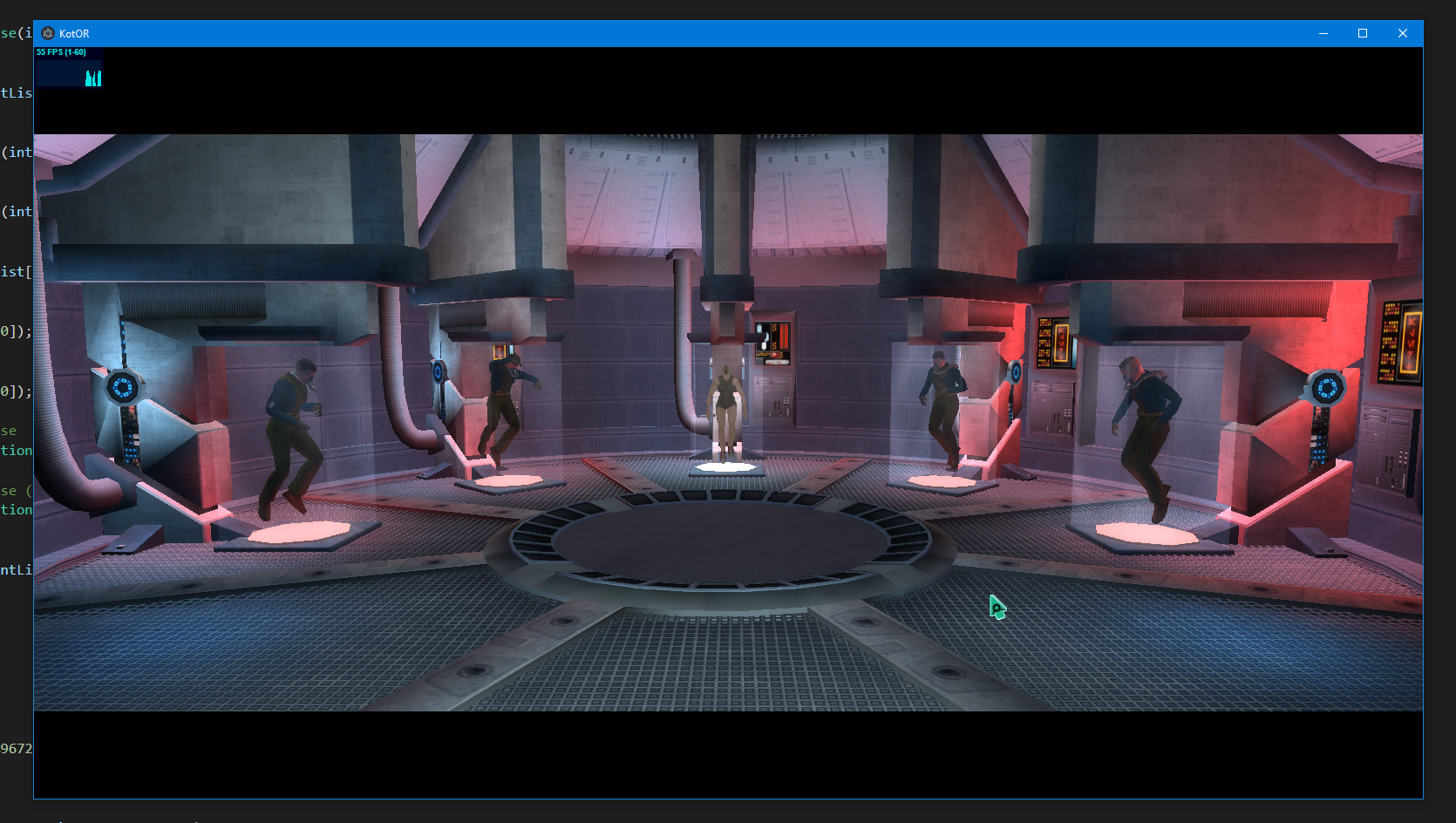 |
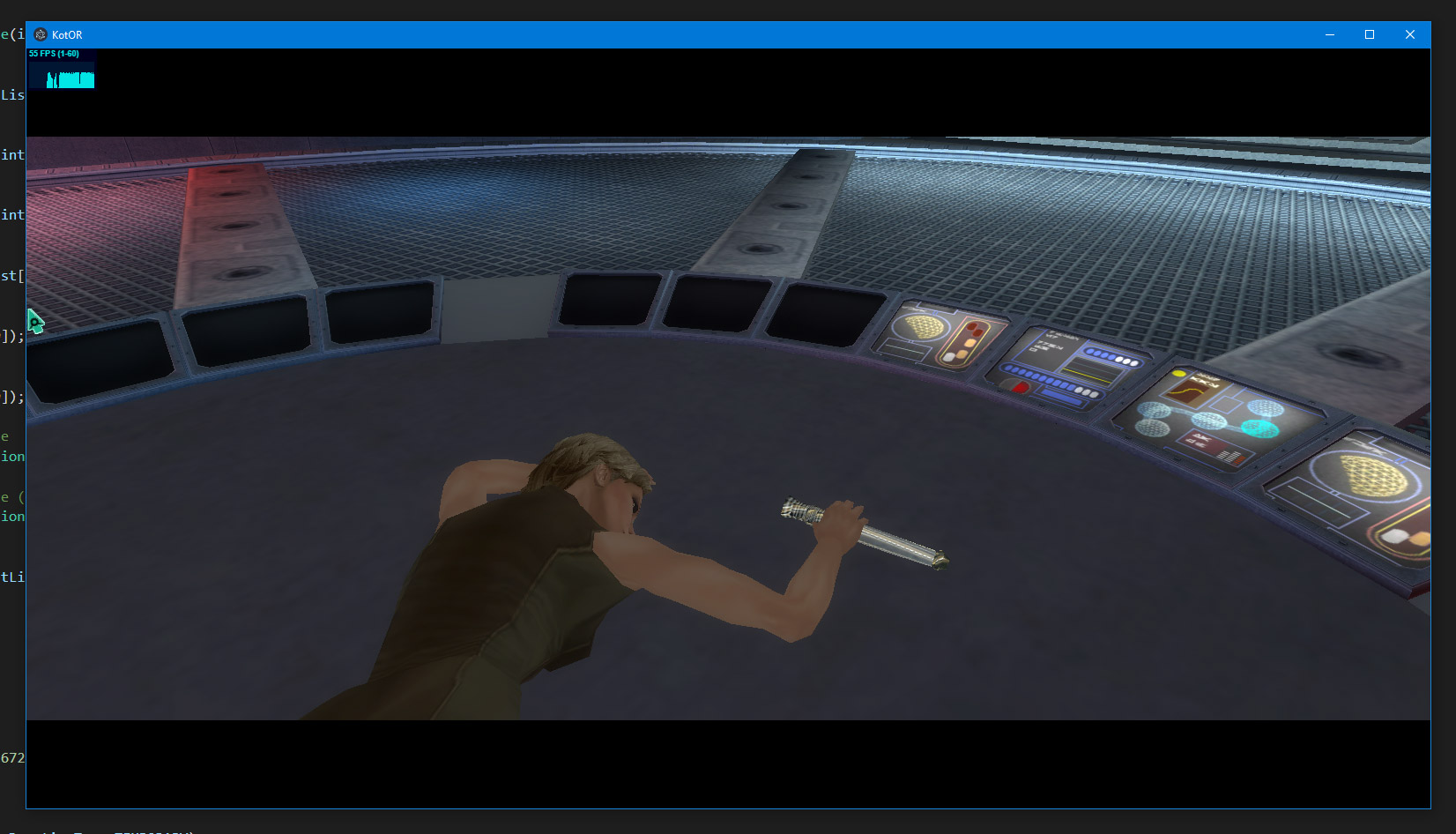 |
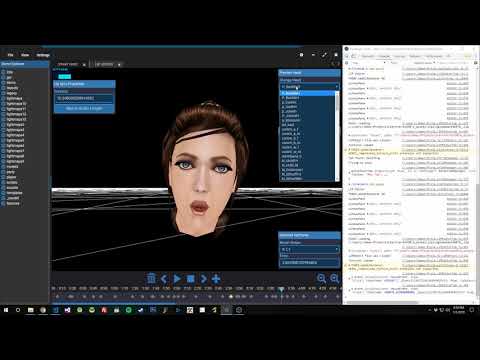
| KotOR.js (2023) - In Browser Demo | KotOR JS - Combat Animations Progress Jan 2021 | KotOR Forge - WIP: Lip Sync Editor Jan 2019 |
|---|---|---|
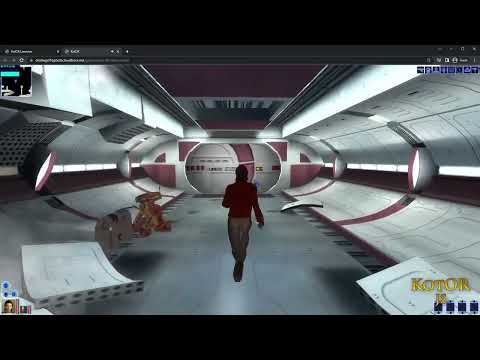 |
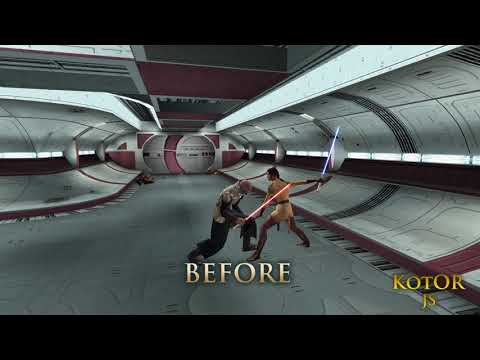 |
 |
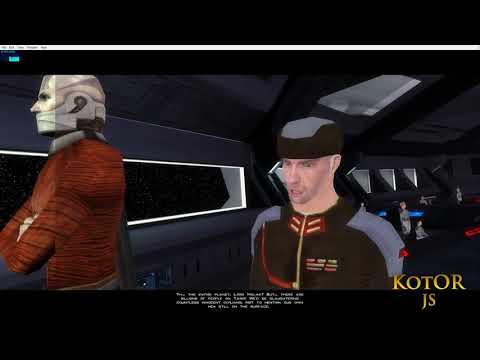
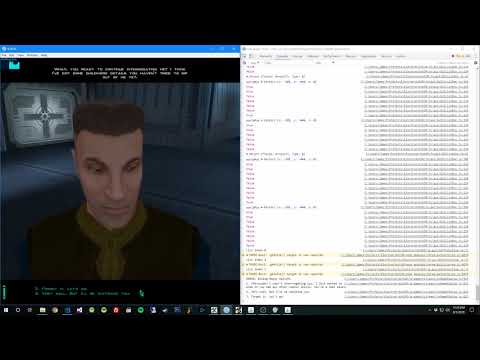
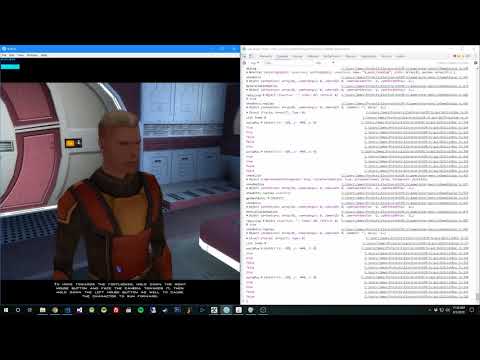
| KotOR JS - Lighting & Lipsync Progress Nov 2018 | KotOR JS : TSL - Gameplay Compilation Sep 2018 | KotOR JS: The Endar Spire Sep 2018 |
 |
 |
 |
Without these people below I couldn't have gotten this far.
xoreos
The KotOR Modding Community
And many many more!