https://www.youtube.com/watch?v=VH4gXcvkmOY
1. Generate a Private CA
openssl genrsa -aes256 -out ca-key.pem 4096                                 # Generate CA privatekey , (encrypted with aes256)
>> Enter passphrase

openssl req -new -x509 -sha256 -days 3650 -key ca-key.pem -out ca.pem       # Generate x509 certificate for x days
openssl x509 -in ca.pem -text                                               # You can view the humanreadable form

2. Generate and sign an SSL Cert (with the CA generated previously)
openssl genrsa -out  cert-key.pem 4096                                      # Generate Cert privatekey , (no encryption to be uploaded on Client)
openssl req -new -sha256 -subj "/CN=otsaw" -key cert-key.pem -out cert.csr  # Generate a Cert of SignedRequest, ( cert need to be signed by CA)
echo "subjectAltName=DNS:local.rmcs,IP:172.10.10.109" >> extfile.cnf        # Set your dns name/ ip to resolve to your desired service.
cat extfile.cnf                                                           # Just to make sure its written properly
openssl x509 -req -sha256 -days 3650 -in cert.csr -CA ca.pem -CAkey ca-key.pem -out cert.pem -extfile extfile.cnf -CAcreateserial   # Generate Cert
>> passphrase

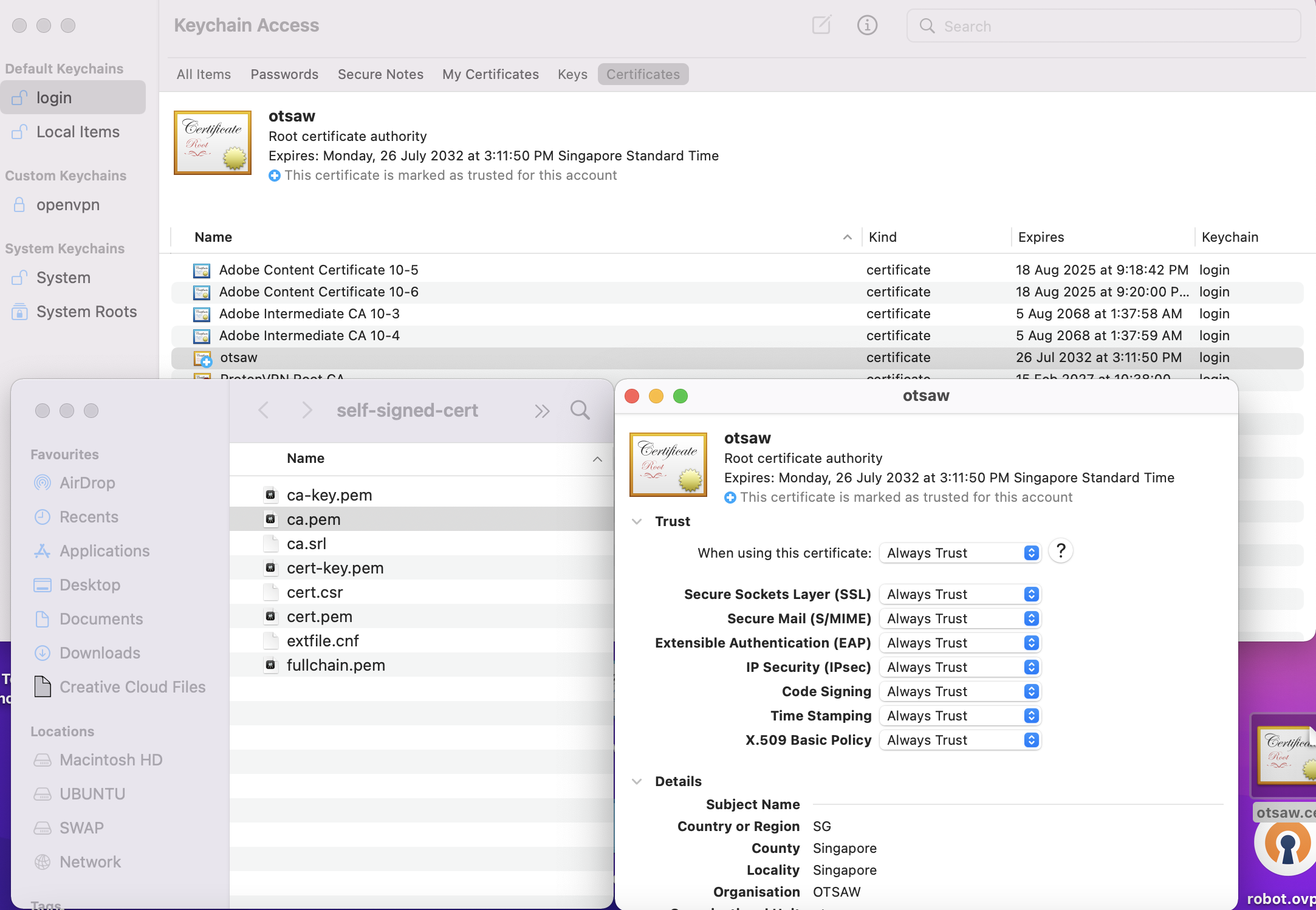
What you end up with
>> ca-key.pem    *
>> ca.pem        *
>> ca.srl
>> cer-key.pem   *
>> cert.csr
>> cert.pem      **<< Self-signed cert generated
>> extfile.cnf

3. Join the pem files together to form a chain.
cat cert.pem > fullchain.pem
cat ca.pem >> .\fullchain.pem

4. Import your CA cert into your browsers
https://www.youtube.com/watch?v=AwR2IkBPiRo&t
Check how to add CA.pem into browser!